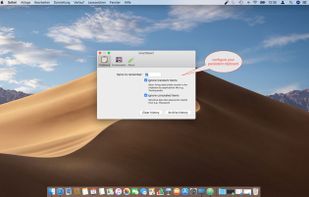
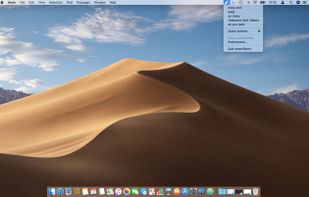
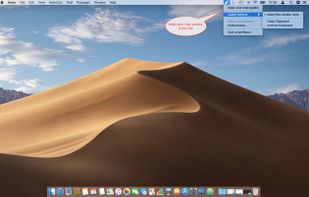
SmartReact is an awesome little utility combining functionality in one tool, you usually need multiple utilities for! For a start:



+1


Apps similar to CopyClip include CopyQ, which is free and open source. Other options are Ditto, Alfred, CopyCat Clipboard and Maccy. Clipboard Managers like CopyClip are a crowded field, with more than 100 alternatives for Mac, Windows, iPhone, iPad and Linux.
SmartReact is an awesome little utility combining functionality in one tool, you usually need multiple utilities for! For a start:
A macOS clipboard manager that keeps copied text, links, code, colors and images in a notch shelf or top-screen pill. Its local library supports search, filters, pins, favorites, smart collections and rules, plus on-device image text recognition, snippets and color picking.
 India


A free, open-source clipboard history for macOS. It keeps the text, screenshots, images and files you copy, and ⌥⌘V pastes any of them back.



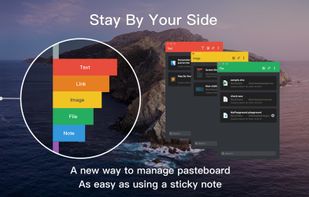
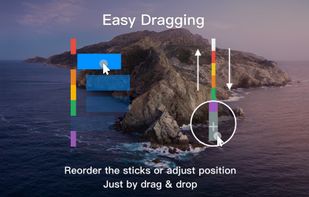
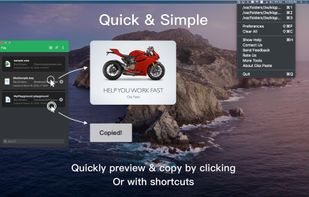
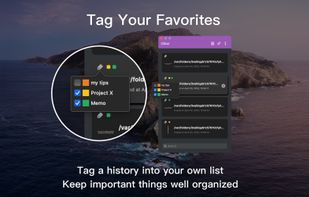
Oka Paste is a very useful clipboard manager. Intelligent management and Simple operation. It records the content you copied into the system clipboard and makes the content grouped by types for easy management and orderly.


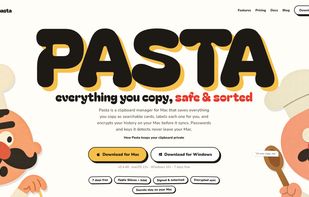
Clipboard manager for Mac and Windows that turns copied text, links, images, files, and code into labeled, searchable cards. A keyboard shortcut opens history in any app, while encrypted sync spans devices and detects passwords and API keys for local-only storage.
 United States



 Netherlands
 EU

 Australia






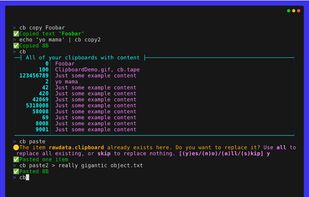
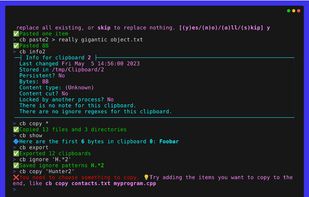
The Clipboard Project (CB for short) is the full-featured yet oh-so-easy-to-use clipboard manager for everyone.


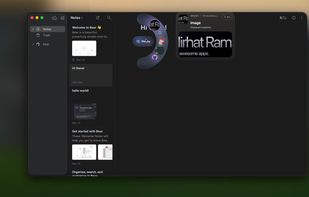
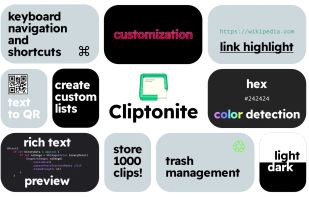
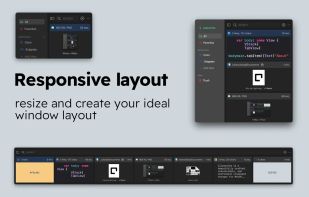
Cliptonite is a beautifully crafted, customizable, and performant clipboard manager for MacOS.



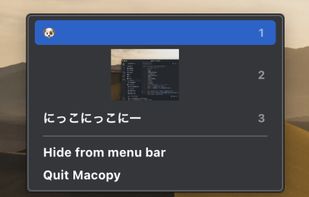
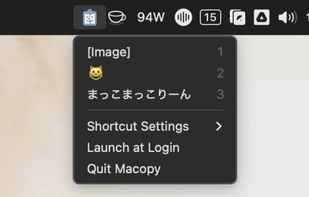
Macopy keeps a history of what you copy and puts it a keyboard shortcut away. Pick an entry and it pastes straight into whatever app you were using, so you never go hunting for something you copied five minutes ago.
 Japan

Auto-copies any text the moment you select it — no Ctrl+C needed. Provides deep click paste and a searchable local clipboard history. Works on Mac and Windows.


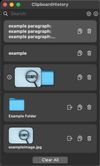
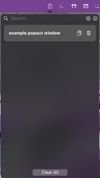
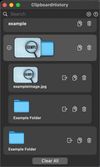
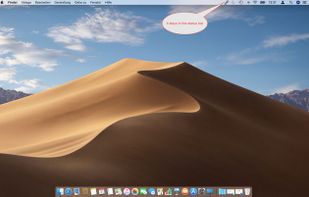
Mac clipboard history manager inspired by Windows, holding text, images, files, folders, and groups. Customize up to 50 items. Access via shortcuts and command keys. Opens at the bottom right, with a status menu bar icon. Provides comprehensive usage tips.