Cost / License
- Paid
- Proprietary
Application type
Platforms
- Mac
 United States
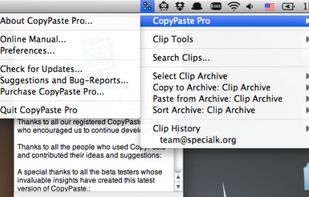


Apps similar to CopyClip include CopyQ, which is free and open source. Other options are Ditto, Alfred, CopyCat Clipboard and Maccy. Clipboard Managers like CopyClip are a crowded field, with more than 100 alternatives for Mac, Windows, iPhone, iPad and Linux.
United States



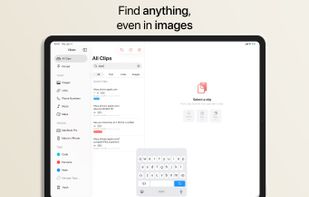
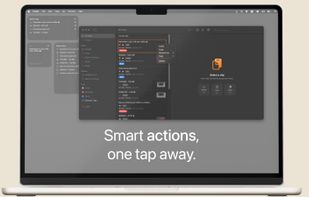
Clippo is the clipboard manager with a taste — a fast, polished Universal app for iPhone, iPad and Mac that remembers everything you copy: text, links and images. Your history syncs automatically across all your devices via iCloud, so you can always pick up right where you left...


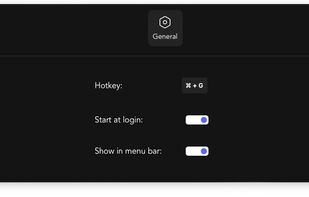
Verve is a lightweight and blazingly fast launcher for accessing and opening applications, files and documents. It serves as a replacement for popular tools such as Spotlight, Raycast, and Alfred, and is written in the Rust programming language using the Tauri Framework.



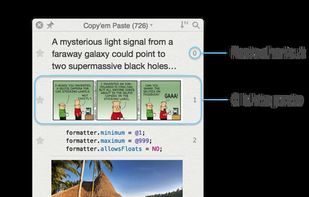
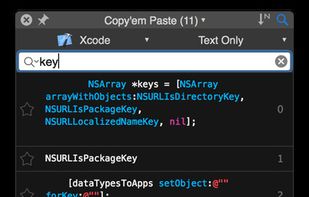
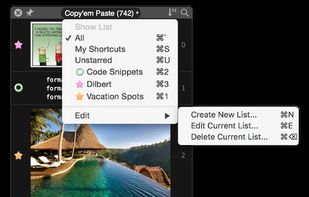
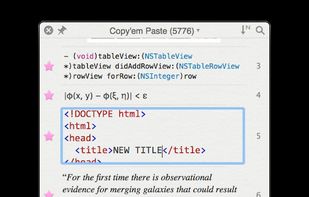
Copy'em Paste lets you collect the things you like by simply copying them! Unlike regular clipboards which can store only one clipping, Copy'em Paste can store as many as you want, without limitation.


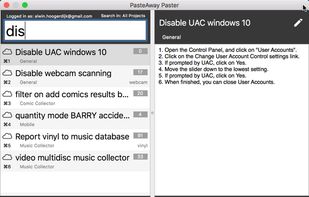
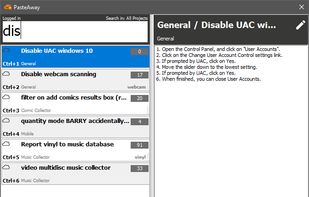
The PasteAway Paster is a client app that lets you easily paste clips from your online repository into any application.


Smarty Paste is the clipboard manager for Windows and Mac. It stores everything you copy and paste on Windows, Mac, Android, iPhone, iPad and keeps your clipboard history organized.
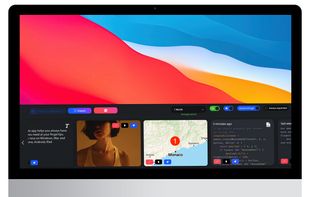
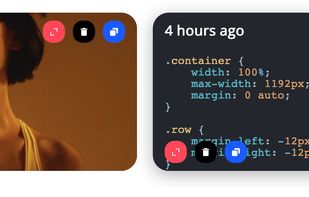
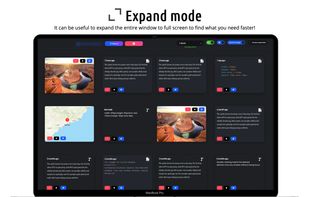
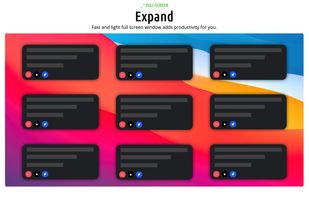


Easily copy and paste.
United States


Clipboardic is a small utility that listen to the clipboard activity, and each time that you copy something into the clipboard, it automatically save the copied data into Windows clipboard file (.clp). Later, when you need the copied data again, you can simply select the right...
 Israel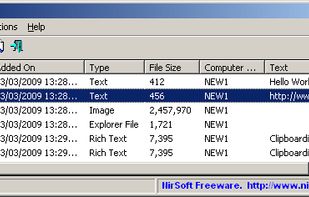


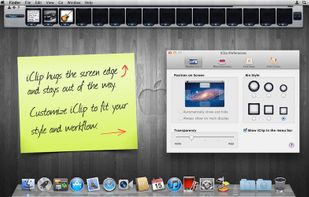
iClip saves the contents of the clipboard every time you copy plain-text, rich-text, images, audio, video, or files.
United States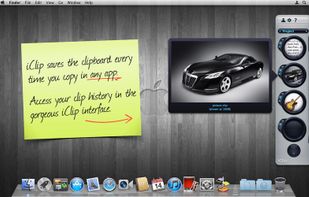


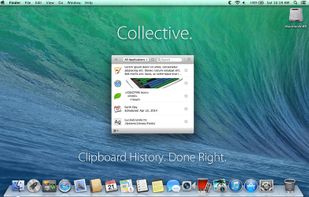
Meet Collective. Clipboard history for your Mac. Done right.
Nearly anything you can copy, Collective will remember.
Text, images, PDFs, movies, URLs, appointments, files: Collective keeps track of whatever you copy.
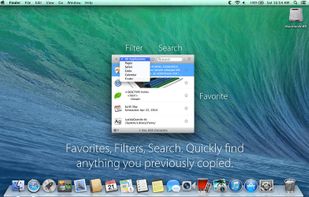
With a simple key combination (?-Shift-V) Collective appears.
United States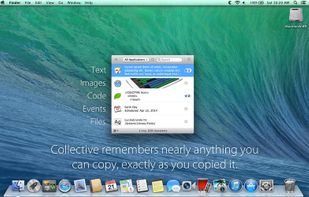


Now you don't have to worry that copying one thing will erase something else! It keeps the clipboard history that you can use to paste any selected fragment again. The clipboard contents will be saved, even in the case of Windows crash or power failure.
United States