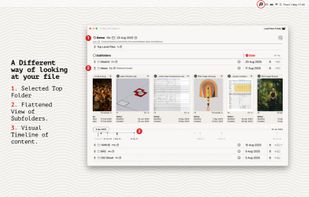
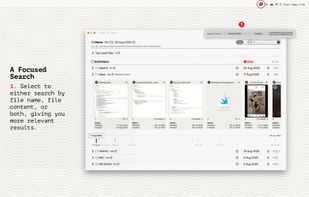
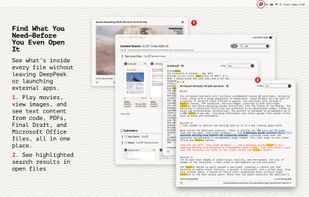
Seek, peek, and preview to find your work instantly — even if it's buried in folders, or you've lost track of it over the months.
Cost / License
- Paid
- Proprietary
Application type
Platforms
- Mac
 United Kingdom



+1


One of the most popular alternatives to Copernic Desktop Search is Everything, which is free. Other popular alternatives are DocFetcher, Agent Ransack, Recoll and Cling Fuzzy Finder. File Search Utilities like Copernic Desktop Search are a crowded field, with more than 50 alternatives for Windows, Mac, Linux, the web and iPhone.
Seek, peek, and preview to find your work instantly — even if it's buried in folders, or you've lost track of it over the months.
United Kingdom
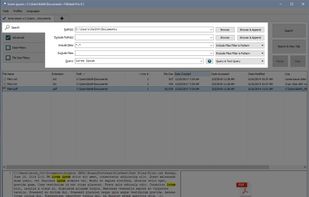
SearchMyFiles is a non-indexing portable alternative to the standard "Search For Files And Folders" module of Windows. It allows you to easily search files in your system by wildcard, by last modified/created/last accessed time, by file attributes, by file content...
 Israel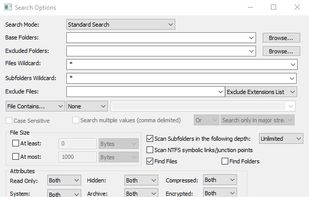
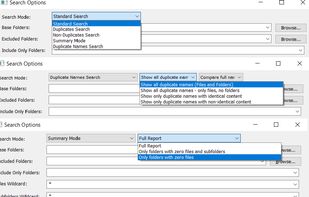


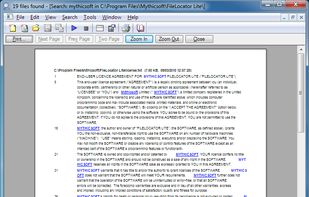
FileLocator Lite enables you to locate files on your pc. It performs a thorough and quick search for any file you want to find.
United Kingdom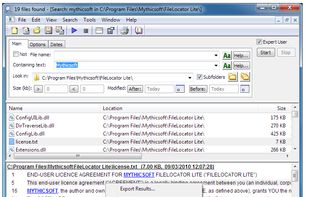





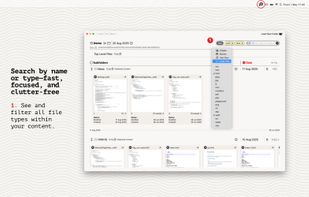
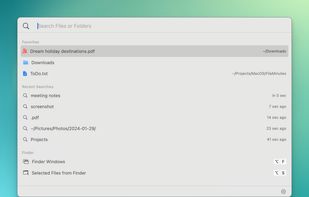
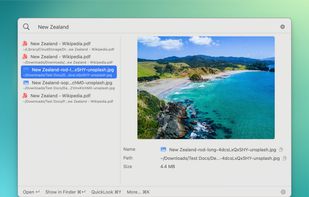
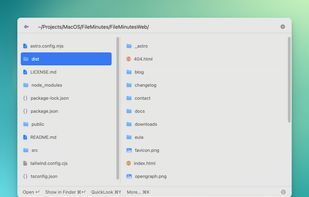
Enables rapid file search by name or content, intuitive keyboard navigation, integrated file actions, direct Finder window and tab management, instant results, saved recent searches, data privacy with no tracking, and Apple Notarized safety for secure macOS use.
 New Zealand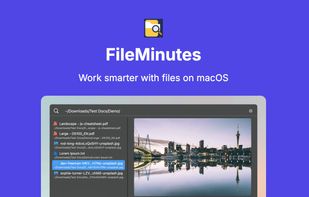


TextSeek is a professional full-text desktop search tool for Windows and MacOS. It supports PDF, Word, Excel, Powerpoint, RTF and other formats.
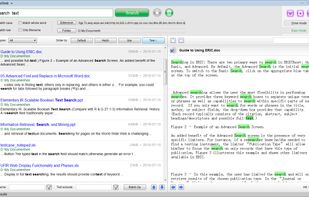

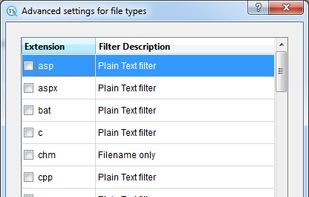
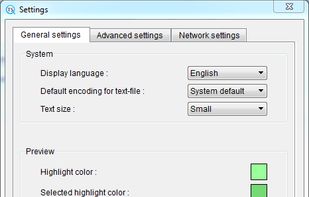


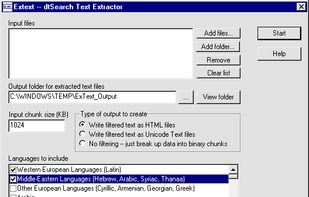
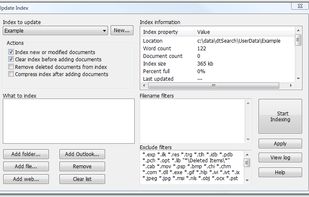
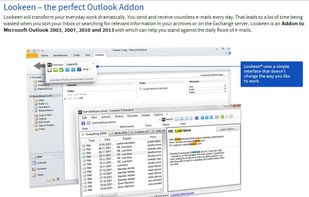
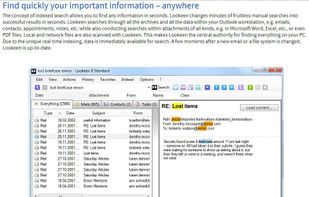
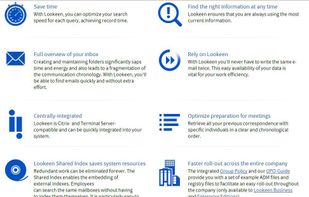
Indexed search tool enabling file and email discovery across local, shared, and network paths. Supports Office, PDF, and web formats. Outlook integration with preview windows and search result highlights. Features include filters, customizable indexing, and enterprise support.
 Germany
 EU
EU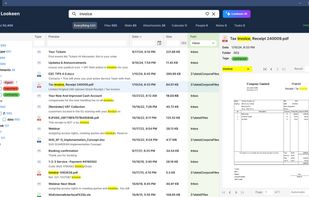


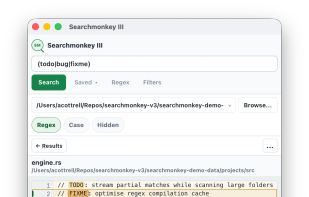
Cross-platform desktop search application offering rapid full-text and regular expression search, recursive folder filtering, result highlighting, large file support, and a lightweight native UI built with Tauri and powered by ripgrep, ideal for complex codebases.
United Kingdom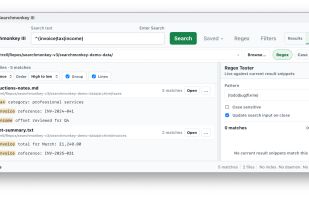


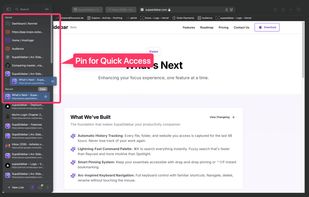
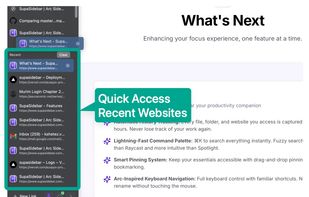
SupaSidebar is a macOS app that brings Arc's sidebar to every browser - one sidebar for tabs, bookmarks, files, and apps across Safari, Chrome, and even Finder.
 India
India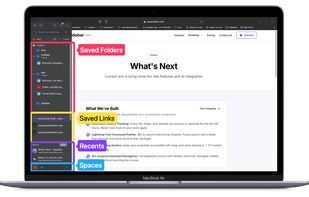



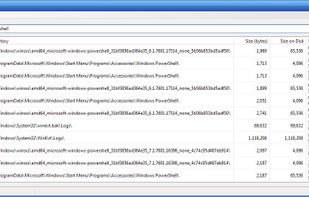
SwiftSearch is a lightweight program whose purpose is to help you quickly find the files you need on your Windows machine without ever requiring you to index your drives. Most search utilities that achieve similar speeds do so by indexing drives while the computer is idle, but...


Locate32 is software which can be used to find files from your harddrives and other locations. It works like updatedb and locate commands in Unix based systems. In other words, it uses databases to store information about directory structures and uses these databases in searches.
 FinlandEU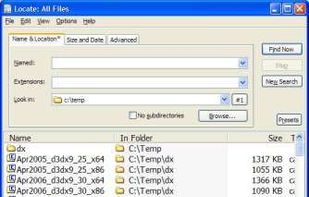


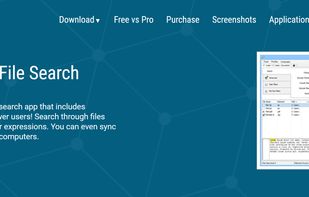
FileSeek is an easy-to-use file search app that includes advanced functionality for power users! Search through files using simple queries or regular expressions. You can even sync your search settings between computers.
 Canada