HedgeDoc is described as '(fcommunity-driven fork of CodiMD) is an open-source collaborative markdown editor. With HedgeDoc you can easily collaborate on notes, graphs and even presentations in real-time. All you need to do is to share your note-link to your co-workers, and they’re ready to go' and is a Text Editor in the office & productivity category. There are more than 25 alternatives to HedgeDoc for a variety of platforms, including Windows, Web-based, Linux, Mac and Self-Hosted apps. The best HedgeDoc alternative is ghostwriter, which is both free and Open Source. Other great apps like HedgeDoc are Mark Text, Rentry.co, Etherpad and StackEdit.


Modern Markdown Editor is a sleek, minimal note-taking and writing platform that lets you create, edit, and organize your notes effortlessly using Markdown.


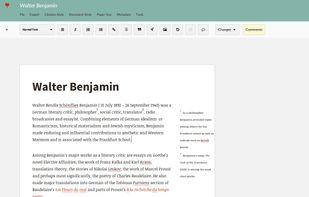
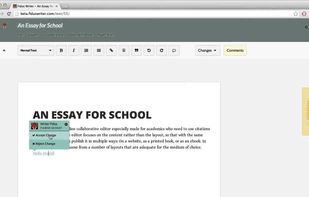
Fidus Writer is an online collaborative LaTeX editor especially made for academics who need to use citations and/or formulas. The editor focuses on the content rather than the layout, so that with the same text, you can later on publish it in multiple ways: On a website, as a...


Markdown Edit is a Windows desktop Markdown editor with an emphasis on content and keyboard shortcuts. There is minimal window chrome and most functions are accessed through keyboard shortcuts.


A fully featured markdown editor for Linux. Features include Live Preview, PDF/HTML export, MathJax support, Syntax highlighting, customizable, keyboard shortcuts, GFM, images, tables and much more.


This is the simplest and slickest Markdown editor. Just write Markdown and see what it looks like as you type.


Blank is a minimalistic, opinionated markdown editor made for writing. It works purely keyboard-based. It's minimalistic UI and WYSIWYG helps you stay focused on what really matters: content. Save to markdown or export your files to PDF.


MarkRight is a simple but very efficient Markdown editor built using Electron and ClojureScript. It uses a dual pane interface that lets you focus on the task of writing, while providing a live preview so you can instantly see the results.


Write markdown documents with quickly accessible code snippets, mathematical equations and images and store them in the cloud to be accessed anywhere.


This service allows you to write, collaborate and export markdown documents directly in your browser!
Get started by start typing in the blue-pane to the left of this text. This area will automatically start to reflect your new changes.