Cost / License
- Free
- Open Source (Apache-2.0)
Application type
Platforms
- Android
- F-Droid
- Global


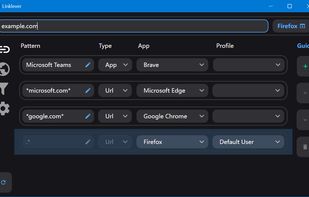
Apps similar to Choosy include URLCheck, which is free and open source. Other options are Hurl - Choose a Browser, BrowBro, LinkSheet and Browser Tamer. You're spoiled for choice with Browser Selectors like Choosy: we list more than 25 alternatives for Mac, Windows, Linux and Android.

Remember the last time you double-clicked an app and regretted it right away? Because fully loaded IDE was a default application for a Markdown file, you wanted to edit? No more. We give you a list of applications that support a specific file type, so you can choose which...
 United States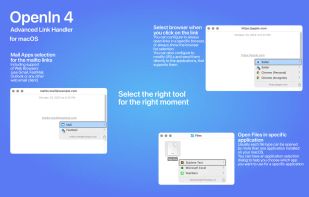
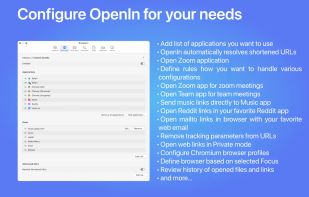
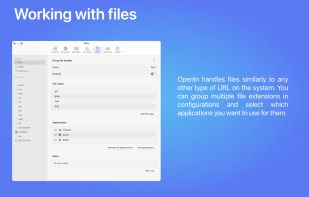



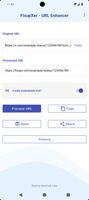
Strips tracking codes from URLs across 25+ platforms like Facebook and Instagram, processes links offline with no permissions required, offers browser mode, configurable post-clean actions, history tracking, privacy-friendly conversions, and open-source code.




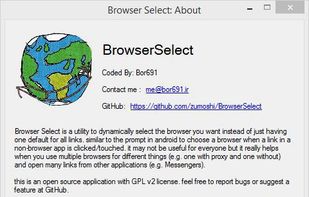
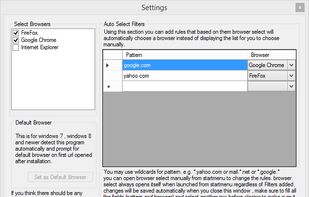
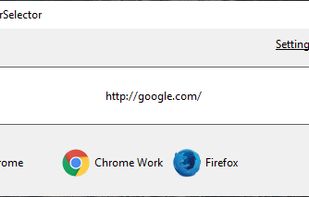
Browser Select is a utility to dynamically select the browser you want instead of just having one default for all links. similar to the prompt in android to choose a browser when a link in a non-browser app is clicked/touched.
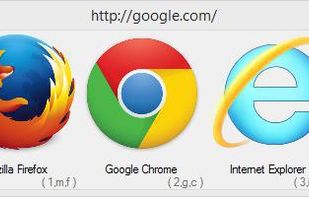



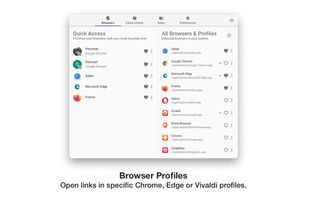
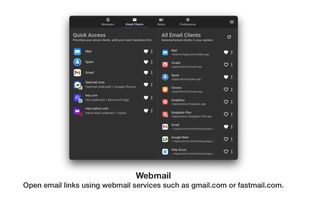
Any time you click on a web link outside of a browser, Switchbar will prompt you to choose which browser, browser profile or email client to open that link with.
United States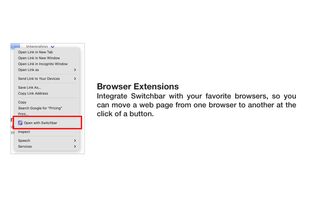
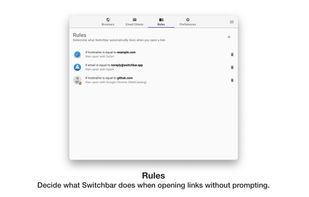


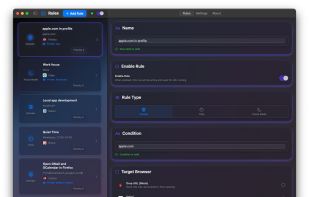
A macOS app for creating rules that decide which browser is opened for every link that would open the default browser. Open Facebook in one browser, and Trello in another. Or Spotify links in the Spotify client. Or whatever URL in whatever app!.
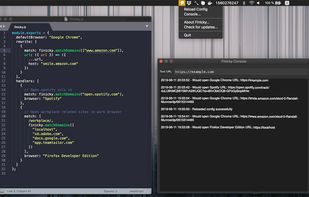


Browseraptor is a tiny, cross-platform Rust application that lets you quickly choose which browser to open a link with, and includes a plugin system — it intercepts links system-wide and routes them to the right browser based on your own rules.
 Mexico


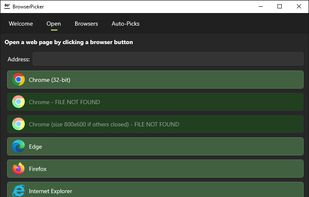
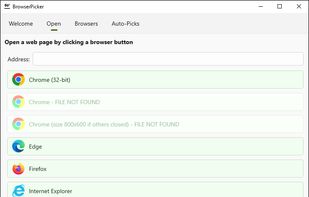
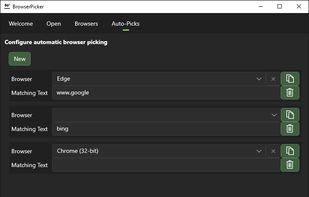
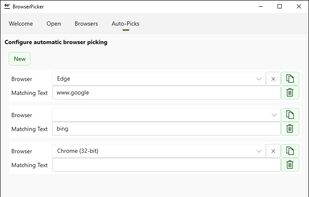
BrowserPicker is a tool which lets you pick which browser a web link (such as in an email) opens in.

 United States
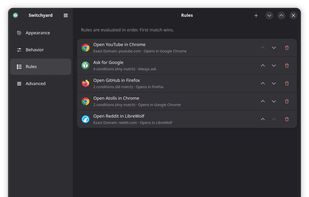
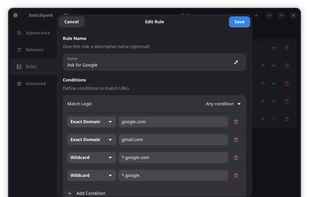


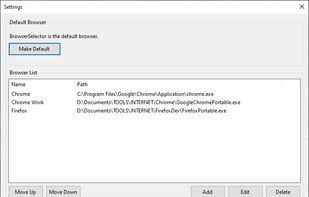
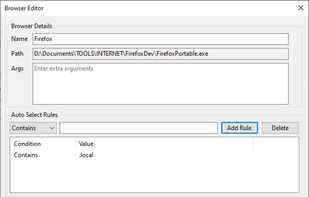


Take control of where to open your links with Proxly, the intelligent URL router that automatically directs links to the right browser at the right time.

 United States