


 United Kingdom
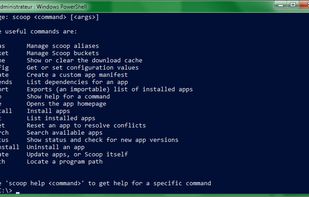


There are many alternatives to Chocolatey for Windows if you are looking for a replacement. The best Windows alternative is Scoop, which is both free and Open Source. If that doesn't suit you, our users have ranked more than 50 alternatives to Chocolatey and many of them are available for Windows so hopefully you can find a suitable replacement. Other interesting Windows alternatives to Chocolatey are UniGetUI, Ninite, WinGet and Patch My PC.
United Kingdom
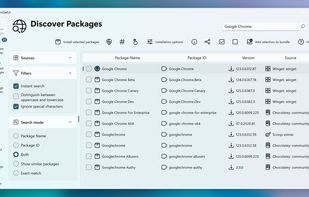
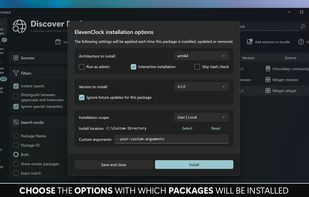
Intuitive interface for managing software on Windows through WinGet, Scoop, Chocolatey, Pip, Npm, .NET Tool, and PowerShell Gallery. Offers bulk install, detailed metadata, custom options, auto-updates, tray notifications, filtering, backups, and restore features.
 Canada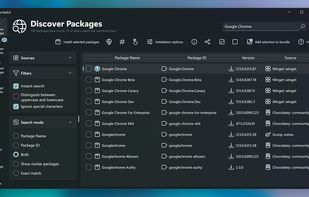


Ninite is the easiest way to install software. Pick the apps you want, and the Ninite installer will download and install all of your selected apps at once, automatically. It is 100% hands-free; Ninite automatically rejects browser toolbars and other prepackaged junk.
 United States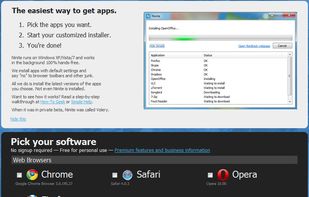


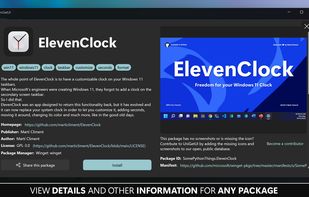
Open-source CLI enables installing, upgrading, removing, and configuring Windows software from a curated repository, supports YAML configuration files, automates device setup with PowerShell DSC, and serves developers, enterprises, and software vendors.
United States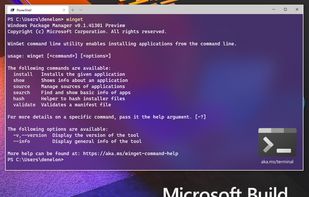


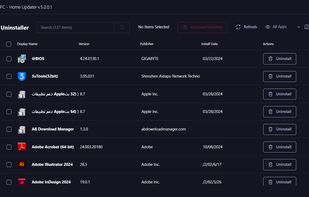
Patch My PC Home Updater is a free, user-friendly software designed to keep over 300 applications on your computer up-to-date. It automates the process of updating and installing apps, ensuring your system is secure and running smoothly without the hassle of manual updates1.
United States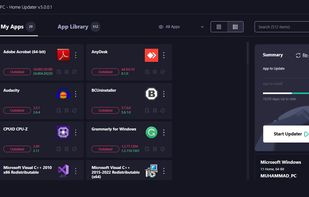




Zero Install is a decentralised cross-distribution software installation system. Other features include full support for shared libraries, sharing between users, and integration with native platform package managers.
United Kingdom


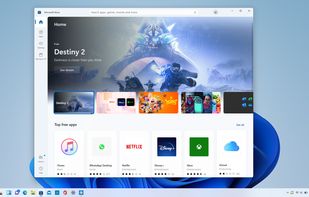
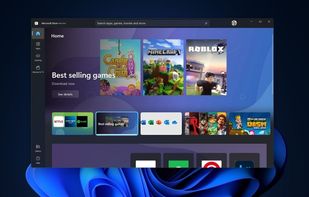
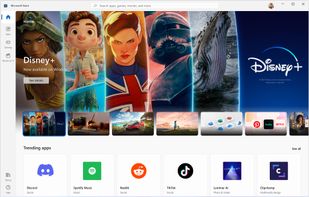
Find the apps, games, and shows you want, fast, in Microsoft Store, including your favorite mobile apps that now work on your PC.
United States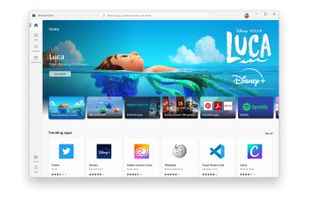


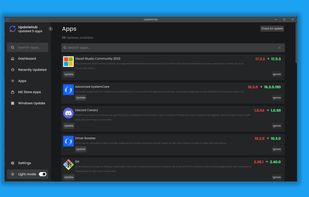
An app that simplifies updating software on your computer. A user-friendly interface allows you to quickly check for and install available updates for your operating system and applications.


winstall is powered by Windows Package Manager (aka "winget"), Microsoft's new package manager for Windows 10 and 11.
United States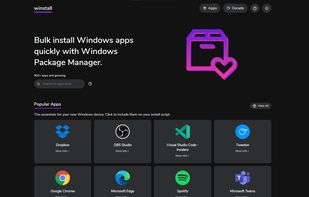



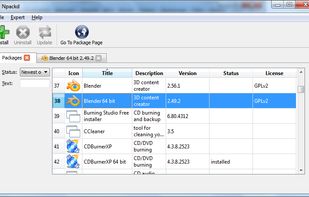
Npackd (pronounced "unpacked") is an application store/package manager/marketplace for applications for Windows. It helps you to find and install software, keep your system up-to-date and uninstall it if no longer necessary.


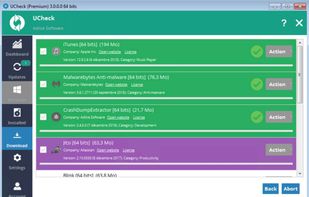
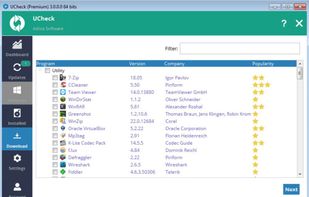
UCheck is a tool that will help you to keep your software updated. You can scan your machine for outdated software and perform an automated update to latest version.
 France
 EU
EU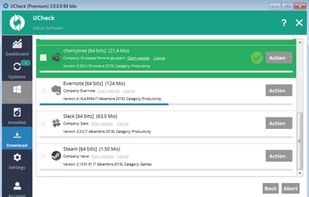


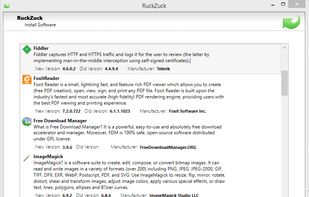
RuckZuck is a free Software Package Manager for Windows, designed to keep the Software on your System(s) up to date even if the Software was not installed with RuckZuck.
 Switzerland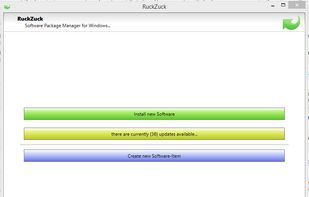


Less jargon for the end user to deal with