CapCut Alternatives
CapCut provides a free video editor with AI tools like automatic captions, text-to-speech, and background removal, plus templates, effects, and royalty-free music. Users appreciate its mobile-friendly approach that makes trimming and merging straightforward, though some report more features being pushed behind paywalls recently and express privacy concerns related to Bytedance.
Kdenlive is the top-ranked alternative and offers open-source multi-track editing with AI subtitle generation for serious desktop workflows. Shotcut ranks second as an open-source option with multi-format timelines and frame-accurate seeking across platforms. Omniclip positions itself as fully free and open-source in the browser, targeting users tired of paying to unlock editor features.
Camtasia includes built-in screen capture plus editing, making it better suited for tutorials and demos that start with recording. The landscape spans from mobile-first social editors to pro desktop suites and open-source tools.
filter to find the best alternatives
Open source alternatives like Kdenlive, Shotcut, and OpenShot provide transparent licensing and full desktop timelines without relying on CapCut. Linux users have native options in Kdenlive, DaVinci Resolve, and Shotcut, giving desktop editors alternatives beyond mobile-centric workflows.
Web-based editors like Clipchamp, Omniclip, and Mastershot run in browsers, helpful when you can't install software on work or school machines. For privacy-focused users, Omniclip and OpenCut offer self-hosting options on your own infrastructure. Android users have mobile-first options in InShot, YouTube Create, and LightCut with effects, music, and captions for creators who rarely touch desktop editors. Windows-only desktop suites like VEGAS Pro, Pinnacle Studio, and Corel VideoStudio target users who want dedicated pro-style desktop workflows exclusively on Windows systems.
Alternatives list
 140 VSDC Free Video Editor alternatives
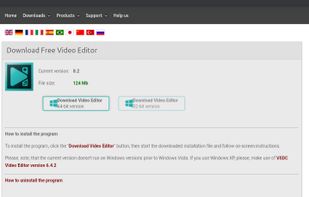
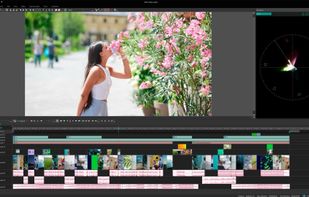
VSDC Free Video Editor allows you to add quick changes to a video file as well as create a more complex project involving advanced post-production techniques.
Cost / License
- Freemium
- Proprietary
Application type
Platforms
- Windows
- iPhone
 United States

 +9
+9


 42 InShot alternatives
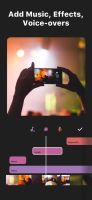
Empower your video and photo editing with advanced AI tools, including instant presets, seamless slow-motion, smart tracking, and 4K output resolution, perfect for social sharing.
Cost / License
- Freemium
- Proprietary
Application type
Platforms
- Android
- iPhone
- Android Tablet
- HUAWEI AppGallery
- iPad
- Samsung Galaxy Store
- Mac
- visionOS
- Chrome OS
- United States



 61 Palmier Pro alternatives
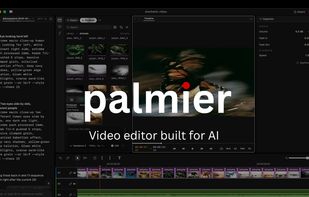
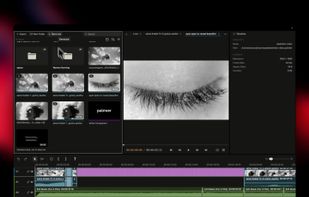
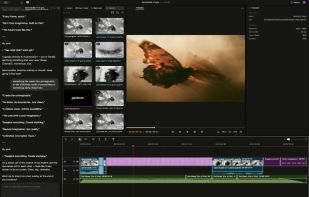
Palmier Pro is the video editor built for AI. Let AI tools like Claude and Codex directly read and edit your multi-track timeline. Generate images and videos inline using the latest models.
Cost / License
- Freemium
- Open Source (GPL-3.0)
Application type
Platforms
- Mac
- United States
 +1
+1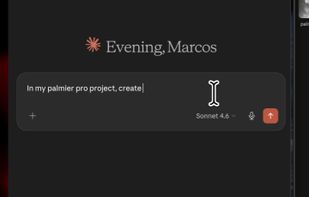

 182 iMovie alternatives
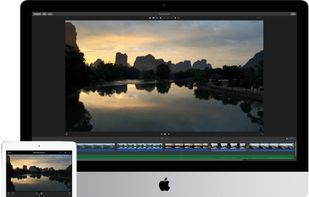
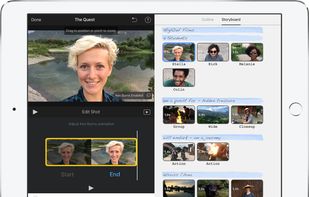
With iMovie for iOS and macOS, you can enjoy your videos like never before. It’s easy to browse your clips and create Hollywood-style trailers and stunning 4K-resolution movies. You can even start editing on iPhone or iPad, then finish on your Mac.
Cost / License
- Free
- Proprietary
Application type
Platforms
- Mac
- iPhone
- iPad
- United States

 +1
+1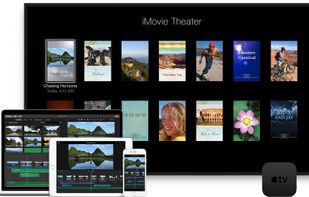

 83 Bunny Media Editor alternatives
Edit images and videos on Android with a free, open-source tool featuring filters, cropping, rotation, brightness, contrast, saturation, video speed adjustment, mute, stabilization, trimming, plus dark and light themes, and no proprietary dependencies.
Cost / License
- Free
- Open Source (GPL-3.0)
Application type
Platforms
- Android
- F-Droid




 126 LightCut alternatives
LightCut is an AI-powered video editing app with awesome templates and effects that help you create stylish videos and vlogs with ease. Try the AI video editor for unique videos with just a tap, or the Inspire Cam feature, which lets you shoot like a pro.
Cost / License
- Free
- Proprietary
Application type
Platforms
- Android
- iPhone
- Android Tablet
- iPad
 China
China




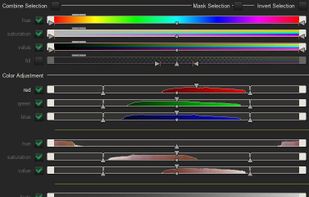
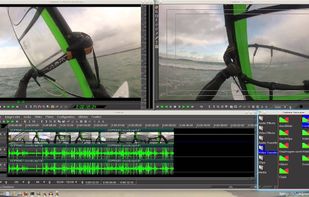
Cinelerra is a highly advanced and professional non-linear video editing software, but still remains open source. Cinelerra solves three main tasks: capturing, editing and compositing.
Cost / License
- Free
- Open Source (GPL-3.0)
Application type
Platforms
- Linux
- United States

 +3
+3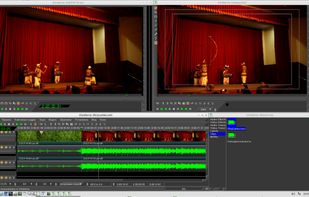


YouCut is a clear, capable, and affordable video editing app for Android and iOS. In addition to the standard clip joining, trimming and splitting, you get cool effects, filters, transitions, PiP, background music, speedup/slowdown, and text overlays.
Cost / License
- Freemium
- Proprietary
Application type
Platforms
- Android
- iPhone
- United States


 147 Pinnacle Studio alternatives
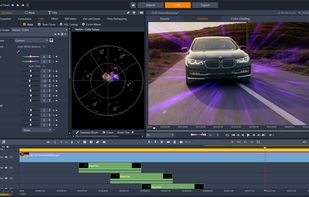
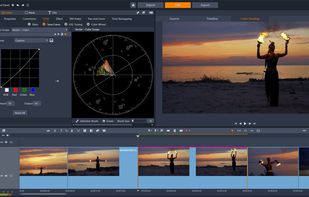
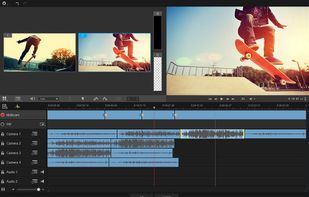
Non-linear editor for Windows supporting HD, 4K, and 360 video, unlimited tracks, advanced effects, multi-camera editing, screen recording, stop motion, enhanced keyframe controls, audio layering, split screen, selective color, and disc or web export.
Platforms
- Windows
- United States
 +1
+1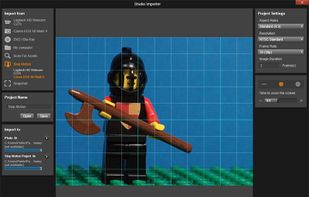

 153 Clipchamp alternatives
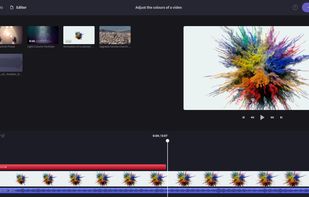
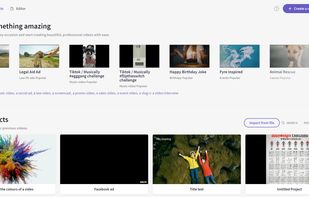
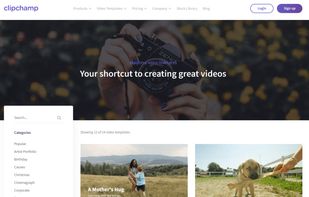
Browser-based video editor offering customizable templates, stock footage and audio, intuitive drag-and-drop interface, real-time preview, webcam and screen recording, multiple file format support, fast auto-save, watermark-free exports, and cloud integration.
Cost / License
- Freemium
- Proprietary
Application type
Platforms
- Windows
- Online
- iPhone
- Google Chrome
- United States
 +1
+1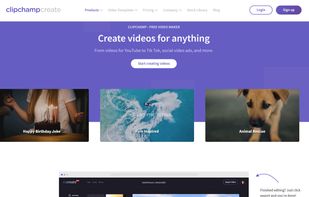


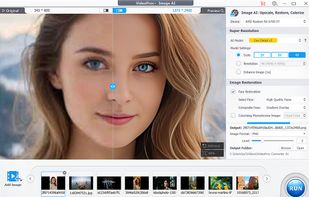
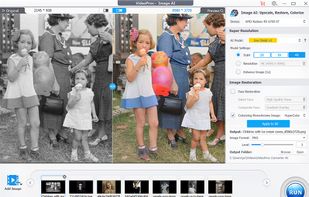
Comprehensive AI tool for video, image, audio enhancement, offering remastering, upscaling, various conversions, and basic editing, powered by GPU acceleration, for HD/4K HDR content from devices like iPhone, GoPro, and more.
Cost / License
- Paid
- Proprietary
Application type
Platforms
- Mac
- Windows
- China

 +8
+8