Cost / License
- Free
- Open Source (AGPL-3.0)
Application type
Platforms
- Mac
 China
China
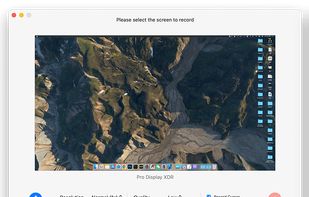

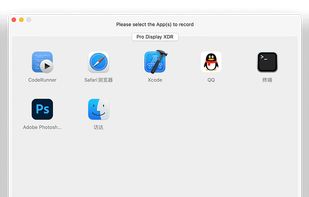

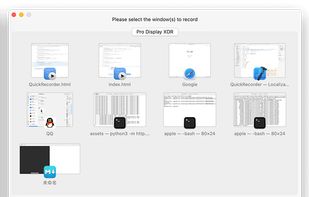

+3
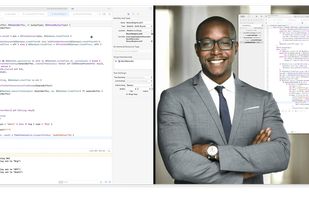


Apps similar to Cap include OBS Studio, which is free and open source. Other options are ShareX, OpenScreen, Recordly and SimpleScreenRecorder. There's no shortage of Screen Recorders like Cap, with more than 100 alternatives for Mac, Windows, the web, Linux and Android.
China
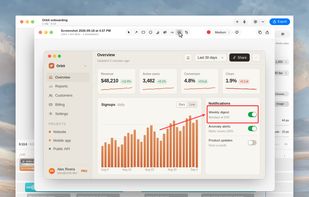
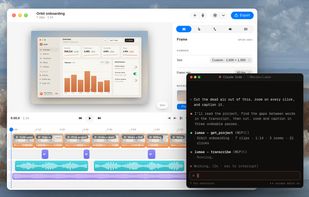
A free native Mac studio for recording displays, windows or areas, then editing with automatic click-based zooms, a redrawn cursor and motion blur. It also creates editable annotated screenshots, transcribes captions locally, records voiceovers, and stitches takes.
 Canada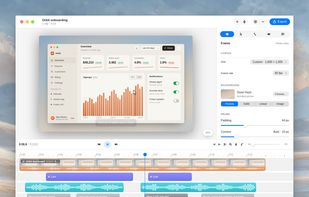


 Sweden
 EU
EU


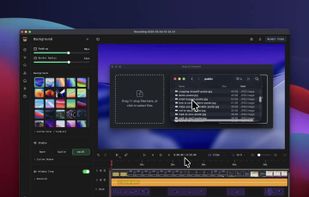
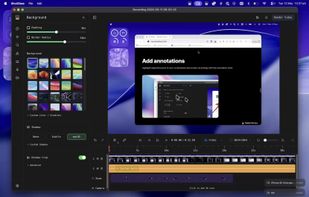
macOS tool for detailed screen recording, timeline-based video editing, customizable cursor animations, camera and audio capture, background editing, and easy sharing. Suitable for tutorials, presentations, or social media creation with a user-friendly workflow.
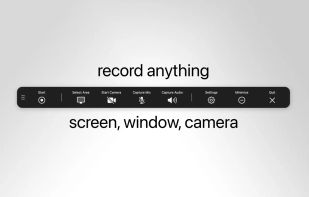
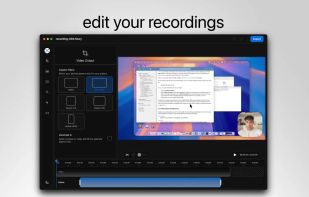
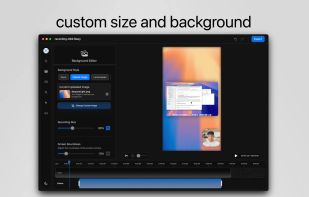
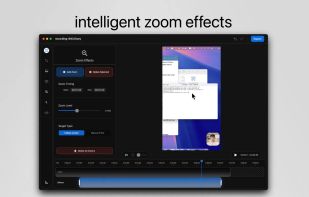


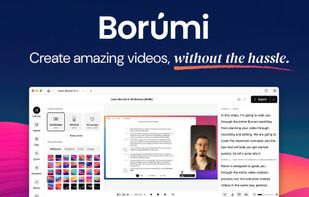
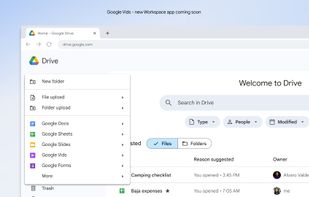
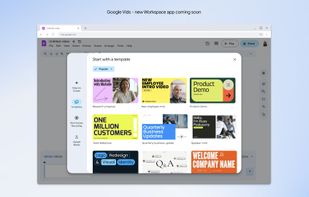
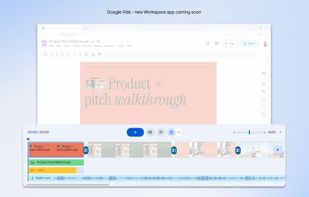
AI-powered video creation tool for slides presentations. This is your video editing, writing and production assistant, all in one! We help transform the assets you already have into a compelling video.
 United States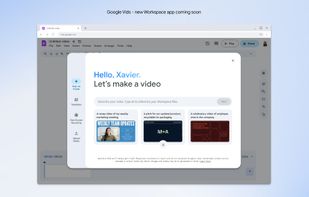


Capture the contents of your entire desktop at the same time as your video camera, microphone and computer's audio. Sophisticated editing tools allow you to create incredible screencasts in no time.
United States


Android application for capturing and streaming the screen, audio, or both. It can record playback audio from other apps on Android 10 or later without root, although vendors may restrict some sources. The project is maintenance-only, with bug fixes possible but few new features.

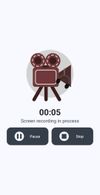
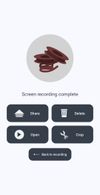


Capso is a free and open-source screenshot and screen recording app built natively for macOS in Swift. It offers annotation tools, scroll capture, GIF recording, OCR text recognition, and a smart OCR-powered highlighter. No Electron, no subscriptions, no watermarks.
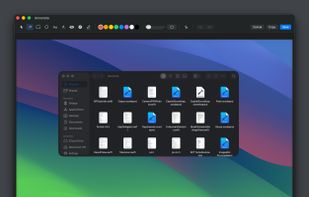
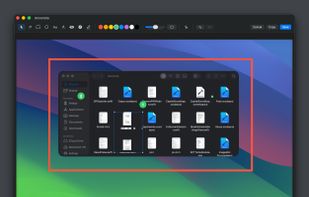
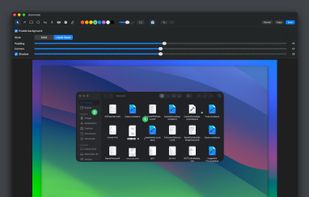
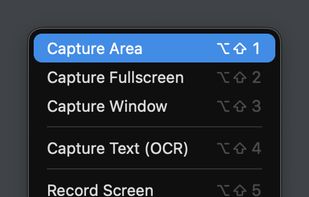


Wink is a Tutorial and Presentation creation software, primarily aimed at creating tutorials on how to use software (like a tutor for MS-Word/Excel etc). Using Wink you can capture screenshots, add explanations boxes, buttons, titles etc and generate a highly effective tutorial...
 India
India

Native macOS screen recording and editing with auto-zoom following every action, built-in editor for quick trims, super-fast Metal-accelerated 4K export, no subscription, customizable backgrounds, movable camera overlay, shadow effects, and AI-driven features.
Canada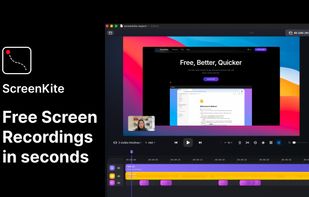


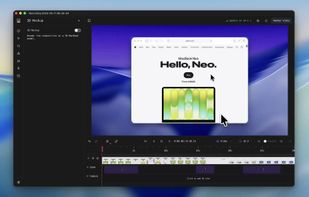
Screenshot and screen recorder app for macOS. One app instead of four. Capture multiple windows, annotate, zoom, add transitions, and drop your recording onto a 3D MacBook with a simulated lens. Everything stays local.
 Australia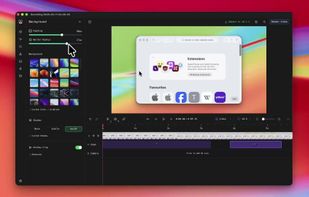


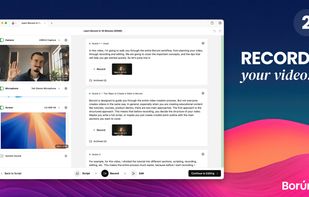
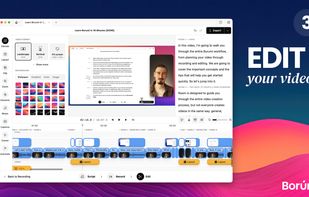
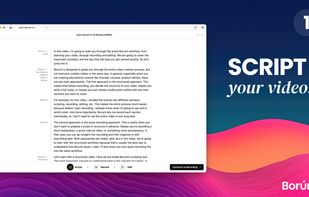
Comprehensive tool supporting all video creation stages with a doc-style editor, separate scene recording, auto-sync, customizable layout, and transcript-based editing.
 ItalyEU