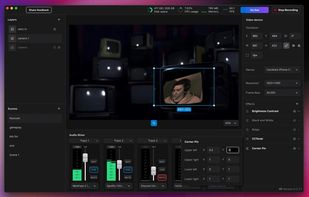
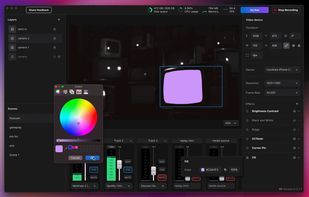
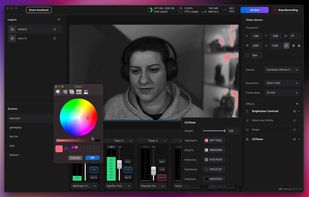
Meld Studio is a robust live streaming tool that enables building creative, broadcast-quality live streams with consumer hardware.
Cost / License
- Free
- Proprietary
Application typeApplication types
Platforms
- Mac
 United States



+2


One of the most popular alternatives to Camtasia is OBS Studio, which is free and open source. Other popular alternatives are Kdenlive, Shotcut, OpenShot and DaVinci Resolve. There's no shortage of Screen Recorders like Camtasia, with more than 100 alternatives for Windows, Mac, the web, Linux and Android.
Meld Studio is a robust live streaming tool that enables building creative, broadcast-quality live streams with consumer hardware.
United States
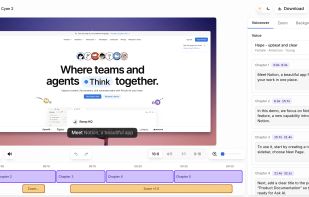
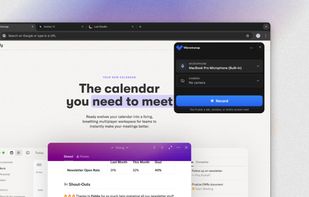
Vibrantsnap creates studio-quality product demos, training videos, and guides that speed up onboarding and drive adoption. Record your screen with the Chrome extension or import your own video, then let AI turn the raw footage into a polished video.


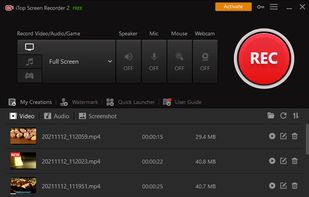
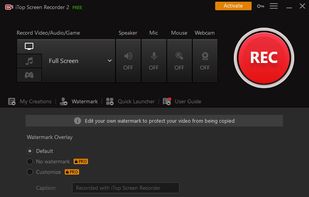
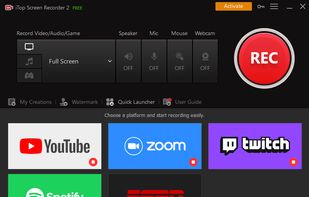
iTop Screen Recorder is a free screen recording software with a built-in video editor. It captures important events and allows the refinement of the recorded video. The software can record video conferences, webinars, lectures, presentations, gaming sessions, and 4K films.
 Hong Kong SAR China


A Chrome extension for capturing, editing and sharing screencasts. Save recordings automatically to your Google Drive or publish directly to YouTube.
United States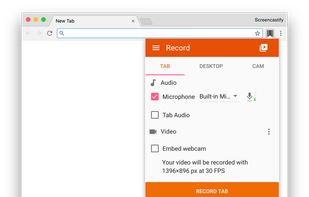
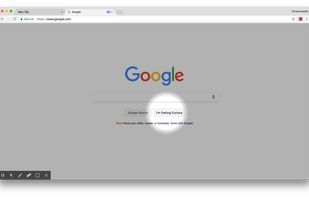
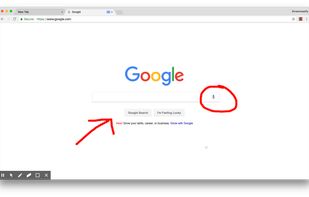
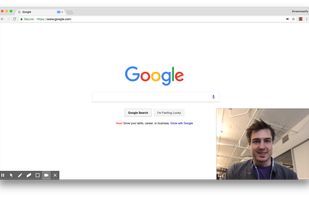


Free Cam is free screen recording software for Windows that lets you easily capture all or part of your screen, record your voice & mouse clicks, then edit your video and save it to your computer or share it instantly on YouTube.
United States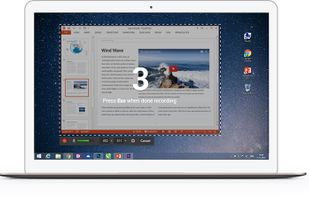

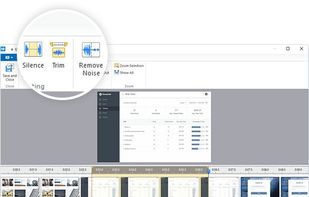


Comprehensive tool supporting all video creation stages with a doc-style editor, separate scene recording, auto-sync, customizable layout, and transcript-based editing.
 Italy
Italy EU
EU

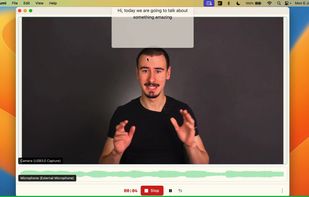
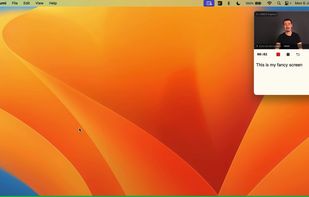


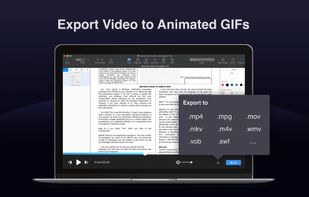
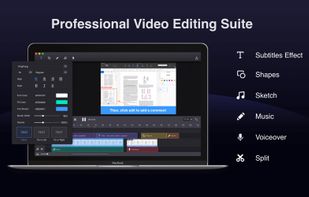
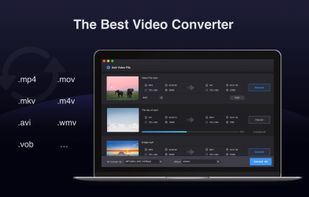
Filmage Screen is an all-in-one screen recording and video editing software, allowing you to make videos amazing.
 China
China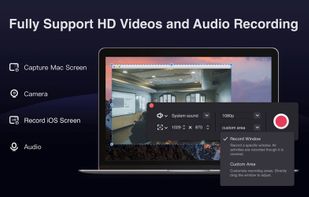


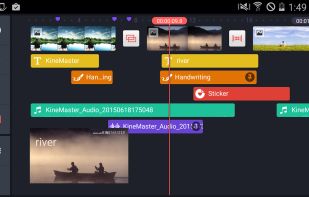
Mobile video editor supporting multiple video, image, audio, sticker, and text layers, real-time previews, frame-by-frame edits, advanced color controls, transitions, precision audio, customizable effects, and direct sharing to online platforms.
 South Korea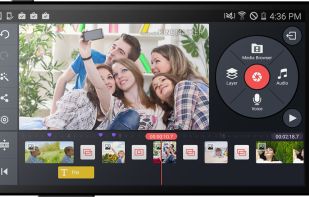

Screenshot and screen recorder app for macOS. One app instead of four. Capture multiple windows, annotate, zoom, add transitions, and drop your recording onto a 3D MacBook with a simulated lens. Everything stays local.
 Australia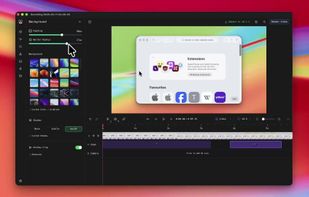
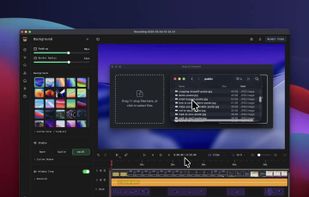
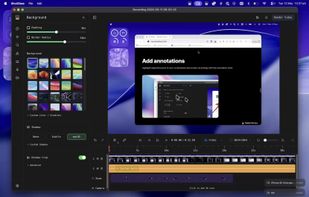
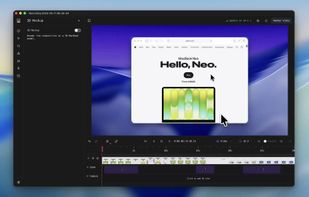


Fast, flexible, and easy-to-use screen recorder for gameplay, tutorials, product demos, and more. Record your screen, system audio, microphone, and camera in high-quality HD or 4K with smooth performance.
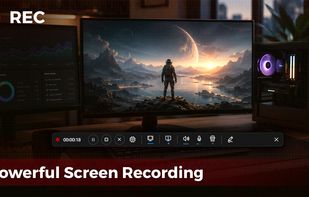
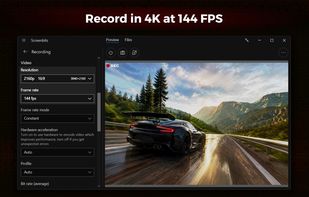


Beautiful screenshots with stunning backgrounds and powerful annotation tools. Create, edit, and share professional-quality screenshots with ease.
 PortugalEU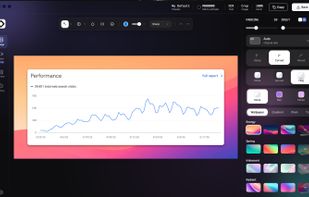


Versatile screen recording and live streaming tool, broadcasting to over 30 platforms. Enhances streams with stickers, templates, and images. Supports lectures and games, offers scheduled recording and operates as a virtual camera for meetings.
China