

Capture your screen in an intuitive and straightforward way without distractions.
 Philippines
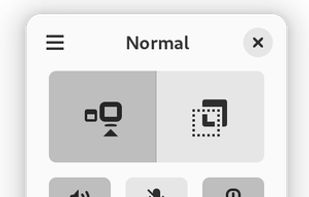

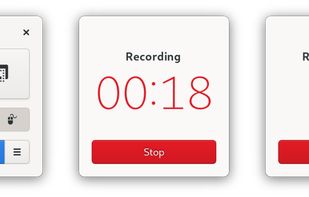




One of the most popular alternatives to Camtasia is OBS Studio, which is free and open source. Other popular alternatives are Kdenlive, Shotcut, DaVinci Resolve and OpenShot. There's no shortage of Screen Recorders like Camtasia, with more than 100 alternatives for Windows, Mac, the web, Linux and Android.
Capture your screen in an intuitive and straightforward way without distractions.
Philippines
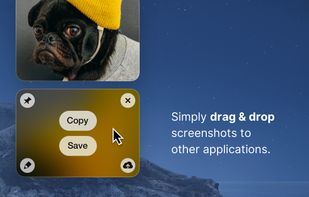
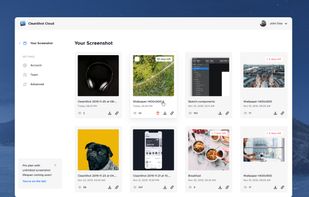
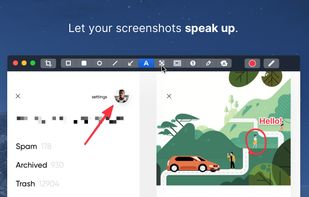
Capture and record screens on Mac with CleanShot X, featuring seamless recording, custom keyboard shortcuts, customizable wallpapers, Quick Access Overlay, and Desktop icon toggle for a tidy user interface.
 Sweden
 EU
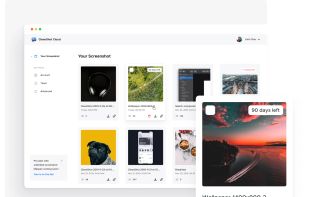


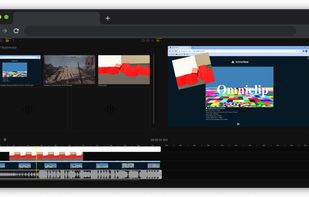
If you are tired of paying to use all the features of existing video editing applications, then you might have found a gem! Turns out Omniclip is fully free and on top of that it's open source. Everything works inside browser, there's no private data being used...


Final Cut Pro provides non-linear, non-destructive editing of any QuickTime-compatible video format including DV, HDV, P2 MXF (DVCProHD), XDCAM (via plug-in), and 2K film formats. It supports a number of simultaneously composited video tracks (limited mainly by video format and...
 United States
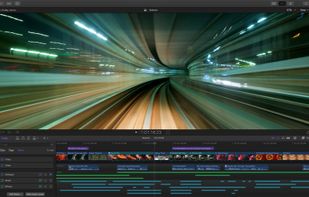
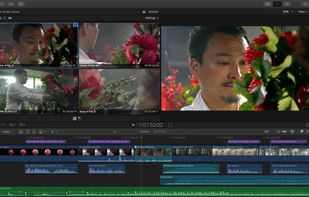
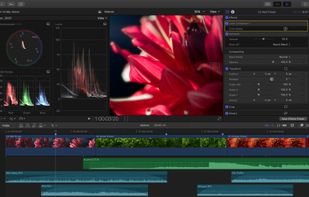
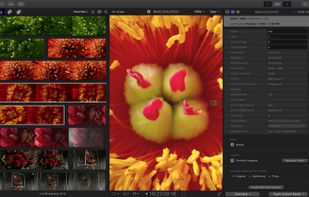


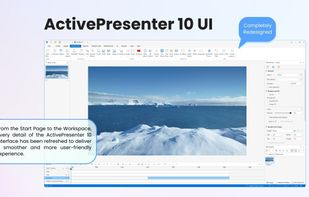
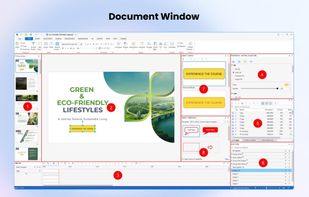
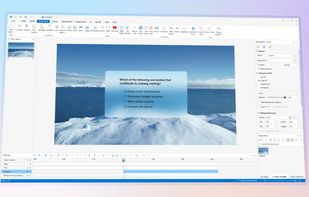
Authoring solution enabling interactive eLearning course creation, flexible project layouts, advanced screen recording, video editing tools with annotation, timeline-based adjustments, and export to video, image, HTML5, SCORM, xAPI, office, or PDF formats.
 Vietnam


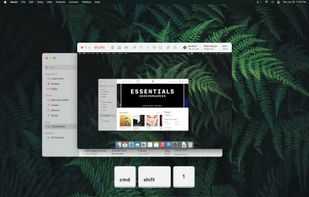
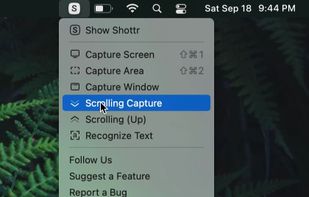
Shottr is a compact screenshot app designed for pixel precision and optimized for macOS Silicon devices.
United States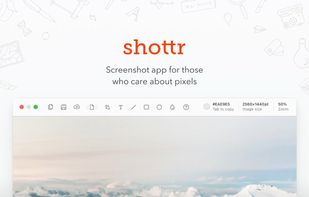


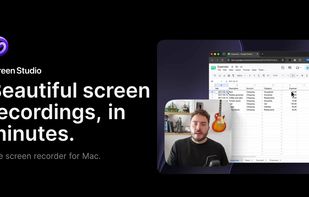
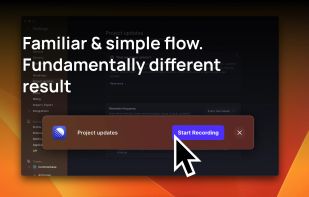
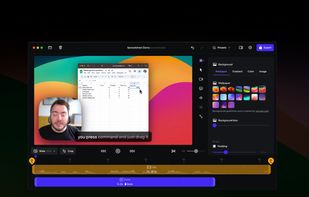
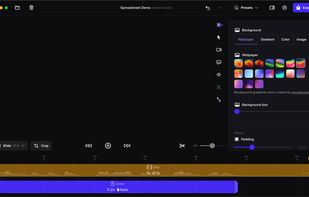
Record macOS screens with smoothed mouse movement, zoomed click highlights, cinematic motion blur, and customizable backgrounds while integrating webcam, microphone, system sound, and easy video editing. Output in HD for instructional and promotional videos.
 PolandEU


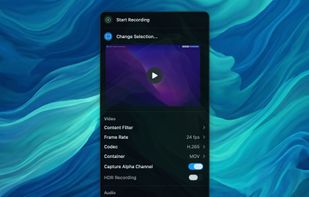
Free, open-source screen recorder for macOS with native menu bar integration, ProRes 422/4444, HEVC, H.264 codecs, alpha channel and HDR support, flexible audio including system and mic, content filtering, privacy features with no tracking, and local file storage.
 GermanyEU


Capture the contents of your entire desktop at the same time as your video camera, microphone and computer's audio. Sophisticated editing tools allow you to create incredible screencasts in no time.
United States


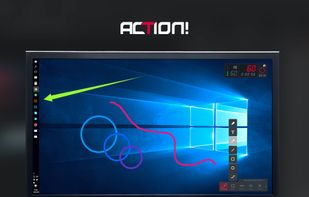
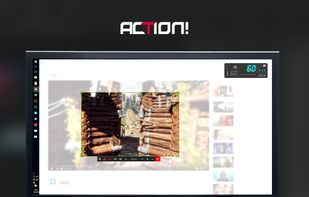
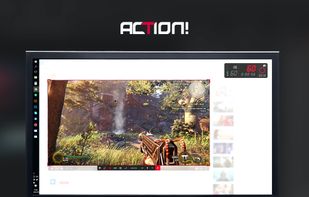
Action! enables HD, 4K, HDR10, and 8K streaming and recording, integrates fps displays, webcams, and live audio commentary. With overlays, monitoring tools, and benchmarking features, it offers a multifaceted solution for gaming capture.
PolandEU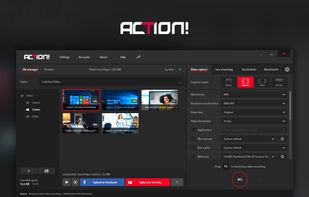


Streamlabs Desktop is all you need for streaming! Our developers have combined a streamer's essentials like video preview, dashboard, and chat windows in one app with better video quality and lower CPU usage.
United States