Cost / License
- Free
- Open Source (Zlib)
Application typeApplication types
Platforms
- Windows
- Linux
- BSD
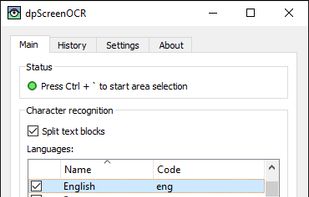


Apps similar to CamScan include OSS Document Scanner, which is free and open source. Other options are Tesseract, Snagit, NormCap and Google Lens. You're spoiled for choice with Document Scanners like CamScan: we list more than 50 alternatives for iPhone, Android, iPad, Windows and Mac.

This little application provides a way on scanning handwritten notes and printed documents.
 Brazil


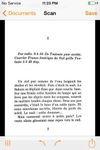
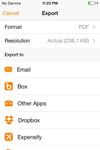
Genius Scan is a scanner in your pocket. Quickly scan your documents on the go and export them as JPEG or multi-page PDF files.
 France
 EU
EU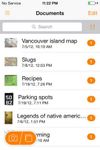


PhotoScan lets you create enhanced digital scans of your old photos, with automatic edge detection, perspective correction, and smart rotation.
 United States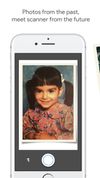




With the Scanbot Document Scanner SDK, companies can easily equip their mobile and web applications with a fast, accurate, and user-friendly mobile document scanner.
 GermanyEU


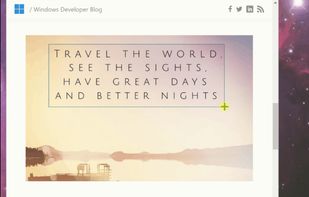
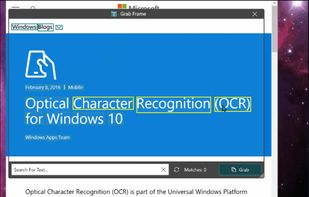
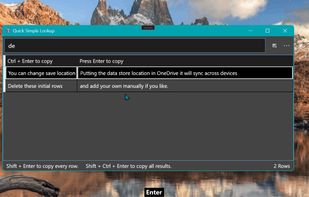
Text Grab is a minimal optical character recognition (OCR) utility for Windows 10/11 which makes all visible text available to be copied.
United States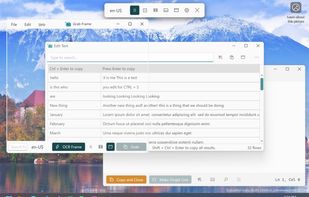


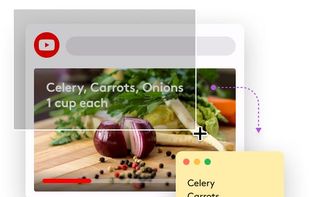
TextSniper is a super useful app to quickly capture unselectable text. Use it to capture and recognize text from presentations, trainings, screencasts,images, pictures, webpages, video tutorials, photos, PDFs etc. Literally from anywhere on your mac's screen.
United States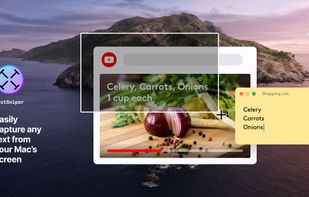


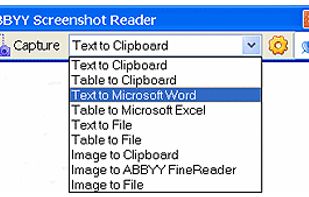
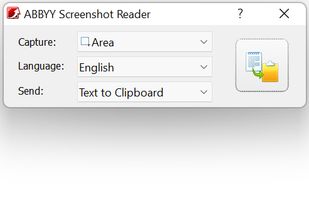
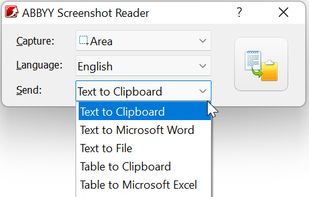
Screenshot Reader is a smart OCR-screenshot application for capturing text and images from any area on your PC screen and extracting text from them or just saving as an image. Prize: 9.99 USD.
 Russia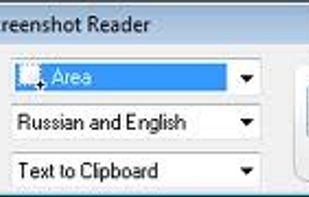


Simple Scan is the quick, easy way to scan paper documents to optimized, searchable PDF documents (or images) and send them almost anywhere.
United States
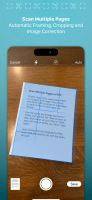
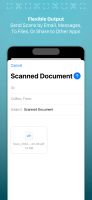


Scan Thing is the quickest way to capture and save anything around you. Scan Thing is available on iOS, iPadOS, and MacOS.
United States



 SpainEU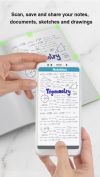
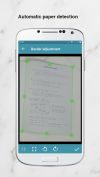
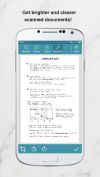


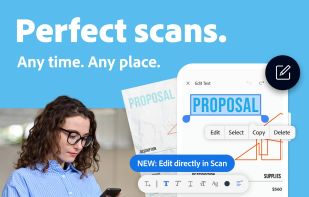
The Adobe Scan scanner app turns your device into a powerful portable scanner that recognizes text automatically (OCR) and allows you to save to multiple file formats including PDF and JPEG.
United States