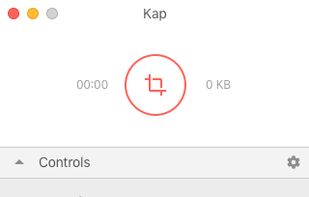
Kap is an open-source screen recorder built with Electron and designed to be easy to use but extensible.
Cost / License
- Free
- Open Source (MIT)
Application typeApplication types
Platforms
- Mac
- Electron / Atom Shell
 Sweden
 EU
EU


Boom Share AI is described as 'Boom is an AI screen recorder and video editor for async updates, demos and walkthroughs you share by link. It removes filler words and bad takes automatically, adds captions and dubs into 50+ languages' and is a Screen Recorder in the video & movies category. There are more than 50 alternatives to Boom Share AI for a variety of platforms, including Mac, Windows, Web-based, Linux and Google Chrome apps. The best Boom Share AI alternative is OBS Studio, which is both free and Open Source. Other great apps like Boom Share AI are ShareX, OpenScreen, Recordly and GPU Screen Recorder.
Kap is an open-source screen recorder built with Electron and designed to be easy to use but extensible.
SwedenEU
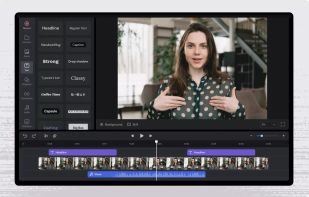
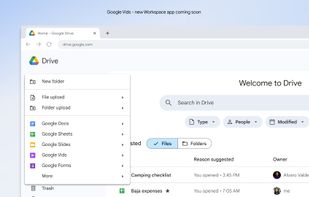
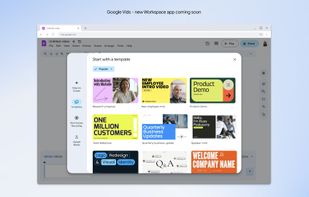
AI-powered video creation tool for slides presentations. This is your video editing, writing and production assistant, all in one! We help transform the assets you already have into a compelling video.
 United States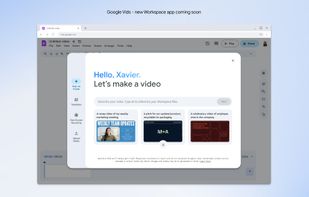
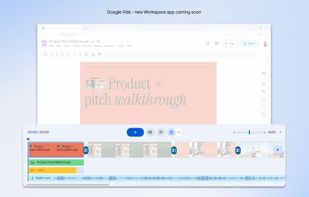


macOS tool for detailed screen recording, timeline-based video editing, customizable cursor animations, camera and audio capture, background editing, and easy sharing. Suitable for tutorials, presentations, or social media creation with a user-friendly workflow.
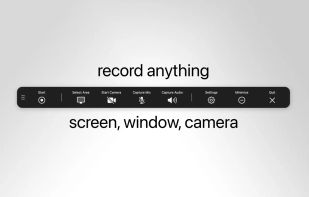
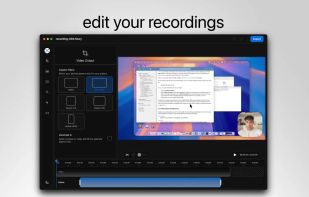
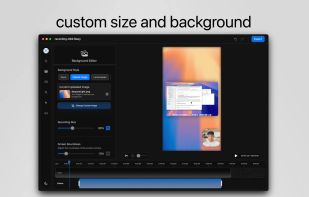
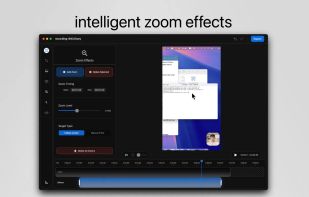


Capture the contents of your entire desktop at the same time as your video camera, microphone and computer's audio. Sophisticated editing tools allow you to create incredible screencasts in no time.
United States






Native macOS screen recording and editing with auto-zoom following every action, built-in editor for quick trims, super-fast Metal-accelerated 4K export, no subscription, customizable backgrounds, movable camera overlay, shadow effects, and AI-driven features.
 Canada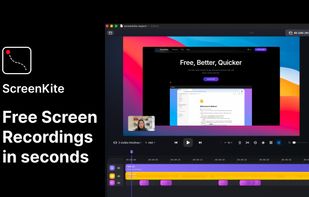


Wink is a Tutorial and Presentation creation software, primarily aimed at creating tutorials on how to use software (like a tutor for MS-Word/Excel etc). Using Wink you can capture screenshots, add explanations boxes, buttons, titles etc and generate a highly effective tutorial...
 India
India


Screenshot and screen recorder app for macOS. One app instead of four. Capture multiple windows, annotate, zoom, add transitions, and drop your recording onto a 3D MacBook with a simulated lens. Everything stays local.
 Australia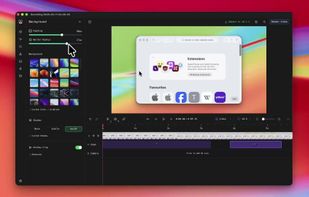
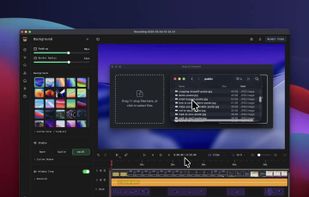
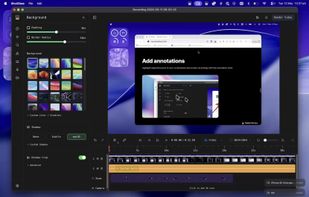
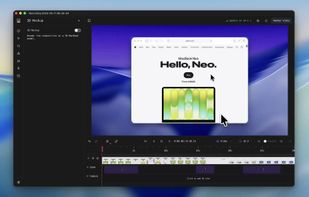


Comprehensive tool supporting all video creation stages with a doc-style editor, separate scene recording, auto-sync, customizable layout, and transcript-based editing.
 ItalyEU

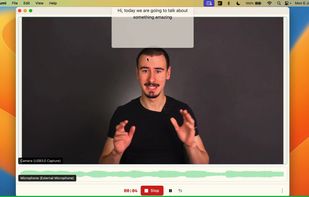
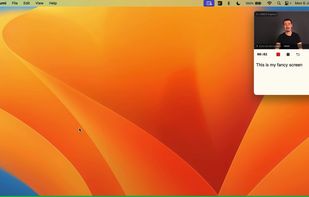


Beautiful screenshots with stunning backgrounds and powerful annotation tools. Create, edit, and share professional-quality screenshots with ease.
 PortugalEU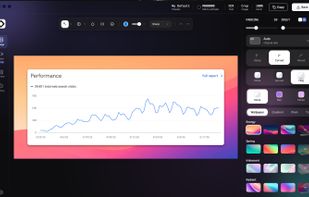


Kazam is a simple screen recording program that will capture the content of your screen and record a video file that can be played by any video player that supports VP8/WebM video format.
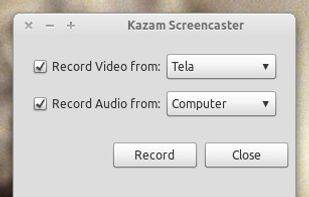

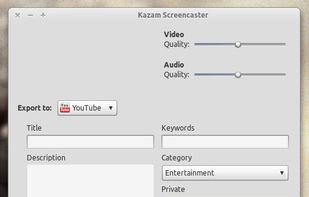


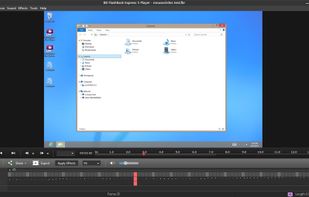
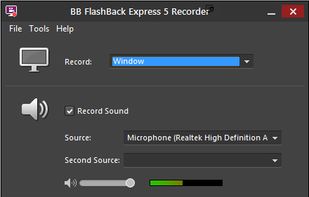
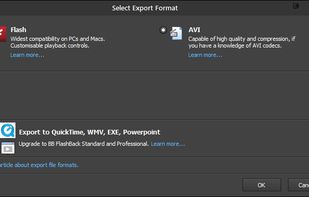
Free software records screen, webcam, and audio; supports picture-in-picture overlays, lossless format storage for frame referencing, export to Flash or AVI, and fast sharing options including direct YouTube upload. Suitable for tutorials, demos, or sharing online.
 United Kingdom