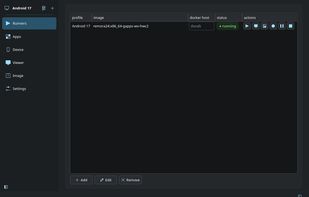
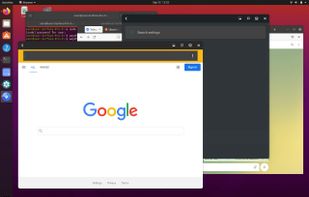
Waydroid uses Linux namespaces (user, pid, uts, net, mount, ipc) to run a full Android system in a container and provide Android applications on any GNU/Linux-based platform.
 United States

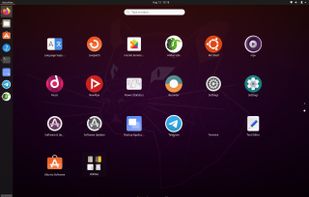

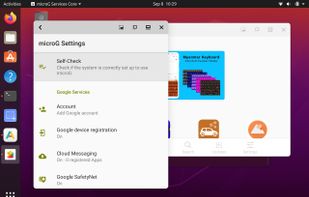

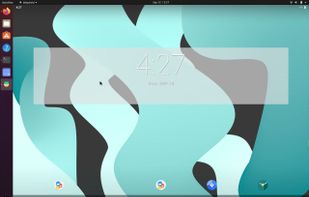


BlueStacks is not available for Linux but there are some alternatives that run on Linux with similar functionality. The best Linux alternative is WayDroid, which is both free and Open Source. If that doesn't suit you, our users have ranked more than 25 alternatives to BlueStacks and eight of them are available for Linux so hopefully you can find a suitable replacement. Other interesting Linux alternatives to BlueStacks are Android Studio, Android-x86, Genymotion and Anbox.
Waydroid uses Linux namespaces (user, pid, uts, net, mount, ipc) to run a full Android system in a container and provide Android applications on any GNU/Linux-based platform.
United States
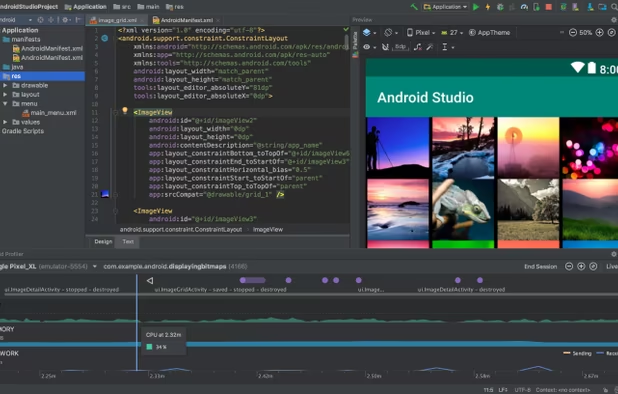
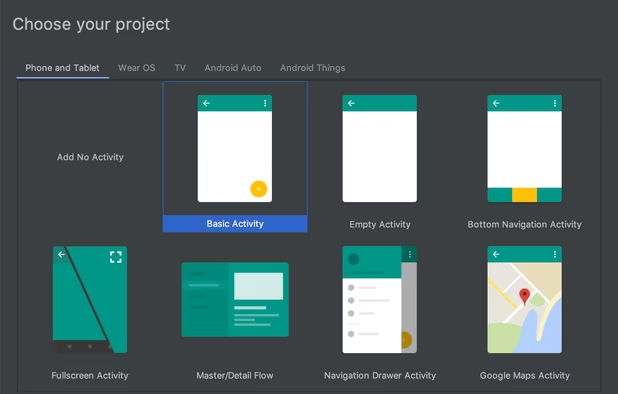
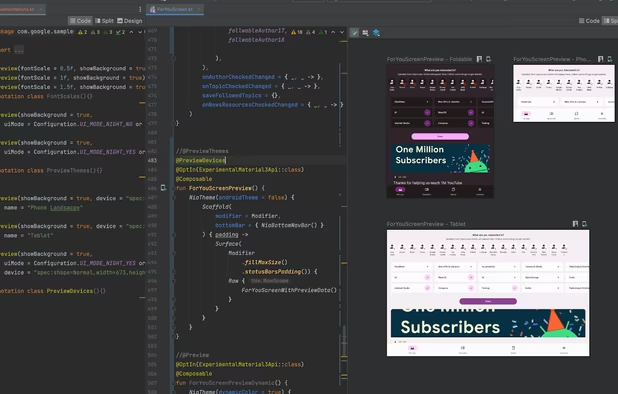
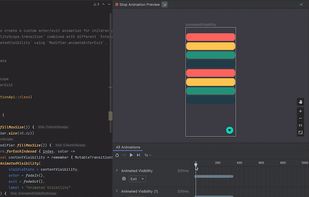
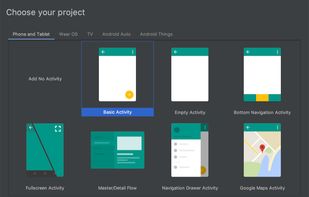
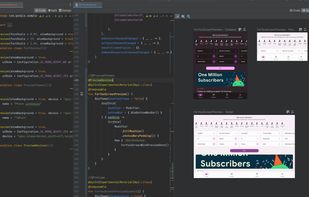
Android Studio is a new Android development environment based on IntelliJ IDEA. Similar to Eclipse with Android Development Tools for Eclipse, Android Studio provides...
United States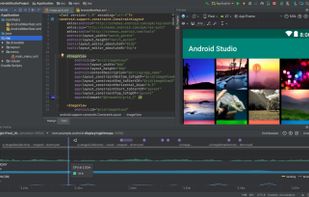


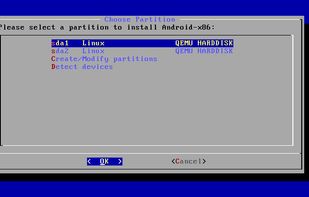
This is a project to port Android open source project to x86 platform, formerly known as "patch hosting for Android x86 support". The original plan is to host different patches for Android x86 support from open source community.
United States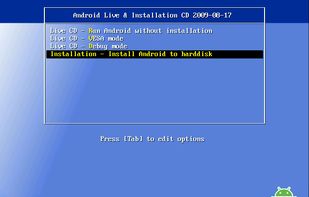


Genymotion is an Android emulator for building and testing great Android apps. It’s fast, simple and powerful.
 France
 EU
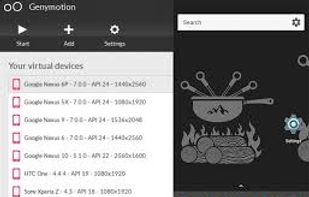
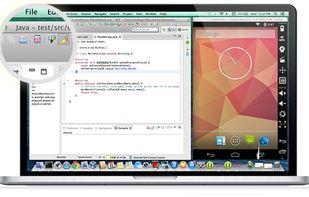


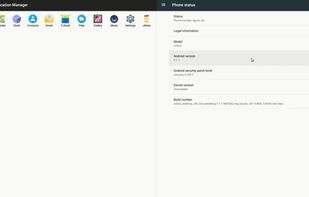
Anbox puts Android into a container and every Android application will be integrated with your operating system. Any Android version is suitable for this approach and try to keep up with the latest version from the Android Open Source Project.


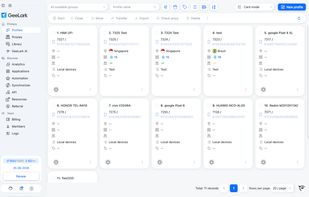
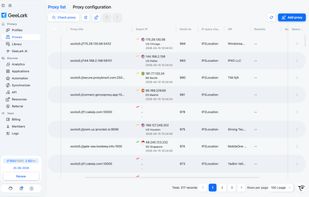
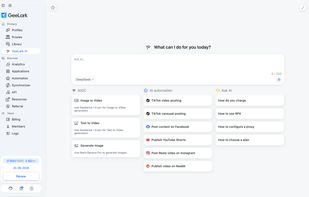
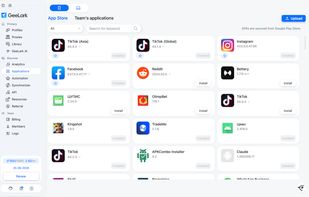
GeeLark is a multi-account social media automation platform that uses real Android cloud phones to manage, automate, and scale account activity without detection.
 Singapore


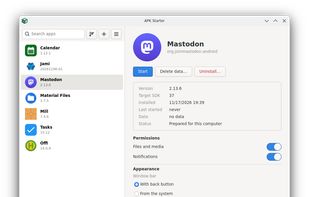
APK Starter opens an APK and runs the app in its own window on the Linux desktop, with a menu entry and its own data folder. It is built on Android Translation Layer, which implements Android’s app interfaces on Linux; the app code runs in ART.

Run Android apps on your Linux desktop, or on Windows as a preview: Android 16/17 in Docker, each app in its own window.
United States