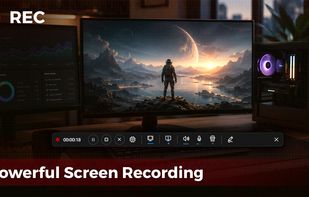
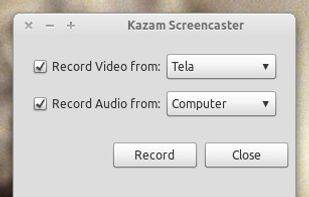
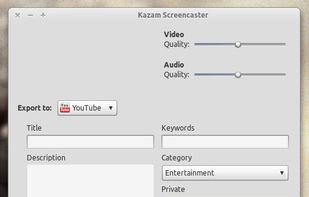
Kazam is a simple screen recording program that will capture the content of your screen and record a video file that can be played by any video player that supports VP8/WebM video format.
Platforms
- Linux








Apps similar to FlashBack include OBS Studio, which is free and open source. Other options are GPU Screen Recorder, SimpleScreenRecorder, Camtasia and Bandicam. You're spoiled for choice with Screen Recorders like FlashBack: we list more than 100 alternatives for Windows, Mac, Linux, the web and Android.
Kazam is a simple screen recording program that will capture the content of your screen and record a video file that can be played by any video player that supports VP8/WebM video format.

Free Cam is free screen recording software for Windows that lets you easily capture all or part of your screen, record your voice & mouse clicks, then edit your video and save it to your computer or share it instantly on YouTube.
 United States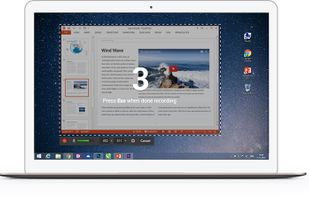

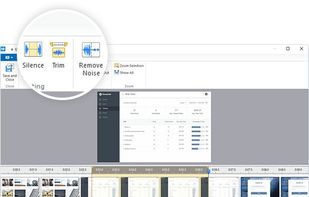


ScreenMix - Screen Recorder provides an easy, uncomplicated way of recording your desktop's screen and webcam sessions. Excellent for games and video stream recording, product demos, tutorials, webcam chats, and more!.
 Ukraine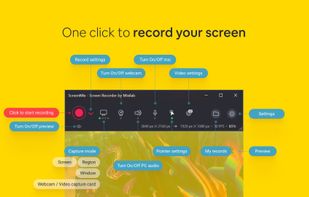




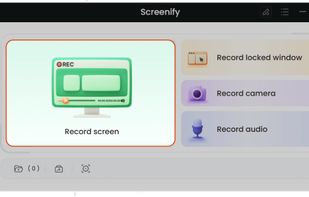
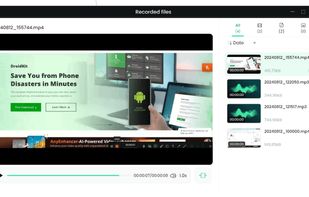
Screenify is free software for capturing screen, audio, webcam, and mic on Windows and Mac. It supports 4K at 60fps, offers noise reduction, and customizable settings. Export in various formats including MP4, GIF, MOV. No limits on duration or ads, ensuring professional videos.
 China
China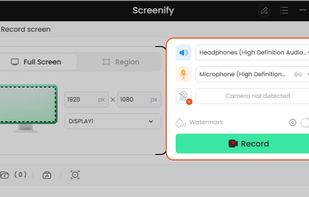
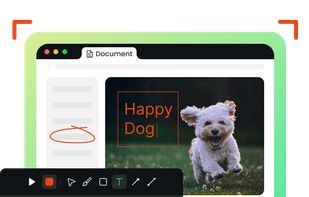


Record full screen or customized areas with webcam options. Annotate in real time, highlight cursor actions, and record both system and voiceover audio. Ideal for creating instructional videos, webinars, and presentations. Free for personal use, compatible with PCs.
 Cyprus
 EU
EU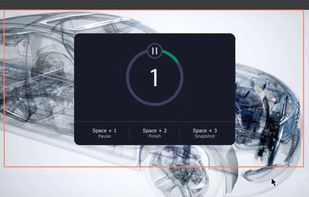
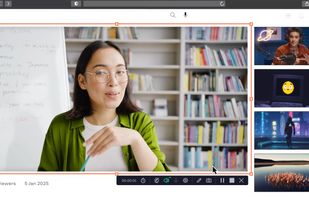


macOS tool for detailed screen recording, timeline-based video editing, customizable cursor animations, camera and audio capture, background editing, and easy sharing. Suitable for tutorials, presentations, or social media creation with a user-friendly workflow.
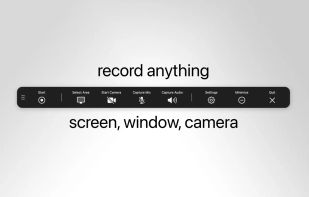
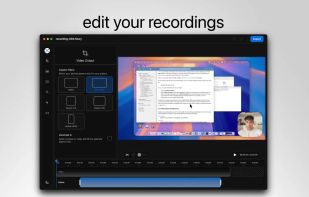
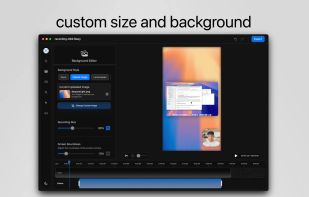
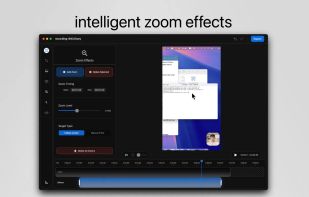


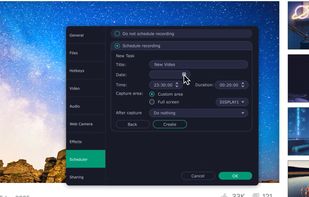
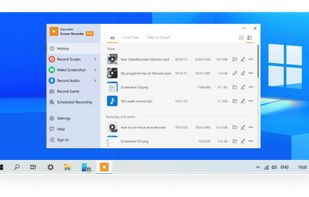
Enables screen video, audio, and webcam capture with support for system sounds, microphone input, annotation tools, zoom, custom watermarks, automated scheduling, screenshot upload, adjustable quality, region selection, and support for over 45 languages.
CyprusEU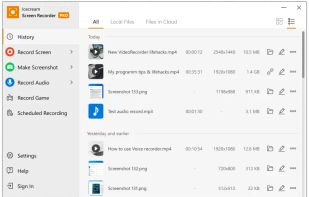
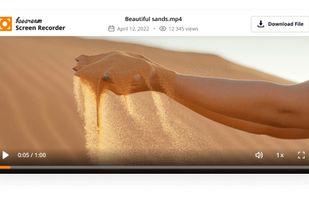


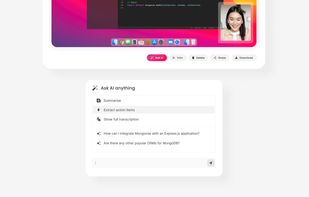
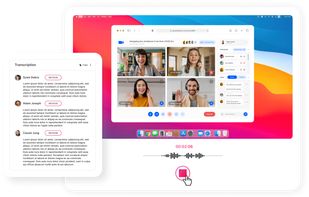
ScreenApp is a fast online screen recording and transcription tool, enhancing productivity for online meetings, webinars, and virtual training.
 United Kingdom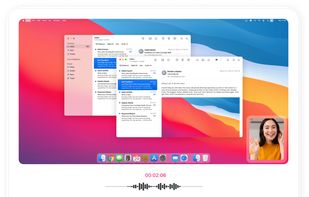


Native macOS screen recording and editing with auto-zoom following every action, built-in editor for quick trims, super-fast Metal-accelerated 4K export, no subscription, customizable backgrounds, movable camera overlay, shadow effects, and AI-driven features.
 Canada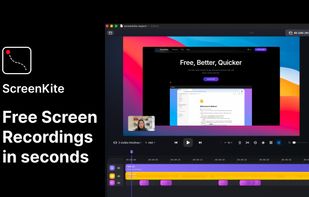


Versatile screen recording and live streaming tool, broadcasting to over 30 platforms. Enhances streams with stickers, templates, and images. Supports lectures and games, offers scheduled recording and operates as a virtual camera for meetings.
China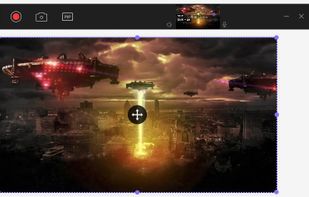
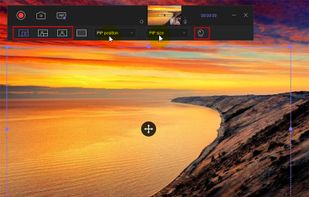


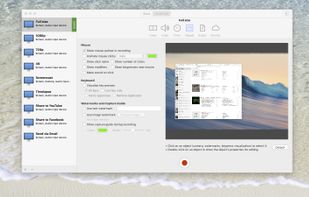
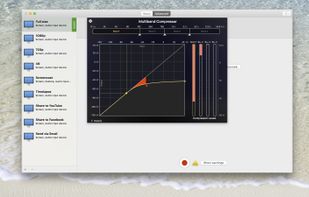
Realtime screen recording like you've never seen before! iShowU Instant is the fastest, most feature filled realtime screen capture tool from shinywhitebox yet. It takes key features from both "Classic" and HD Pro, and merges them into a single product, making...
United Kingdom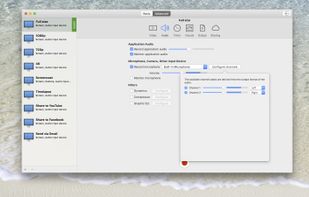
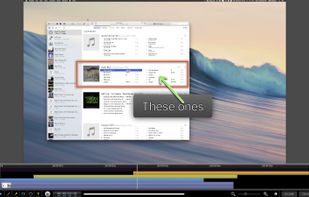


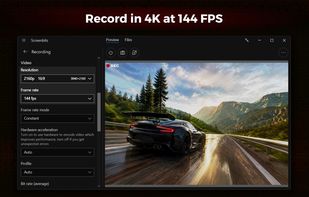
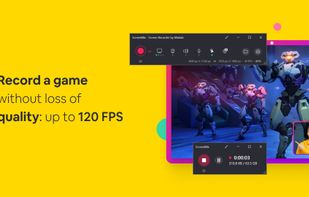
Fast, flexible, and easy-to-use screen recorder for gameplay, tutorials, product demos, and more. Record your screen, system audio, microphone, and camera in high-quality HD or 4K with smooth performance.