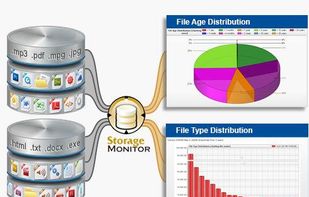
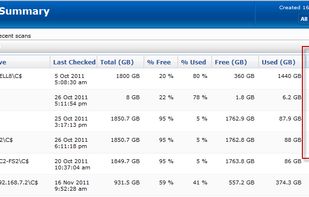
The most powerful disk space sizing and analysis utility there is! Answering the Who/What/Where/When of your Disk Space.




Baobab Disk Usage Analyzer is not available for Windows but there are plenty of alternatives that run on Windows with similar functionality. The best Windows alternative is WinDirStat, which is both free and Open Source. If that doesn't suit you, our users have ranked more than 100 alternatives to Baobab Disk Usage Analyzer and loads of them are available for Windows so hopefully you can find a suitable replacement. Other interesting Windows alternatives to Baobab Disk Usage Analyzer are WizTree, Filelight, TreeSize and Mole.
The most powerful disk space sizing and analysis utility there is! Answering the Who/What/Where/When of your Disk Space.

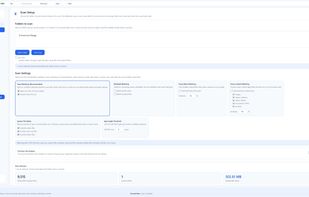
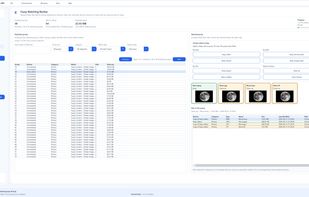
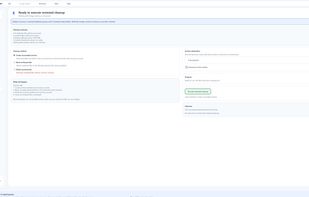
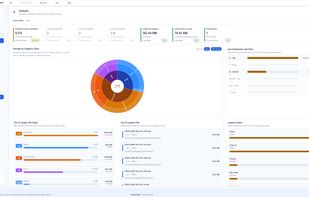
Zenovix Storage Manager is a Windows storage management app designed to help users understand, clean, and organise their disk space.
 United Kingdom


MeinPlatz "My-Place" offers an easy and fast way to scan the hard disk for lost disk space. With analysis on a percentage basis and grouping by folders, file types, size or date. It has also a nice print and export function.
 Germany
 EU
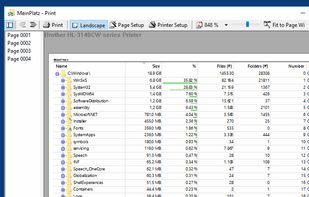
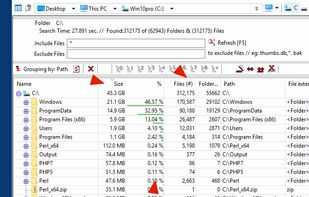
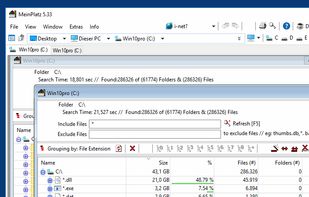
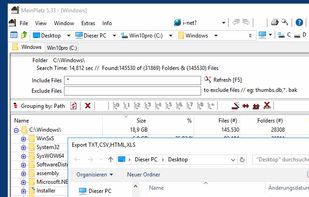


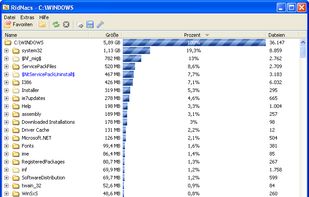
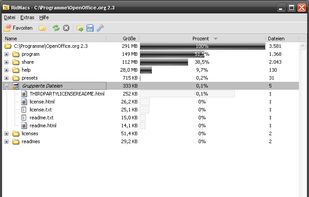
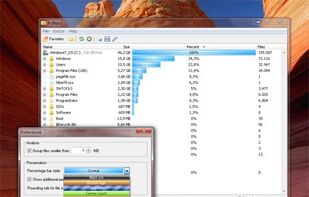
RidNacs is a very fast disk space usage analyzer for Microsoft Windows. It scans your local drives, network drives or single directories and produces a tree view with a percentage bar chart column. This gives the user a quick and easy way to identify the largest directories and...
GermanyEU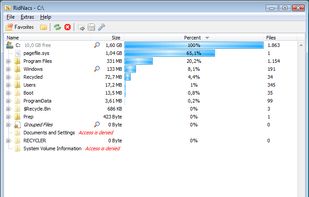


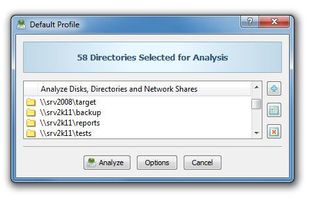
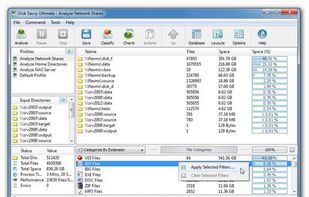
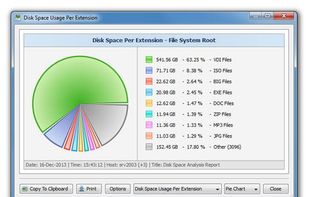
DiskSavvy is a free, fast and easy-to-use disk space analyzer utility allowing one to analyze disk usage in one or more disks, directories, network shares and/or NAS storage devices.
 CyprusEU



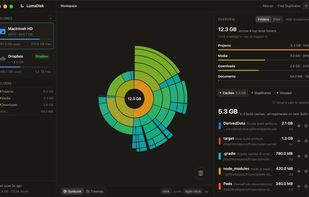
Disk space analyzer for macOS and Windows that draws a disk as a sunburst or treemap, then finds duplicates, unused files and developer caches to reclaim.
 Algeria
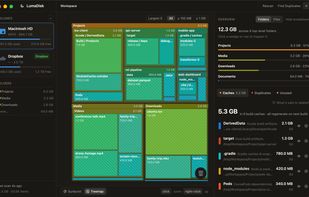
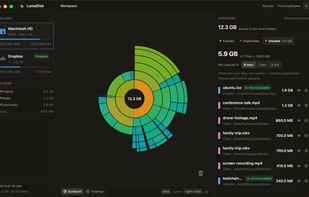
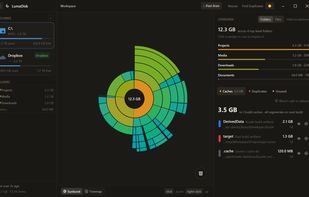


Disk Recon is a disk space utility that reveals all the crucial information that you need to find out where all your disk space has gone and how you can recover it.
 NetherlandsEU
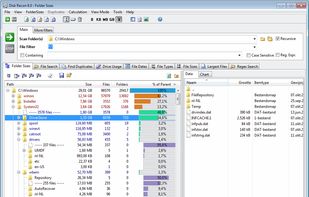
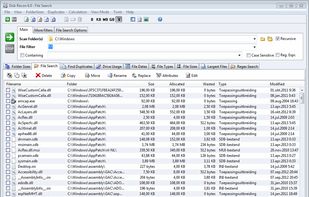
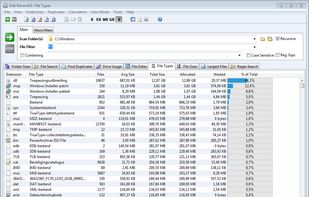
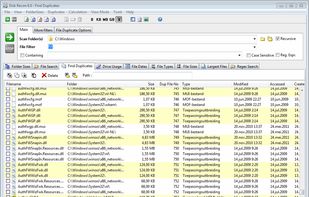


Folder Size Explorer is a simple and free Windows Explorer clone with the added ability to calculate folder sizes. Microsoft's built-in Windows Explorer does not calculate folder sizes which means you have to manually select folders then click properties to determine their...
 United States
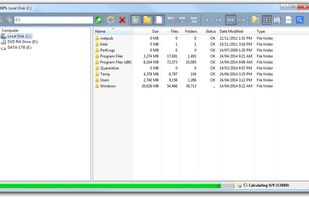
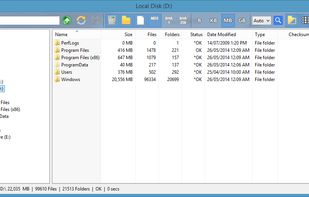
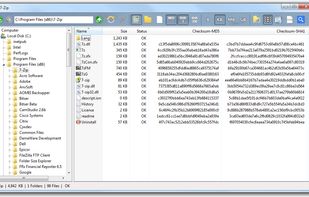
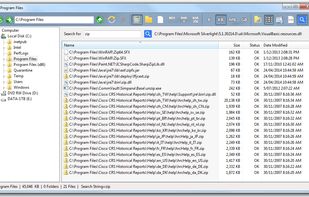


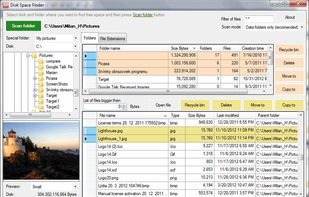
UtilStudio Disk Space Finder is a simple tool that you can use to find the files that occupy the most space on your computer. The application can scan any folder and display the file size, while also enabling you to preview the selected files.
 SlovakiaEU


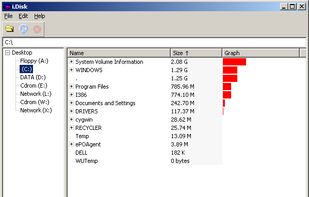
i.Disk scans directory trees and displays the total space used by each directory in an easy to use form.
 Australia


"DiskMapper is a remarkable utility that frees up megabytes and megabytes of hard disk space - quickly and easily by showing you a useful, graphical, color-coded map of your hard disk. DiskMapper lets you quickly delete or compress programs and files you dont need or rarely...
United States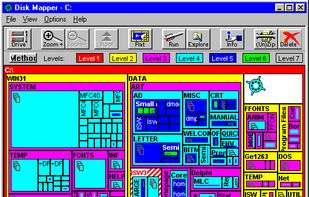


PA Storage Monitor shows what you are storing and supports your storage manager tasks. Many rich file reports, including file owner information available.
United States