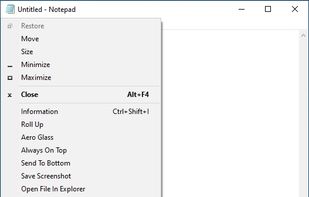
SmartSystemMenu extends system menu of all windows in the system. It appends next custom items to menu:
Cost / License
- Free
- Open Source (MIT)
Application typeApplication types
Platforms
- Windows
 United States



+1


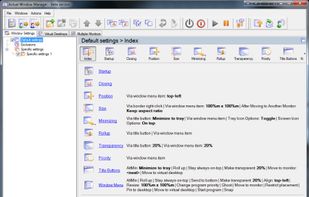
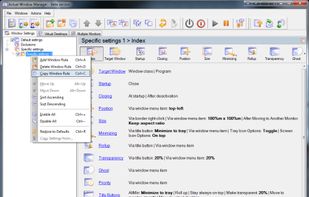
AutoSizer has been discontinued. Similar apps include SmartSystemMenu, which is free and open source. Other options are Sizer, SmartContextMenu, Preme for Windows and Actual Window Manager. There's no shortage of Window Managers like AutoSizer, with more than 25 alternatives for Windows and Mac.
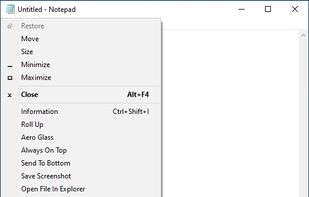
SmartSystemMenu extends system menu of all windows in the system. It appends next custom items to menu:
United States
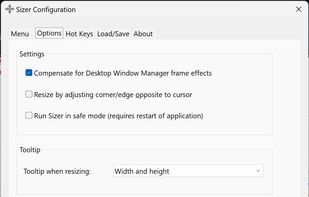
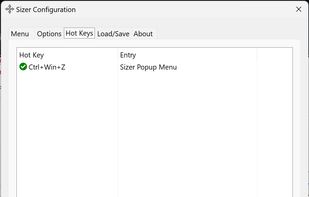
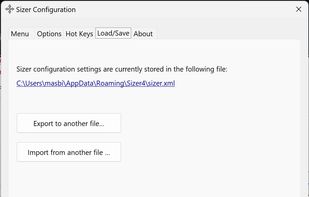
Sizer is a freeware utility that allows you to resize any window to an exact, predefined size. This is extremely useful when designing web pages, as it allows you to see how the page will look when viewed at a smaller size.
United States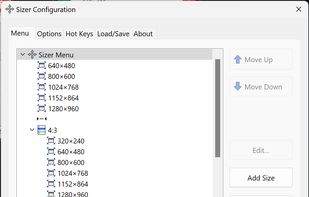


SmartContextMenu adds a context menu to all windows in the system. This program is enhanced version of SmartSystemMenu. I hope it will be more convenient, because it supports all types of windows, including windows without a system menu.
United States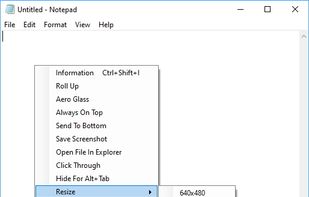


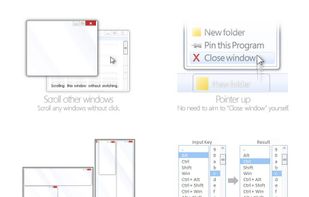
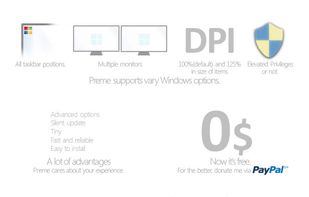
Preme is a free software for Windows which lets you add cool desktop features and enhances the desktop functionality.
 Thailand



 Russia
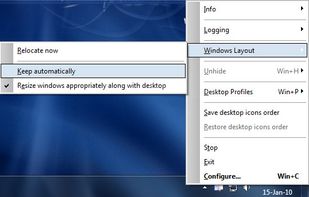


Keyboard-first window manager for Windows. Build your own grid on every monitor, then snap any window into place with one hotkey.
 Norway
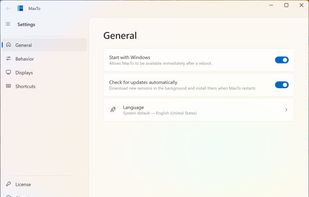
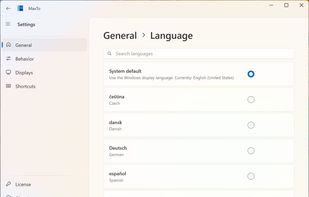
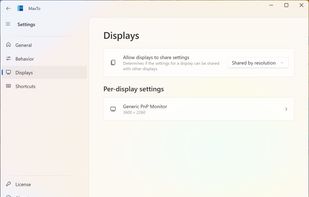


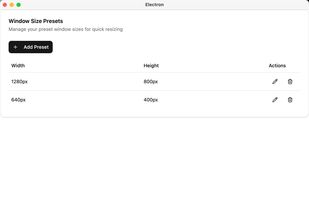
A simple macOS menu bar utility to quickly resize the active window to your predefined dimensions.
 China
China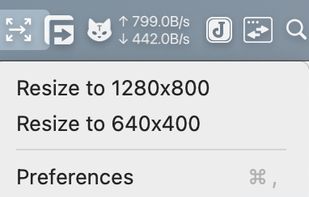


Make all windows but the active one transparent.
Features:
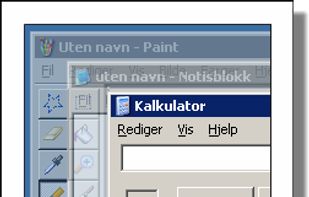


Dims all windows except the active one.
Features:
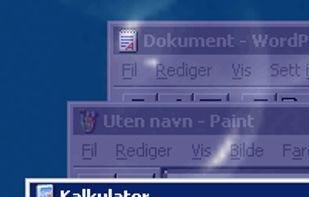


Always-on-top is the free utility that allows any program window to stay on top of all other windows even when it does not have the focus.


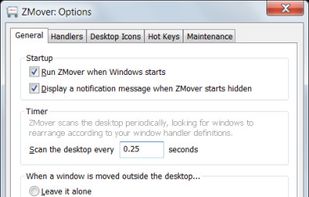
ZMover helps you manage your desktop layout by enabling you to set the size, position and layering of application windows. Instead of wasting time rearranging windows across your single or multiple monitor display, you can configure ZMover to do the job for you.
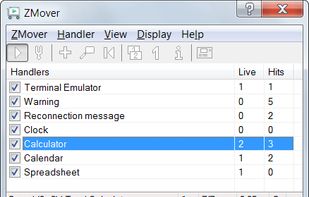
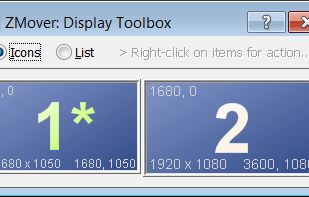


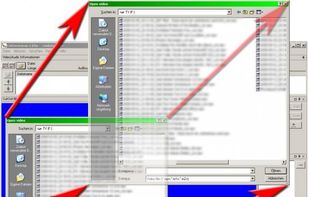
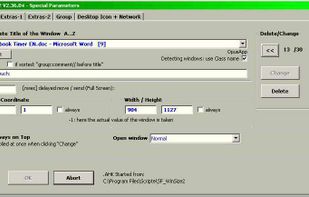
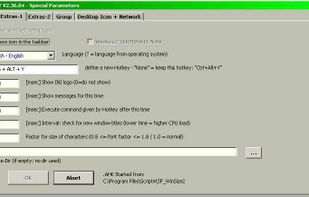
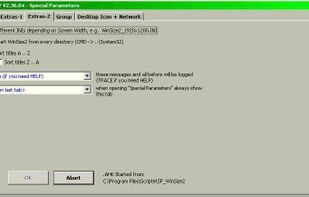
WinSize2 can move windows automatically to a predefined place and / or resize the width and/or height to a predefined size.