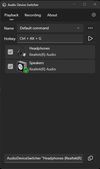
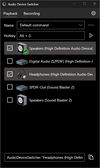
SoundSwitch makes it easier to switch playback devices (sound cards). With SoundSwitch you configure once between which Playback devices you want to toggle and then you can press Ctrl+Alt+F11 to toggle automatically!.
 France
 EU



Apps similar to Audio switcher include SoundSwitch, which is free and open source. Other options are SonicRoute, SoundLatch, BetterVolume and Audio Owl. In total there are six Volume Control Tools like Audio switcher for Windows.
SoundSwitch makes it easier to switch playback devices (sound cards). With SoundSwitch you configure once between which Playback devices you want to toggle and then you can press Ctrl+Alt+F11 to toggle automatically!.
FranceEU
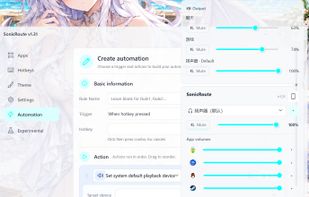
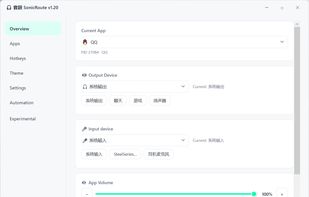
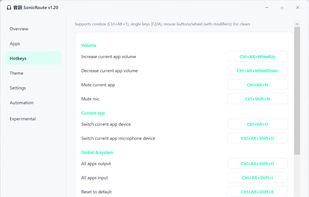
Free, open-source Windows tool (GPL-3.0) for per-app audio routing: game to headset, music to speakers, with tray volume control, automation, and CLI.

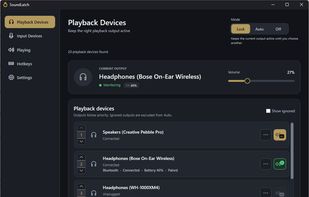
SoundLatch is a Windows audio manager that automatically selects devices based on your priorities. Lock your preferred headphones, speakers, or microphone to prevent unwanted switching—all from the system tray.
 Canada


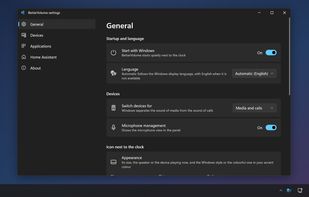
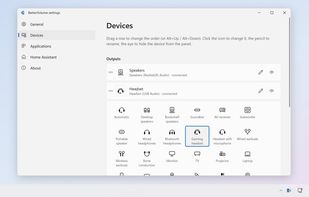
Windows 11 tray utility to switch audio outputs in one click and set the volume of each app, with optional Home Assistant control.
FranceEU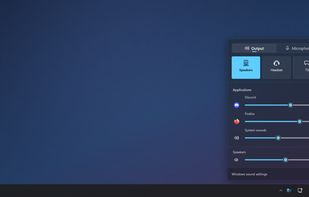
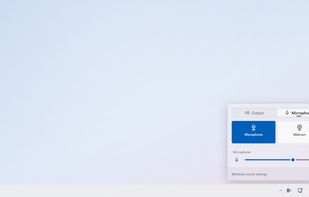


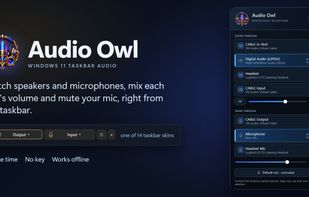
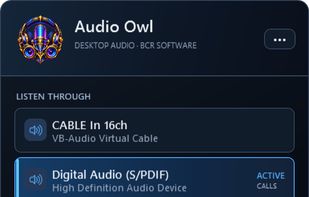
Audio Owl adds Output, Input and Mixer buttons to the Windows 11 taskbar next to the notification area. Hover or click to pick a playback or recording device, set each app's volume, or mute your default microphone.


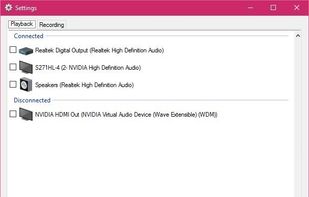
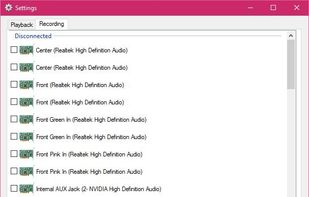
Audio Device Switcher is a Windows 10 app that makes it easy to quickly switch your default playback device as well as your recording device using hotkeys.