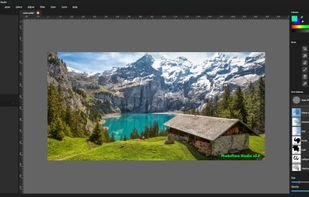
+2




There are many alternatives to Adobe Elements for Mac if you are looking for a replacement. The best Mac alternative is GIMP, which is both free and Open Source. If that doesn't suit you, our users have ranked more than 100 alternatives to Adobe Elements and loads of them are available for Mac so hopefully you can find a suitable replacement. Other interesting Mac alternatives to Adobe Elements are Krita, Adobe Photoshop, Canva and PhotoSplice.

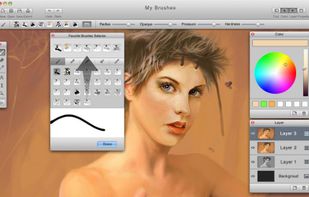
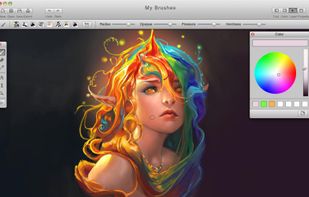
MyBrushes Paint for Mac app allows you to paint on infinite canvas and PLAYBACK whole drawing.
 United States


Create stunning and cool photo effects easily. Make your photo like a Pro with inbuild presets. Provide advanced algorithms to enhance your photos. Easy to use and super fast for photo processing. Features of Photo Effects Never been so easy to add effects and filters to your...
 Hong Kong


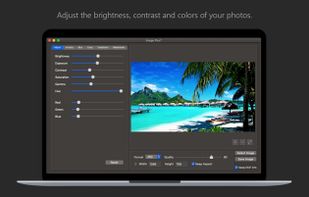
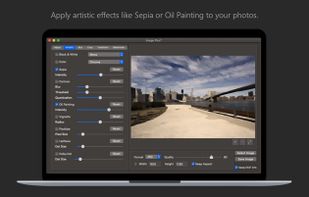
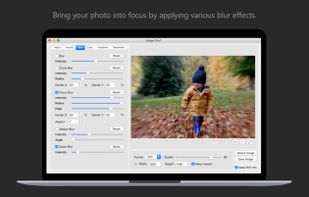
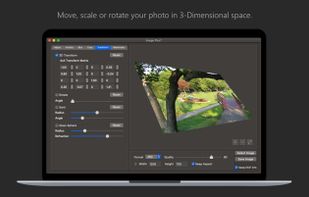
Fine-tune, watermark, resize, rotate, crop, convert and apply artistic effects to your photos using Image Plus. If you have photos on your Mac that need to be adjusted and watermarked then you are in luck.
 Italy
 EU


Effortlessly add effects and textures to your photos. Choose from a variety of Flare’s built-in Presets or create your own using dozens of individual photographic effects. Easy to learn for casual hobbyists, Flare also has the flexibility professional photographers need.
United States


COLOR projects is your reliable partner to develop enduring images as quickly as possible and with the least stress
 GermanyEU


Professional perspective correction tool fixing lens distortion, horizons, and leaning buildings. Auto lens profiles, content-aware resizing, portrait reshaping, batch processing.
 FranceEU



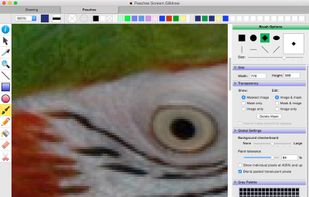
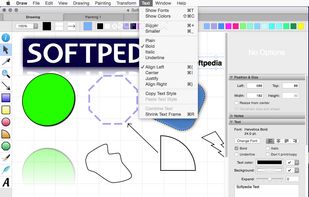
Everyday drawing There are hundreds of painting and drawing apps on the App Store. This one is a bit different. It doesn’t want to grow up to be Photoshop, Illustrator, or Draw Anything the Next Generation. It’s not intended for professional artists.
United States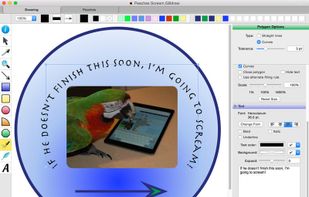

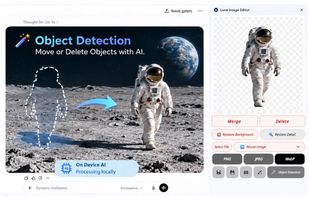
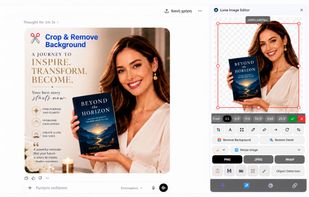
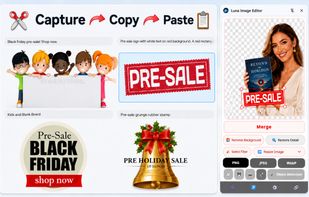
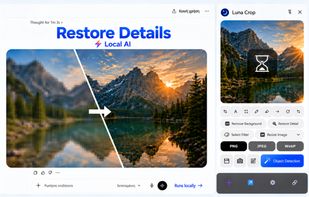
Local-AI image editor for cropping, resizing, annotations, OCR, background removal, object movement, detail restoration, and WebP, PNG, or JPEG conversion. It works offline in a browser or IDE, supports social-media presets and layered overlays, and inserts prepared images into projects.
 GreeceEU


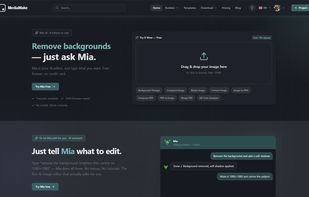
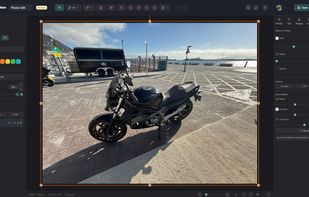
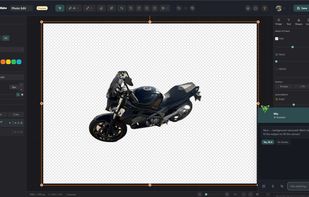
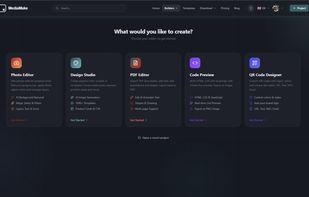
An AI-powered online studio for photo editing, design, PDFs and QR codes — with background removal, image generation and an AI assistant.
 Gibraltar

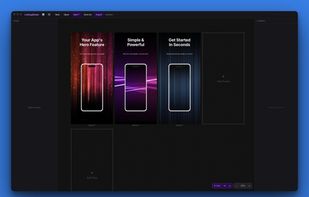
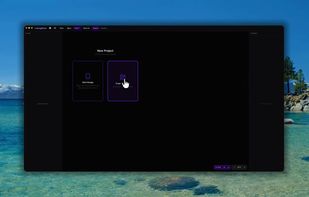
A Mac and Windows app for indie developers who need App Store, Google Play, and Microsoft Store screenshots. Pick a preset, drop in your screenshots, add text and gradients, export exact-size PNGs.

Non-destructive editing with layers, blend modes, advanced tablet-responsive brushes, curated brush sets, multi-document interface, OpenRaster native save, broad image format support including EXIF, modern UI with dark mode, one-time licence, and cross-platform.
 United Kingdom