Our tool simplifies your data management process by extracting data from invoices and converting them into CSV files.
Cost / License
- Paid
- Proprietary
Platforms
- Online


Apps similar to Adobe Acrobat DC include PDF-XChange Editor, which has a free version. Other options are PDFgear, Stirling PDF, PDF24 Creator and PDF-XChange Viewer. There's no shortage of PDF Editors like Adobe Acrobat DC, with more than 100 alternatives for Windows, the web, Mac, Linux and iPhone.
Our tool simplifies your data management process by extracting data from invoices and converting them into CSV files.

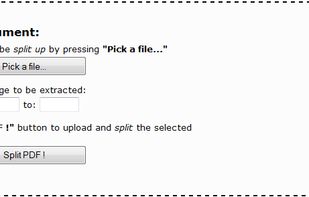
This service enables you to split PDF documents free of charge. All you need to do is select the PDF documents that you want to split up on your computer, specify the desired page range, and click a button, as instructed below.


Split, filter, and organize PDF documents. Easily manage past exam papers and bulk files while keeping original formatting.



Your all-in-one PDF powerhouse — a free online platform offering over 100 smart, fast, and easy-to-use tools for handling every PDF task you can imagine. Whether you’re a student, professional, marketer, or creator, I Love PDF 3 empowers you to convert, edit, compress, merge...
 United Kingdom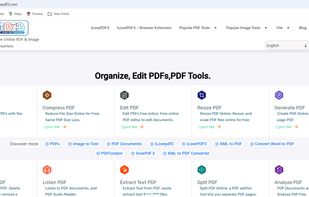


25 offline desktop tools for image compression, PDF processing, and file conversion. Fast Rust-native performance. Your files never leave your device. One-time purchase, no subscription.


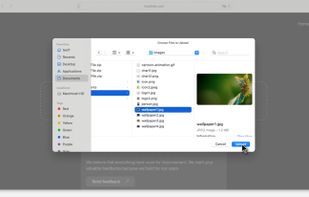
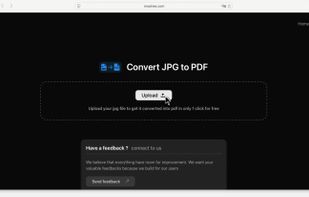
Moainex Taskspace is a privacy-first JPG to PDF converter that instantly processes files without storing them. It’s fast, secure, and ideal for Mac and Safari users. No login required.
 India
India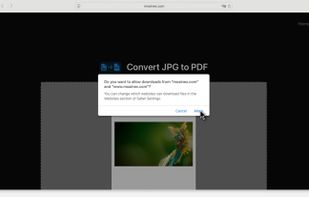


Free, privacy-focused suite of PDF, video, and image tools that runs entirely in your browser. No server uploads required.
 Spain
Spain EU
EU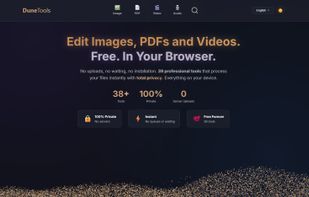
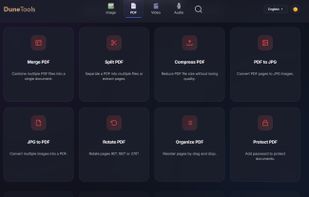
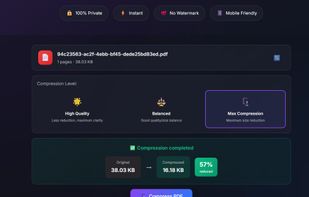
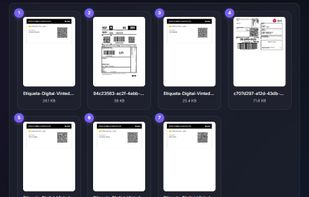


All-in-one PDF utility management tool to merge, split, compress, convert, protect, unlock, and edit PDF files instantly.
 United States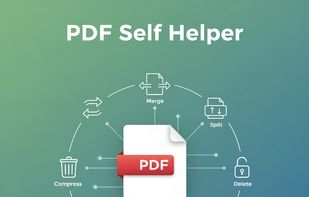


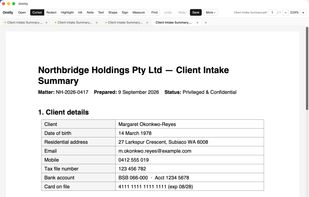
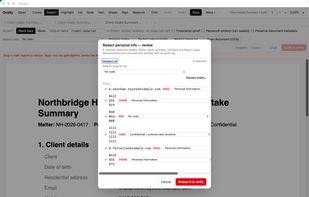
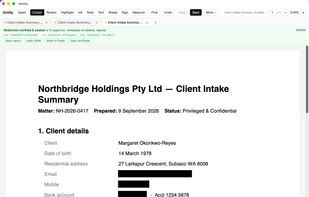
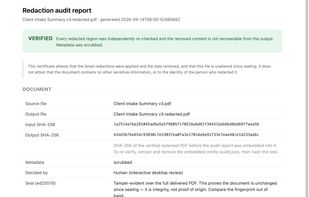
A carefully made desktop PDF editor. Read, edit, organise, sign, OCR and redact PDFs on your own machine, with a one-time licence instead of a subscription.

Web-based file-to-print-PDF converter that turns Word, PowerPoint, images and other formats into print-ready PDFs — no installation required.

Free Android PDF editor that works fully offline. Merge, split, compress, convert and annotate PDFs — no account, no subscription, no uploads.

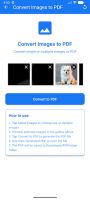
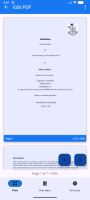


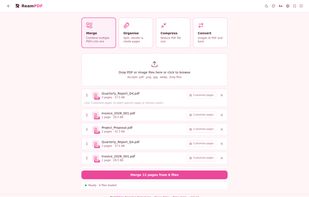
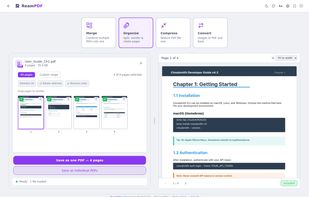
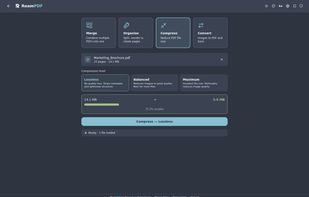
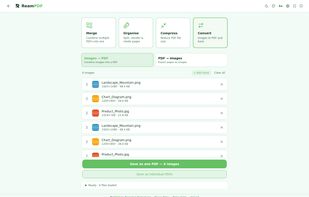
ReamPDF is a desktop PDF toolkit built for speed and simplicity. Merge, split, compress, and convert PDFs without uploading your files to the cloud. The Convert tool accepts images including WebP, a format most PDF tools don't support.
 Australia