


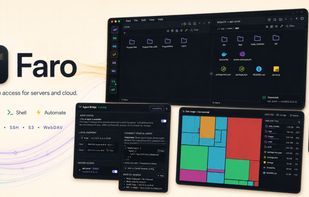
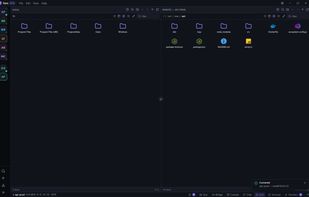
Faro is a modern desktop client for SFTP, FTP, SSH, S3-compatible, WebDAV, and cloud storage. Save a server once,
Cost / License
- Free
- Open Source (MIT)
Application type
Platforms
- Mac
- Windows
- Linux
- Ubuntu
 United States



+7
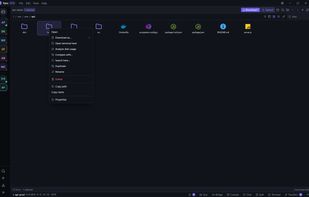


Apps similar to ADELVO COMMANDER include FileZilla, which is open source with a free version. Other options are FreeFileSync, WinSCP , Cyberduck and rsync. You're spoiled for choice with FTP Clients like ADELVO COMMANDER: we list more than 50 alternatives for Windows, Mac, Linux, Android and iPad.
Faro is a modern desktop client for SFTP, FTP, SSH, S3-compatible, WebDAV, and cloud storage. Save a server once,
United States
Carbon Copy Cloner (CCC) features an interface designed to make the cloning and backup procedure very intuitive. In addition to general backup, CCC can also clone one hard drive to another, copying every single block or file to create an exact replica of your source hard drive.
United States


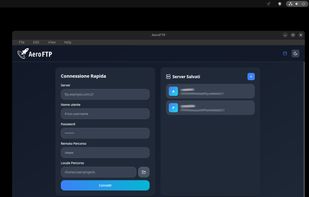
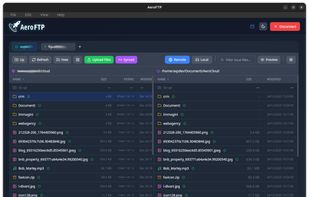
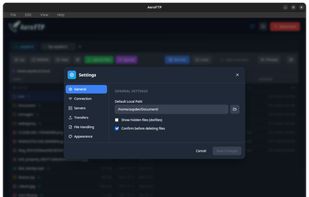
A modern, open-source file manager and client for FTP, SFTP, WebDAV, and S3, featuring an AI assistant, cloud sync, and military-grade encryption.



 Russia


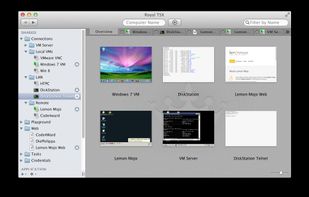
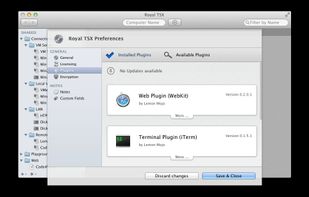
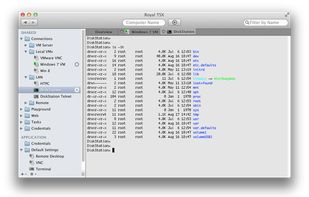
Royal TS provides easy and secure access to your remote systems
Unlock the power to remotely manage your systems on multiple platforms!
Royal TS is the perfect tool for server admins, system engineers, developers and IT focused information workers who constantly need to access.
 Germany
 EU
EU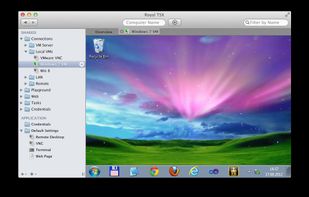


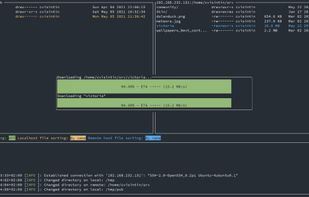
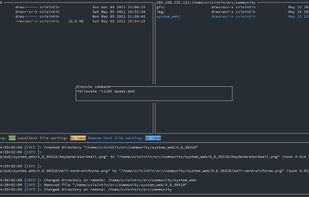
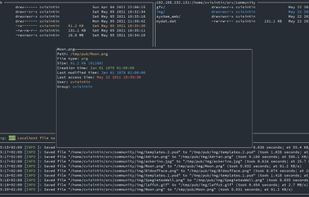
A feature rich terminal UI file transfer and explorer with support for SCP/SFTP/FTP/Kube/S3/WebDAV.
 Switzerland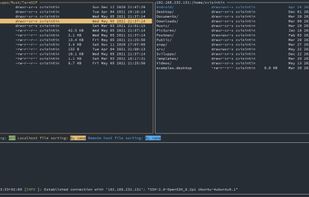


gFTP is a simple GTK+ based ftp client for Linux. Supports the FTP, FTPS (control connection only), HTTP, HTTPS, SSH and FSP protocols, FTP and HTTP proxy server support, supports FXP file transfers (transferring files between 2 remote servers via FTP), UNIX, EPLF, Novell...
United States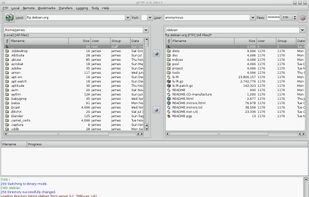


 India
India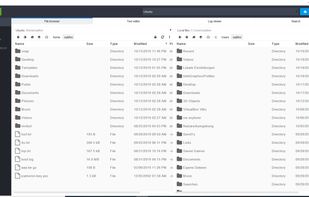
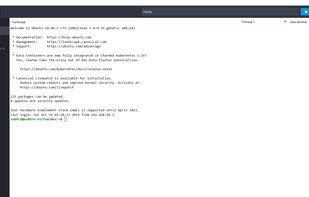
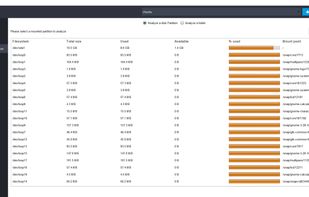


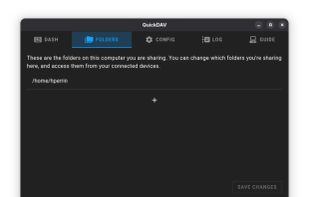
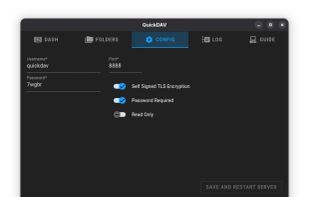
Network file and folder transfer app. Simple and easy upload, download, and management of your files and folders from any other device.
United States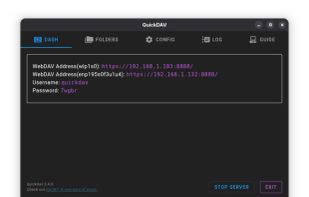


Batch tool for renaming files and folders with preview, undo, unlimited customizable operations, recursive subdirectory support, regular expressions, metadata handling, full unicode compatibility, multilingual filename management, and multi-platform use.
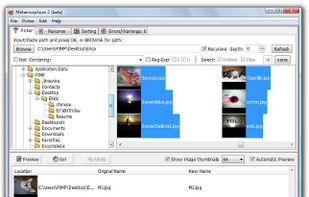
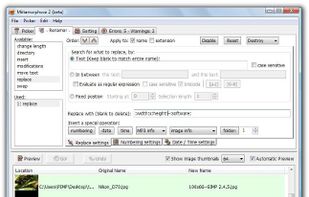
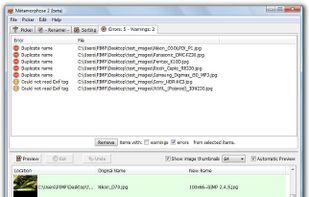


Renaming files or folders can be very cumbersome, especially if you want to rename a high number of files. But it is not necessary to click on every single file individually, make some changes just to take the same procedure at the next file!.
GermanyEU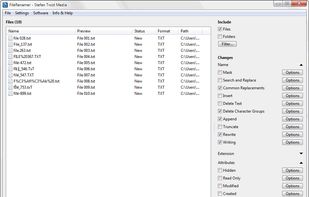


NameChanger is designed for the sole purpose of renaming a list of files.
Add the files through the GUI or drag and drop files directly onto the App. These original filenames show up in the Original Filename column. Grayed out rows indicate files that you do not have permissio.
United States


