
Cost / License
- Free
- Proprietary
Platforms
- Windows
- Global

M


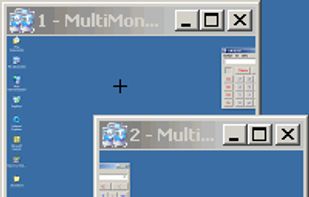
Apps similar to Actual Multiple Monitors include DisplayFusion, which has a free version. Other options are Dual Monitor Tools, NVIDIA RTX Desktop Manager, Ultramon and Dual Monitor Taskbar. You can choose from more than 10 Window Managers like Actual Multiple Monitors for Windows and Linux.

Displayflow is a comprehensive, high-performance display management utility for Linux, designed to give users granular control over hardware settings and monitor brightness through both a Command Line Interface (CLI) and a background Hotkey daemon.


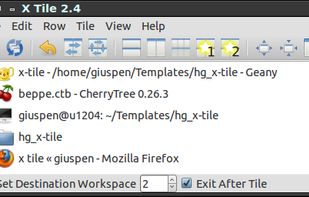
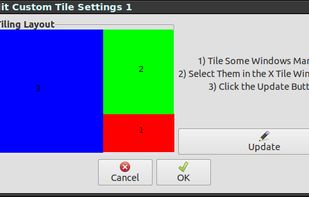
X-tile is an application that allows you to select a number of windows and tile them in different ways. It works on any X desktop like Gnome, KDE, XFCE, LXDE. The main features are: many tiling geometries, undo tiling, invert tiling order, optional system tray docking and menu...


Annoyed again because one of your apps is offscreen? Do you have to struggle with keyboard shortcuts, to bring it back or do they not work again? Borderline moves all windows back into the screen bounds.

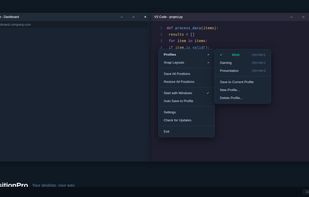
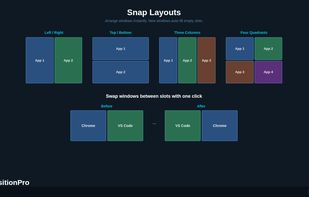
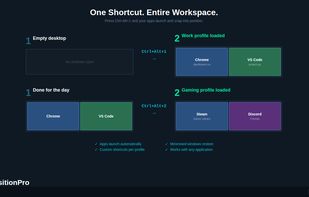
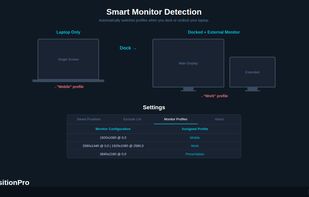
Save, restore and manage window positions on Windows 10 & 11. Create desktop profiles, auto-detect monitors, snap layouts, and switch workspaces with hotkeys. One-time $9.99 purchase.


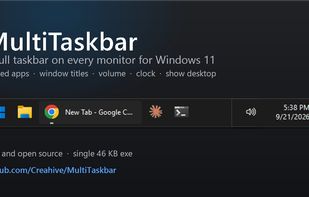
Free, open-source taskbar for your second monitor on Windows 11: pinned apps, window titles, volume, clock and show desktop on every screen.
 United States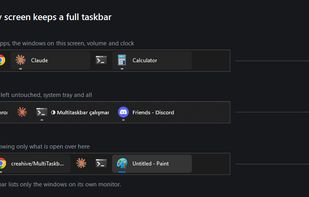

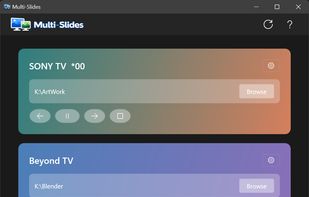
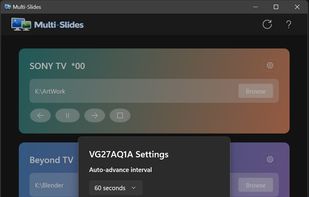
Native Windows 11 app that runs truly independent image slideshows on each monitor — own folder, own pacing, own transitions per display.
 United Kingdom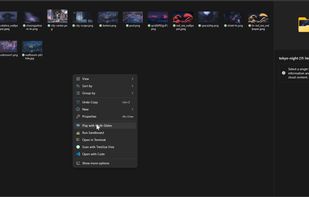


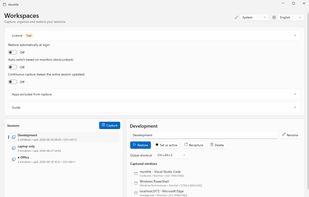
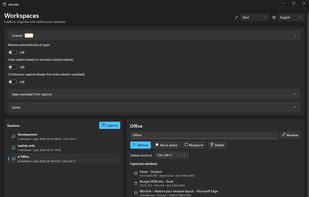
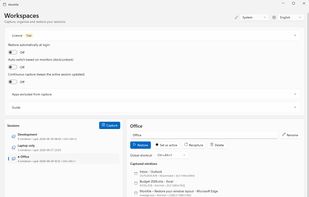
Windows tray utility that saves sessions with each app window’s position and monitor, then restores them when displays are docked, removed or changed. It reuses open windows to avoid duplicates; Pro adds monitor-based session switching, hotkeys and continuous capture.


 Germany
 EU
EU


