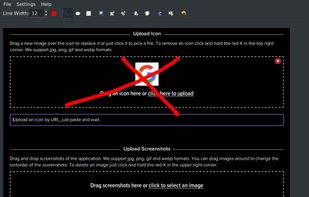

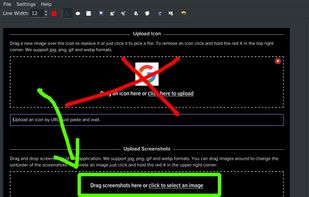


The best free alternative to ABBYY Screenshot Reader is ShareX, which is also Open Source. If that doesn't suit you, our users have ranked more than 50 alternatives to ABBYY Screenshot Reader and loads of them are free so hopefully you can find a suitable replacement. Other interesting free alternatives to ABBYY Screenshot Reader are Greenshot, OSS Document Scanner, MakeACopy and NormCap.

A macOS app for capturing, annotating and sharing screenshots. Quickly add comments, highlight what matters or blur any sensitive content. Upload screenshots to Google Drive or Dropbox. Copy screenshots to the clipboard and paste them directly into Slack, Skype, Jira, Trello and...


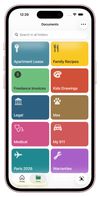
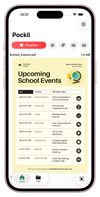
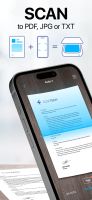
The document scanner for iPhone that gives your important documents a proper home.
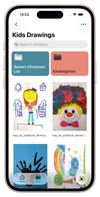


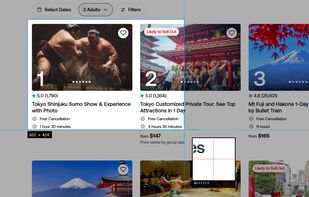
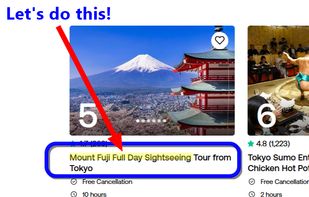
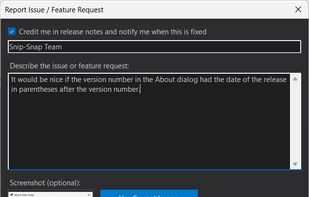
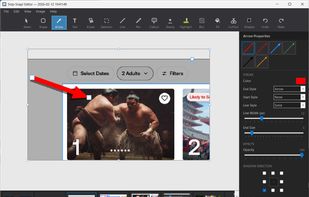
Snip-Snap! is a lightweight, privacy-focused screenshot utility for Windows 10/11. Capture regions, windows, or full screens with pixel-perfect precision using a built-in magnifier. Features a powerful editor with annotations (arrows, text, shapes, highlighters), quick styles...
 United States

 United States



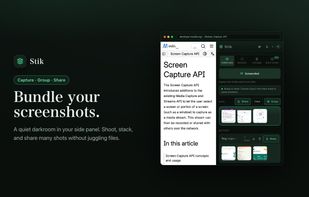
Stik is a Chrome & Brave side-panel extension that captures visible, full-page, or screen-area screenshots, bundles them into groups, and pastes many images into Slack, Notion, and X in a single paste.
 Japan
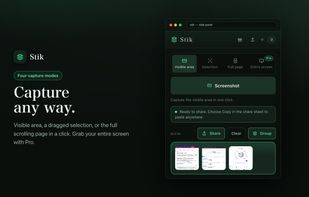
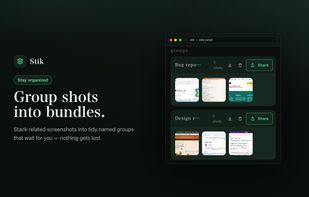
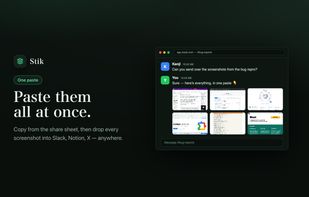


AI Image Description is a powerful tool that leverages artificial intelligence to provide comprehensive analysis, emotional insights, data visualization, and creative context for your photos and artwork, unlocking new perspectives and streamlining your creative journey.




Revolutionize image processing with features like text extraction, code conversion, creative masterpiece generation, and flawless code copying in a single, efficient platform.



YFolio AI is a smart, comprehensive document management platform designed for both personal and business users. It enables you to securely store, automatically index, and instantly retrieve personal files, invoices, and business documents from anywhere.
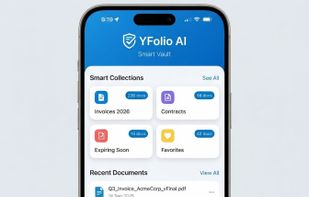


AI document assistant for web, iOS and Android with scanning, PDF signing, OCR, conversion, translations and reminders. Features device-based AES-256 encryption, end-to-end privacy, no watermarks, and secure zero-knowledge storage for sensitive files.


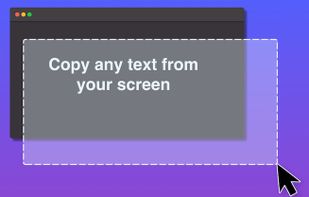
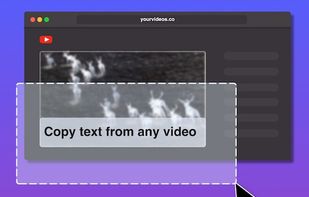

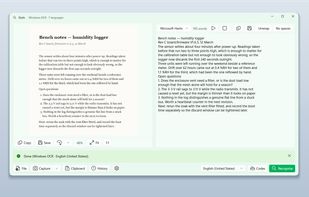
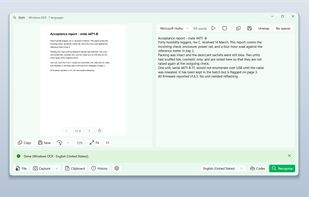
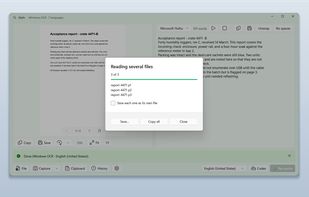
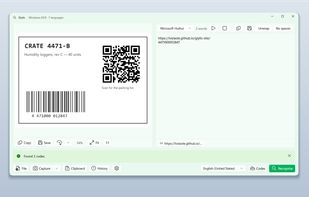
Glyfo turns pictures of words back into words. Drag a box around part of the screen with Alt+Z, open an image or a PDF with Ctrl+O, paste from the clipboard, or send a file over from Explorer, Photos or Snipping Tool.


 Russia