


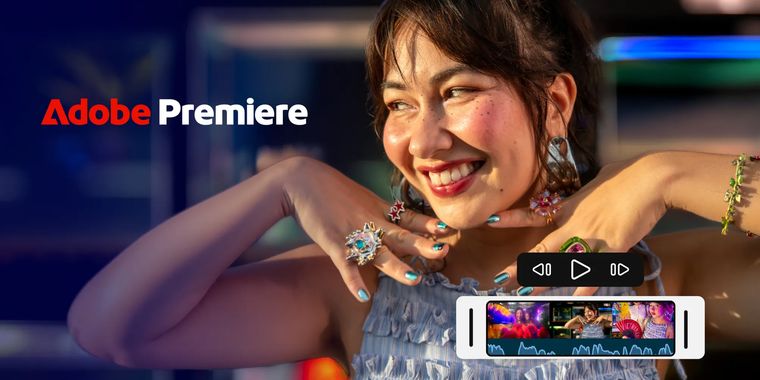

Adobe Premiere mobile arrives on Android, bringing professional video editing to millions
Adobe has officially expanded its Premiere mobile app to Android devices, marking a significant milestone in mobile video editing accessibility. The update brings the professional-grade editing tools previously available only on iOS to millions of Android users worldwide, at no cost. According to the company's official blog, the app is designed specifically for how modern creators make and share content, offering “everything you need to make amazing, high-quality social content with ease” without the barriers of forced logins, upgrade prompts, or watermarks that commonly plague mobile editing applications.
The Android version packs substantial features, including multi-track timeline editing for layering video, music, voiceovers, and effects. Users can leverage Adobe's Enhance Audio tool for studio-quality sound in just a few taps, access creator-made templates to jumpstart projects, and utilize Firefly-powered generative AI capabilities such as Generative Fill, Image-to-Video, and Generate Sound Effects. Videos can be edited and exported up to 4K resolution, with full access to Adobe Stock assets including effects, transitions, and music. The app maintains a no-ads, distraction-free editing environment focused purely on the creative process. To run Premiere mobile on Android, devices must operate on Android 13 or later with a minimum of 5 GB RAM, positioning it for mid-range to flagship smartphones rather than entry-level hardware.
The app is available now on the Google Play Store, immediately opening professional mobile editing tools to a significantly broader creator base beyond iOS users. This expansion aligns with Adobe's stated goal of making the editing tools professionals use “accessible and easy to use on mobile”.



- Video Editor
- Paid
- Proprietary
Related news
External links
- Adobe Premiere expands to Android: Fast, powerful, easy mobile video editingAdobe • Official source
- Adobe Premiere Mobile Is Now Available On AndroidEngadget
- Adobe Brings Its Premiere Video Editing Mobile App to AndroidCNET
- Adobe Brings Premiere Mobile to AndroidThurrott
- Free Adobe Premiere Video Editing App Arrives on AndroidPetaPixel
- Adobe Premiere finally comes to Android—here's what it can doHow-To Geek