


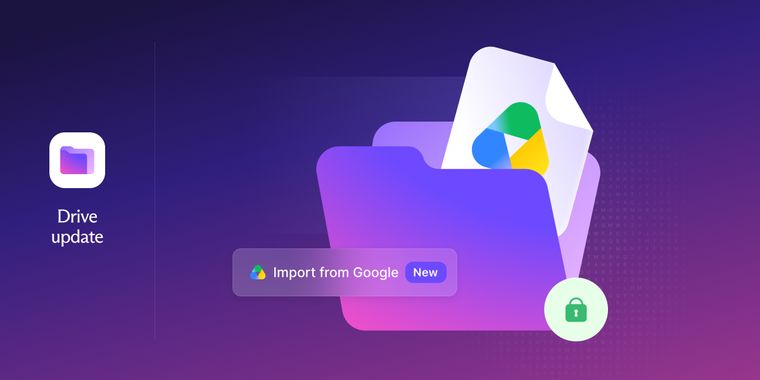

Proton Drive can now automatically migrate your files from Google Drive via Easy Switch
Proton has announced that its Easy Switch tool, previously available for migrating email in Proton Mail, is now live in Proton Drive on the web, allowing users to transfer their files from Google Drive to the Swiss privacy-focused service automatically. The feature, available on all plans, moves data directly between the two companies' servers in the background, meaning the import doesn't depend on free space on the user's device. Users can launch the transfer by signing in to Proton Drive on the web, selecting Easy Switch in the left navigation or via the settings, and choosing their Google account.
According to the announcement, the import preserves the original folder structure, and users receive an email notification upon completion. Google Docs and Sheets are converted into standard DOCX and XLSX files that can be opened immediately. Proton says the company is rolling out the feature gradually, so it may take some time to reach every account.
The move positions Proton as a fuller alternative to Google's suite, building on Easy Switch's existing support for importing messages, contacts, and calendars from Gmail and Outlook into Proton Mail. Proton framed the feature around its end-to-end encryption model, contrasting it with Google Drive, where the company holds the encryption keys and files can, in its view, be accessed by Google itself, shared with third parties, or exposed to legal requests under US laws such as FISA and the CLOUD Act. With files, email, and calendar now all covered, Proton says users who want to reduce their dependence on US Big Tech have “one less reason to stay with Google”.





- Cloud Storage Service
- Freemium
- Open Source
Related news
External links
- Introducing Easy Switch for Proton DriveProton • Official source
- Proton Brings Easy Switch to Proton DriveThurrott
- Proton Drive adds direct ‘Easy Switch’ imports from Google DriveCyberInsider
No comments so far, maybe you want to be first?