


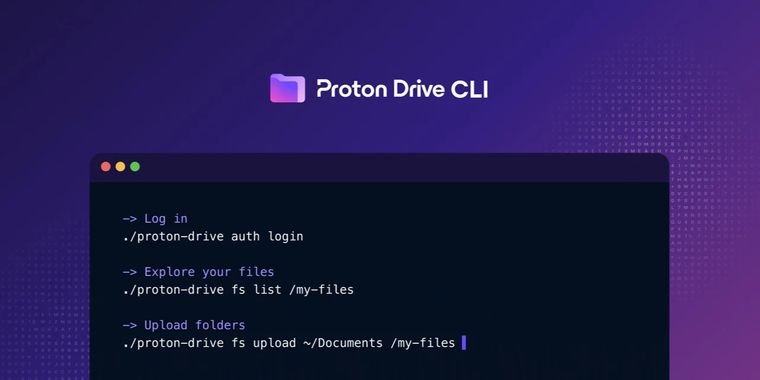

Proton Drive CLI launches for Windows, macOS, and Linux for easier workflow automation
Proton has introduced the Proton Drive CLI, expanding its secure cloud storage offer to the command line on Windows, macOS, and Linux. This new interface enables direct access to Proton Drive’s core features without relying on graphical clients.
Building on the Proton Drive SDK, the CLI gives users a consistent set of operations, in line with the official Proton Drive desktop applications. All common cloud storage actions are supported from the command line, including folder listing, file uploads and downloads, managing trash, sharing, and overseeing invitations.
For those automating their workflows, the CLI allows integration with deployment scripts, backups, and scheduled jobs, addressing previous limitations that required manual steps or unstable custom scripts. This tool also delivers end-to-end encryption for secure access within these automated processes, eliminating the need to write additional code for security.
While Proton continues work on a dedicated Linux application, Linux users can already access most Proton Drive features via script with the CLI. The tool is offered as a single binary for straightforward deployment and adheres to fair use policies set for Proton Drive clients. Additional CLI capabilities are planned for future releases. The CLI is meant to complement, not replace, the Proton Drive graphical app for day-to-day access.





- Cloud Storage Service
- Freemium
- Open Source
Related news
External links
- Introducing Proton Drive CLI: Use Drive from your terminalProton • Official source
- Proton releases Proton Drive CLI for Windows, Mac, and LinuxNeowin
- Proton Brings a CLI to Proton DriveThurrott
Comments
Love the fact they're going after CLI tools. Hopefully we'll see native MCP from them as well to fully enable Proton agentic integrations.