


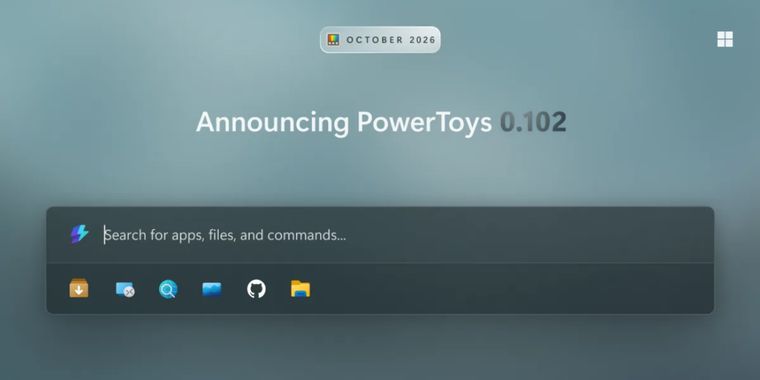

PowerToys 0.102 adds new mouse tools and Command Palette shelf
PowerToys has recently introduced version 0.102, adding two new mouse utilities, Mouse Button Lock and CursorHide, alongside improvements to Command Palette, ZoomIt, Keyboard Manager, and several other tools. Mouse Button Lock keeps a mouse button pressed after a brief hold until another button is clicked, while CursorHide automatically hides the pointer during typing or inactivity and restores it when the mouse moves.
Command Palette also gains an optional quick access shelf for pinned commands, keyboard shortcuts, and recent apps, along with improved settings search, Copilot key support, multiple time-zone clocks, and additional customization options. ZoomIt now supports on-device voice dictation while capturing screenshots, allowing users to paste both the image and transcribed text together, and improvements to zoom transitions and audio recording.
The update also expands command line automation across Advanced Paste, Light Switch, Peek, PowerDisplay, and Settings. Keyboard Manager adds tap-alone remapping, better search and filtering, and easier shortcut editing, while Color Picker and Text Extractor move to WinUI 3 with a redesigned Color Picker interface. Other changes include faster layout switching in FancyZones, SQLite previews in Peek, improved Screen Ruler measurements, and several fixes improvements.




- Application Launcher
- Free
- Open Source
Related news
External links
- PowerToys 0.102 is here: new mouse utilities, Command Palette improvements and much moreWindows Command Line • Official source
No comments so far, maybe you want to be first?