Charles' threat model

Here is a list of apps that I use in my threat model, (and yes, it's quite weak)

ch
charles17134List by charles17134, last updated 
Copy a direct link to this comment to your clipboard
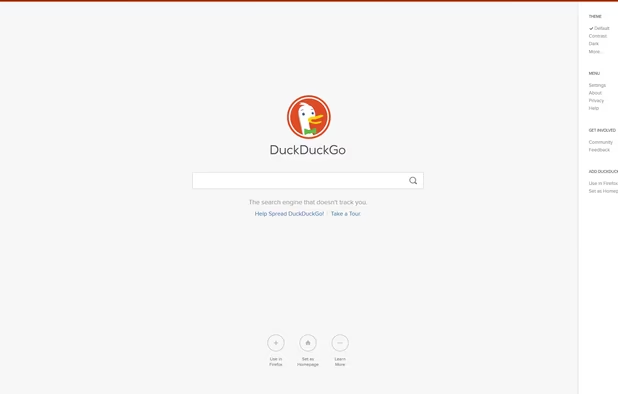
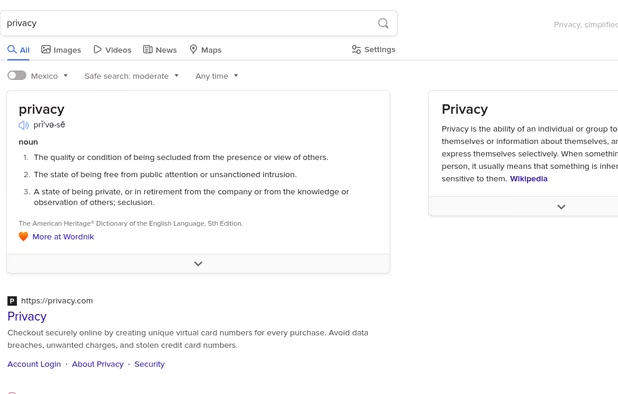
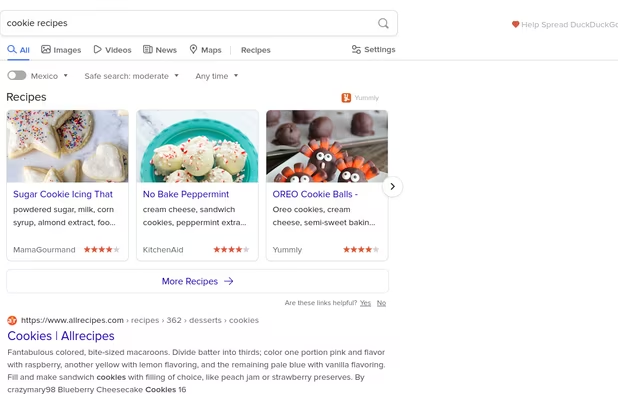
  1. OS, Browser and Search engine

  2. Because I'm forced to. Thanks Dad.
    Cost / License

    • Paid
    • Proprietary

    Application type

    Platforms

    • Windows
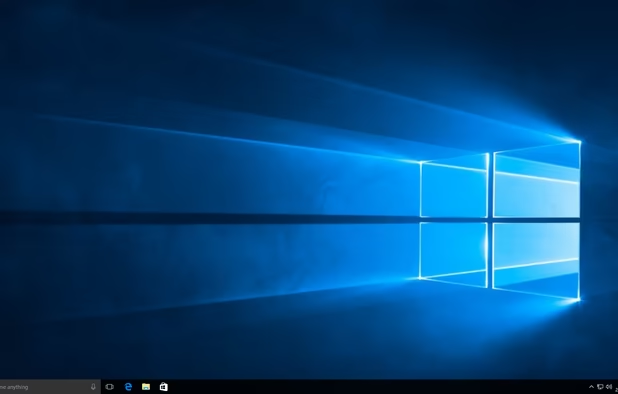
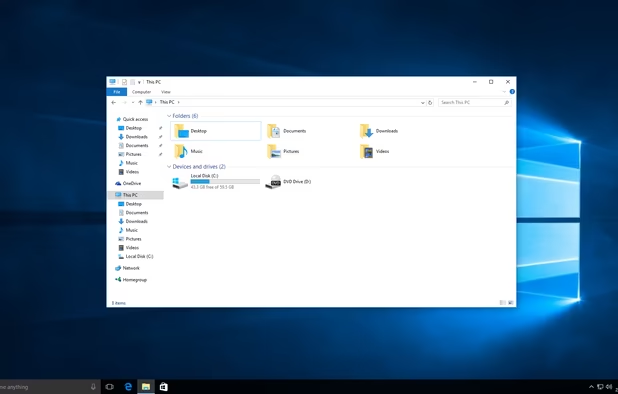
    Windows 10 screenshot 1
    Windows 10 screenshot 1
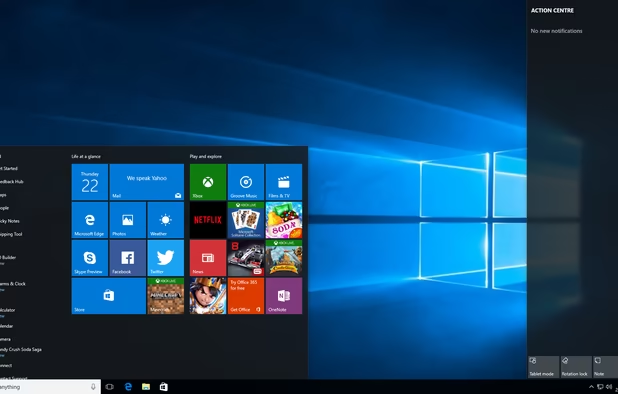
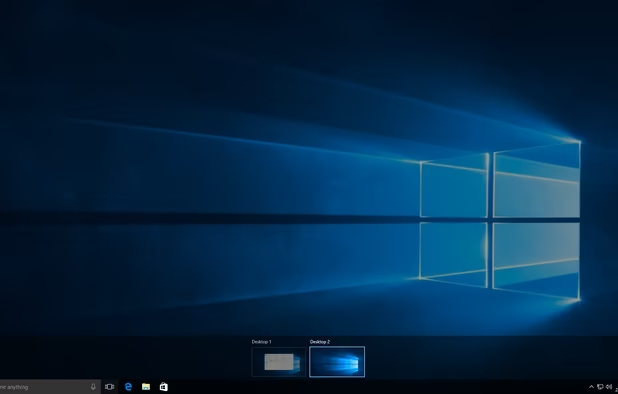
    Windows 10 screenshot 2
    +1
    Windows 10 screenshot 3
  3. LibreWolf icon
     Like

    Basically just Firefox but better.

    Cost / License

    • Free
    • Open Source

    Application type

    Platforms

    • Mac
    • Windows
    • Linux
    • AppImageHub
    • Linux Mint
    • Arch Linux
    • Gentoo
    • Flathub
    • Fedora
    • Ubuntu
    • Debian
    • Homebrew
    • Chocolatey
    • OpenBSD
    Homeage
    Settings
  4. Block trackers and ads. How do people even browse the web without one!

    Cost / License

    • Free
    • Open Source

    Application types

    Platforms

    • Microsoft Edge
    • Google Chrome
    • Thunderbird
    • Opera
    • Node.JS
    • Mozilla Firefox
    uBlock Origin screenshot 1
    uBlock Origin screenshot 1
    uBlock Origin screenshot 2
    +3
    uBlock Origin screenshot 3
  5. Email and file sharing

  6. Gmail icon
     Like

    I only need encrypted-at-rest, so Gmail suffices. But make sure to turn off ad personalization.

    Cost / License

    • Free
    • Proprietary

    Platforms

    • Online
    • Android
    • iPhone
    • Chrome OS
    • Android Tablet
    • iPad
    • Google Chrome
    • Android Wear
    • Android TV
    • Software as a Service (SaaS)
    Gmail screenshot 1
    Gmail screenshot 1
    Gmail screenshot 2
    +5
    Gmail screenshot 3
  7. If you only need 15GB and encrypted-at-rest then Drive will suffice.

    Cost / License

    • Freemium
    • Proprietary

    Platforms

    • Mac
    • Windows
    • Online
    • Android
    • iPhone
    • Chrome OS
    • Android Tablet
    • iPad
    • Software as a Service (SaaS)
    Google Drive screenshot 1
    Google Drive screenshot 1
    Google Drive screenshot 2
    +7
    Google Drive screenshot 3
  8. If you need to host large files but not sensitive information, then Terabox will work. (It could very well be encrypted at rest but the help center isn't very clear)

    Cost / License

    • Free
    • Proprietary

    Platforms

    • Online
    • Android
    • iPhone
    All-in-One AI Workspace

TeraBox AI workspace dashboard featuring Tera AI, AI Notebook, AI Presentation, AI Writing, image generation, video generation, transcription, and other productivity tools
    AI Presentation Maker

TeraBox AI Presentation Maker for generating presentation slides from prompts or uploaded files, with templates for business, education, research, marketing, and other use cases.
    PDF Conversion Tools

TeraBox PDF conversion interface for turning PDF files into editable Word, PowerPoint, Excel, image, and other supported formats.
    +2
    Text-to-Image Generation

TeraBox text-to-image generator creating a retro travel poster from a detailed text prompt, with options to download or share the result.
  9. Security

  10. Bitwarden icon
     Like

    This is my password manager.

    Cost / License

    • Freemium
    • Open Source

    Platforms

    • Mac
    • Windows
    • Linux
    • Online
    • Android
    • iPhone
    • Android Tablet
    • iPad
    • Self-Hosted
    • Apple Watch
    • Snapcraft
    • Microsoft Edge
    • Vivaldi
    • Google Chrome
    • Flathub
    • Microsoft SQL Server
    • Tor Browser
    • Safari
    • F-Droid
    • Software as a Service (SaaS)
    • Flatpak
    • Cloudron
    • Docker
    • Opera
    • Chocolatey
    • Mono
    • Brave
    • AppImage
    • Mozilla Firefox
    Bitwarden screenshot 1
    Bitwarden screenshot 1
    Bitwarden screenshot 2
    +11
    Bitwarden screenshot 3
  11. addy.io icon
     Like

    I simply use it to hide my email.

    Cost / License

    • Freemium
    • Open Source

    Platforms

    • Online
    • Android
    • iPhone
    • Android Tablet
    • iPad
    • Self-Hosted
    • Microsoft Edge
    • Google Chrome
    • Safari
    • F-Droid
    • Software as a Service (SaaS)
    • Mozilla Firefox
    Manage aliases from the dashboard
    The main interface for the Firefox extension
    Settings for the extension
    +1
    Generate Random Chars alias using the extension.
  12. Replit icon
     Like

    I use it to host my apps (I do develop some!) and host self-hosted applications (if I will use one). The hacker plan is worth it, but they are slowly killing it off with the Cycles cow poop.

    Cost / License

    • Freemium
    • Proprietary

    Application types

    Platforms

    • Online
    • Android
    • iPhone
    • Android Tablet
    • iPad
    • Mac
    • Windows
    Replit screenshot 1
    Replit screenshot 1
    Replit screenshot 2
    +1
    Replit screenshot 3
No comments so far, maybe you want to be first?
Gu