

The latest Windows update with a redesigned Start menu, Widgets integration, Xbox gaming features, and tighter security requirements, built with modern hardware in mind.


+2


Windows has become a more secure operating system with a strong focus on security. New versions of Windows were built with hardware isolation, verified boot, and strong exploit mitigations. Although Windows does contain a lot of telemetry, a lot of it can be disabled in the settings. Do not be paranoid. Microsoft is a trusted company.
Most people should use the newest Windows version (Windows 11) with a Microsoft account and only install apps from the Microsoft Store. For the best security, you should buy a recent Windows Secured-Core PC.
Reading Material: https://learn.microsoft.com/en-us/windows/security/threat-protection/microsoft-defender-application-guard/md-app-guard-overview https://www.microsoft.com/en-us/windows/comprehensive-security https://www.microsoft.com/security/blog/2021/06/25/windows-11-enables-security-by-design-from-the-chip-to-the-cloud/ https://www.microsoft.com/en-us/windows/business/windows-11-secured-core-computers
The latest Windows update with a redesigned Start menu, Widgets integration, Xbox gaming features, and tighter security requirements, built with modern hardware in mind.

Find the apps, games, and shows you want, fast, in Microsoft Store, including your favorite mobile apps that now work on your PC.


Chromium browsers are preferred as they are more secure than other browsers, having strong sandboxing with site isolation as well as modern exploit mitigations. In general, you should use your browser for most online activities including checking your email and reading PDFs.

Microsoft Edge is the only browser recommended for Windows as it is the only browser to natively support hardware isolation. It supports Microsoft Defender Application Guard and has an enhanced security mode which, when enabled, disables JIT and enables several exploit mitigations. Although Edge does have telemetry, most of it can be disabled in the settings. For additional privacy, consider using the Microsoft Edge Secure Network.
Sources: https://docs.microsoft.com/en-us/windows/security/threat-protection/microsoft-defender-application-guard/md-app-guard-overview https://microsoftedge.github.io/edgevr/posts/Introducing-Enhanced-Security-for-Microsoft-Edge/ https://techcommunity.microsoft.com/t5/articles/introducing-microsoft-edge-secure-network/m-p/3367243


Most people should use Microsoft Office as it supports Microsoft Defender Application Guard (MDAG) preventing untrusted files from accessing trusted resources. Those who cannot afford Microsoft Office can use the free online version or the online version of ONLYOFFICE, both of which work inside Microsoft Edge.

Office suite offering productivity tools for document creation, collaboration, and AI-enhanced editing across various platforms and devices.


Open-source suite for editing documents, spreadsheets, presentations, forms, and PDF files with co-editing modes, plugin support, AI assistant, and integration across 40+ platforms.


It's best to avoid third-party security tools when possible as it increases attack surface and can break the Windows security model (e.g. Veracrypt breaks Trusted Boot). Do not use third-party anti-spying tools like ShutUp10. Use official documentation from Microsoft.

Windows Security (known as Windows Defender Antivirus before Windows 10 May 2020 Update, Windows Defender before Windows 10 Creators Update, or Microsoft Defender Antivirus before Windows 11) is an anti-malware component of Microsoft Windows.


BitLocker Drive Encryption is a data protection feature that integrates with the operating system and addresses the threats of data theft or exposure from lost, stolen, or inappropriately decommissioned computers.


a new lightweight desktop environment tailored for safely running applications in isolation.


Hard_Configurator offers a GUI to manage software restriction policies on Windows systems. While the tasks can all be achieved through  Regedit this app greatly simplifies the configuration process.


These tools come with Windows. Avoid PC cleanup/tuneup utilities like CCleaner and uninstallers like Revo Uninstaller.

Disk Cleanup is a computer maintenance utility included in Microsoft Windows designed to free up disk space on a computer's hard drive. The utility first searches and analyzes the hard drive for files that are no longer of any use, and then removes the unnecessary files.


Microsoft Hyper-V Server is a free product that delivers enterprise-class virtualization for your datacenter and hybrid cloud.

You should use the default Microsoft apps when possible and only install additional software when there is no first-party alternative or the app is something you need (Steam, Discord, a VPN, etc.) as installing extra software increases attack surface and gives you more parties to trust.
All apps listed here are available in the Microsoft Store. Only install what you need.

Bandizip is a powerful archiver which provides an ultrafast processing speed and convenient features. Available free of charge, and its paid editions support a variety of advanced features.


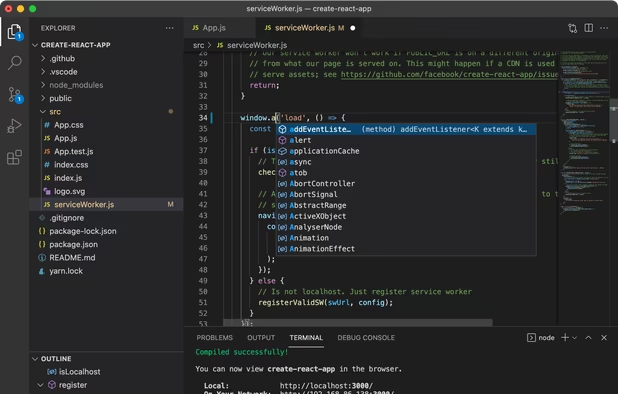
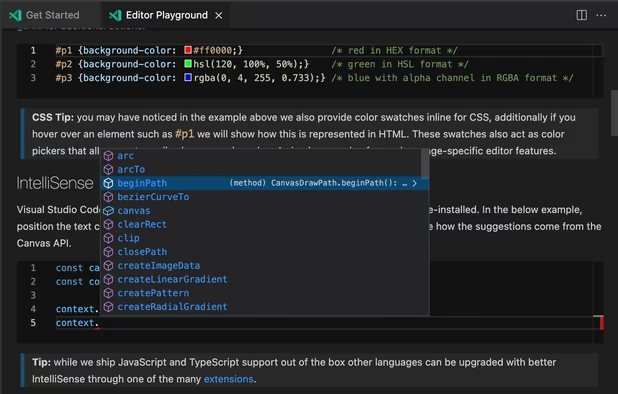
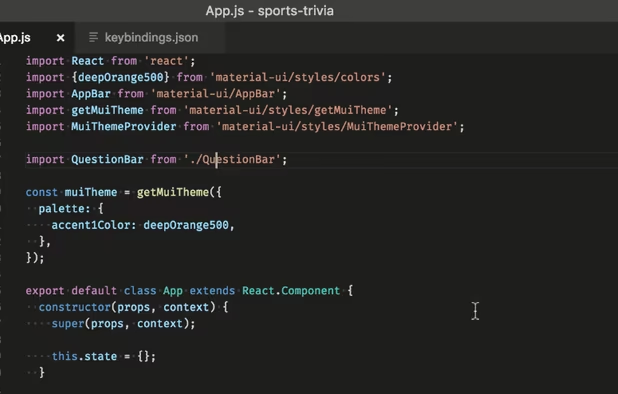
Free, extensible code editor with Git integration, AI-driven IntelliCode, and 30,000+ extensions, supporting various languages like Python, Java.
Additional Reading Material: https://github.com/beerisgood/Windows11_Hardening https://decentsecurity.com/securing-your-computer/ https://www.thewindowsclub.com/how-to-use-windows-security-on-windows-11
Avoid insecure Sandboxie: https://malwaretips.com/threads/windows-sandbox-vs-edge-application-guard-window-which-is-safer.93405/#post-821946 https://malwaretips.com/threads/windows-sandbox-vs-edge-application-guard-window-which-is-safer.93405/page-2#post-822054 https://malwaretips.com/threads/sandboxie-should-be-avoided-in-2019-and-above.93426/


