• Tor Browser icon
  • Bromite icon
  • Mull icon
  • Fennec F-Droid  icon
  • monocles browser icon
  • +4

Hardened Android Browsers

undeniably_lizardundeniably_lizard9 appsUpdated
Copy a direct link to this comment to your clipboard

These are some of the best browsers on Android that let you take back your digital privacy. The list is descending from best to worse in terms of protection. This is not to say that the best option is not private and is still better than, for example, Goolag Chrome.

  1. The Tor software protects you by bouncing your communications around a distributed network of relays run by volunteers all around the world: it prevents somebody watching your Internet connection from learning what sites you visit, it prevents the sites you visit from learning...

    Cost / License

    • Free
    • Open Source

    Application type

    Platforms

    • Mac
    • Windows
    • Linux
    • Android
    • Flathub
    • OpenBSD
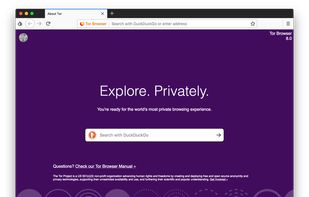
    Tor Browser screenshot 1
    Tor Browser screenshot 1
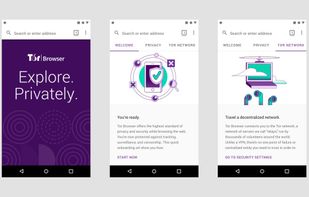
    Tor Browser 10.0.3 is now based on the new version of Firefox for Android.
    +1
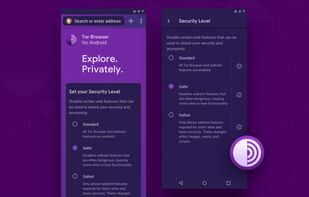
    Tor browser for android alpha
    undeniably_lizardundeniably_lizard’s note

    The Tor Browser unarguably provides the utmost privacy and anonymity. However, it may be hard for everyday use since it breaks many websites even on the least safe mode. Recommended to use when you can.

  2. Bromite icon
     Like

    Bromite is a Chromium fork with support for ad blocking and enhanced privacy.

    Cost / License

    • Free
    • Open Source

    Application type

    Platforms

    • Android
    • Android Tablet
    • F-Droid
    Bromite screenshot 1
    Bromite screenshot 2
    Bromite screenshot 3
    undeniably_lizardundeniably_lizard’s note

    A major down-step compared to Tor, Bromite is still an awesome choice. It includes patches from multiple great browsers like Vanadium and provides an ungoogled experience out-of-the-box. Moreover, you can harden and configure it according to your needs. If you don’t like Firefox based browsers, this is the choice.

  3. Mull icon
     Like

    This is a privacy oriented and deblobbed web browser based on Mozilla Firefox icon Mozilla Firefox technology. It enables many features upstreamed by the Tor icon Tor Uplift project using preferences from the arkenfox-user.js project.

    Cost / License

    • Free
    • Open Source

    Application type

    Platforms

    • Android
    • F-Droid
    Mull screenshot 1
    undeniably_lizardundeniably_lizard’s note

    Mull is what I would recommend if you want to support Firefox based browsers. I personally trust this more because it is not related to the Mozilla Foundation in any way. Since it is developed by DivestOS, there is no data collection. Plus, you can of course harden it and configure it according to your needs. This is like Bromite but for Firefox.
  4. Browser using the Gecko layout engine to render web pages, which implements current and anticipated web standards.

    Cost / License

    • Free
    • Open Source

    Application type

    Platforms

    • Android
    • F-Droid
    • OpenAPK
    Start page
    Fennec F-Droid  screenshot 2
    Extension support
    undeniably_lizardundeniably_lizard’s note

    While Fennec is better than the vanilla Firefox, it still is developed by the Mozilla Foundation. You can expect some data collection by default (can be turned off) and some redundant things like syncing with Firefox accounts. If you do not need to sync your tabs between devices, (and want to support Firefox), you should definitely use Mull.

  5. An open source, privacy respecting, Android browser based on Privacy Browser by Soren Stoutner.

    Cost / License

    • Free
    • Open Source

    Application type

    Platforms

    • Android
    • F-Droid
    monocles browser screenshot 1
    monocles browser screenshot 2
    monocles browser screenshot 3
    undeniably_lizardundeniably_lizard’s note

    Most people do not know this browser but this is in fact very customizable. You can configure and tweak just about everything to match your privacy needs. It is in fact so customizable that you can easily break most websites. You can easily disable javascript and cookies, filter dns requests, change the user agent and more. However, it is based on the default rendering engine so it might not include the simple Chromium layout and settings.

  6. "FOSS Browser" is a fully free (as in freedom) open source Android browser: privacy-friendly with a modern user interface. - Your privacy - your data.

    Cost / License

    • Free
    • Open Source

    Application type

    Platforms

    • Android
    • Android Tablet
    • F-Droid
    FOSS Browser screenshot 1
    FOSS Browser screenshot 2
    FOSS Browser screenshot 3
    undeniably_lizardundeniably_lizard’s note

    Like Monocles browser, FOSS browser is also based on system web view. But unlike it, this one provides less privacy options and tweaks while providing a beautiful material ui. Seriously, this is the best browser in terms of looks. Still, it is a bit hard to use since it is not based on Chromium and you will have a hard time learning which settings is where. If you like it though, I find it pretty much usable and would recommend it.

  7. Brave icon
     Like

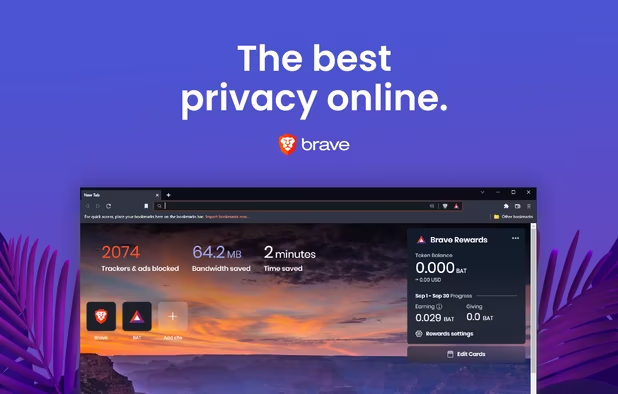
    Fast, secure browser with built-in ad block, privacy controls, and global tracking protections. Optimizes data, speed, and battery life.

    Cost / License

    • Free
    • Open Source

    Application type

    Platforms

    • Mac
    • Windows
    • Linux
    • Android
    • iPhone
    • Android Tablet
    • iPad
    • Snapcraft
    • Epic Games Store
    • Flathub
    • Samsung Galaxy Store
    • F-Droid
    • Homebrew
    • Chocolatey
    Brave screenshot 1
    Brave screenshot 1
    Brave screenshot 2
    +7
    Brave screenshot 3
    undeniably_lizardundeniably_lizard’s note

    I personally like Brave’s philosophy and think it is a great option for beginners. Nevertheless, I would argue that the application is a bit bloated. There is all these crypto stuff, some data collection by default, tab syncing, crypto wallets, Brave news, and whatnot. If you like the company, go for this browser. But if you prefer a simpler Chrome experience, go for Bromite.

  8. Open-source browser with Gecko engine, supporting HTML add-ons and providing privacy features like Enhanced Tracking Protection and third-party cookie blocking.

    Cost / License

    • Free
    • Open Source

    Application type

    Platforms

    • Mac
    • Windows
    • Linux
    • Android
    • iPhone
    • Android Tablet
    • BSD
    • HUAWEI AppGallery
    • iPad
    • AppImageHub
    • Snapcraft
    • Linux Mobile
    • Flathub
    • Samsung Galaxy Store
    • PortableApps.com
    • Haiku
    • Flatpak
    • Homebrew
    • Chocolatey
    • Gecko
    • F-Droid
    More protection from the start
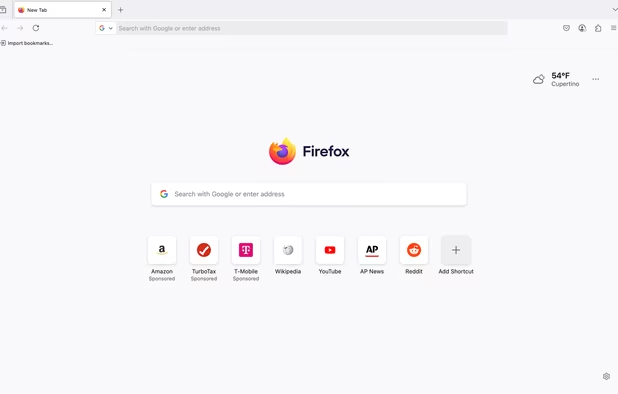
    Firefox Desktop (Light Theme)
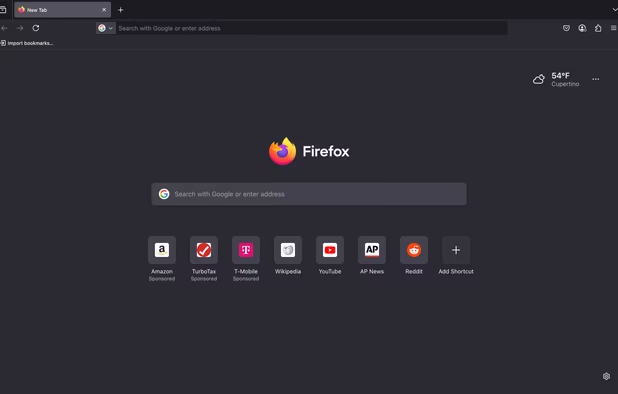
    Firefox Desktop (Dark Theme)
    +8
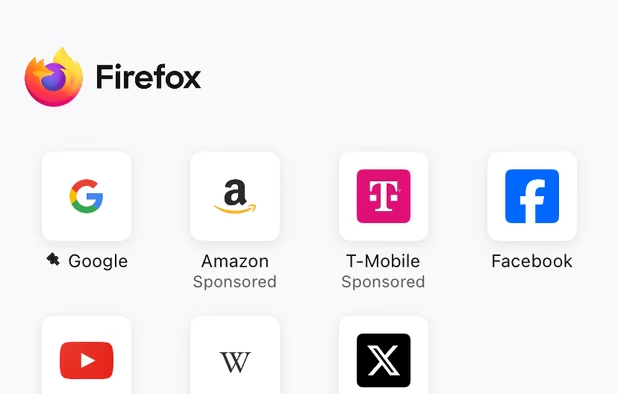
    Firefox iOS (Light Theme)
    undeniably_lizardundeniably_lizard’s note

    Yes, you can add extensions, escape the Chromium monopoly and have a different UI. But you don’t have to use Mozilla Firefox to do this. You can use a hardened version like Fennec or Mull. This is because there is (by default) some data collection by Mozilla. There is a reason why this browser is not officially available in F-droid: it simply includes too much proprietary components and bits. Again, I recommend using Fennec instead of this.

  9. Privacy-focused search engine offering Zero-click Info, instant answers, and more, built from open-source software for a user-friendly experience.

    Cost / License

    • Free
    • Proprietary

    Application type

    Platforms

    • Online
    • Microsoft Edge
    • Google Chrome
    • Tor
    • Opera
    • Mozilla Firefox
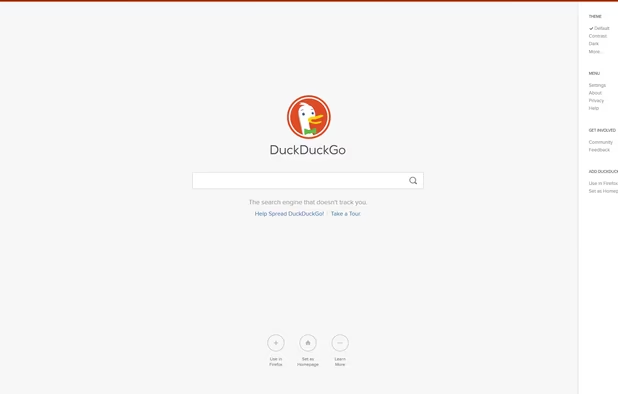
    DuckDuckGo Homepage
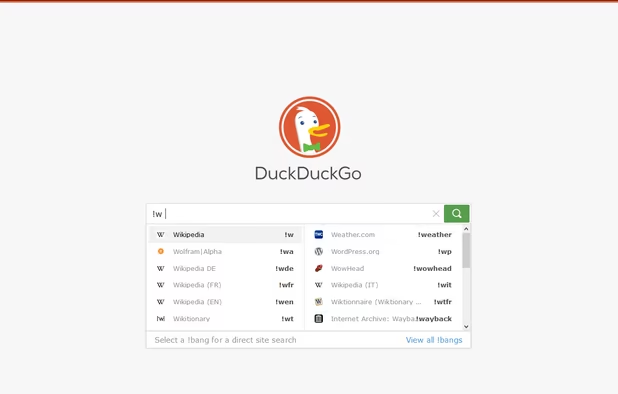
    DuckDuckGo screenshot 1
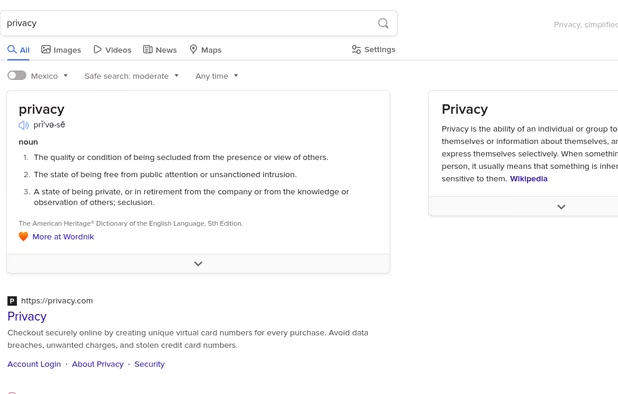
    DuckDuckGo screenshot 2
    +16
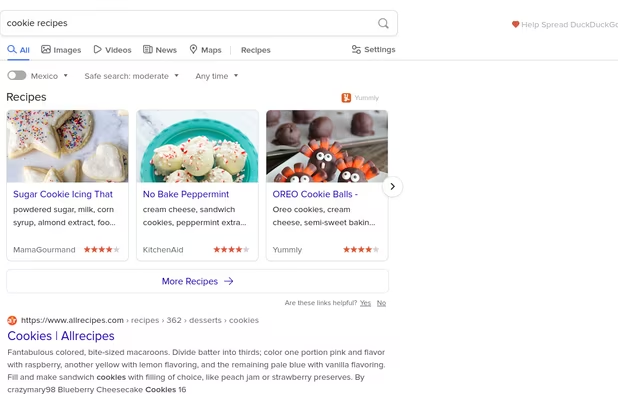
    DuckDuckGo screenshot 3
    undeniably_lizardundeniably_lizard’s note

    In my opinion, this is the bare minimum browser you should be using on your phone. It has so little customization that you literally cannot break anything even if you tried to. It is literally foolproof. Plus, it includes some services like email protection and some sort of a VPN. It will block most trackers and is an excellent place to start your privacy journey. I would recommend this for literally anyone wanting to use something more private.

Thanks for reading my guide. These browsers are a good place to start on Android. As I wrote, you should at least be using DuckDuckGo’s Android browser instead of a random OEM browser preinstalled on your phone and Goolag Chrome. Please comment any suggestion you have down there.

No comments so far, maybe you want to be first?