Switching to Linux

It's been a long time coming; I've tried Linux the first time 8 years ago, and since then I've been coming and going, testing different versions and distros, but always returning to Windows. No more.

This list is not based only on FOSS and Privacy-aware alternatives, but on things that make sense for my daily usage. Of course, I choose to limit my usage of tools from companies such as Google, Facebook and Amazon, but I don't really mind Microsoft's and Apple's policies regarding data usage. They're clear of what they gather and why they do it, and I understand that.

I'm a curious mind, and that's what drives me to Linux, but I need a stable, easy-to-use and feature packed environment to do my work, so don't expect to find Nextcloud or Arch here.

De
DehList by Deh, last updated 
Copy a direct link to this comment to your clipboard
  1. My system

    This is my basic environment, everything that makes a computer, well... a computer!

  2. Ubuntu icon
     Like

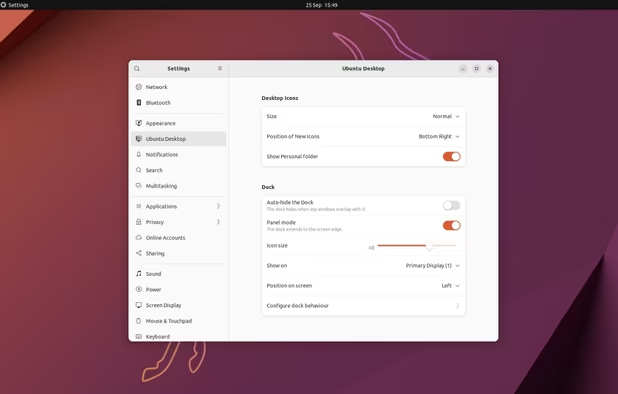
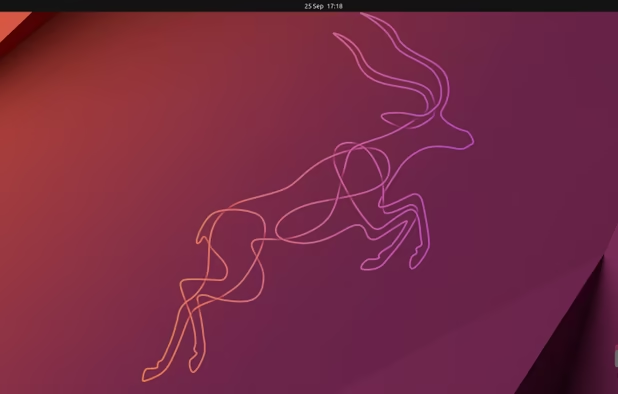
    Ubuntu is not the best Linux distro. It has privacy issues and sometimes things don't work out the way they're intended to. However, Ubuntu has the most features and compatibility for out-of-the-box usage, and it has a huge active community that helps a lot when bugs creep their way in. Ubuntu also has great support for drivers, including Wacom tablets (that work flawlessly with GIMP).

    Sure, I could've chosen Pop!_OS as it has even more features and is more well-designed with fewer bugs, but that takes me to the second entry:
    Cost / License

    • Free
    • Open Source

    Platforms

    • Linux
    • Ubuntu
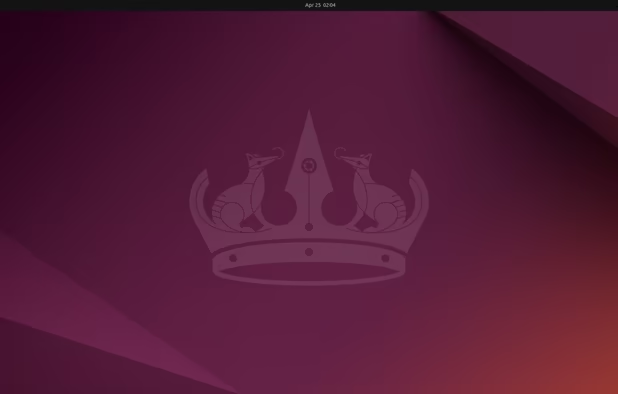
    Ubuntu 24.04 with Gnome 46
    Ubuntu screenshot 1
    Ubuntu screenshot 2
    +1
    Ubuntu screenshot 3
  3. Unity was the default desktop environment for Ubuntu until 2017, when it was abandoned by Canonical. But the Linux community never leaves a good thing to die, and Unity has risen again just three years later from the hands of a really young and talented developer, who released Ubuntu Unity Remix and is trying his hardest and best to make it an official Ubuntu Flavor, just like Kubuntu, MATE and Budgie. Unity is out-dated, for sure, but this developer has made tweaks to bring it to this decade, and now it has gained back its crown for best Linux DE.

    Unity is fast, easy to use, keyboard-centered, works really well with multiple monitors, has lots of tweaking options to let us, the users, make the most out of the system, and it is truly beautiful, specially with the new 21.04 version theming (Yaru-Unity) and third party icon theme Suru++.

    Cost / License

    • Free
    • Open Source

    Application type

    Platforms

    • Linux
    On Ubuntu 11.04
    Unity Desktop Environment screenshot 1
  4. The basics

    Let's start with the tools and programs that are available on multiple platforms and that I had already used on Windows.

  5. Great tool. Lightweight, privacy focused, modern and always up-to-date. Firefox and Firefox Sync are essential.

    Cost / License

    • Free
    • Open Source

    Platforms

    • Mac
    • Windows
    • Linux
    • Android
    • iPhone
    • Android Tablet
    • BSD
    • iPad
    • AppImageHub
    • Snapcraft
    • Flathub
    • Samsung Galaxy Store
    • PortableApps.com
    • Haiku
    • Flatpak
    • Homebrew
    • Chocolatey
    • Gecko
    Firefox Desktop (Light Theme)
    Firefox Desktop (Dark Theme)
    Firefox iOS (Light Theme)
    +7
    Firefox iOS (Dark Theme)
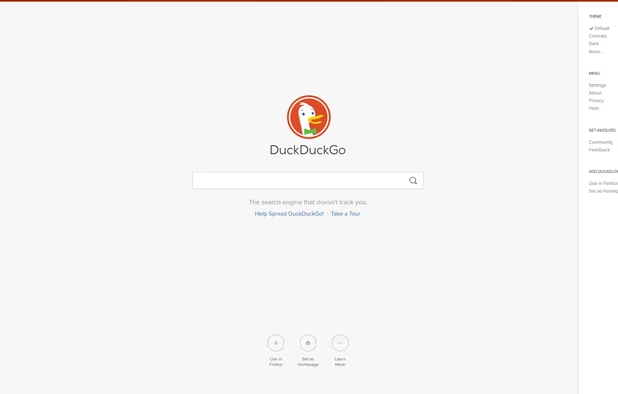
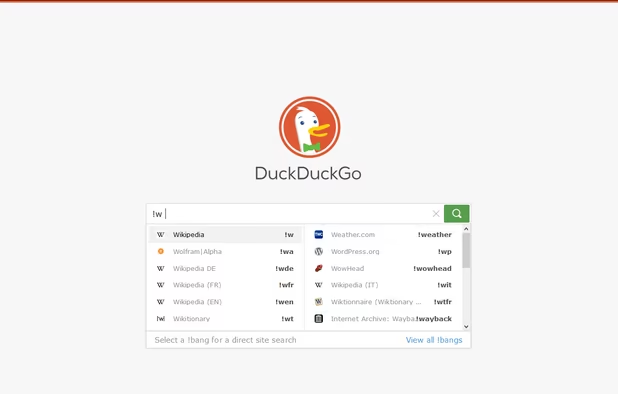
  6. Not the best search engine, but certainly more secure than Google. It's been doing the job for me for almost 3 years with no problems. Whenever I don't find what I want I can quickly jump into a Google Container in Firefox and use Google with the peace of mind that Google won't be able to track me.

    Cost / License

    • Free
    • Proprietary

    Platforms

    • Online
    • Android
    • iPhone
    • Android Tablet
    • iPad
    • Microsoft Edge
    • Vivaldi
    • Google Chrome
    • Safari
    • F-Droid
    • Yandex Browser
    • Tor
    • Opera
    • Mozilla Firefox
    DuckDuckGo Homepage
    DuckDuckGo screenshot 1
    DuckDuckGo screenshot 2
    +16
    DuckDuckGo screenshot 3
  7. Bitwarden icon
     Like

    Firefox used to have its own password manager, but it has been discontinued. Bitwarden is the obvious choice after that. You only have to install an extension, set up your account and use it. It's completely free (with the option to pay if you want to support the project and get sweet premium features) for any number of devices and it's widely available on Linux, Windows, macOS, Android, iOS, Web, Chrome, Firefox, Edge, Opera... you get the vibe here. It's safe, it's easy, it's private, it's great. It also stores notes, credit cards, personal info, generates passwords with various complexity levels, and has now announced the Bitwarden Send, from which you can upload files and send them in a secure and encrypted link to someone. All free.

    Cost / License

    • Freemium
    • Open Source

    Platforms

    • Mac
    • Windows
    • Linux
    • Online
    • Android
    • iPhone
    • Android Tablet
    • iPad
    • Self-Hosted
    • Apple Watch
    • Snapcraft
    • Microsoft Edge
    • Vivaldi
    • Google Chrome
    • Flathub
    • Microsoft SQL Server
    • Tor Browser
    • Safari
    • F-Droid
    • Software as a Service (SaaS)
    • Flatpak
    • Cloudron
    • Opera
    • Chocolatey
    • Mono
    • Brave
    • Mozilla Firefox
    • Docker
    Bitwarden screenshot 1
    Bitwarden screenshot 1
    Bitwarden screenshot 2
    +10
    Bitwarden screenshot 3
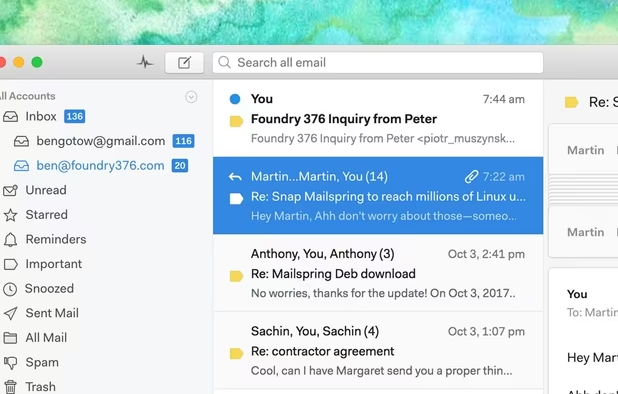
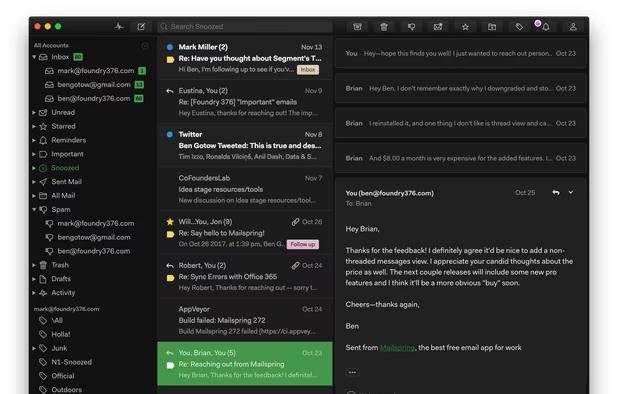
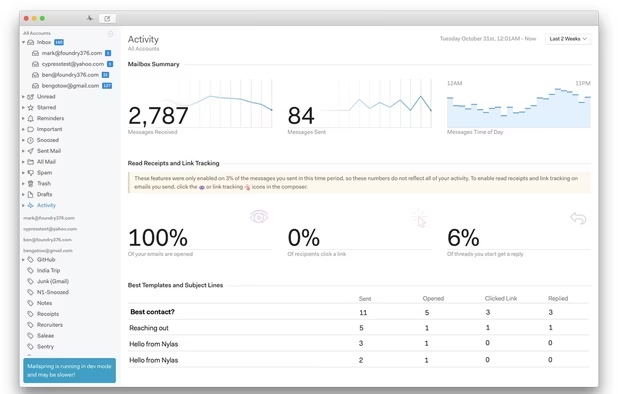
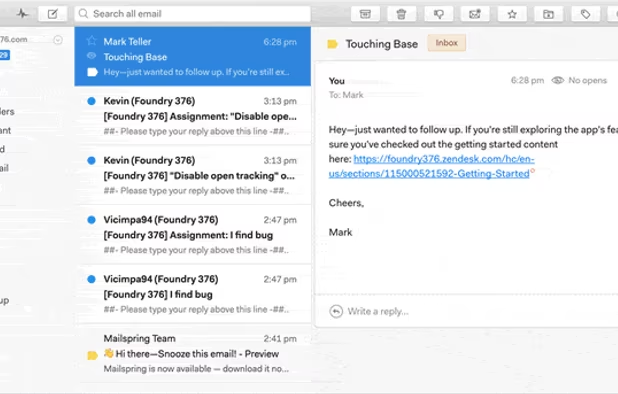
  8. Mailspring is the to-go mail app if you have Linux and need all your proprietary and open source email in a single place. It works like a charm, even with iCloud.

    Cost / License

    • Freemium
    • Open Source

    Platforms

    • Mac
    • Windows
    • Linux
    • Arch Linux
    • Fedora
    • Ubuntu
    Clean design with integrated search and swipe gestures
    Built-in dark theme
    Advanced mailbox analytics
    +1
    Mailspring comes with six great themes!
  9. I trust Apple more than I trust Spotify, and they also pay more for the artists, while I pay the same price. It doesn't have a dedicated app, but it has a decent web player, and I mostly use it on my phone anyway.

    Cost / License

    • Paid
    • Proprietary

    Platforms

    • Mac
    • Windows
    • Linux
    • Online
    • Android
    • iPhone
    • iPad
    • Apple Watch
    • Apple Car Play
    • Xbox
    Apple Music screenshot 1
    Apple Music screenshot 1
    Apple Music screenshot 2
    +5
    Apple Music screenshot 3
  10. Discord icon
     Like

    Discord is one the best communication apps available. And it works on Linux. Great plus.

    Cost / License

    • Freemium
    • Proprietary

    Platforms

    • Mac
    • Windows
    • Linux
    • Online
    • Android
    • iPhone
    • Android Tablet
    • iPad
    • Snapcraft
    • Epic Games Store
    • Flathub
    • Electron
    • Playstation
    • Xbox
    Desktop UI
    Desktop UI Color Customization
    Cross Platform Video Chat and Screensharing
    +8
    Phone UI
  11. Steam icon
     Like

    Steam is what saved Linux computers from becoming an enterprise OS focused only on stability (or cutting edge, depending on what you use), coding and hosting. It brings to Linux everything you love about your Windows gaming machine, including a compatibility layer for games that were not developed for the Linux system and works with most games available on the store, including Microsoft titles such as Age of Empires (one of my personal favorites). Steam and Proton are simply amazing if you want to game on your PC.

    Cost / License

    • Free
    • Proprietary

    Application types

    Platforms

    • Mac
    • Windows
    • Linux
    • Online
    • Android
    • iPhone
    • Android Tablet
    • Windows Phone
    • iPad
    • Flathub
    • SteamOS
    Steam Store
    Steam Community
    Library
    +1
    Big Picture Mode
  12. My office

    So this is a tricky one: I'm a Microsoft 365 user, and Office doesn't have official clients for Linux except for Teams and Skype. But fear not! We don't need the Office Desktop Apps with all the power Linux has to offer!

  13. Okay, starting out with the Microsoft Office suite, because its web apps are getting more and more attention lately, coming closer to beating Google Docs. Also, if you have a phone or a tablet, it's the best mobile office suite available. Microsoft redesigned all of its apps for Android and iOS to be mobile-first experiences, and it is really paying off. I've used MS Office for years and I'm not giving that up now.

    Cost / License

    • Freemium
    • Proprietary

    Platforms

    • Mac
    • Windows
    • Online
    • Android
    • iPhone
    • Android Tablet
    • HUAWEI AppGallery
    • iPad
    Microsoft 365 Copilot screenshot 1
    Microsoft 365 Copilot screenshot 1
    Microsoft 365 Copilot screenshot 2
    +8
    Microsoft 365 Copilot screenshot 3
  14. "But how are you gonna use OneDrive on Linux?"

    OneDrive has a great terminal client available, fully open-sourced. It manages sync, download, upload, and you can fully integrate it onto your desktop. The only downside is that you won't be able to access cloud files unless you download them via terminal before usage. But I can simply select the folders I want to keep on my computer all the time and let the ones I don't use as upload only. There's so many configurations available you won't really miss the clunky, badly designed and buggy OneDrive Desktop Client.

    Cost / License

    • Freemium
    • Proprietary

    Platforms

    • Mac
    • Windows
    • Online
    • Android
    • iPhone
    • Chrome OS
    • Android Tablet
    • iPad
    • Kindle Fire
    Microsoft OneDrive screenshot 1
    Microsoft OneDrive screenshot 1
    Microsoft OneDrive screenshot 2
    +3
    Microsoft OneDrive screenshot 3
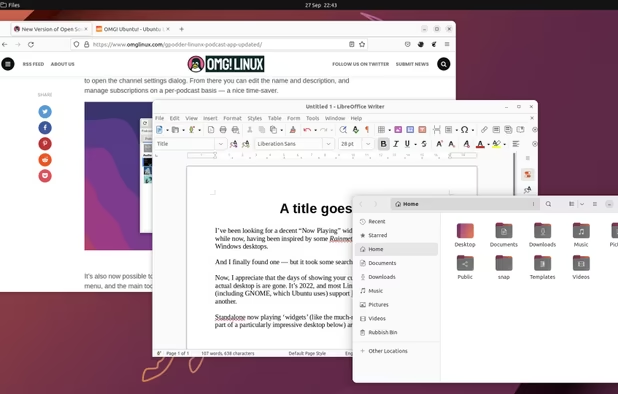
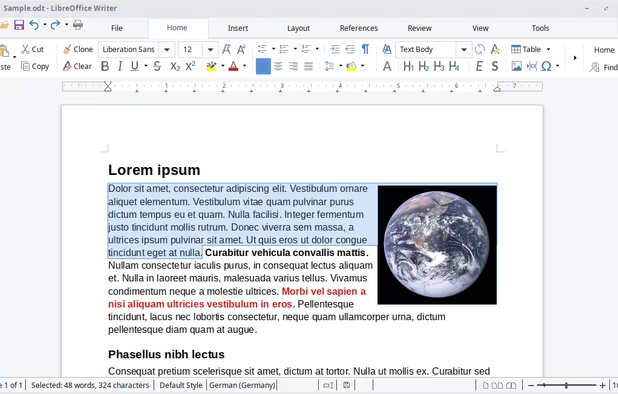
  15. LibreOffice is the standard for Linux Office use. It can open Office 365 files without any errors now, is packed with useful resources and simply works well. You will, however, want to change the default fonts on the apps, as they seem to have been brought back from the 90s.

    Cost / License

    • Free
    • Open Source

    Platforms

    • Mac
    • Windows
    • Linux
    • Android
    • BSD
    • Snapcraft
    • Flathub
    • PortableApps.com
    • F-Droid
    • Flatpak
    LibreOffice Writer on Linux
    LibreOffice Calc on Linux
    Main menu (old version)
    +8
    LibreOffice Writer on Windows 7
  16. Other tools

    Tools to replace both Windows apps and third-party paid tools.

  17. GIMP icon
     Like

    I'm not an artist, but GIMP is a great app for light work on pictures, drawings and photos. It can replace your Photos app edits if that's what you use it for, but it is almost as good as Photoshop for heavy duty.

    Cost / License

    • Free
    • Open Source

    Platforms

    • Mac
    • Windows
    • Linux
    • BSD
    • Snapcraft
    • Flathub
    • PortableApps.com
    • Haiku
    • Flatpak
    • AmigaOS
    yes
    GIMP 2.99.18 on Windows, non-default theme.
    GIMP screenshot 2
    +5
    GIMP screenshot 3
  18. Kdenlive icon
     Like

    Kdenlive is one of the best and easiest to use video editors I've personally used. Works for both light and heavy editing (although you'll probably want something a little more well-thought-out, such as DaVinci Resolve if editing is your job).

    Cost / License

    • Free
    • Open Source

    Platforms

    • Mac
    • Windows
    • Linux
    • BSD
    • KDE Plasma
    • Snapcraft
    • Flathub
    • Flatpak
    Logging
    Editing
    Audio
    +2
    Effects
No comments so far, maybe you want to be first?
Gu