Mac apps

ra
rahulsaigalList by rahulsaigal, last updated 
Copy a direct link to this comment to your clipboard
  1. Quick access to your files and folders in every app.

    Cost / License

    • Paid
    • Proprietary

    Platforms

    • Mac
    In Open and Save dialogs, Default Folder X's toolbar menus give you quick access to your files and folders
    Click on a Finder window to go to it in a file dialog. Right-click on a tabbed Finder window to choose which tab you want
    Add Default Folder X's menu to your Finder toolbars to quickly access files and folders there too
    +4
    Panels below Open dialogs let you preview, change info, tag, comment and change permissions
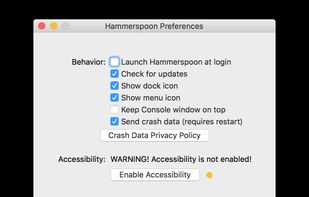
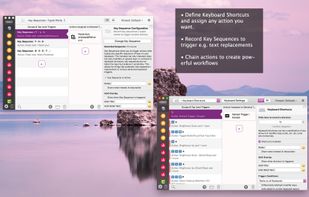
  2. This is a tool for powerful automation of OS X. At its core, Hammerspoon is just a bridge between the operating system and a Lua scripting engine.

    Cost / License

    • Free
    • Open Source

    Platforms

    • Mac
    Configuration window
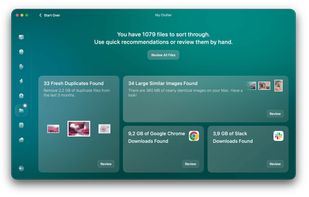
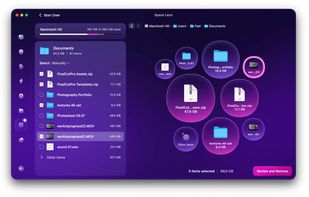
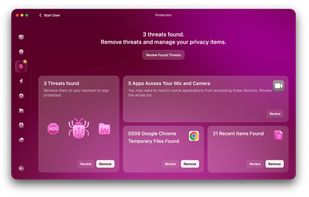
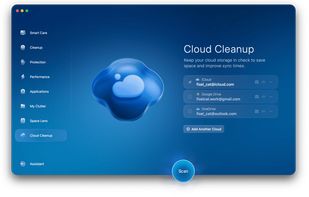
  3. Optimize your Mac with this all-in-one cleaner, removing junk, duplicates, malware, and boosting performance. Free up space and enhance security.
    Cost / License

    • Paid
    • Proprietary

    Platforms

    • Mac
    CleanMyMac screenshot 1
    CleanMyMac screenshot 1
    CleanMyMac screenshot 2
    +4
    CleanMyMac screenshot 3
  4. Dropzone icon
     Like

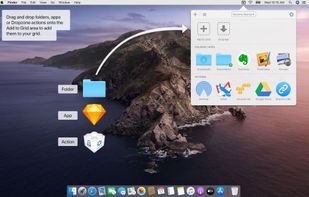
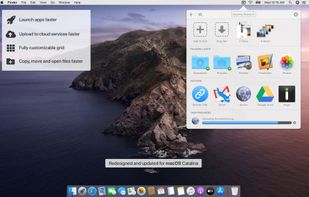
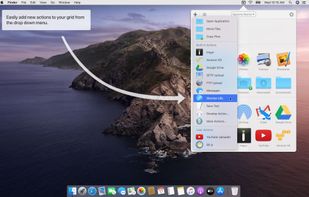
    Dropzone is a productivity app for the Mac that makes it faster and easier to move and copy files, launch applications, upload to many different services, and more.
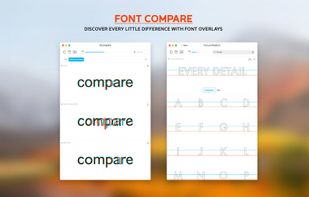
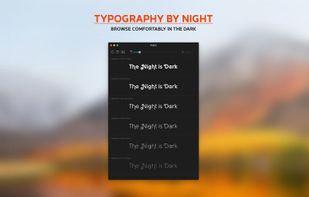
    Cost / License

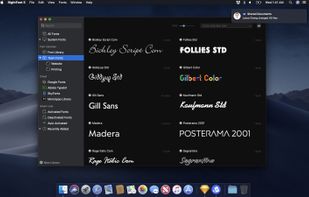
    • Paid
    • Proprietary

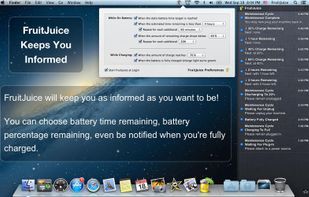
    Platforms

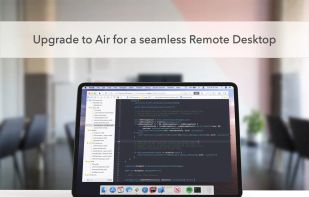
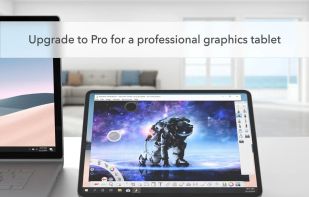
    • Mac
    Dropzone screenshot 1
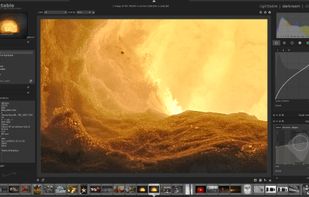
    Dropzone screenshot 1
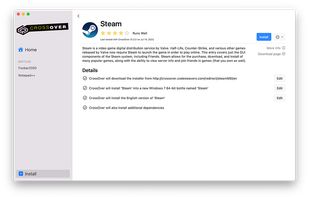
    Dropzone screenshot 2
    +2
    Dropzone screenshot 3
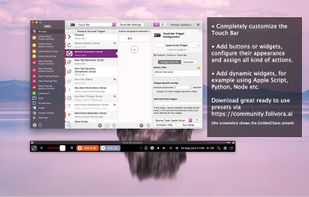
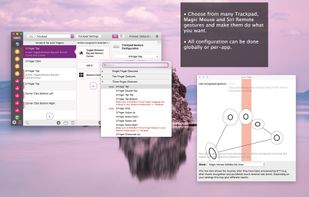
  5. BetterTouchTool is a great, feature packed app that allows you to configure many gestures for your Magic Mouse (1 & 2), Macbook Trackpad and Magic Trackpad (1 & 2) and also Mouse Gestures for normal mice.

    Cost / License

    • Paid
    • Proprietary

    Platforms

    • Mac
    BetterTouchTool screenshot 1
    BetterTouchTool screenshot 1
    BetterTouchTool screenshot 2
    +1
    BetterTouchTool screenshot 3
  6. Ulysses icon
     Like

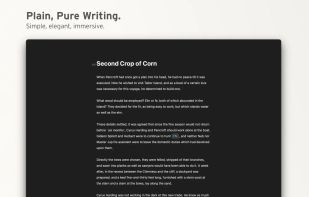
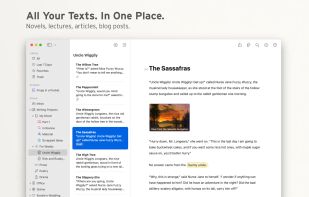
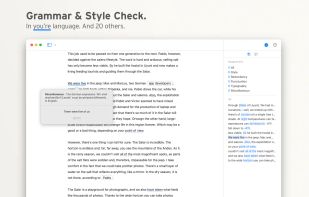
    Ulysses is a text editor for creative writers. Used by bloggers, poets, students and published novelists all over the world, it offers an integrated environment to brainstorm, draft, revise and even submit text on a professional level.
    Cost / License

    • Paid
    • Proprietary

    Platforms

    • Mac
    • iPhone
    • iPad
    Ulysses screenshot 1
    Ulysses screenshot 1
    Ulysses screenshot 2
    +5
    Ulysses screenshot 3
  7. NotePlan icon
     Like

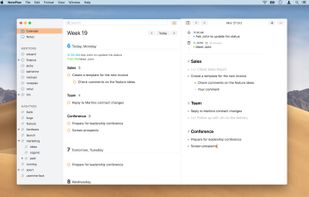
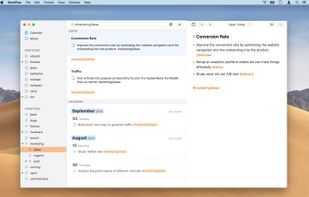
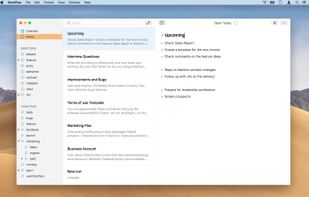
    NotePlan helps you to capture important details and keep track of things at work. Manage your calendar, todos and notes in one place.
    Cost / License

    • Paid
    • Proprietary

    Platforms

    • Mac
    • iPhone
    • iPad
    NotePlan screenshot 1
    NotePlan screenshot 1
    NotePlan screenshot 2
    +10
    NotePlan screenshot 3
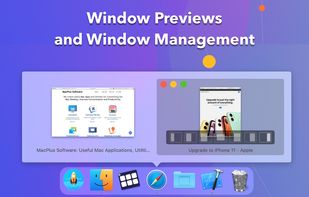
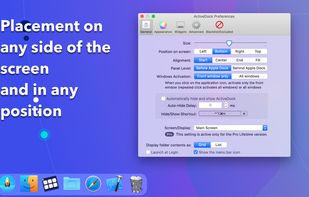
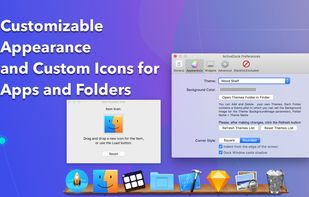
  8. ActiveDock 2 is a customizable alternative to the standard macOS Dock, offering advanced features for app launching, window management, appearance customization, and more. It fully replaces the classic Apple Dock and Launchpad while preserving their familiar look and behavior...
    Cost / License

    • Paid
    • Proprietary

    Platforms

    • Mac
    ActiveDock 2 screenshot 1
    ActiveDock 2 screenshot 1
    ActiveDock 2 screenshot 2
    +1
    ActiveDock 2 screenshot 3
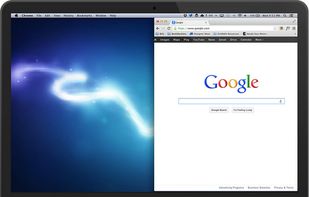
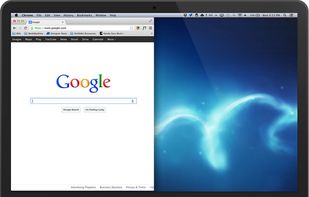
  9. No longer updated Mac utility to view documents side-by-side and move them between displays.
    Cost / License

    • Free
    • Open Source

    Application type

    Platforms

    • Mac
    Spectacle Wndow Manager screenshot 1
    Spectacle Wndow Manager screenshot 1
    Spectacle Wndow Manager screenshot 2
    +2
    Spectacle Wndow Manager screenshot 3
  10. Skim icon
     Like

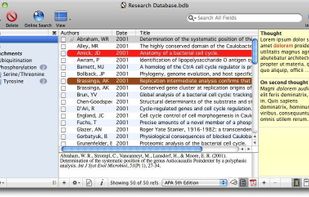
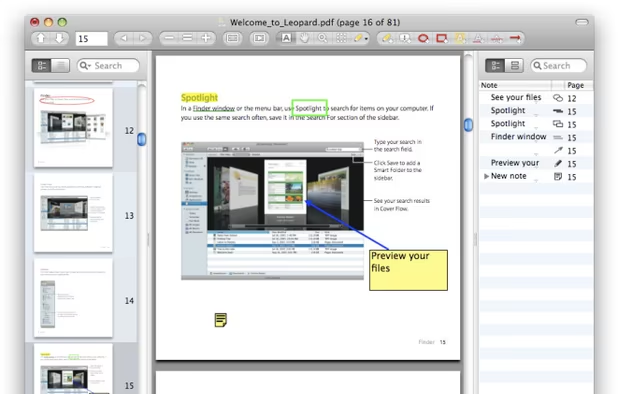
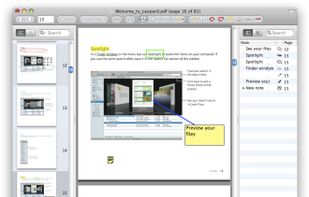
    PDF viewer and annotation tool for macOS supports scientific paper reading, note-taking, highlighting, bookmarks, multiple annotation types, and AppleScript.
    Cost / License

    • Free
    • Open Source

    Platforms

    • Mac
    The PDF Window
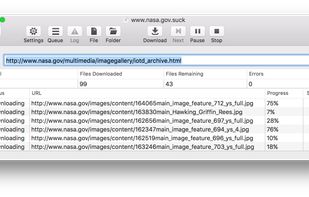
  11. macOS application that automatically downloads websites from the Internet. It does this by asynchronously copying the site's webpages, images, PDFs, style sheets, and other files to your local hard drive, duplicating the site's directory structure.

    Cost / License

    • Paid
    • Proprietary

    Platforms

    • Mac
    • iPhone
    SiteSucker screenshot 1
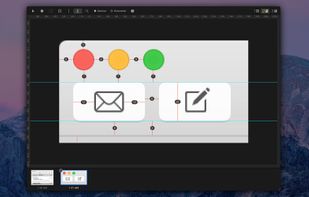
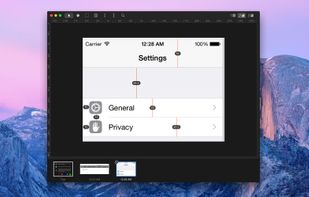
  12. Pixel Winch is a screen measurement app with a unique approach. It combines aspects of a traditional image editor with the quick access of a modal interface (similar to macOS's Launchpad, Mission Control, or Dashboard).
    Cost / License

    • Paid
    • Proprietary

    Platforms

    • Mac
    Pixel Winch screenshot 1
    Pixel Winch screenshot 1
    Pixel Winch screenshot 2
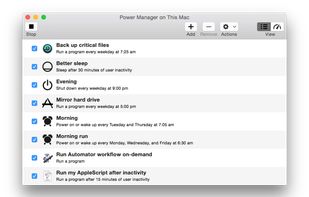
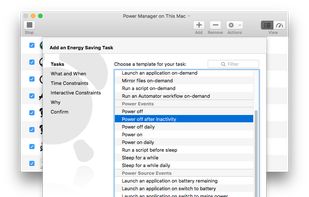
  13. Power Manager helps you save energy by reducing the running cost of your Mac. The savings appear on your energy bills, and in the time you save by taking advantage of Power Manager's ability to automate back-ups and other repetitive tasks.
    Cost / License

    • Paid
    • Proprietary

    Platforms

    • Mac
    Power Manager's events store
    Power Manager's Schedule Assistant
    Power Manager's Engine View
  14. Pixave icon
     Like

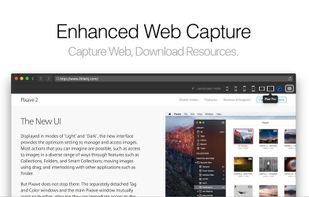
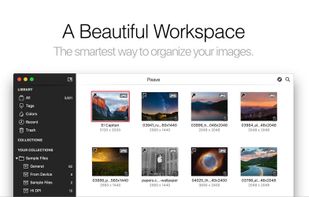
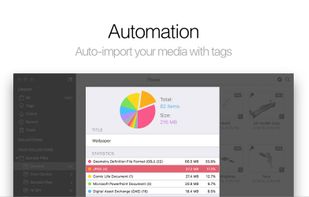
    Pixave’s is an innovative image organizer with a useful workspace that helps you focus on your images.
    Cost / License

    • Paid
    • Proprietary

    Application types

    Platforms

    • Mac
    • iPad
    Pixave screenshot 1
    Pixave screenshot 1
    Pixave screenshot 2
    +2
    Pixave screenshot 3
  15. Pixate icon
     Like

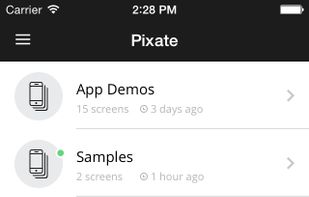
    Pixate generates 100% native prototypes, so you can experience your ideas on device as if they’re completely real.
    Cost / License

    • Freemium
    • Proprietary

    Application type

    Platforms

    • Mac
    • Windows
    • Online
    • Android
    • iPhone
    Pixate screenshot 1
    Pixate screenshot 1
    Pixate screenshot 2
    +1
    Pixate screenshot 3
  16. Paste icon
     Like

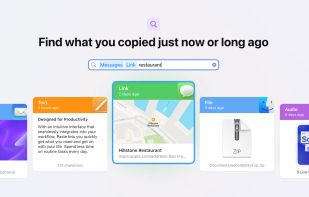
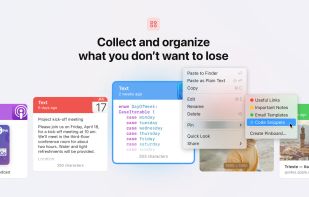
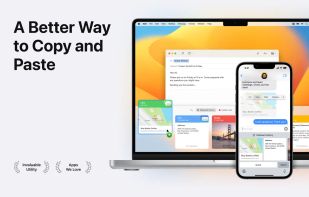
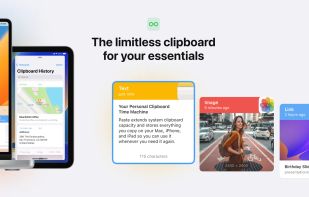
    Paste stores everything you copy on your Mac, iPhone, and iPad, so it's always there whenever you need it again.
    Cost / License

    • Paid
    • Proprietary

    Application type

    Platforms

    • Mac
    • iPhone
    • iPad
    Paste screenshot 1
    Paste screenshot 1
    Paste screenshot 2
    +3
    Paste screenshot 3
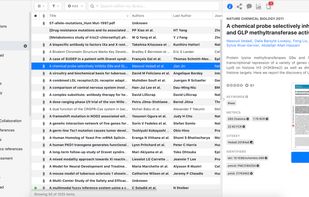
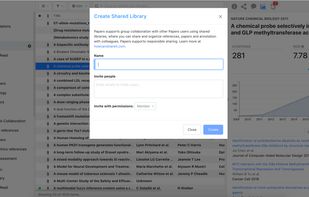
  17. Papers helps you collect and curate the research material that you're passionate about. This award-winning reference manager will improve the way you find, organize, read, cite, and share.
    Cost / License

    • Paid
    • Proprietary

    Application type

    Platforms

    • Mac
    • Windows
    • Online
    • Android
    • iPhone
    • Android Tablet
    • iPad
    • Microsoft Edge
    • Google Chrome
    • Safari
    • Firefox
    ReadCube Papers screenshot 1
    ReadCube Papers screenshot 1
    ReadCube Papers screenshot 2
    +3
    ReadCube Papers screenshot 3
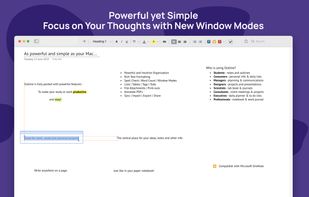
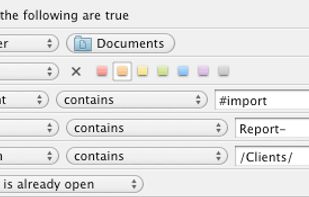
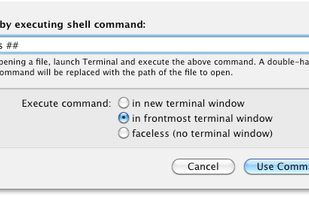
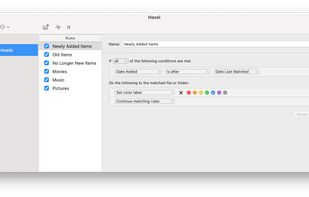
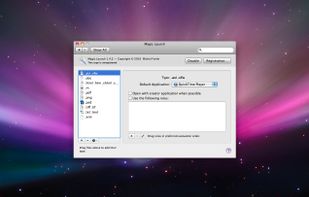
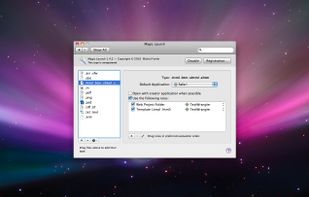
  18. Magic Launch is a preference pane that lets you customize the experience of opening files on your Mac. Open your files using the original application that created them or create custom rules to decide which application should open a file.
    Cost / License

    • Paid
    • Proprietary

    Application type

    Platforms

    • Mac
    Magic Launch screenshot 1
    Magic Launch screenshot 1
    Magic Launch screenshot 2
    +1
    Magic Launch screenshot 3
  19. nvALT icon
     Like

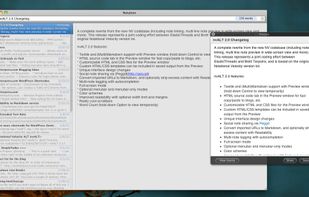
    nvALT is a fork of the original Notational Velocity with some additional features and interface modifications by Brett Terpstra and ElasticThreads.
    Cost / License

    • Free
    • Open Source

    Platforms

    • Mac
    nvALT screenshot 1
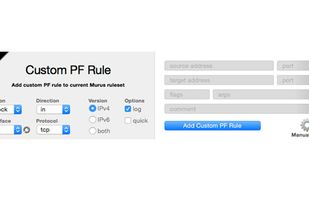
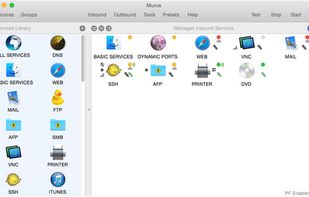
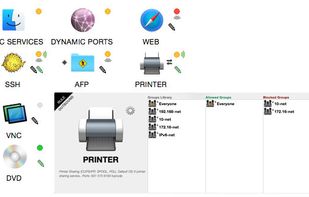
  20. Murus is a frontend for the OS X PF network firewall. From basic filtering to advanced proactive options, Murus allows to easily configure a complex network setup dragging and dropping icons and moving sliders and selecting checkboxes.
    Cost / License

    • Freemium
    • Proprietary

    Application type

    Platforms

    • Mac
    Murus Firewall screenshot 1
    Murus Firewall screenshot 1
    Murus Firewall screenshot 2
    +2
    Murus Firewall screenshot 3
  21. Moom icon
     Like

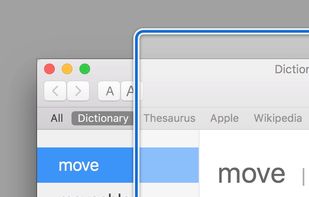
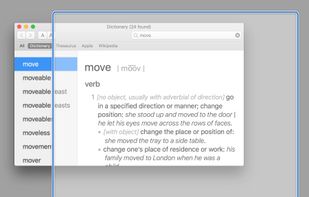
    Moom makes window management as easy as clicking a mouse button—or using a keyboard shortcut, if you're one of those types of people.
    Cost / License

    • Paid
    • Proprietary

    Application type

    Platforms

    • Mac
    Pop-up positioning
    Click in the empty box below the pop-up palette, move the mouse to where you'd like the window to be, then click-and-drag out its new dimensions.
    Grab a window, drag it to an edge or corner, and release the mouse.
    +8
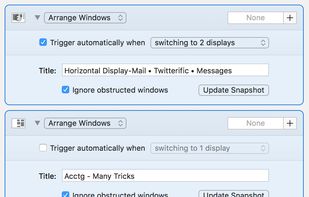
    Save and restore window layouts
  22. Marked icon
     Like

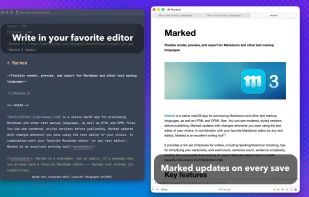
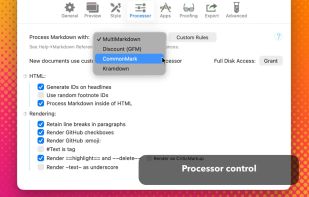
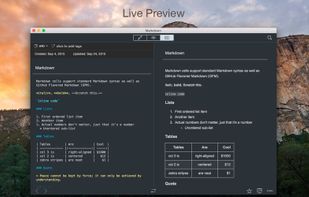
    Marked 2 is a previewer (not an editor) for Markdown, MultiMarkdown and other text markup languages. It updates live every time you save your document in your favorite text editor, comes with writing analysis tools, and is powerfully flexible.

    Cost / License

    • Paid
    • Proprietary

    Platforms

    • Mac
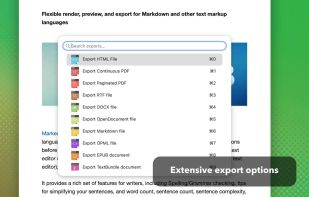
    Marked screenshot 1
    Marked screenshot 1
    Marked screenshot 2
    +2
    Marked screenshot 3
  23. MacPass icon
     Like

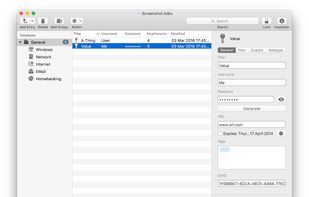
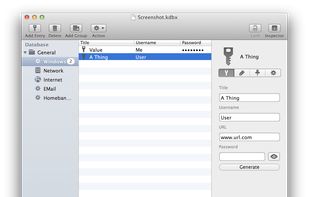
    A free, open-source, KeePass-compatible password manager for macOS.

    Cost / License

    • Free
    • Open Source

    Application type

    Platforms

    • Mac
    MacPass screenshot 1
    MacPass screenshot 1
  24. Lingon icon
     Like

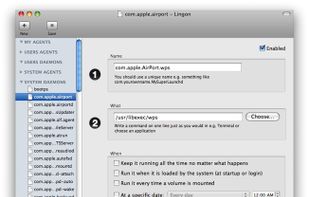
    Lingon is a graphical user interface for creating an editing launchd configuration files for Mac OS X.
    Cost / License

    • Paid
    • Proprietary

    Platforms

    • Mac
    Lingon screenshot 1
  25. Karabiner icon
     Like

    Karabiner, previously called KeyRemap4MacBook, is a very powerful keyboard remapper for Mac OS X. In addition to simple key remapping, it has special remapping modes like Emacs-mode, SandS-mode (Space and Shift).

    Cost / License

    • Free
    • Open Source

    Platforms

    • Mac
    KeyRemap4MacBook preference pane
    KeyRemap4MacBook menubar
  26. Inboard icon
     Like

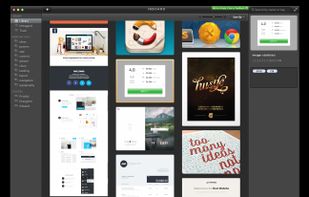
    Inboard is a Mac desktop application that helps organize your images.

    Perfected workflow

    If you value simplicity then Inboard is for you. Most apps compete on which has the most features. We’re not one of those apps. We’re focused on perfecting a great workflow for collecting.
    Cost / License

    • Paid
    • Proprietary

    Application type

    Platforms

    • Mac
    Inboard screenshot 1
  27. Quiver icon
     Like

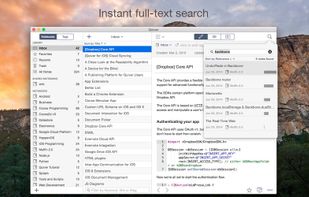
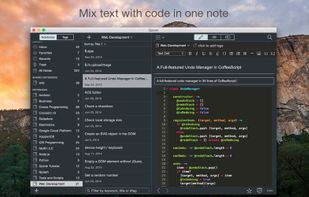
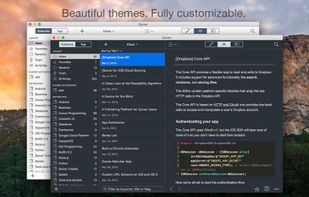
    Quiver is a notebook built for programmers. It lets you easily mix text, code and Markdown within one note, edit code with an awesome code editor, live preview Markdown and LaTeX cells, and find any note instantly via the full-text search.
    Cost / License

    • Paid
    • Proprietary

    Application type

    Platforms

    • Mac
    Quiver screenshot 1
    Quiver screenshot 1
    Quiver screenshot 2
    +2
    Quiver screenshot 3
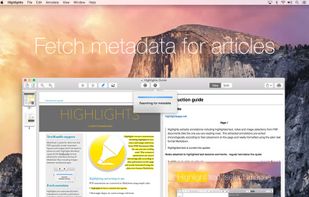
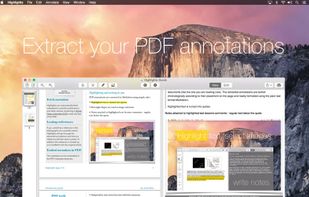
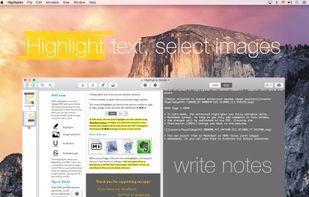
  28. Highlights is a PDF reader for note takers. Highlights lets you highlight text and select images in the PDF, but take notes in a regular text-editor. No more typing notes and comments into tiny text boxes.
    Cost / License

    • Freemium
    • Proprietary

    Platforms

    • Mac
    • iPhone
    • iPad
    Highlights screenshot 1
    Highlights screenshot 1
    Highlights screenshot 2
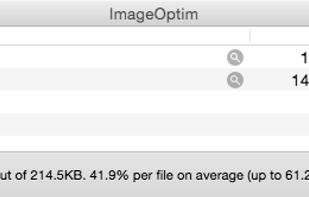
  29. ImageOptim is excellent for publishing images on the web (easily shrinks images “Saved for Web” in Photoshop). It's useful for making Mac and iPhone/iPad applications smaller (if you configure Xcode to allow better optimization).
    Cost / License

    • Free Personal
    • Open Source

    Platforms

    • Mac
    • Software as a Service (SaaS)
    ImageOptim screenshot 1
  30. iMazing icon
     Like

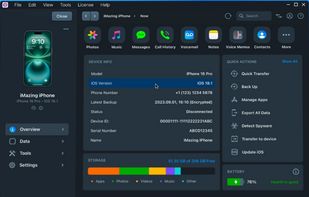
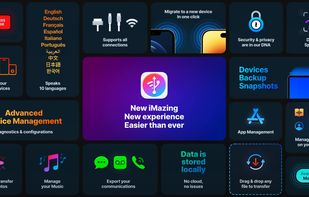
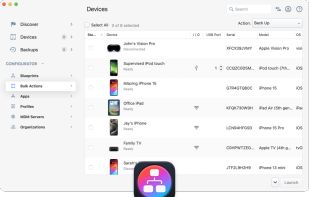
    Manage iOS devices on Mac and Windows, safely back up data, and transfer files, contacts, and app data. Export Safari history and customize ringtones.
    Cost / License

    • Freemium
    • Proprietary

    Application type

    Platforms

    • Mac
    • Windows
    iMazing screenshot 1
    iMazing screenshot 1
    iMazing screenshot 2
    +4
    iMazing screenshot 3
  31. Gas Mask icon
     Like

    Gas Mask is simple hosts file manager for Mac OS X. It allows editing of host files and switching between them.
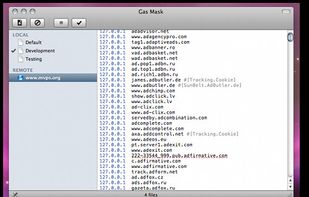
    Cost / License

    • Free
    • Open Source

    Platforms

    • Mac
    Gas Mask screenshot 1
  32. Homebrew icon
     Like

    Homebrew is the easiest and most flexible way to install the UNIX tools Apple didn’t include with macOS. Also available for Linux.
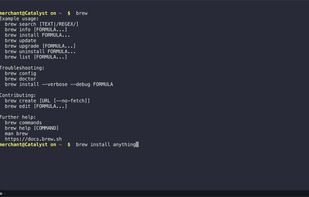
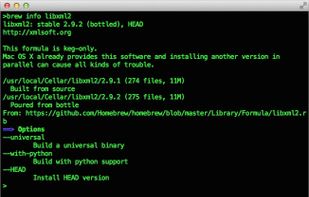
    Cost / License

    • Free
    • Open Source

    Platforms

    • Mac
    • Linux
    Homebrew screenshot 1
    Homebrew screenshot 1
  33. Iconjar icon
     Like

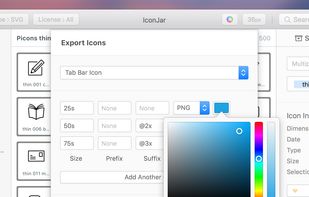
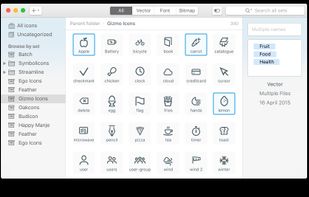
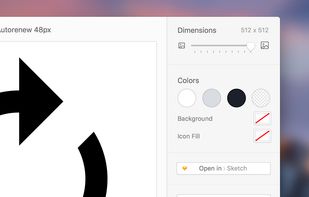
    Organize, search and use icons the easy way. Iconjar gives you the ability to store all your icons in one place, just one click away.
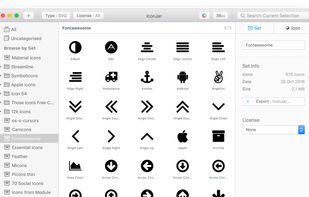
    Cost / License

    • Paid
    • Proprietary

    Application type

    Platforms

    • Mac
    Iconjar screenshot 1
    Iconjar screenshot 1
    Iconjar screenshot 2
    +1
    Screenshot of Beta version
  34. Ceceree icon
     Like

    Ceceree is a Mac app that lets you organize apps from iTunes in lists. It can detect e.g. pricing changes and allows you to share your lists with others.

    Cost / License

    • Paid
    • Proprietary

    Platforms

    • Mac
    Ceceree screenshot 1
    Ceceree screenshot 2
    Ceceree screenshot 3
  35. Taskmator icon
     Like

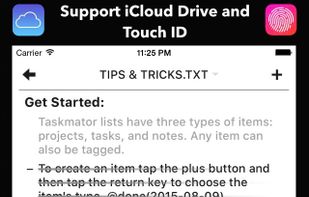
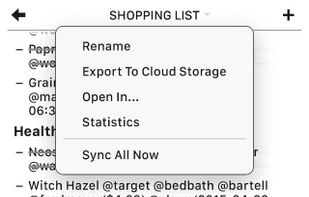
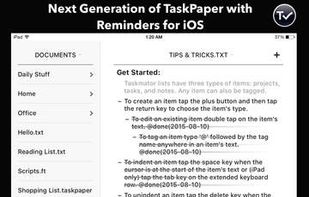
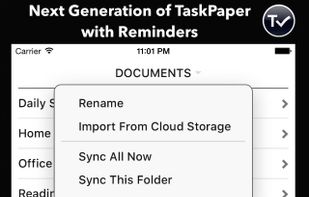
    Next Generation of TaskPaper with Reminders for iOS. Harnessing the latest technologies of iOS.
    Cost / License

    • Paid
    • Proprietary

    Platforms

    • iPhone
    • iPad
    Taskmator screenshot 1
    Taskmator screenshot 1
    Taskmator screenshot 2
    +3
    Taskmator screenshot 3
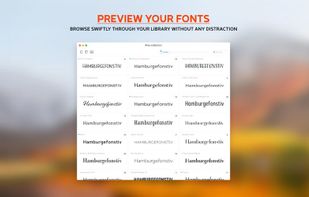
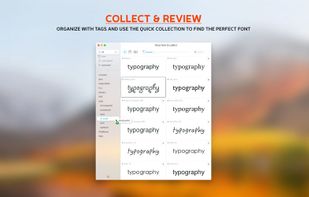
  36. Typeface is a wonderful font manager for macOS that helps you pick the perfect type for your designs. A minimal interface and total focus on your fonts makes browsing your collection exciting and easy.
    Cost / License

    • Paid
    • Proprietary

    Application type

    Platforms

    • Mac
    Typeface 2 screenshot 1
    Typeface 2 screenshot 1
    Typeface 2 screenshot 2
    +2
    Typeface 2 screenshot 3
  37. RightFont icon
     Like

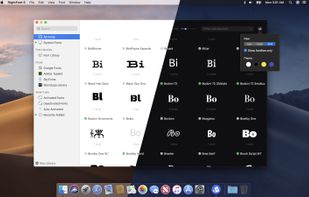
    RightFont is the best font manager app for macOS, helping designers to preview, sync and manage fonts and find the right font quickly. RightFont is the new generation font management software for Mac.
    Cost / License

    • Paid
    • Proprietary

    Application type

    Platforms

    • Mac
    • iPhone
    • iPad
    RightFont screenshot 1
    RightFont screenshot 1
    RightFont screenshot 2
    +2
    RightFont screenshot 3
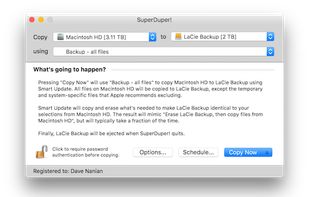
  38. SuperDuper makes recovery painless, because it makes creating a fully bootable backup painless. Its incredibly clear, friendly interface is understandable, easy to use, and its built-in scheduler makes it trivial to back up automatically.
    Cost / License

    • Freemium
    • Proprietary

    Platforms

    • Mac
    SuperDuper! screenshot 1
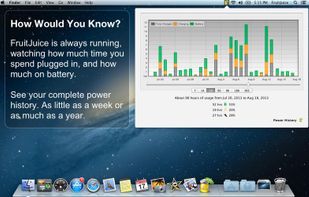
  39. FruitJuice is a Mac application and online service that helps maximize Apple notebook battery life and runtime. FruitJuice makes it possible to follow Apple’s recommendations for ensuring longer battery life and accurate “time remaining” estimates when running on battery.

    Cost / License

    • Paid
    • Proprietary

    Platforms

    • Mac
    Fruitjuice screenshot 1
    Fruitjuice screenshot 1
    Fruitjuice screenshot 2
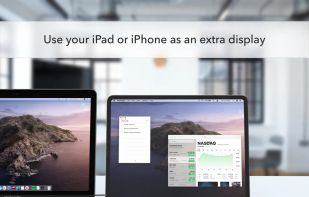
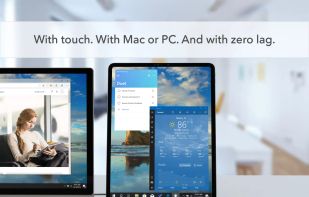
  40. Transforms tablets or smartphones into a low-latency, high-res second screen or graphics tablet for Mac and PC, with secure remote access and touch support.
    Cost / License

    • Paid
    • Proprietary

    Platforms

    • Mac
    • Windows
    • Android
    • iPhone
    • Android Tablet
    • iPad
    • visionOS
    Duet Display screenshot 1
    Duet Display screenshot 1
    Duet Display screenshot 2
    +1
    Duet Display screenshot 3
  41. Dictator icon
     Like

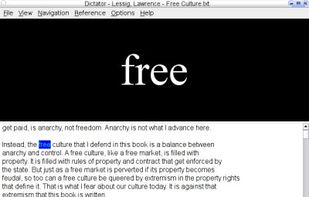
    Dictator is a program for on-screen reading of text files, developed with the intention of making it easier to read some of the fine electronic texts available on the net, such as those produced by The Gutenberg Project. ...
    Cost / License

    • Free
    • Open Source

    Application type

    Platforms

    • Windows
    • Linux
    Dictator screenshot 1
  42. darktable icon
     Like

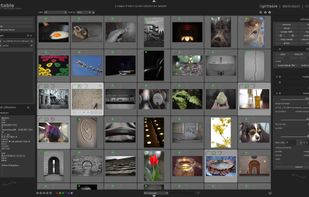
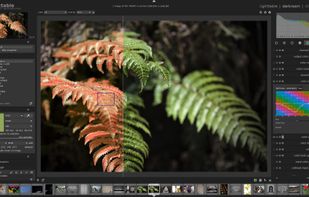
    Open source non-destructive RAW photo editor and image database with lighttable and darkroom views, real-time editing, HDR and scientific image support.
    Cost / License

    • Free
    • Open Source

    Platforms

    • Mac
    • Windows
    • Linux
    Darktable’s lighttable mode showing a collection
    Darktable’s darkroom mode with an image opened
    Darktable’s darkroom mode, sharpening an image
    +3
    Darktable’s darkroom mode, split toning an image
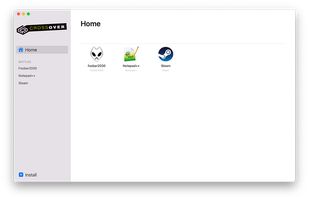
  43. CrossOver icon
     Like

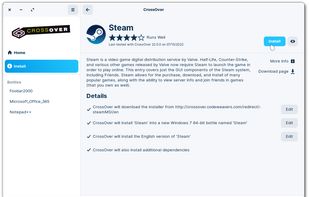
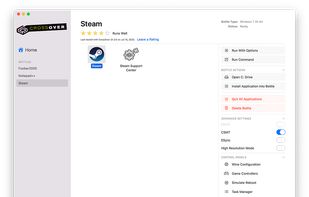
    Install Windows applications on Mac, Linux, and Chrome OS without needing a Windows license, offering seamless integration and easy app management.
    Cost / License

    • Paid
    • Proprietary

    Application type

    Platforms

    • Mac
    • Linux
    • Android
    • Chrome OS
    CrossOver screenshot 1
    CrossOver screenshot 1
    CrossOver screenshot 2
    +2
    CrossOver screenshot 3
  44. CodeKit icon
     Like

    CodeKit automatically compiles all those awesome languages you read about in tutorials.

    Cost / License

    • Paid
    • Proprietary

    Application type

    Platforms

    • Mac
    CodeKit screenshot 1
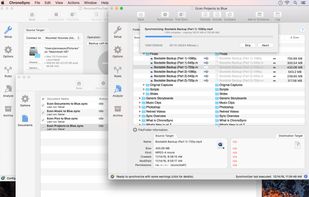
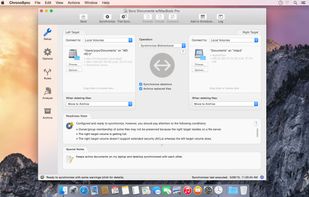
  45. ChronoSync can synchronize, backup, and create bootable backups to almost anything you can connect to your Mac: select cloud services, other Macs, NAS drives, external drives, PC's or anything you can mount as a volume.
    Cost / License

    • Paid
    • Proprietary

    Platforms

    • Mac
    Create multiple synchronizer documents and add them to a Container.
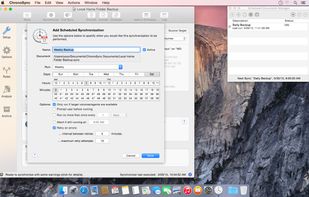
    ChronoSync Setup panel.
    Add a Schedule to automate your synchronizations.
    +3
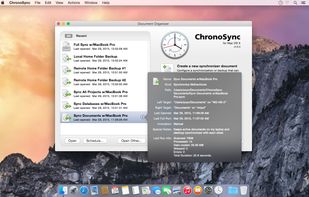
    Manage all of your Synchronizer and Container documents in the Document Organizer.
  46. Carbon Copy Cloner (CCC) features an interface designed to make the cloning and backup procedure very intuitive. In addition to general backup, CCC can also clone one hard drive to another, copying every single block or file to create an exact replica of your source hard drive.

    Cost / License

    • Paid
    • Proprietary

    Platforms

    • Mac
    Main UI
    Cloning Console
  47. uBar icon
     Like

    uBar is the task bar for the Mac. Whether you've never really liked the Dock, always wanted the one thing that Windows does right, or are switching from Windows to OS X, uBar is the perfect solution.
    Cost / License

    • Paid
    • Proprietary

    Platforms

    • Mac
    uBar screenshot 1
    No more window-hunting

Find the window you're looking for at a glance. If an application has more than one window, you'll know right away. Click that application to open the window menu, which allows you to bring any window or even just the application itself to focus. You can turn window grouping off, and all your individual windows will be shown right in uBar.
    If you've never really liked the Dock, or have a soft-spot for the Windows Taskbar, uBar is here to save the day. uBar can be configured as a dock or task bar for OS X.
    +5
    uBar is first and foremost an OS X App, which means that every detail is thoughtfully executed and beautifully rendered.
  48. Bookends icon
     Like

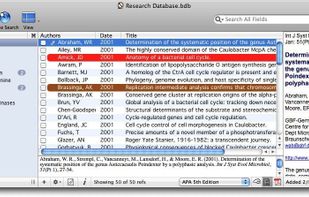
    Bookends is a commercial reference management software package for Mac OS X that is used to manage bibliographies and references when writing essays and articles. Its target market is students, academics and professionals.
    Cost / License

    • Paid
    • Proprietary

    Application type

    Platforms

    • Mac
    • iPhone
    • iPad
    Formatted reference and reference summary
    PDF display and outline view
    Note stream
    +2
    Tag cloud
Page 2 of 3

Comments are only shown on the first page of the list.