My privacy / security tools

In recent years advertising companies started to tracks you everywhere on the web (and even in the "real life") spying you, constantly wanting to know what you are doing, when, where, why and even with who.

So I decided to change my "internet lifestyle" in order not to be tracked anymore. I want to keep my private datas for myself even though I have nothing to hide really. But thinking that major companies are selling my everyday life really bother me.

Then if you want to avoid as much as possible beign tracked here are the tools I use daily.

I'll also include some softwares/apps which are not especially privacy focused but security focused.

And forgive me if I do mistakes, english isn't my mother tongue ;)

Xandiar
XandiarList by Xandiar, last updated 
Copy a direct link to this comment to your clipboard
  1. Softwares

  2. Who speaks of online privacy speaks of Firefox. It's really, in my opinion the best web browser and the Quantum update just made it perfect ! It is light, privacy focused, secure, highly customizable. I recommend you check privacytools.io which is going to give you tips how to increase the security and privacy settings.

    Cost / License

    • Free
    • Open Source

    Application type

    Platforms

    • Mac
    • Windows
    • Linux
    • Android
    • iPhone
    • Android Tablet
    • BSD
    • HUAWEI AppGallery
    • iPad
    • AppImageHub
    • Snapcraft
    • Flathub
    • Samsung Galaxy Store
    • PortableApps.com
    • Haiku
    • Flatpak
    • Homebrew
    • Chocolatey
    • Gecko
    Firefox Desktop (Light Theme)
    Firefox Desktop (Dark Theme)
    Firefox iOS (Light Theme)
    +7
    Firefox iOS (Dark Theme)
  3. Buttercup icon
     Like

    Buttercup is a good password manager with a modern interface, free, open-source and self-hosted. I recently moved from Keepass2 to Buttercup mainly because BC has a FireFox addon and an official Android app.

    Cost / License

    • Free
    • Open Source

    Platforms

    • Mac
    • Windows
    • Linux
    • Android
    • iPhone
    • Google Chrome
    • Brave
    • Firefox
    Buttercup for desktop (win/mac/linux)
    Buttercup browser extension - unlock vault page
    Buttercup browser extension - autofill login details
    +2
    Buttercup browser extension - popup menu for searching
  4. Some are gonna say that having a free anti-virus is enough, which is not false but Bitedefender offers a real and complete protection of your PC including ransomwares protection, webcam protection, anti-spam tool, firewall, you can do an audit of potentials vulnerabilities and so on. It is worth the price

    Cost / License

    • Freemium
    • Proprietary

    Platforms

    • Mac
    • Windows
    • Android
    • iPhone
    • Android Tablet
    • iPad
    Bitdefender Antivirus screenshot 1
    Bitdefender Antivirus screenshot 1
    Bitdefender Antivirus screenshot 2
    +5
    Bitdefender Antivirus screenshot 3
  5. Malwarebytes is a good tool to use along with Bitdefender. It is really effective. I'm using the free version, which is way enough for me.

    Cost / License

    • Freemium
    • Proprietary

    Platforms

    • Mac
    • Windows
    • Android
    • iPhone
    • Chrome OS
    • Android Tablet
    • iPad
    • Kindle Fire
    Malwarebytes Anti-Malware screenshot 1
    Malwarebytes Anti-Malware screenshot 1
    Malwarebytes Anti-Malware screenshot 2
    +8
    Malwarebytes Anti-Malware screenshot 3
  6. And to finish with the "Software" section here is ProtonVPN. A swiss VPN, cross-platform with free version. It's a no log VPN and I trust it because it is under the Swiss juridiction. The speed is really good, there are a lot of servers and is a TOR-over VPN (I do not use TOR but could be useful)

    Cost / License

    • Freemium
    • Open Source

    Application types

    Platforms

    • Mac
    • Windows
    • Linux
    • Android
    • iPhone
    • Chrome OS
    • Android Tablet
    • iPad
    • Google Chrome
    • Apple TV
    • Flathub
    • F-Droid
    • Android TV
    • Flatpak
    • Fire TV
    • Mozilla Firefox
    Proton VPN screenshot 1
    Proton VPN on Fedora
    Proton VPN screenshot 2
    +6
    Proton VPN screenshot 3
  7. Smartphone apps

  8. Simple Calendar is a very good minimalistic, free, open-source, ad-free app and needs almost no authorization (only the one needed) and do not require to connect to internet then it can't steal your data. Though, if you need a more complex calendar with sync and all it is not gonna to suit you.

    Cost / License

    • Freemium
    • Proprietary

    Application type

    Platforms

    • Android
    • Android Tablet
    Simple Calendar screenshot 1
    Simple Calendar screenshot 1
    Simple Calendar screenshot 2
    +5
    Simple Calendar screenshot 3
  9. It is made by the same developper as Simple Calendar (Simple Mobile Tools) and just as Simple Calendar it requires only the authorizations it needs in order to works.

    Cost / License

    • Freemium
    • Proprietary

    Platforms

    • Android
    • Android Tablet
    • F-Droid
    Simple Gallery screenshot 1
    Simple Gallery screenshot 1
    Simple Gallery screenshot 2
    +4
    Simple Gallery screenshot 3
  10. FreeOTP icon
     Like

    It is, in my opinion, the best alternative to Google Authenticator. Very simple, free, no ads and open-source developped by Red Hat.

    Cost / License

    • Free
    • Open Source

    Application type

    Platforms

    • Android
    • iPhone
    • Android Tablet
    • iPad
    FreeOTP screenshot 1
    FreeOTP screenshot 1
    FreeOTP screenshot 2
    +1
    FreeOTP screenshot 3
  11. Here is another "Simple" app and just as the two above-mentioned it is a really good minimalistic tool privacy focused. It really does the job !

    Cost / License

    • Freemium
    • Proprietary

    Application type

    Platforms

    • Android
    • Android Tablet
    • F-Droid
    Simple File Manager screenshot 1
    Simple File Manager screenshot 1
    Simple File Manager screenshot 2
    +4
    Simple File Manager screenshot 3
  12. This is a very light version of Firefox with the particularity that it does not stores any logs. Whenyou close the app it cleans your history, cookies and tabs. Also, this is the fastest browser I've seen. If you got an old smartphone this will be the app you need.

    Cost / License

    • Free
    • Open Source

    Application types

    Platforms

    • Android
    • iPhone
    • Android Tablet
    • iPad
    • Samsung Galaxy Store
    Firefox Focus screenshot 1
    Firefox Focus screenshot 1
    Firefox Focus screenshot 2
    +4
    Firefox Focus screenshot 3
  13. As a FB user (which I have to keep in order to keep contact with quite a lot of people I've met) I wanted a good alternative to the spyware which is the official FB app. This one does the job. It requires way less authorization and less critical ones, it is free (with a paid version which gives you a "material interface"). If like me you can't really get rid of FB, this app is gonna suit you.

    Cost / License

    • Freemium
    • Proprietary

    Platforms

    • Android
    Metal for Facebook screenshot 1
    Metal for Facebook screenshot 1
    Metal for Facebook screenshot 2
    +4
    Metal for Facebook screenshot 3
  14. Firefox addons / Search Engines

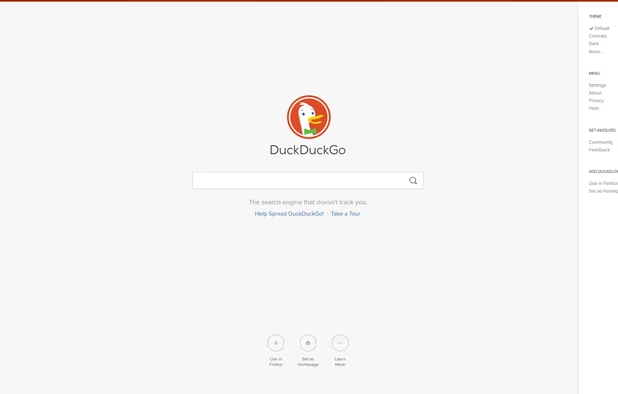
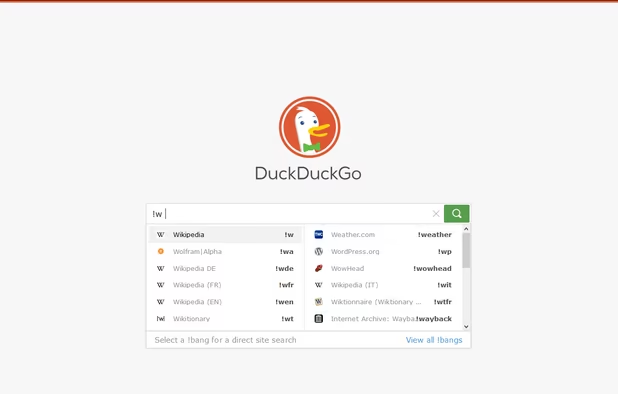
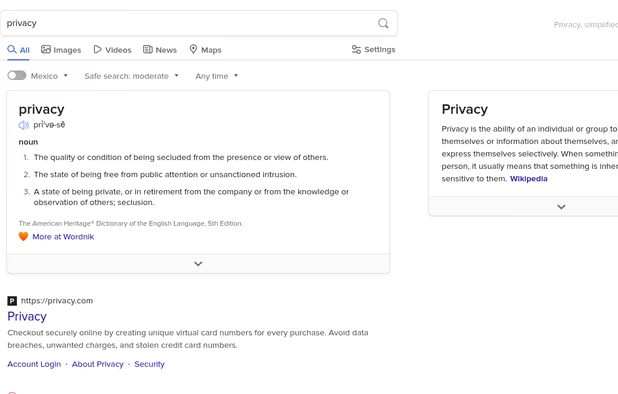
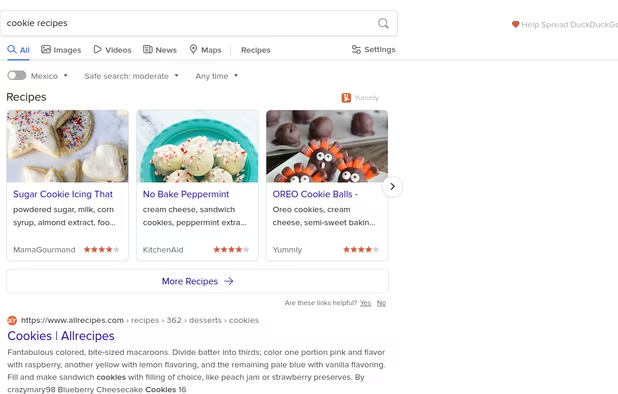
  15. Here is one of the most famous alternative to Google Search. If you don't know it ; It's a privacy focused Search engine which do not tracks you. Also it lets you disable ads which are not targeted ads anyways, there also is a "dark theme" which is a blessing for my eyes and it is higly customizable. And there still is the "view image" button for the pictures search not like on Google :).

    Cost / License

    • Free
    • Proprietary

    Platforms

    • Online
    • Android
    • iPhone
    • Android Tablet
    • iPad
    • Microsoft Edge
    • Vivaldi
    • Google Chrome
    • Safari
    • F-Droid
    • Yandex Browser
    • Tor
    • Opera
    • Mozilla Firefox
    DuckDuckGo Homepage
    DuckDuckGo screenshot 1
    DuckDuckGo screenshot 2
    +16
    DuckDuckGo screenshot 3
  16. I've tried different Adblockers and this one is my favorite it is easy to use and more than just blocking ads you can also prevent WebRTC leaks (it's a security issue) which is awesome. You can also whitelist the websites you choose if you want to support them.

    Cost / License

    • Free
    • Open Source

    Application types

    Platforms

    • Microsoft Edge
    • Vivaldi
    • Google Chrome
    • Pale Moon
    • Thunderbird
    • Opera
    • Node.JS
    • Chromium
    • Mozilla Firefox
    uBlock Origin screenshot 1
    uBlock Origin screenshot 1
    uBlock Origin screenshot 2
    +3
    uBlock Origin screenshot 3
  17. This addon encrypts your communications with a lot of major websites. It can prevent your password being stolen if your on a public Wifi for instance. And even in general, it's always better to encrypt everything

    Cost / License

    • Free
    • Open Source

    Application type

    Platforms

    • Online
    • Vivaldi Browser
    • Google Chrome
    • Yandex.Browser
    • Opera
    • Chromium
    • Firefox
    HTTPS Everywhere screenshot 1
    HTTPS Everywhere screenshot 1
    HTTPS Everywhere screenshot 2
    +1
    HTTPS Everywhere screenshot 3
  18. Qwant icon
     Like

    Qwant is also a privacy focused browser. Unlike Google or Duckduckgo the interface is not minimalistic which I'm not fan of. With that being said, Qwant has a big advantage Duckduckgo has not, it's a french search engine which is then not under the US juridiction.

    Cost / License

    • Free
    • Proprietary

    Platforms

    • Online
    • Android
    • iPhone
    • Android Tablet
    • iPad
    • Google Chrome
    • Mozilla Firefox
    • HUAWEI AppGallery
    Qwant screenshot 1
    Qwant screenshot 1
    Qwant screenshot 2
    +5
    Qwant screenshot 3
  19. No Coin icon
     Like

    With the recent rise of cryptocurrencies some website and advertisers puts coin miner in ads or in their website. It's just going to slow down your PC and annoys you a hell of a lot. This addon will just "turn-off" these coin miners.

    Cost / License

    • Free
    • Open Source

    Platforms

    • Mac
    • Windows
    • Linux
    • Google Chrome
    • Opera
    • Firefox
    No Coin screenshot 1
  20. Other

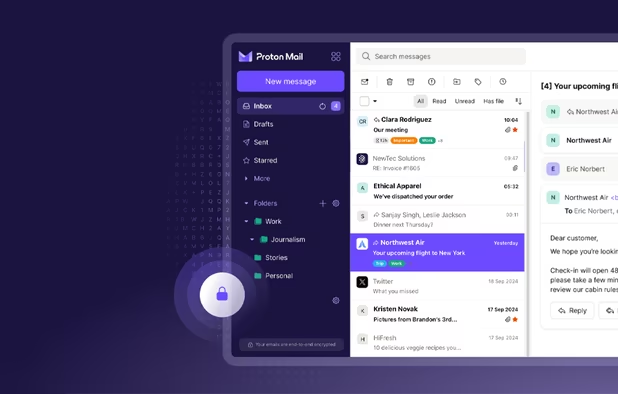
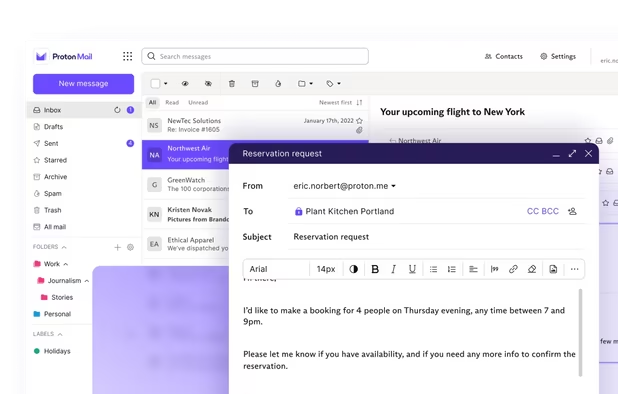
  21. Protonmail is, in my opinion the best mail service around the internet. This is very secure, open-source, privacy focused, customizable (even more if you know CSS3) and it has a free plan which is more than enough if, like me you send less than 150 mails per day. It comes with 500Mb storage which is also way enough, even if you use this service on a daily basis.

    Cost / License

    • Freemium
    • Open Source

    Platforms

    • Mac
    • Windows
    • Linux
    • Online
    • Android
    • iPhone
    • iPad
    • Tor
    • Flathub
    • Snapcraft
    Proton Mail screenshot 1
    Proton Mail screenshot 1
    Proton Mail screenshot 2
    +9
    Proton Mail screenshot 3
  22. LineageOS icon
     Like

    Lineage OS is an Android based OS for smartphone and the best alternative to Android by Google. By using it you won't be tracked by Google anymore (except if you install Google services btw).

    Cost / License

    • Free
    • Open Source

    Application types

    Platforms

    • Android
    • Android Tablet
    Homescreen
    Notification Shade
    Settings
    +3
    Updater
No comments so far, maybe you want to be first?
Gu