file-man

List of best file managers, as Graphical user Interface (GUI) and Terminal User Interface (TUI).

Da
David List by David , last updated 
Copy a direct link to this comment to your clipboard
  1. GUI

    Graphical User Interface

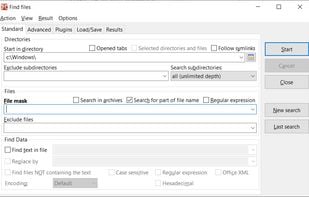
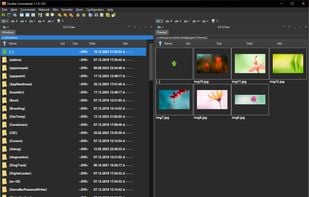
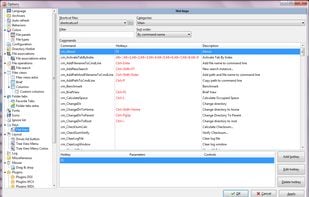
  2. Cross-platform file manager with dual-panel design based on Total Commander. Features include advanced searching, tabbed browsing, and plugin support.
    Cost / License

    • Free
    • Open Source

    Platforms

    • Mac
    • Windows
    • Linux
    • BSD
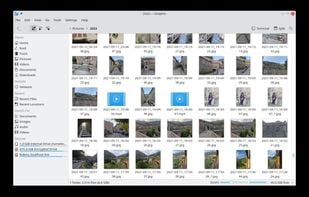
    Double Commander screenshot 1
    Double Commander screenshot 1
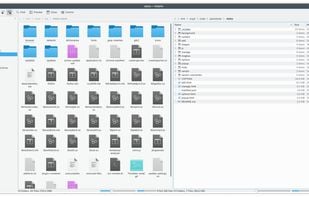
    Double Commander screenshot 2
    +7
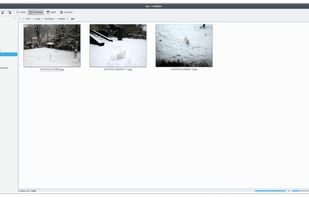
    Double Commander screenshot 3
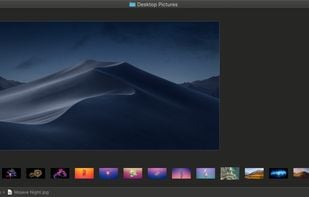
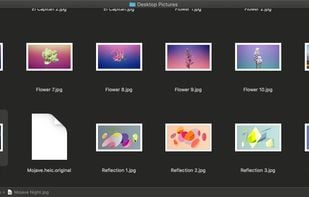
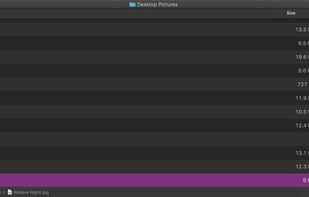
  3. Finder icon
     Like

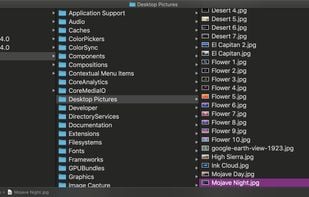
    The default file manager for macOS, very basic and few options.

    Cost / License

    • Free
    • Proprietary

    Application type

    Platforms

    • Mac
    Finder screenshot 1
    Finder screenshot 1
    Finder screenshot 2
    +1
    Finder screenshot 3
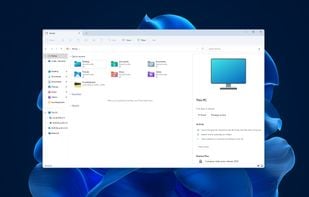
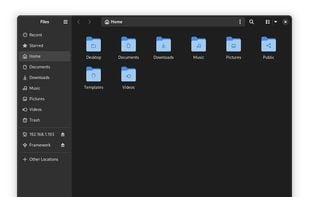
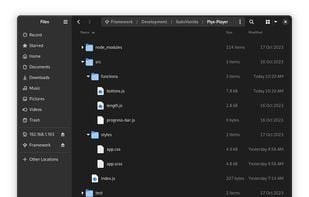
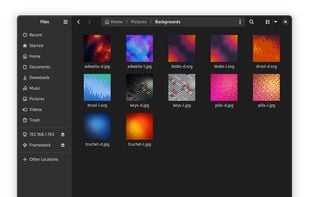
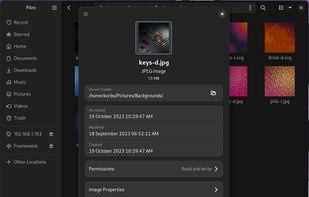
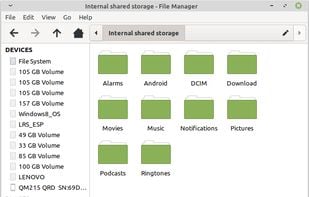
  4. The default file manager for GNOME (Linux DE), very simple.

    Cost / License

    • Free
    • Open Source

    Application types

    Platforms

    • Mac
    • Linux
    • GNOME
    • MacPorts
    • XQuartz
    GNOME Files screenshot 1
    GNOME Files screenshot 1
    GNOME Files screenshot 2
    +2
    GNOME Files screenshot 3
  5. Nemo icon
     Like

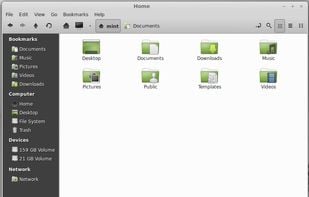
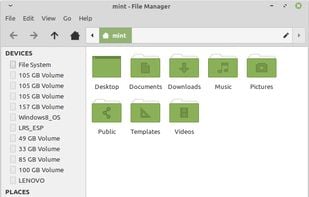
    The default file manager for Cinnamon (Linux DE).

    Cost / License

    • Free
    • Open Source

    Application type

    Platforms

    • Linux
    Nemo screenshot 1
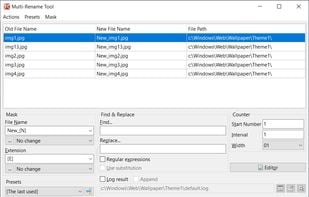
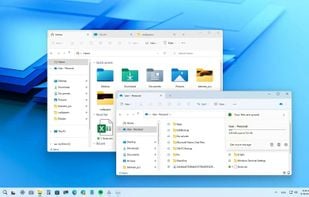
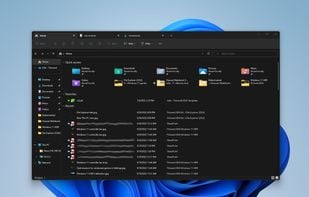
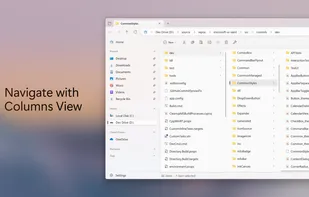
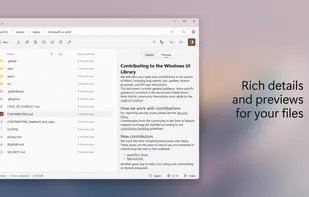
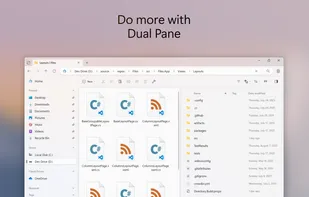
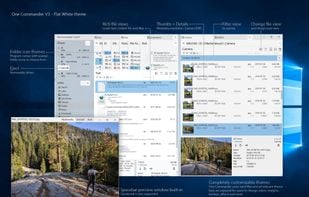
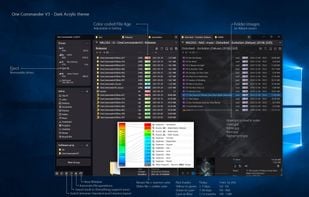
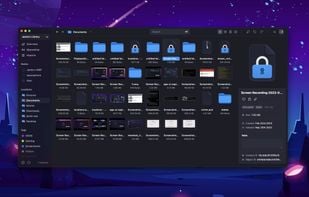
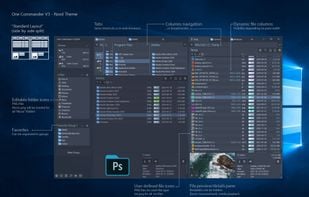
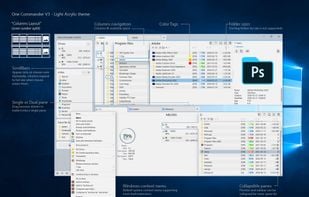
  6. Free dual-pane file manager for Windows featuring tabs, columns, themes, long filename support, image converter, regex renaming and many other unique features.
    Cost / License

    • Freemium
    • Proprietary

    Platforms

    • Windows
    OneCommander screenshot 1
    OneCommander screenshot 1
    OneCommander screenshot 2
    +7
    OneCommander screenshot 3
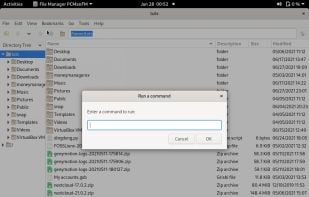
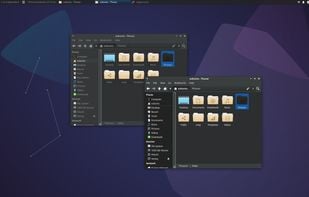
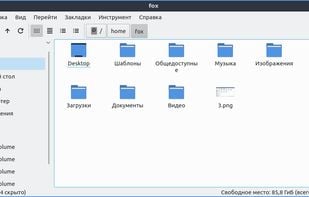
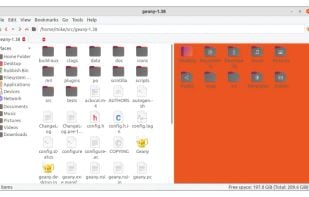
  7. PCMan File Manager (PCManFM) is a file manager application, developed by Hong Jen Yee from Taiwan, which is meant to be a replacement for GNOME Files, Dolphin and Thunar. PCManFM is the standard file manager in LXDE, also developed by the same author in conjunction with other...
    Cost / License

    • Free
    • Open Source

    Application type

    Platforms

    • Linux
    • LXDE
    • GTK
    PCMan File Manager screenshot 1
    PCMan File Manager screenshot 1
    PCMan File Manager screenshot 2
  8. Ritt icon
     Like

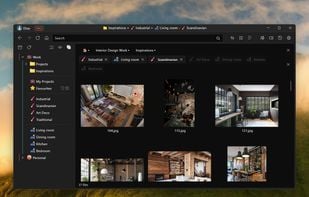
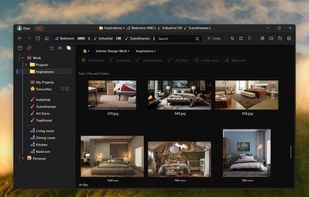
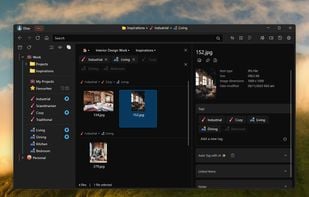
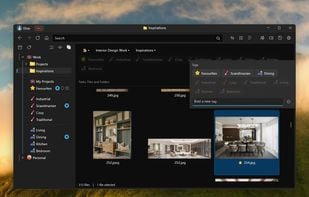
    Ritt supercharges your existing file structure and uses a novel tag-tree approach to help you better organize your files and quickly retrieve what you need.
    Cost / License

    • Freemium
    • Proprietary

    Application type

    Platforms

    • Windows
    Tag-centric file manager
    Easy tagging
    Tag intersection
    +7
    Advanced search
  9. Stagsi icon
     Like

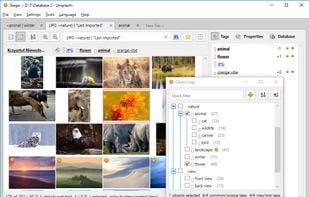
    Hackable SQLite-based tagging, any file format, with scripts and C# plugins, powerful search query language, 100k+ files managed with ease.

    Cost / License

    • Free Personal
    • Proprietary

    Platforms

    • Windows
    Stagsi screenshot 1
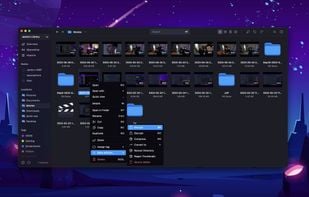
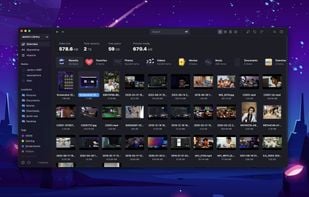
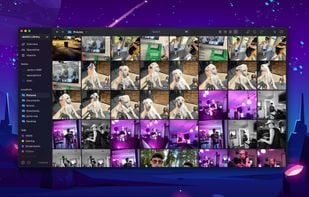
  10. Organize files across many devices in one place. From cloud services to offline hard drives, Spacedrive combines the storage capacity and processing power of your devices into one personal distributed cloud, that is both secure and intuitive to use.
    Cost / License

    • Free
    • Open Source

    Platforms

    • Mac
    • Windows
    • Linux
    Spacedrive screenshot 1
    Spacedrive screenshot 1
    Spacedrive screenshot 2
    +3
    Spacedrive screenshot 3
  11. XYplorer icon
     Like

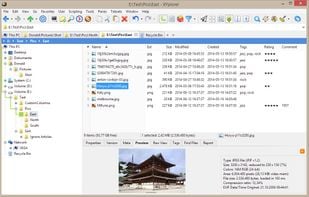
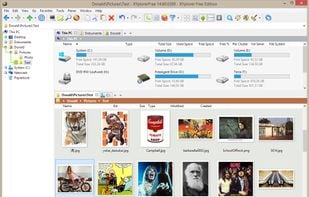
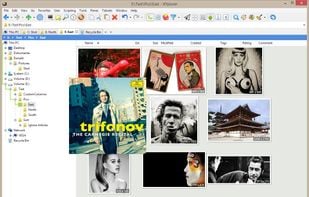
    XYplorer is a file manager for Windows. It features tabbed browsing, a powerful file search, a versatile preview, a highly customizable interface, optional dual pane, scripting engine, and a large array of unique ways to efficiently automate frequently recurring tasks.
    Cost / License

    • Paid
    • Proprietary

    Platforms

    • Windows
    XYplorer screenshot 1
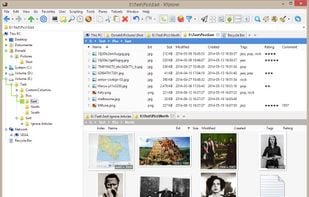
    Thumbnails of image files in one of three fully configurable thumbnails views. Supported are PNG, JPG, GIF, TIF, TGA, WMF, PSD, ICO, BMP, and all RAW photo formats that you have CODECs for. Thumbnails support XYplorer's unique and famous Mouse Down Blow Up functionality.
    Tabbed Browsing: Have an unlimited number of Browse Tabs, individually customizable and remembered between sessions, and Search Tabs, which are one-click triggers to fully customizable search tasks.
    +6
    Dual Pane: Look at the contents of two folders side by side. Both panes are optionally multi-tabbed and can be arranged vertically or horizontally.
  12. TUI

    Terminal User Interface

  13. exa icon
     Like

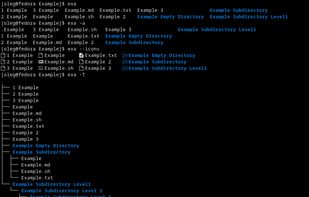
    exa is a modern replacement for the command-line program ls that ships with Unix and Linux operating systems. This command is used by terminal users, administrators, and developers hundreds of times daily, as well as being useful when writing automated scripts.
    Cost / License

    • Free
    • Open Source

    Platforms

    • Mac
    • Linux
    Examples
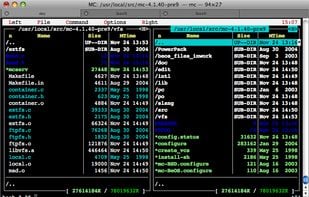
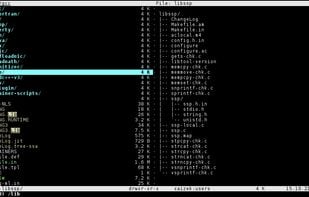
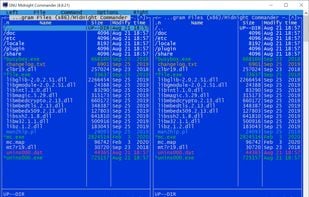
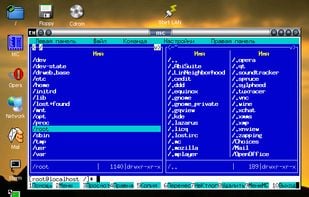
  14. GNU Midnight Commander is a visual file manager, licensed under GNU General Public License and therefore qualifies as Free Software. Its a feature rich full-screen text mode application that allows you to copy, move and delete files and whole directory trees, search for files...
    Cost / License

    • Free
    • Open Source

    Application types

    Platforms

    • Mac
    • Windows
    • Linux
    • BSD
    • Cygwin
    • MacPorts
    Midnight Commander screenshot 1
    Midnight Commander screenshot 1
    Midnight Commander screenshot 2
    +1
    Midnight Commander screenshot 3
  15. nnn icon
     Like

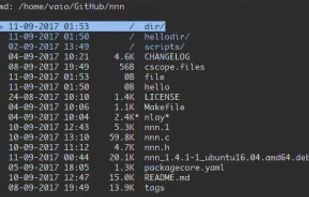
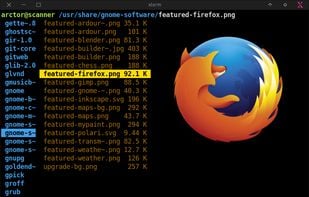
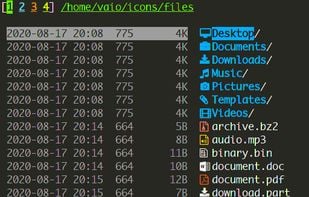
    Initially forked from noice file browser icon noice file browser, nnn is a super fast and resource-sensitive, terminal-based file browser.
    Cost / License

    • Free
    • Open Source

    Application type

    Platforms

    • Linux
    nnn screenshot 1
    nnn screenshot 1
  16. ranger icon
     Like

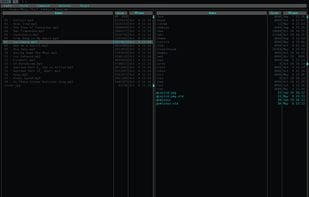
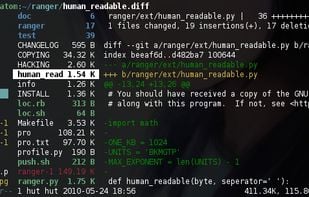
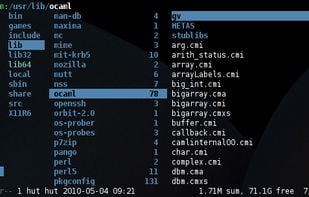
    Terminal file manager with VI key bindings. It provides a minimalistic and nice curses interface with a view on the directory hierarchy. The secondary task of ranger is to psychically guess which program you want to use for opening particular files.
    Cost / License

    • Free
    • Open Source

    Application types

    Platforms

    • Mac
    • Linux
    • BSD
    • Cygwin
    ranger screenshot 1
    ranger screenshot 1
    ranger screenshot 2
    +1
    ranger screenshot 3
  17. Superfile icon
     Like

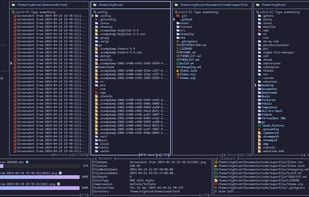
    Pretty fancy and modern terminal file manager.

    Cost / License

    • Free
    • Open Source

    Application type

    Platforms

    • Mac
    • Linux
    • Windows
    Superfile screenshot 1
  18. Vifm icon
     Like

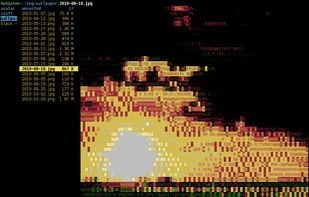
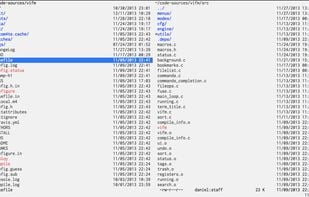
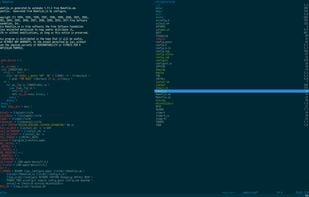
    Vifm is a file manager with curses interface, which provides Vi[m]-like environment for managing objects within file systems, extended with some useful ideas from mutt.
    Cost / License

    • Free
    • Open Source

    Application type

    Platforms

    • Windows
    • Linux
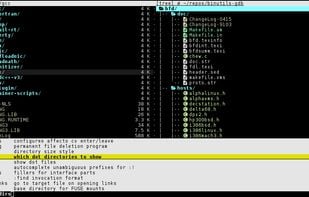
    Vifm with light theme in iTerm2 with Inconsolata font on OS X
    Vifm with dark solarized theme on OS X
    Popup style completion of input and tree-view
    +3
    Search highlight and directory tree preview
  19. xplr icon
     Like

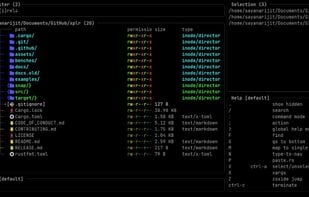
    xplr is a terminal UI based file explorer that aims to increase our terminal productivity by being a flexible, interactive orchestrator for the ever growing awesome command-line utilities that work with the file-system.
    Cost / License

    • Free
    • Open Source

    Platforms

    • Mac
    • Linux
    • BSD
    xplr screenshot 1

Comments

bonepyramid
0

pcman-fm is pretty good. comes in both gtk2 and qt versions

Gu