System Information Utilities Page 2 of 7

All apps in System Information Utilities category. Use the filters below to narrow down your search. 

Popular filters:

Copy a direct link to this comment to your clipboard
  1. Task Manager icon
     67 likes

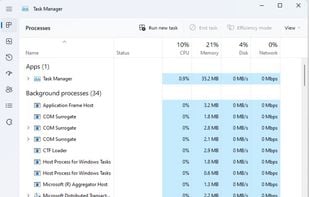
    Windows Task Manager is a task manager application included with Microsoft Windows NT family of operating systems that provides detailed information about computer performance and running applications, processes and CPU usage, commit charge and memory information, network...

    Task Manager screenshot 1
    70 alternatives
  2. SystemExplorer icon
     97 likes

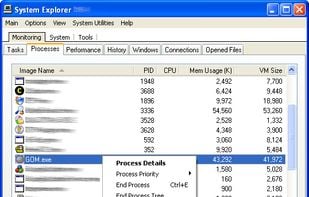
    System Explorer is an enhanced Taskmanager that provides detailed information about running processes, startup programs, IE add-ons (BHOs), drivers, services network connections, system resources and more.

    SystemExplorer screenshot 1
    53 alternatives
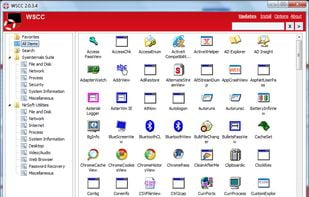
  3. WSCC is a free (for personal use), portable program that allows you to install, update, execute and organize the utilities from various system utility suites. WSCC can install and update the supported utilities automatically.

    • Free PersonalProprietary
    • Windows
    Windows System Control Center screenshot 1
    9 alternatives
  4. Pachtop icon
     5 likes

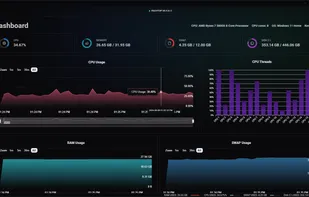
    Pachtop is a lightweight, performant, and opensource system monitor that provides real-time monitoring of your system's performance, application monitoring, and detailed system information. Built with Rust and Tauri

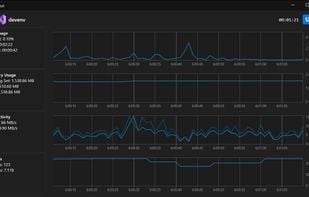
    Dashboard Real-time Metrics
The dashboard shows real-time metrics of your system. Metrics include CPU usage, RAM usage, Swap usage, Disk usage, and Network usage.
    57 alternatives
  5. Hardinfo icon
     43 likes

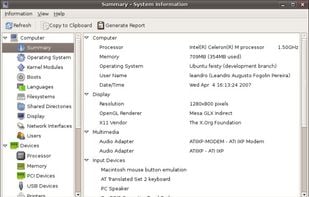
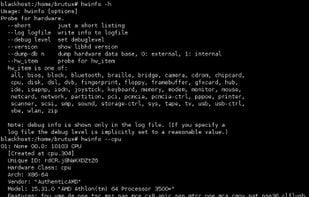
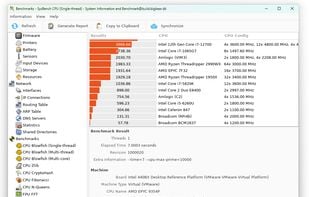
    Hardinfo is a system information and benchmark tool for Linux. It shows detailed system info, including hardware, environment, and kernel. It can use lm_sensors and ACPI for temperature and battery information. It also has four CPU banchmarks and two FPU benchmarks.

    Default View
    67 alternatives
  6. Goverlay icon
     8 likes

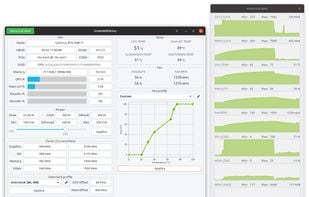
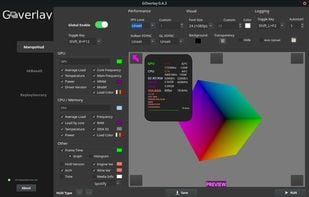
    Goverlay is an easy graphical interface to configure MangoHud, vkBasalt, and OptiScaler. Goverlay helps Linux gamers get the most out of their systems by providing an easy-to-use graphical interface to configure MangoHud, vkBasalt, and OptiScaler.

    Goverlay screenshot 1
  7. Dmidecode icon
     7 likes

    Dmidecode reports information about your system's hardware as described in your system BIOS according to the SMBIOS/DMI standard. This information typically includes system manufacturer, model name, serial number, BIOS version, asset tag as well as a lot of other details of...

    15 alternatives
  8. PC Wizard icon
     45 likes

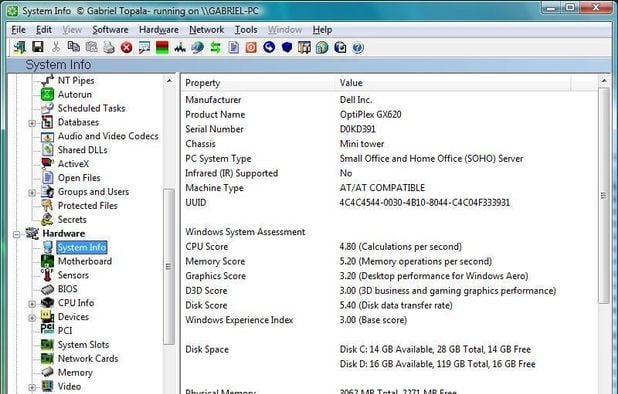
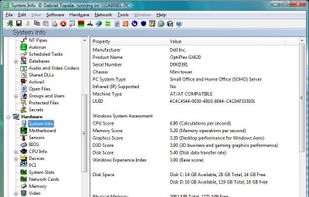
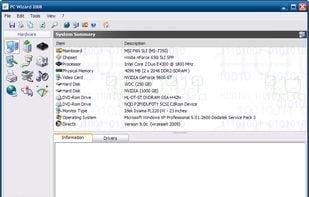
    From the makers of CPU-Z, the PC WIZARD is among the most advanced system information programs on the market. PC WIZARD 2008 is a powerful utility designed especially for detection of hardware, but also some more analysis.

    PC Wizard screenshot 1
    52 alternatives
  9. BgInfo icon
     22 likes

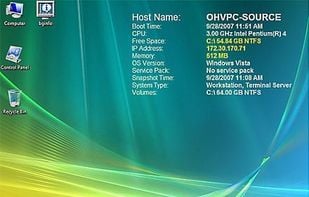
    How many times have you walked up to a system in your office and needed to click through several diagnostic windows to remind yourself of important aspects of its configuration, such as its name, IP address, or operating system version If you manage multiple computers you...

    BgInfo screenshot 1
    19 alternatives