Apps tagged with 'Radial Menu'

All apps in Apps tagged with 'Radial Menu' category. Use the filters below to narrow down your search. 
Copy a direct link to this comment to your clipboard
  1. Vorssaint icon
     34 likes

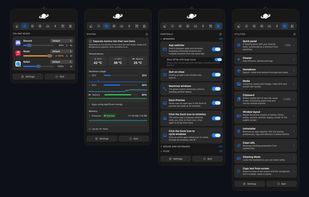
    Menu bar toolkit for macOS combining system monitor, per-app volume, app switcher, window snapping, clipboard history, snippets, and more with no tracking.
    Cost / License

    Application type

    Since

    • Since 2026 (updated Nov 2026)

    GitHub

    • GitHub stars: 34.6k

    Platforms

    • Mac
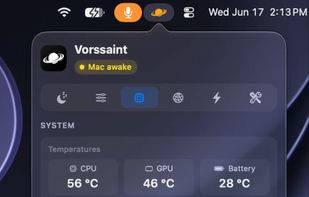
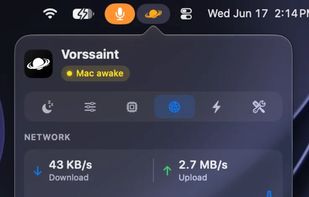
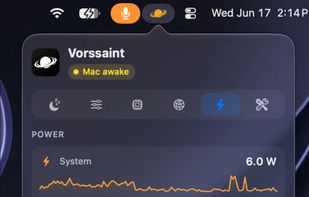
    Vorssaint app drop-down menu bar examples
    Vorssaint screenshot 1
    Vorssaint screenshot 2
    +5
    Vorssaint screenshot 3
    49 alternatives
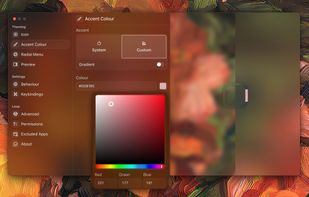
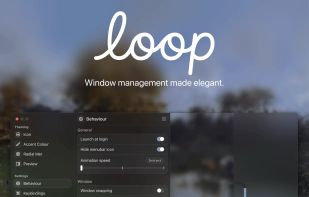
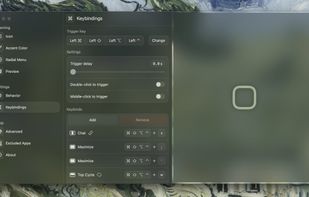
  2. Loop is a macOS app that simplifies window management for you! You can effortlessly choose your window direction using a radial menu triggered by a simple key press, and customize it according to your preferences with personalized colors and settings.
    Cost / License

    Application type

    Since

    • Since 2024 (updated Nov 2026)

    GitHub

    • GitHub stars: 12k

    Platforms

    • Mac
    Loop - Window Management screenshot 1
    Loop - Window Management screenshot 1
    Loop - Window Management screenshot 2
    +10
    Loop - Window Management screenshot 3
    55 alternatives
  3. Radial icon
     2 likes

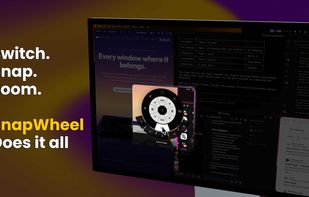
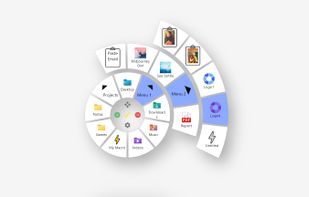
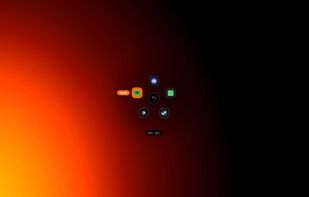
    Create powerful macros, trigger them with a gesture. Turn repetitive workflows into single actions at your cursor. The radial menu for macOS productivity.

    Cost / License

    • Pay once
    • Proprietary

    Application type

    Since

    • Since 2026

    Platforms

    • Mac
    • DK flagDenmark
    • European Union flagEU
    Radial screenshot 1
    Radial screenshot 1
    Radial screenshot 2
    +3
    Radial screenshot 3
    18 alternatives
  4. BetterStage icon
     7 likes

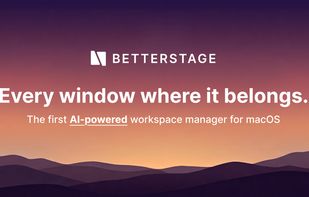
    Every window where it belongs. AI analyzes your open windows and organizes them into project-focused stages automatically. Then switch your entire multi-monitor setup between them instantly — no animations, no lag.

    Cost / License

    • Freemium (Pay once or Subscription)
    • Proprietary

    Application type

    Since

    • Since 2026

    Platforms

    • Mac
    • US flagUnited States
    BetterStage screenshot 1
    BetterStage screenshot 1
    38 alternatives
  5. Research Wheel is a local-first browser extension designed to speed up developer research, note-taking, and citation gathering. By holding middle-click on any webpage, users can invoke a 360° radial menu to quickly trigger actions without switching tabs or navigating...

    Cost / License

    • Free
    • Open Source (MIT)

    Since

    • Since 2026 (updated Sep 2026)

    GitHub

    • GitHub stars: 5

    Platforms

    • Google Chrome
    • Mozilla Firefox
    • CH flagSwitzerland
    In Use Example
    Workspace
    Wheel
    6 alternatives
  6. Bubbles Menu icon
     1 like

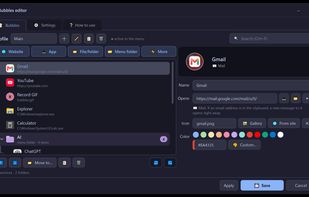
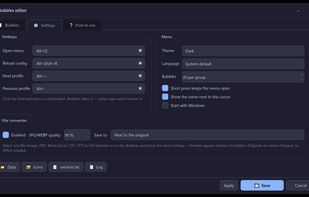
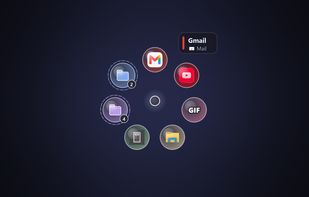
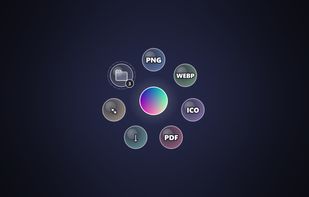
    Bubbles is a free, open-source radial launcher for Windows. Hold a hotkey and bubbles appear around the cursor: websites, apps, files, folders and mail. Aim and release to open.
    Cost / License

    • Free
    • Open Source (MIT)

    Application type

    Since

    • New

    GitHub

    • GitHub stars: 8

    Platforms

    • Windows
    Bubbles Menu screenshot 1
    Bubbles Menu screenshot 1
    Bubbles Menu screenshot 2
    +2
    Bubbles Menu screenshot 3
    7 alternatives
  7. OrbitRing icon
     Like

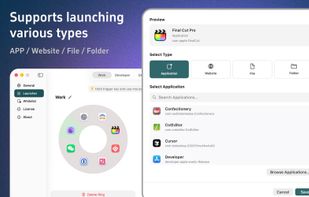
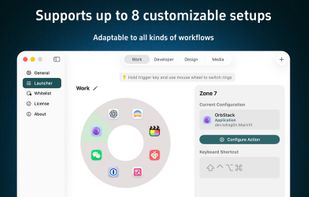
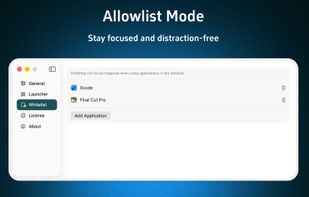
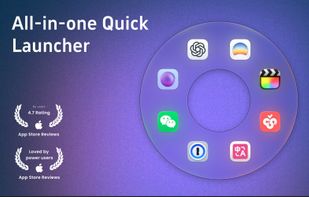
    OrbitRing is a sleek and lightweight macOS launcher, featuring a unique ring design that surrounds your mouse with apps for a highly efficient and intuitive start-up experience.

    Cost / License

    • Pay once
    • Proprietary

    Application type

    Since

    • Since 2026

    Platforms

    • Mac
    • CN flagChina
    OrbitRing screenshot 1
    OrbitRing screenshot 1
    OrbitRing screenshot 2
    +1
    OrbitRing screenshot 3
    17 alternatives
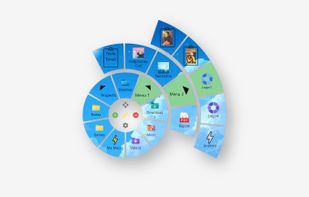
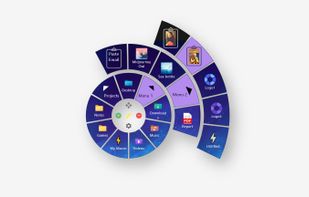
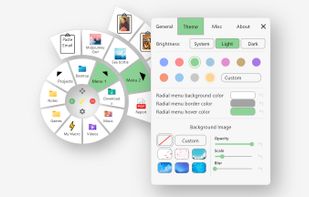
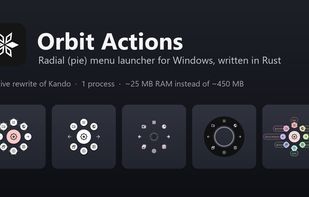
  8. Orbit Actions is a radial menu (pie menu) for Windows 10 and 11. Open it with a hotkey or Alt + left click and launch apps, websites, files and folders, press hotkeys, type macros and run scripts with one click or mouse gesture.

    Cost / License

    • Free
    • Open Source (MIT)

    Application type

    Since

    • New

    GitHub

    • GitHub stars: 1

    Platforms

    • Windows
    Orbit Actions with its five menu themes
    Default theme
    Clean Circle theme
    +3
    Neon Lights theme
    10 alternatives
  9. Private Android launcher with adaptive Spaces, radial Orbit navigation, widgets, gestures, Nova import and an optional AI assistant, without ads or analytics.

    Cost / License

    • Pay once
    • Proprietary

    Application type

    Since

    • New

    Platforms

    • Android
    • US flagUnited States
    Meridian Launcher screenshot 1
    Meridian Launcher screenshot 2
    Meridian Launcher screenshot 3
    30 alternatives
  10. Radiant is a menu launcher for macOS that lets you organize shortcuts into radial and list menus, then run them across any application.

    Cost / License

    • Pay once
    • Proprietary

    Since

    • Since 2026

    Platforms

    • Mac
    • JP flagJapan
    Using in Figma
    13 alternatives
  11. Rovyl icon
     Like

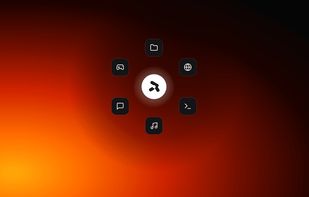
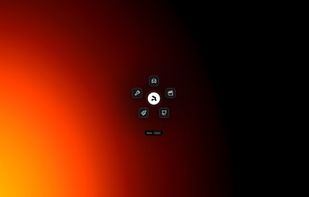
    Rovyl is a radial launcher for Windows. One gesture opens anything on your machine — no window to manage, no list to scroll, no search box to type into.
    Cost / License

    Application type

    Since

    • New

    GitHub

    • GitHub stars: 1

    Platforms

    • Windows
    Rovyl screenshot 1
    Rovyl screenshot 1
    Rovyl screenshot 2
    +2
    Rovyl screenshot 3
    18 alternatives
  12. Trindle icon
     Like

    Trindle is a desktop with just one ring. It is written in Rust, down to the compositor that puts every window on the screen, with Debian 13 underneath.

    Cost / License

    Since

    • New

    GitHub

    • GitHub stars: 4

    Platforms

    • Linux
    • Debian
    Trindle screenshot 1
    Trindle screenshot 1
    Trindle screenshot 2