Apps tagged with 'Modify Exe'

All apps in Apps tagged with 'Modify Exe' category. Use the filters below to narrow down your search. 
Copy a direct link to this comment to your clipboard
  1. Resource Hacker icon
     177 likes

    Resource Hacker™ is a resource editor for 32bit and 64bit Windows® applications.

    Cost / License

    • Free
    • Proprietary

    Application type

    Platforms

    • Windows
    • AU flagAustralia
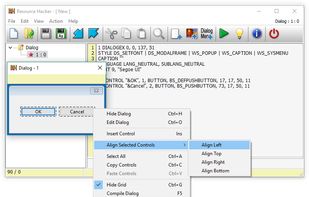
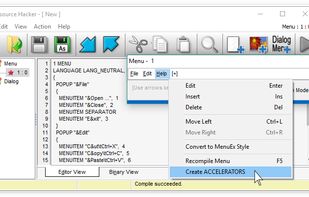
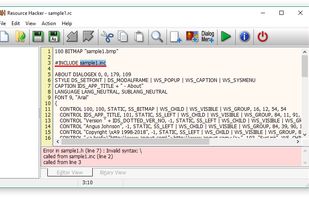
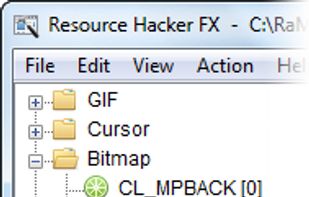
    Resource Hacker screenshot 1
    Resource Hacker screenshot 1
    Compiling can be initiated either by opening an existing resource script file, or by creating one from scratch using Resource Hacker's editor.

A complete list of Resource-Definition Statements can be found here.

Additional features of Resource Hacker's compiler include: The #INCLUDE directive (to access definition statements in header files etc) can be nested to multiple levels, as can the #IF, and #IFDEF directives. #DEFINE, #UNDEF, #IF, #ELIF, #ELSE, #IFDEF, #IFNDEF, #INCLUDE, and #PRAGMA directives are all supported. Strings, between double-quote (") characters, may contain typical 'C' style backslashed 'escaped' characters — \t , \n , \\ , \" , \x, \u and \377 (octal). A double-quote within a string must be 'escaped' using either a preceding backslash or with another double-quote. Script comments are preceded either by double forward-slashes (//) or by a semi-colon (;). Filenam...
    +6
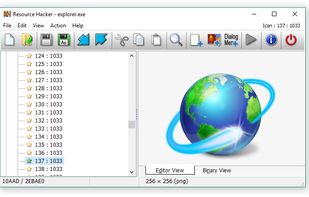
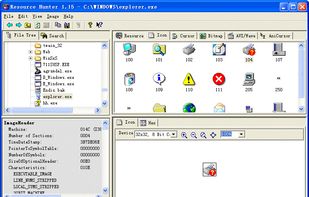
    Once a resource file has been opened, its resources will generally be displayed as either an image (or group of images) or as decompiled text. Binary resources, usually images, can't be edited directly with Resource Hacker, but they can still be very easily exported and imported once they've been modified by an external image editor. (I see no benefit in duplicating what third-party image editors do so well.)
    22 alternatives
  2. PE Explorer icon
     33 likes

    PE Explorer is the most feature-packed program for inspecting the inner workings of your own software, and more importantly, third party Windows applications and libraries for which you do not have source code.

    Cost / License

    • Paid
    • Proprietary

    Application type

    Alerts

    • Discontinued

    Platforms

    • Windows
    • CA flagCanada
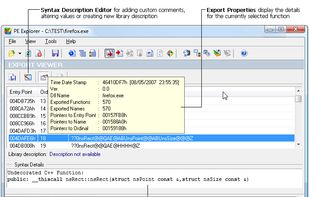
    PE Explorer screenshot 1
    PE Explorer screenshot 1
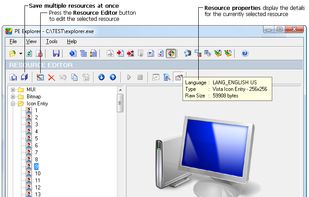
    PE Explorer screenshot 2
    +3
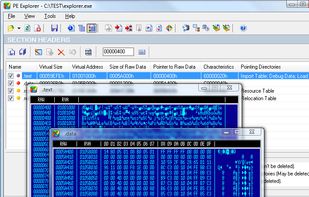
    PE Explorer screenshot 3
    51 alternatives
  3. Restorator icon
     11 likes

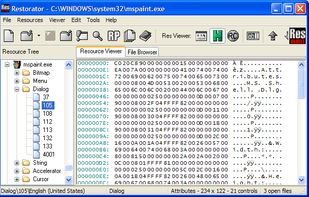
    Restorator is an award-winning utility to edit windows resources in applications and their components, e.g. files with .exe, .dll, .res, .rc, .dcr, extension (see PE files and RES files).

    Cost / License

    • Paid
    • Proprietary

    Application type

    Alerts

    • Discontinued

    Platforms

    • Windows
    • DE flagGermany
    • European Union flagEU
    Dialog Editor
    Dialog Editor
    12 alternatives
  4. ResEdit icon
     18 likes

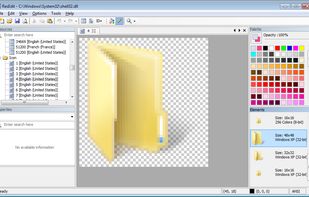
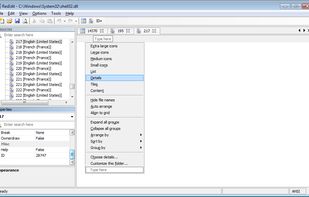
    ResEdit is a free resource editor for Windows programs. You can use it if you want to use dialogs, icons, version information or other types of resources. Output files can be compiled by any Windows compiler that includes a resource compiler, like MinGW and Microsoft Visual C++.

    Cost / License

    • Free
    • Proprietary

    Application type

    Alerts

    • Discontinued

    Platforms

    • Windows
    • FR flagFrance
    • European Union flagEU
    The Dialog Editor
    The icon/cursor editor
    Resource code preview
    +2
    ResEdit screenshot 3
    13 alternatives
  5. Resource Tuner icon
     12 likes

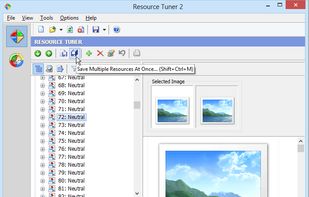
    Resource Tuner lets you view, extract, replace, edit, and delete the embedded resources of executable files: icons, strings, images, sounds, dialogs, menus - all that make up the visual part of your Windows programs.

    Cost / License

    • Paid
    • Proprietary

    Application type

    Platforms

    • Windows
    • CA flagCanada
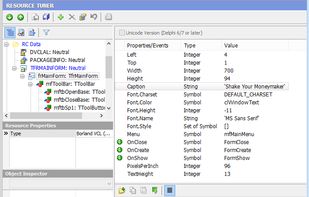
    Resource Tuner screenshot 1
    Resource Tuner screenshot 1
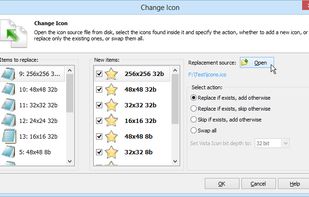
    Resource Tuner screenshot 2
    +4
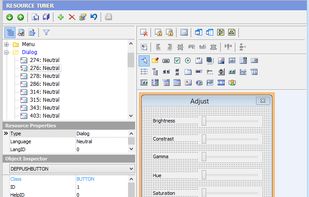
    Resource Tuner screenshot 3
    12 alternatives