
Cost / License
- Free
- Open Source (MIT)
Application type
Platforms
- Google Chrome
- Mozilla Firefox
 Switzerland

 Switzerland
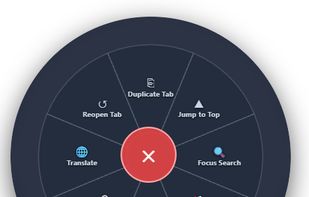
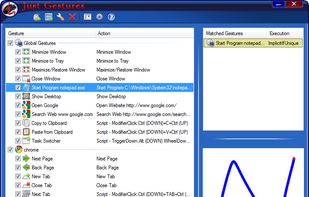
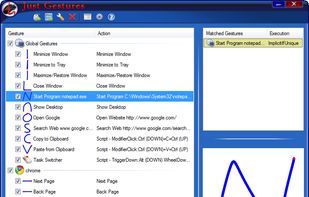
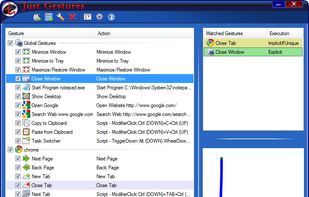
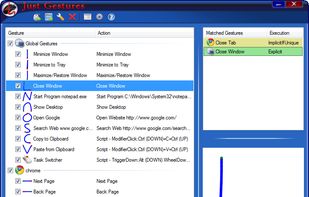
Just Gestures represent an easy and elegant way how to enhance your mouse with endless possibilities. The main idea is to get maximum efficiency of mouse and to use keyboard as less as possible. The program allows you to create mouse gestures with user-defined actions by...

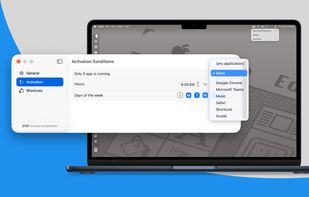
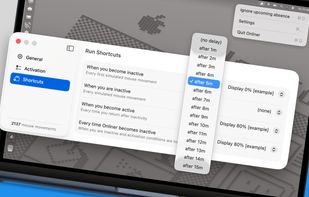
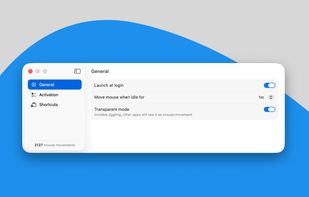
Invisible, smart mouse movements prevent your Mac from sleeping and keep the active status in Slack, Teams, and more.
Online all the time? It can't be easier!



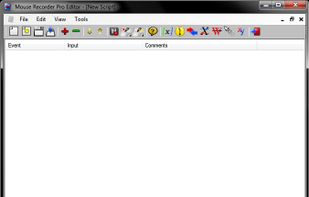
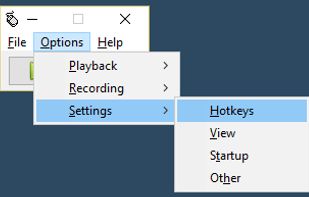
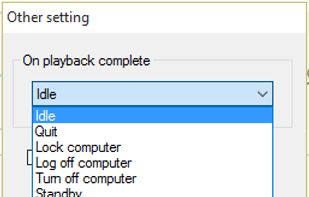
Mouse Recorder Pro 2 is a free mouse and keyboard recording application which will record your computer mouse and keyboard input, allowing you to repeat an operation easily and fast. You can play what you have been recording in a scheduled time you set.
 Israel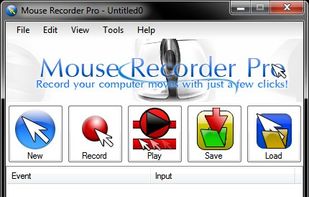
 AutoHotkeyand

NeatMouse is a small tool for Windows that allows controlling your mouse cursor via keyboard.
 Ukraine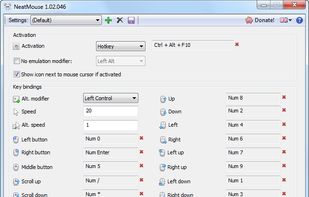

Auto Mouse Mover Software Utility allows you to move the mouse automatically which prevents your computer from logging off.
 India
India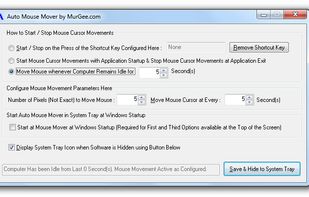


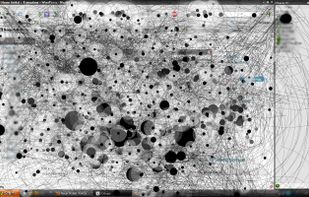
IOGraph is an application that turns mouse movements into modern art. The idea is that you just run it and do your usual daily stuff at the computer. Go back to IOGraph after a while and grab a nice picture of what you’ve done!
 Russia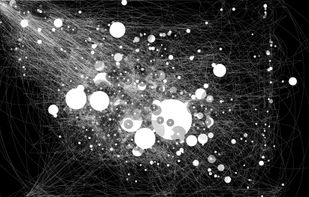

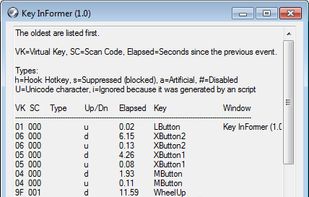
Key InFormer, is a portable tool that shows information of the most recent keystrokes and mouse clicks sent to Windows Os!




 Solaarand

A tool to enable or disable active window tracking, raising and also the delay in milliseconds. This is known as x-mouse behavior.
 Sweden
 EU
EU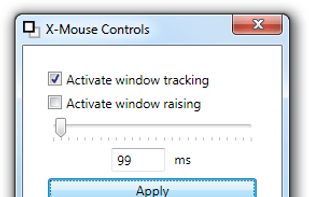


Teleport your cursor across your displays. Relieve your wrist and work efficiently across multiple displays.
 PolandEU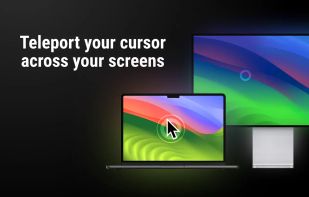
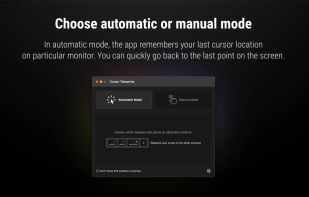
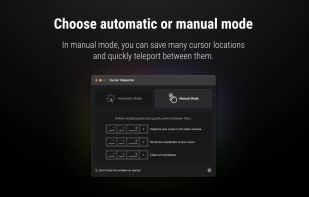
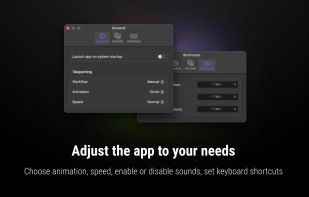


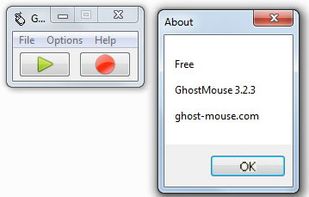
GhostMouse is a mouse automation utility for Windows. It allows you to record mouse sequences and replay them. Also it can run scripts wroten by its older paid version ReMouse and save them, but it doesn't have event triggers.


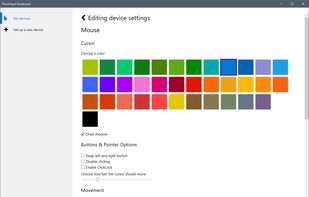
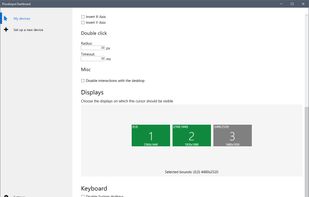
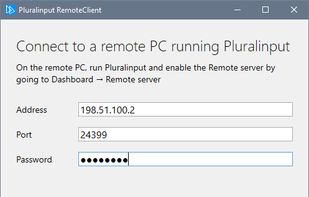


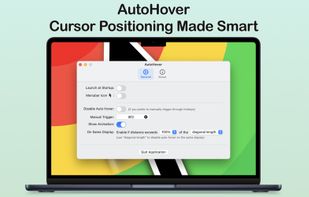
AutoHover automatically hovers your cursor over the active application window whenever it changes, saving you from moving your cursor across large or multiple displays.


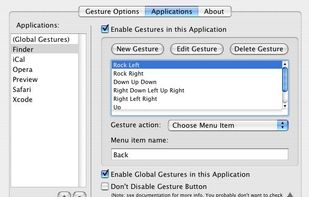
xGestures brings mouse gestures to all aspects of Mac OS X. Use xGestures to add normal directional mouse gestures and rocker gestures to the Finder, Safari, any of your favorite applications, or to the entire system as a whole.

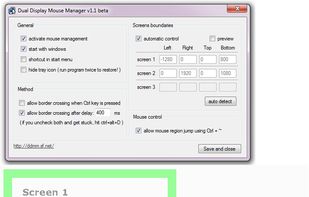
DDMM (Dual Display Mouse Manager) is a program for people who use 2 or more displays. It prevents the mouse from crossing from one display to another too easily, and allows teleporting the mouse pointer between displays with a hotkey.


MetaClick does mouse clicks for you when you're unable to click, or when clicking is an opeation that takes a lot of effort.


MouseJiggle cycles through your screens when away and keeps your Screens, Microsoft Teams, Skype, Games & Outlook active & green. It will prevent screen locking until you switch it off or close your notebook/desktop or shut down.

HydraMouse enables you to remap mouse buttons and to assign various actions to them. It is the only program in the world which can work not only with mice with up to 5 buttons, but also with many models of multi-button mice of various manufacturers (Microsoft, Logitech, Genius...
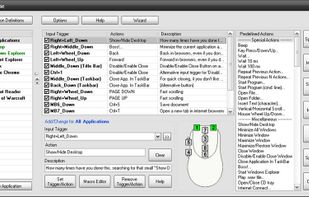


Add instant productivity to any application with hot spot shortcuts, mouse gestures, extra button assignments, text selection tools, Paste2 search utility, clipboard extender and quick text manager.
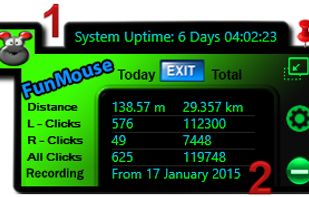
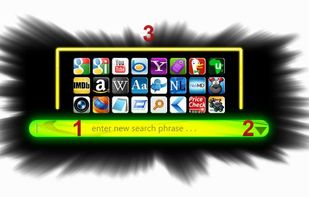
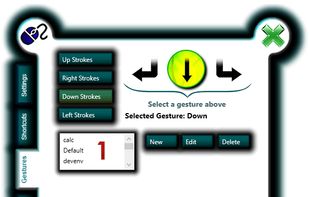


This is the next generation Razer device configuration tool bringing the Razer gaming experience to the free open source world.
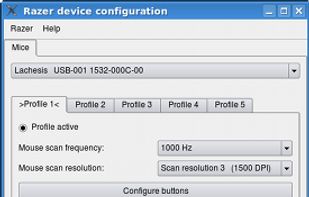
 OpenRazerand

 China
China


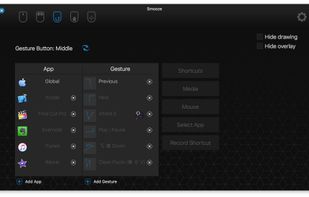
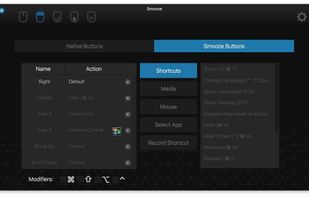
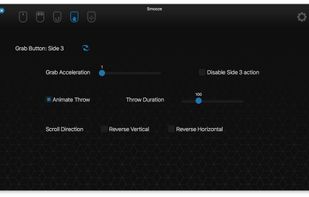
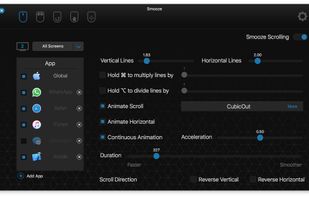
Smooze animates your scroll and adds functionality to your non-Apple mouse (scroll-wheel mouse).
Disable scroll acceleration in macOS, Save time by attaching mouse buttons to actions, Grab Scroll, Auto Scroll, Gestures and more.
 Singapore