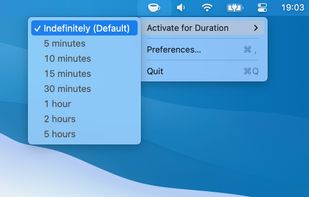
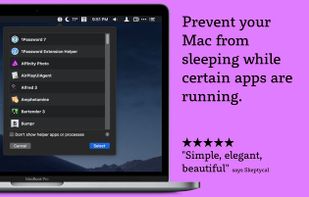
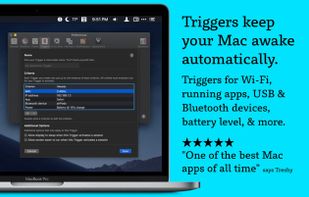
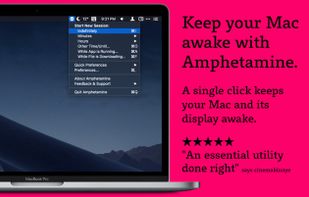
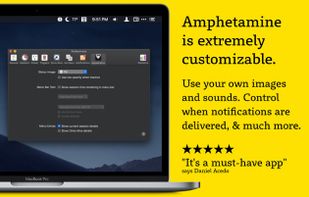
Amphetamine is a little app that lives in your menu bar which can effortlessly override your energy saver settings and keep your Mac awake.
Cost / License
- Free
- Proprietary
Application type
Platforms
- Mac
 United States



+1


Apps similar to Onliner include Amphetamine, which is free. Other options are Green Dotter, Caffeine for Windows, Trypa and Caffeine for Linux. There's no shortage of Prevent Sleep Mode Apps like Onliner, with more than 25 alternatives for Mac, Windows, Android, Linux and iPhone.
Amphetamine is a little app that lives in your menu bar which can effortlessly override your energy saver settings and keep your Mac awake.
United States
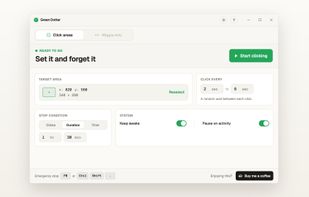
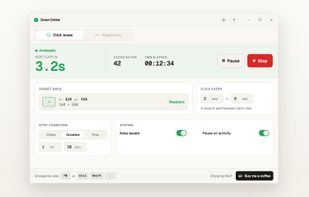
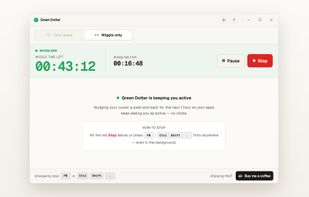
Free auto clicker and mouse jiggler for Mac and Windows operating locally without accounts, offering safe-area click zones, random or fixed intervals, natural movement, session time limits, tray minimisation, instant pause on activity, and Microsoft Store access.
 United Kingdom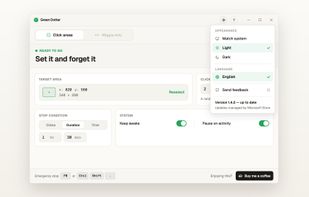


If you have problems with your PC locking or going to sleep, caffeine will keep it awake. It works by simulating a keypress once every 59 seconds, so your machine thinks you're still working at the keyboard, so won't lock the screen or activate the screensaver.
United Kingdom


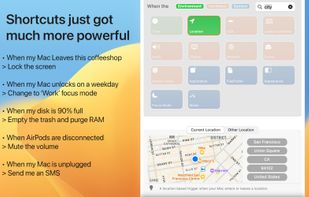
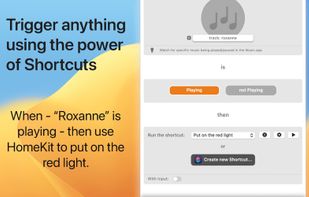
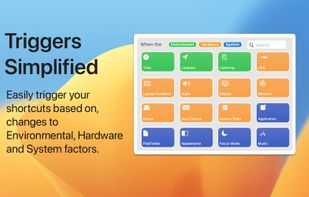
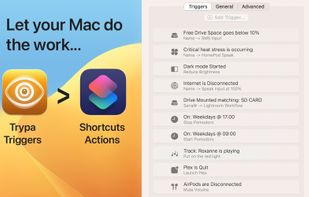
Triggers for shortcuts, simplified. In a few seconds, automate your automations and set up triggers using different environmental, hardware and network scenarios. .


Inspired by the Mac OS X version, Caffeine for Linux is a status bar application able to temporarily prevent the activation of both the screensaver and the "sleep" powersaving mode.


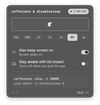
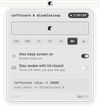
caffeinate & disablesleep replaces two macOS terminal commands: caffeinate -disu and sudo pmset -a disablesleep 1. One click keeps the Mac awake, with an option to stay awake when the lid is closed. Timed sessions run from 15 minutes to 8 hours, or forever.
 Australia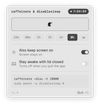


PowerToys Awake is a tool for Windows designed to keep a computer awake without having to manage its power & sleep settings. This can be helpful when running time-consuming tasks, ensuring that the computer does not go to sleep or turn off its screens.
United States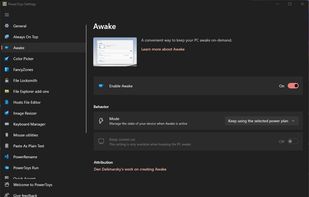


Caffeine is a tiny program that puts an icon in the right side of your menu bar. Click it to prevent your Mac from automatically going to sleep, dimming the screen or starting screen savers.
United States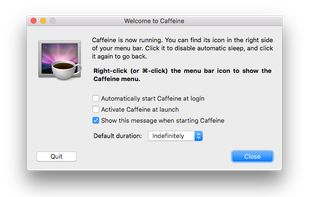


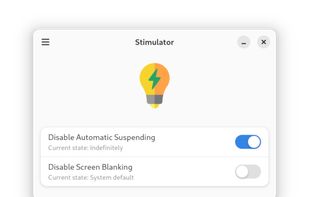
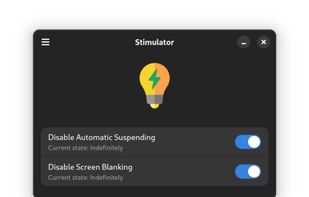
This is a simple app that prevents the desktop environment (DE) from sleeping while its on. It should work regardless of the used DE thanks to the Inhibit portal.


NeverNap prevents your Mac from sleeping or activating the screensaver. For 5 minutes or indefinitely. Perfect for presentations or long processes.
 Netherlands
 EU
EU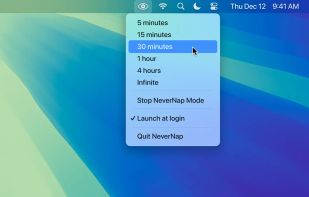


Keep your Mac awake for presentations, webinars, live streaming, long downloads, and more. Maintain workflow without interruptions - simple and effective!.
 Ukraine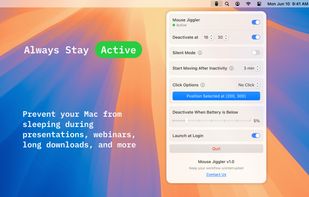


KeepingYouAwake is a small menu bar utility for macOS (Version 10.13 and newer) that can prevent your Mac from entering sleep mode for a predefined duration or as long as it is activated.
 GermanyEU