



burn.monster burns a subtitle into a video. You can send a MP4 file and a SRT file and the site will burn the subtitle into the video.
Cost / License
- Free
- Proprietary
Platforms
- Online
- Software as a Service (SaaS)


burn.monster burns a subtitle into a video. You can send a MP4 file and a SRT file and the site will burn the subtitle into the video.

MLALab.ai is an AI-powered platform that dubs videos into 27 languages with AI voiceover, synced subtitles, and translated titles and descriptions. Paste a YouTube, TikTok, or Instagram URL and get dubbed versions ready to upload anywhere.


LingTube is a Chrome extension that translates YouTube subtitles into your language and reads them aloud with AI voice. Watch foreign YouTube videos more easily without constantly reading subtitles.
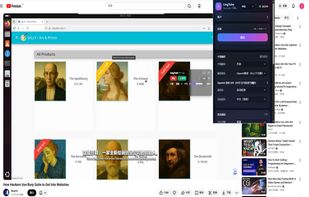
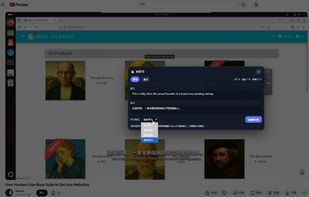
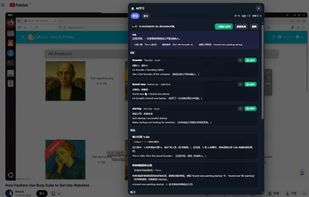


LongScribe is a free web app that turns long videos, podcasts and broadcasts into clean, searchable text. Paste a link from YouTube, Vimeo, TikTok, Instagram, Facebook, Twitch, X or SoundCloud and it transcribes in the background, handling multi-hour recordings without keeping...
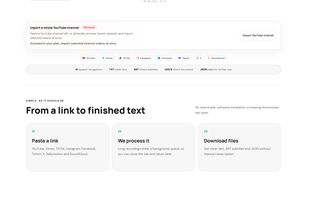

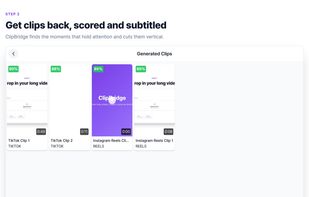
ClipBridge is a web-based video editor that turns long-form video into short vertical clips with burned-in subtitles.
 South Korea



AI tool that turns long videos like podcasts and streams into captioned vertical clips for YouTube Shorts, TikTok and Reels.
 United Kingdom



VidLet is a video toolkit built to be called rather than clicked. Trimming, compression, GIF export, speed changes, audio extraction and sensitive-area masking all run locally and without limits. On top of that sit the generative parts: AI transcription and karaoke-style...
United Kingdom

 Klapand
 InVideo Studio
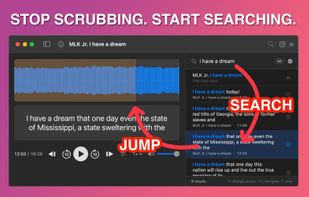
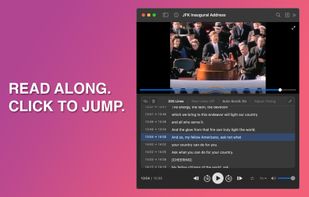
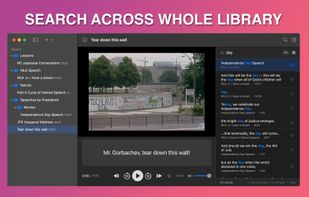
You have audio and video files. You have subtitle files: SRT, VTT, or LRC. You want to play them together, see the full transcript, and click any line to jump straight there.
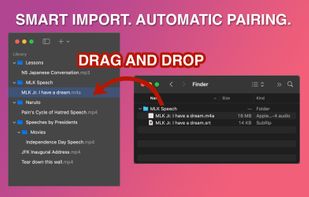

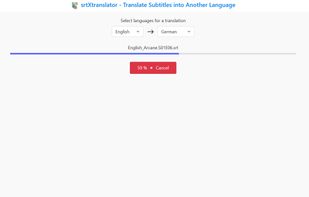



AI subtitle transcription and translation in your browser. Upload video, get subtitles in 50+ languages. Export SRT, VTT, ASS. Speaker diarization included. No installation needed.



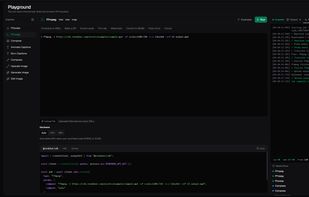
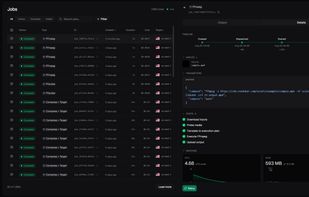
A serverless media processing API for running FFmpeg, creating animated captions, and generating, editing, and upscaling images.

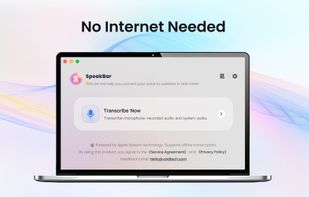
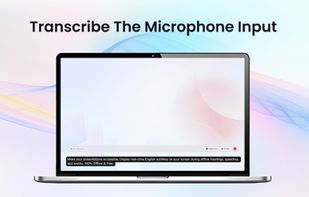
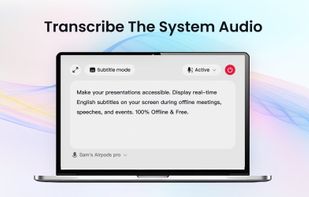
Make your presentations accessible. Display real-time English subtitles on your screen during offline meetings, speeches, and events. 100% Offline & Free.

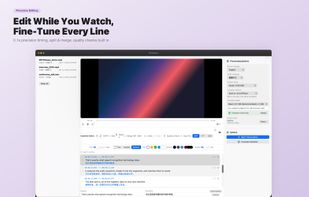
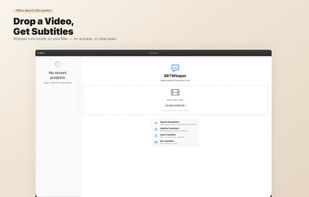
Transcribes video to subtitles using multiple AI models, offers live editing, quality checks, offline privacy, flexible export, and local or cloud translation.
 Handy STTand
 Vibe Transcribe
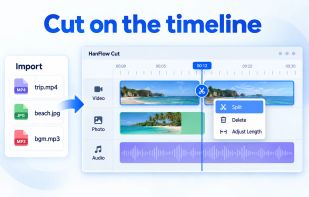
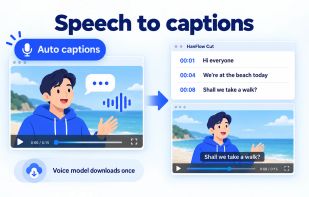
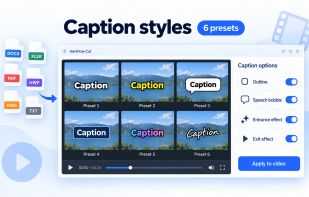
HanFlow Cut lets you trim, split and change speed on a timeline, add subtitles, icons and background music, and export to MP4. Auto captions turn speech into subtitles, with caption styles and effects. Part of HanFlow PC, light and ad-free apps with no sign-in.
South Korea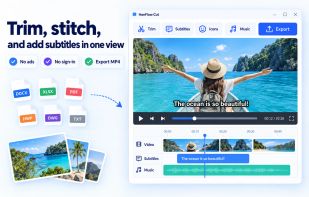

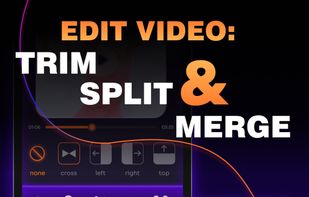
Simple video & audio converter & compressor: extract audio, merge video, separate volume control for vocal & instruments, add video filters, set audio EQ.



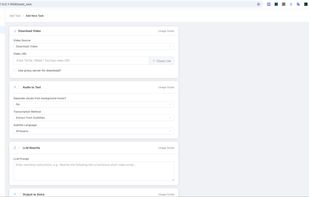
VideoPrinterTurbo is a free video downloader with AI subtitle translation, dubbing, and video repurposing features.
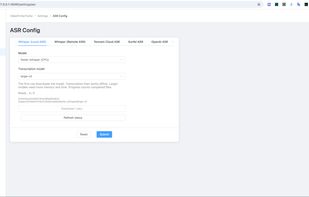
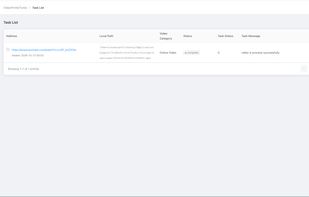
 4k Video Downloader
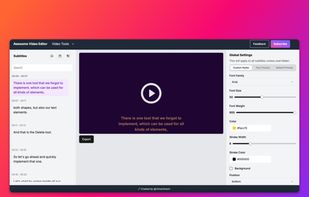
Awesome Video Editor makes it effortless to add accurate subtitles to your videos. Our AI-powered tool automatically transcribes speech into text, enhancing accessibility, engagement, and global reach. Customize, edit, and export subtitles in just a few clicks!
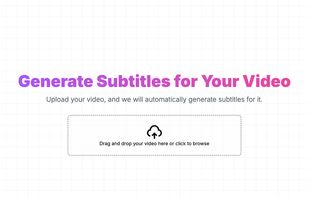

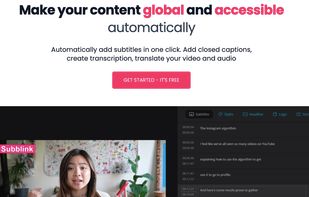
Motionbear is an automatic translation and subtitles software. You can add closed captions, create transcription, translate your video and audio with over 90% accuracy.

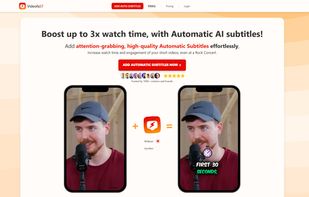
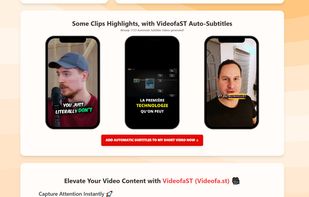
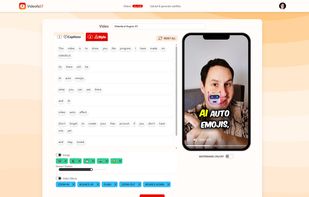
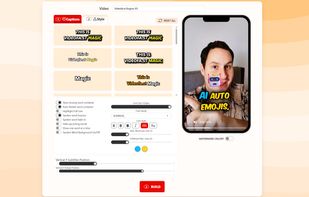
Add attention-grabbing automatic subtitles effortlessly to your short videos. Up to 3X longer watch duration, even at a rock concert.
 CapCutand
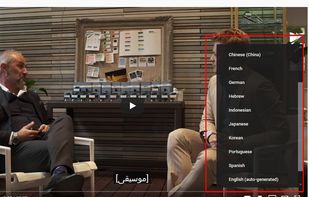
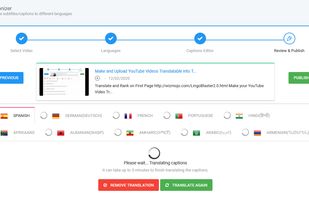
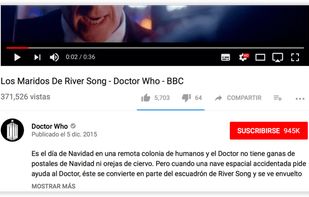
With LingoBlaster you can automatically create and add YouTube Videos Subtitles/Closed Caption, Title, and Description in 100 languages. Get traffic from languages like Spanish, Arabic, Chinese, Russian, French, Indonesian, or Portuguese.
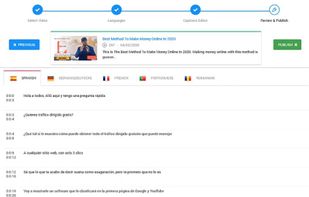

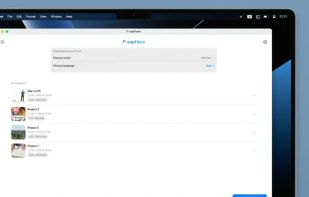
Yes, you read that right: this is the first subtitle generator app you've seen that doesn't include any subscriptions. F-captions stands for "fair captions", and here is what you get:
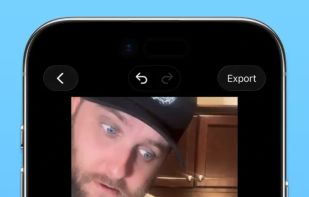


 Overcaptionand

Dubtitles" is an AI-powered app that creates subtitles for YouTube videos in any language. It can translate and write subtitles from one language to any other language. This makes it easy for people to watch videos from around the world in their language, helping everyone...

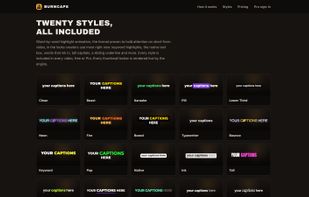
Burncaps adds animated, word-by-word captions to a talking video and gives you back one MP4. Drop an MP4 or MOV of up to ten minutes and choose what you get: the whole video with captions burned in and nothing cut, or the best 30 or 60 seconds as a vertical 1080x1920 short with...
United Kingdom

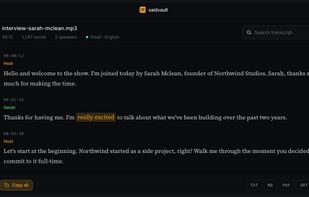
SaidVault is a privacy-first macOS transcription app that runs locally on Apple Silicon. It transcribes audio and video files, records voice notes, captures system audio for meetings or video playback, supports Whisper and Parakeet models, and exports to PDF, TXT, Markdown, SRT, and VTT.
 Poland
 EU
EU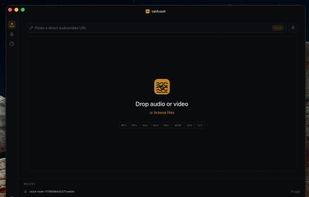
 Handy STTandVibe Transcribe
 Canada



 France


