informUp screen capture is a free screen capture software for you to easily take screenshots.
Cost / License
- Free
- Proprietary
Application type
Platforms
- Windows


informUp screen capture is a free screen capture software for you to easily take screenshots.

PrintKey-Pro is a screen capture program that can capture the screen or any part of it with the press of the Print Screen key (or any other key you configure).

 ShareXand

InstantShot! offers classical screenshot functionality for capturing the whole screen, a portion of it or a window and also the option to make timed screenshots or to make delayed captures over time. It offers a wide range of preferences and options to fit everyone's needs.
 Greenshot
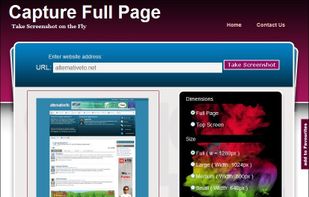
Capture Full Page Screenshot of any website Online.
Features: Take screenshots of public webpages easily. Captures the full webpage. Preview the screenshot. Set the image’s dimensions, size, and format. Download your screenshot in a zip file. View recent screenshots created in.

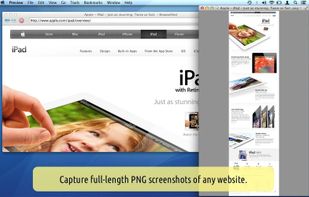
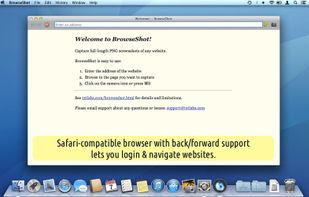
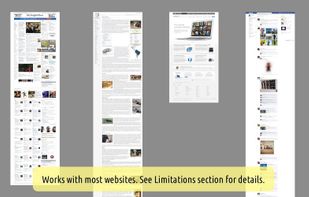

Small and free screenshot app for Mac that offers custom area and resolution presets, and much more.
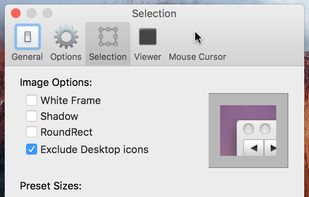
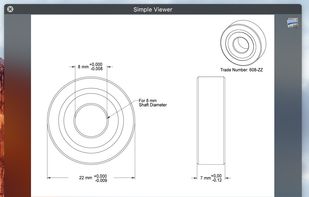
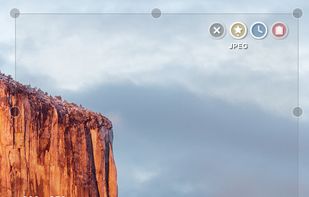
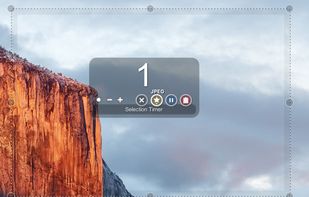

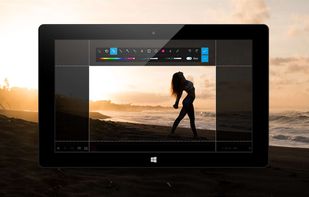
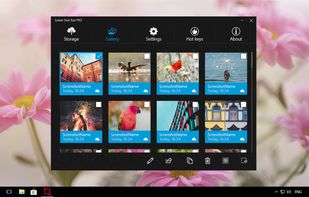
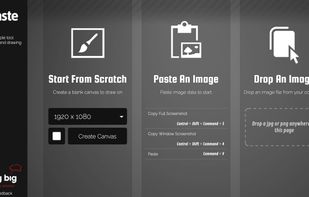
This is the handiest way to screen capture, edit selected areas on the screenshots, and sharing with others.


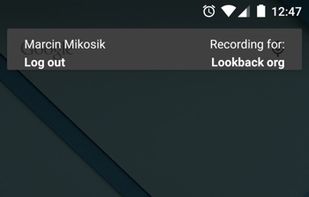
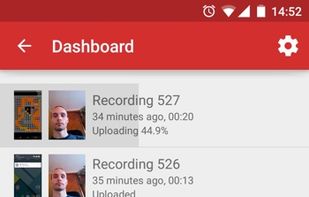
Lookback is a UX research platform for building better apps and websites. Lookback lets you capture the screen, face, voice and all the touches/clicks on a device, and then automatically upload it to your dashboard for you to view, collaborate, and share.
 Sweden
 EU
EU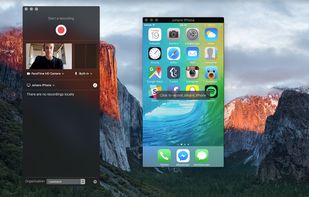


Hippo Video is an online video platform to create explainer videos, educational videos, how-tos, training videos, customer testimonials, video assignments, video tutorials, host videos and a video marketing platform.
 YouTube
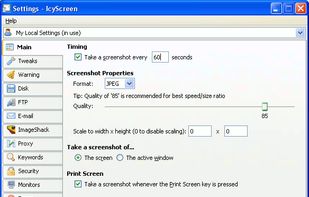
Automatic screenshot taker/automatic screen capture program. Have it take a screenshot every X seconds, and not only have the screenshots saved to disk, but also have them e-mailed, uploaded to a web server via FTP, and uploaded to an ImageShack account.
 United States
 ShareXand
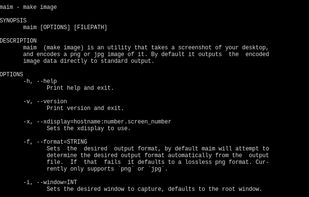
maim (make image) takes screenshots of your desktop. It has options to take only a region, and relies on slop to query for regions. maim is supposed to be an improved scrot.
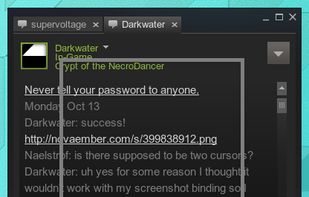

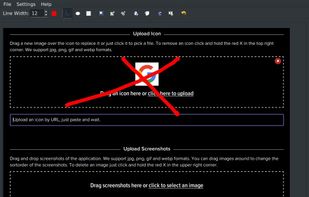
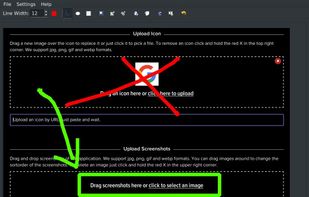
A macOS app for capturing, annotating and sharing screenshots. Quickly add comments, highlight what matters or blur any sensitive content. Upload screenshots to Google Drive or Dropbox. Copy screenshots to the clipboard and paste them directly into Slack, Skype, Jira, Trello and...


 FranceEU








The device art generator enables you to quickly wrap app screenshots in device artwork. This provides better visual context for your app screenshots on your website or in other promotional materials.
United States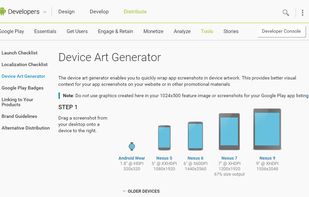


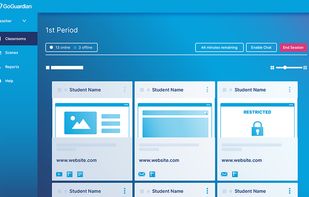
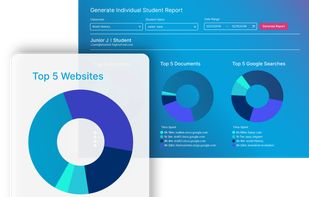
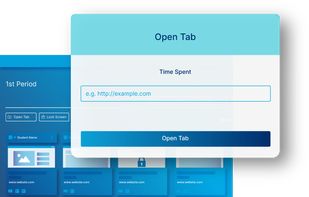
With devices in the classroom, you can’t always see what students are doing behind their screens. GoGuardian Teacher allows you to know what students are doing on their devices and whether they are off-task or need help.



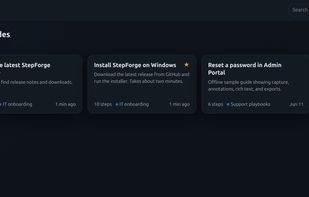
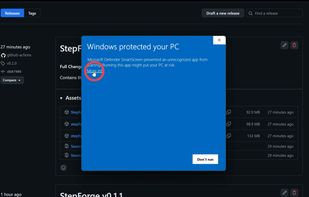
Free desktop app that turns every click into a step-by-step guide with screenshots, then exports to PDF, Word, Markdown and more. Works offline, no account.
United States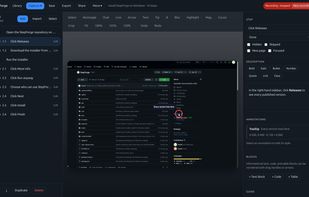

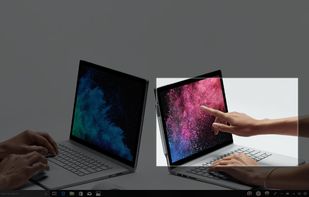
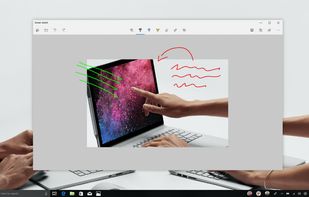
Quickly annotate screenshots, photos and other images with your pen, touch, or mouse and save, paste or share with other apps.

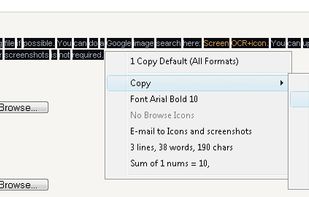
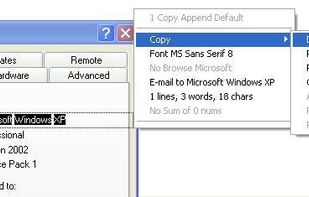
Screen OCR is a screen capture and character recognition tool. You can use Screen OCR in any way you are most comfortable with. It can be window selection, scrolling capture, simple cursor capture or rectangular selection.

FuturixImager is a compact and customizable image viewer. It is capable of opening more then 50 file types, including all most popular ones (GIF, JPEG, PNG, TIFF, JPEG2000, raw, DNG).
 Russia