


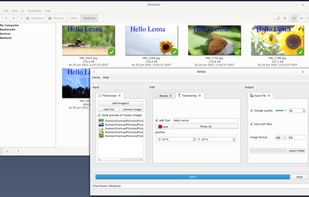
Lenna is an app to process images. Core functionality is to compress images in a batch, resize or rename images.
Cost / License
- Free
- Open Source (MIT)
Application type
Platforms
- Windows
- Linux
- Online

Best alternatives are 
4 alternatives

Lenna is an app to process images. Core functionality is to compress images in a batch, resize or rename images.

Privacy-first file conversion runs on your device for images, audio, archives, and PDFs; server used only for complex files, with strict auto-deletion policy.
 United States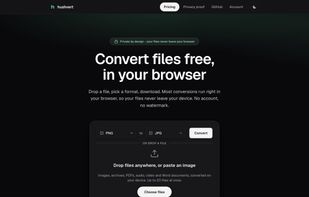


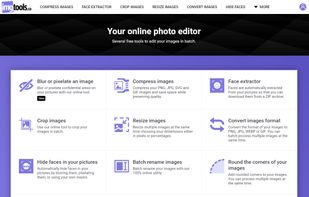

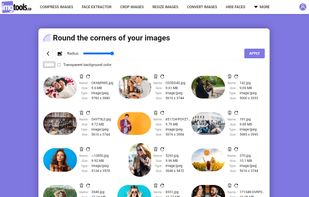
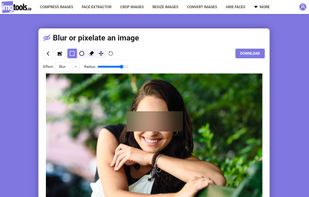


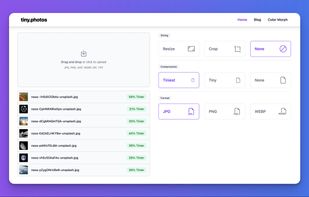
Process images in bulk securely in your browser, no uploading necessary. It's private, fast, and easy! Upload all major image formats, resize, crop, compress, and convert images all at once.
United States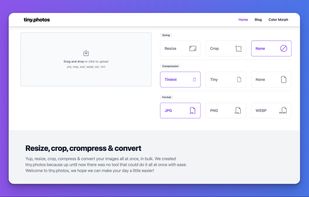


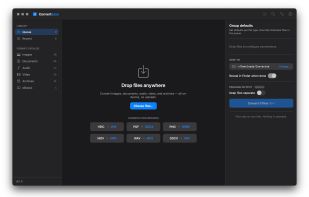
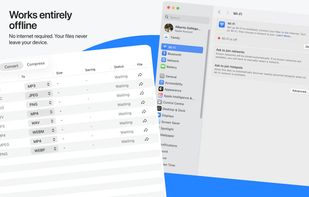
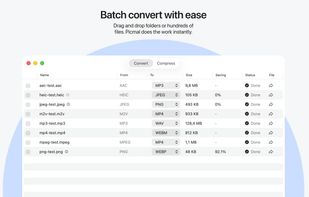
macOS utility for batch conversion of images, audio, video, documents, archives, eBooks and fonts, processed locally with Finder and CLI access.
 FFmpegand
 File Converter
 Spain
Spain EU
EU


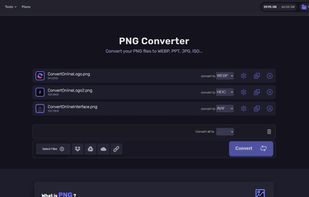
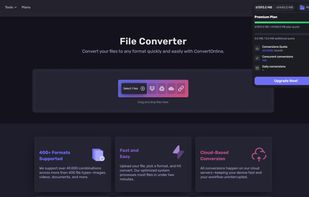
Convert.Online converts files between more than 400 formats — images, video, audio, documents, spreadsheets, presentations, ebooks, fonts, archives, CAD and 3D — about 37,500 conversion pairs in total. It also does OCR, turning a scanned PDF or image into searchable text in the...
 Serbia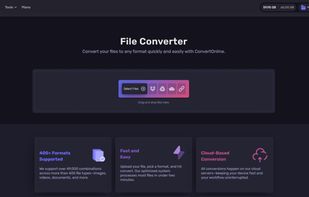
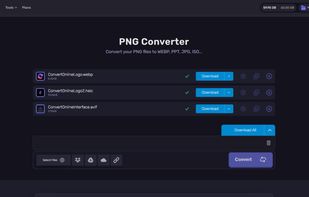

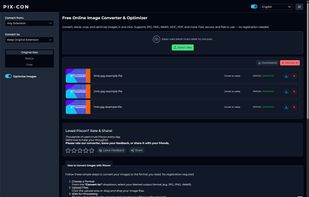
Free online tool to convert, resize, crop, or optimize images. Supports multiple formats like JPG, PNG, WebP, HEIC & more. No signup required.

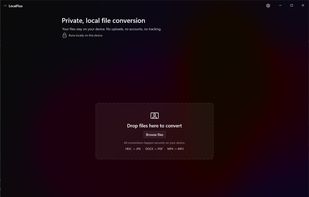
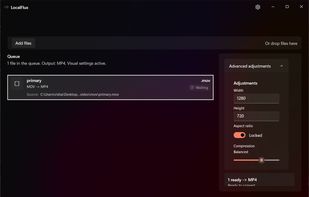
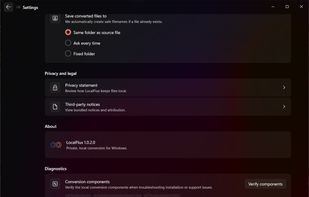
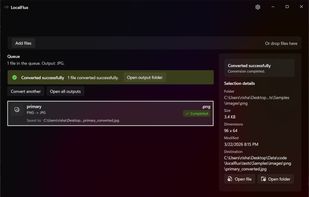
LocalFlux is a Windows 11 desktop app for converting and compressing supported images, audio, video and documents on your PC. It creates new output files and leaves the originals unchanged.
 File Converter
Consul automatically converts files when you change their extension. Rename IMG_0073.HEIC to IMG_0073.jpg and the file is instantly converted to a JPEG file – works with images, videos, audio, and more.
 GermanyEU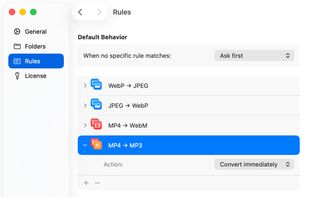

QuickConvert is a fast, privacy-friendly online converter for images. It supports HEIC ? JPG/PNG, WebP ? JPG/PNG, and image ? PDF conversion, directly in your browser with no upload to servers.
 File Converter
PhotoPenguin is a completely free batch photo editor with support for cropping, resizing, adding watermarks, and converting photos to other formats.
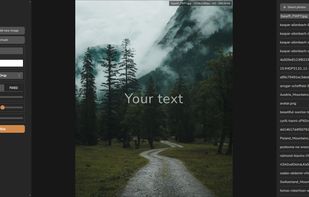
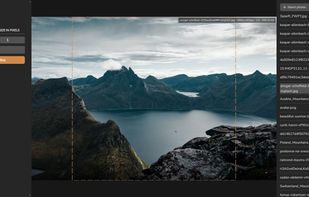


AVI-Core is a lightweight, open-source media toolkit for Windows that provides fast image, video, and audio utilities through both a command-line interface and Windows Explorer context-menu integration.


FotoLince is a powerful, free online tool for optimizing images without uploading them to a server. Powered by WebAssembly, it processes everything locally on your device, ensuring 100% privacy and speed.
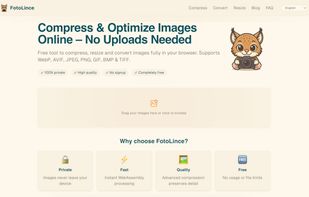


Free offline tool that converts PDFs and images (WEBP, AVIF, PNG, JPG, BMP, TIFF) to JPG or PNG. Portable Windows exe with batch mode — no install, no uploads.
United States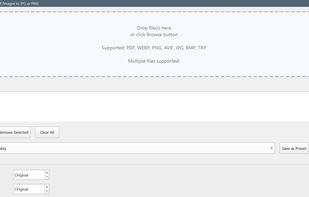 File Converterand
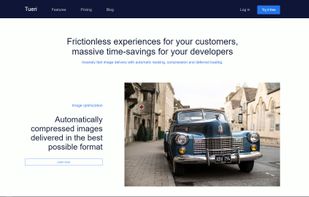
Frictionless experiences for your customers, massive time-savings for your developers. Insanely fast image delivery with automatic resizing, compression and deferred loading.



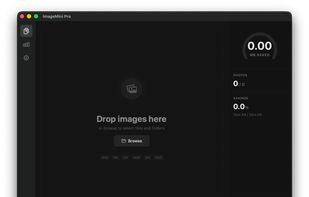
Batch image compression for Mac — supports PNG, JPEG, GIF, WebP, SVG, HEIC with local processing, drag & drop, and quality preview.

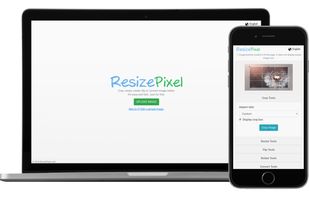
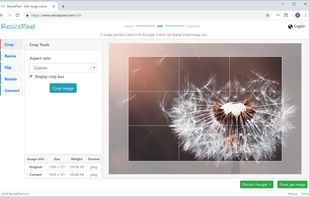
ResizePixel is a free image editing service where simplicity is essential feature. It allows to crop, resize, flip, rotate and convert pictures to multiple formats - JPG, PNG, WEBP, BMP, GIF, TIFF.
Minime is a free and open-source desktop image compressor and format converter for Windows, macOS, and Linux. Built in Rust, it focuses on lossless image optimization while keeping everything private and local to your device.
 BelgiumEU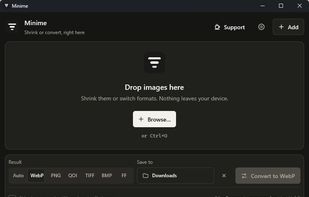

PixDrop is a portable batch image converter for Windows. Convert between 18+ formats including RAW (CR2, CR3, NEF, ARW, DNG, RW2, ORF, RAF), AVIF, HEIC, JXL, and PDF. Features include EXIF metadata editing, GPS stripping, Watch Folder for automatic conversion, ICC color profile...
 Japan
Japan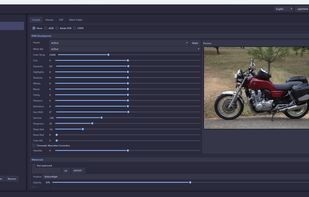
 IrfanViewand
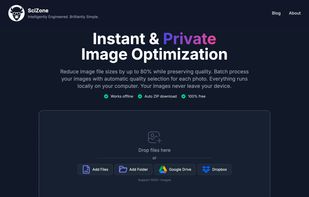
SciZone converts JPG, PNG, HEIC, TIFF, GIF and WebP images to WebP or AVIF directly in your browser. The encoder is a C++ library compiled to WebAssembly, so your photos never leave your device. Open DevTools and watch the Network tab: nothing is sent.
 File Converter
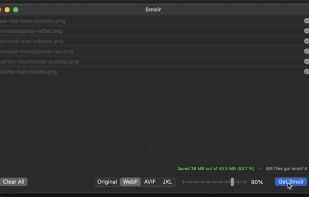
Smolr is a small tool that let you convert and optimize your image files to make them smaller and more usable.

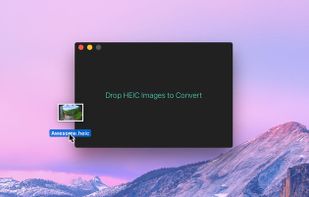
HEIC Converter is a macOS app that makes it easy to quickly convert images in the HEIC format to JPEG or PNG. HEIC is Apple's new default image format in iOS 11, replacing JPEG. HEIC uses more advanced and modern compression methods to achieve much smaller file sizes with...
 Norway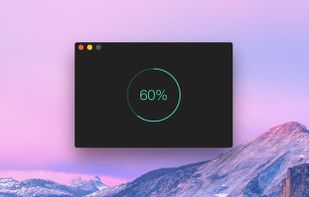



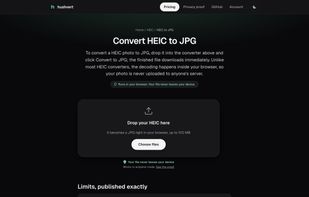
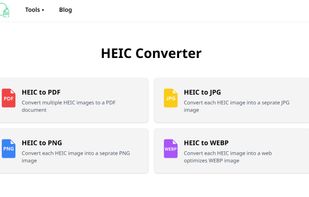
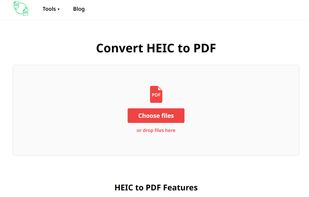
OnlineHEICConvert.com is a handy, free tool for converting those tricky HEIC files into formats like JPEG, PNG, WEBP, PDF. It’s incredibly easy to use: just upload your HEIC files, pick the format you want, and hit “Convert.” You can even convert multiple files at once!


 India
India


