





Simple File Converter
Like
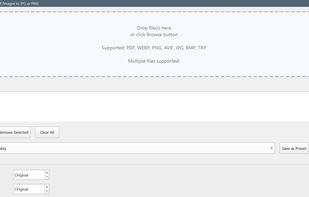
Free offline tool that converts PDFs and images (WEBP, AVIF, PNG, JPG, BMP, TIFF) to JPG or PNG. Portable Windows exe with batch mode — no install, no uploads.

Cost / License
- Free
- Open Source (MIT)
Application type
Platforms
- Windows

Features
Simple File Converter News & Activities
Highlights All activities
Recent activities
- James daSilva updated Simple File Converter
- James daSilva added Simple File Converter
 James daSilva added Simple File Converter as alternative to CloudConvert, Online Convert, Convertio, File Converter and 1 more

Simple File Converter information
Developed by
 James daSilva
 Licensing
Open Source (MIT) and Free product.Written in
Alternatives
5 alternatives listedBadge
Get an embeddable badge for Simple File ConverterSupported Languages

AlternativeTo Categories
Office & Productivity, Photos & GraphicsGitHub repository
- 1 Stars
- 0 Forks
- 0 Open Issues
- Updated


No comments or reviews, maybe you want to be first?