Cost / License
- Free
- Open Source (MIT)
Application type
Platforms
- Mac
- Windows
- Linux
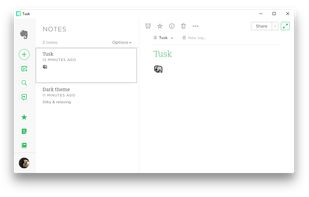



Apps similar to Zim include Obsidian, which has a free version. Other options are Joplin, Anytype, Notion and Notesnook. Note-taking Tools like Zim are a crowded field, with more than 100 alternatives for Windows, Mac, Linux, the web and Android.

LabLog makes it easy for research laboratories to store data, experiments, observations and protocols in the cloud while complying with all federal regulations. Based in the US, they are able to provide local, on-site support to all industry clients.

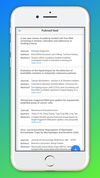


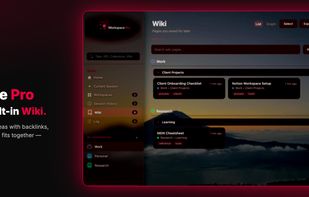
Browser tabs and research rarely stay organized across sessions. Workspace Pro keeps both in one local-first Chrome extension: project workspaces for tabs, a personal Wiki for pages you want to keep, and optional AI when you need it.



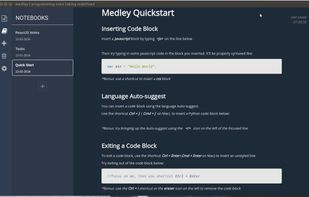
Redefining the way programming notes are taken. Text editors are too one dimensional, Evernote/Onenote is too generic. Medley Text is a note taking tool designed to help you take pretty and organized programming notes.
 United States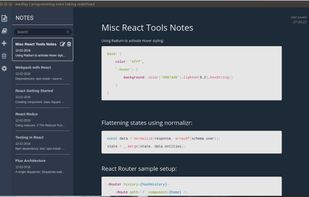


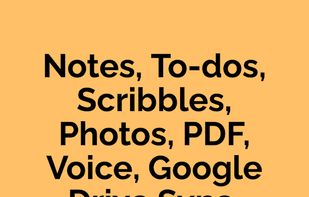
Simple and easy-to-use notepad app designed to make your life easier. Whether you're jotting down quick notes, creating to do lists, drawing, or organizing your ideas, FoxyNotes has you covered. Plus, with seamless Google Drive sync and backup, your notes are always safe and...
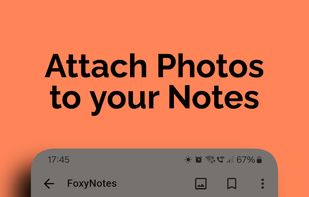


This simple productivity app allows you to log all of the tasks you need to complete for the day within Notification Center.










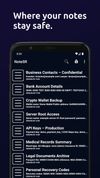
NoteSR is a secure and offline-first note-taking Android app that creates an encrypted storage space on your device. You can write text notes, attach any type of file to them, and open files directly inside the app — all fully encrypted using AES-256.
 Ukraine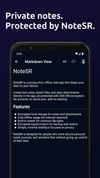


MarkWiki aims to be dead simple. MarkWiki was born out of frustration with bad documentation tools behind a company firewall that were too complex.

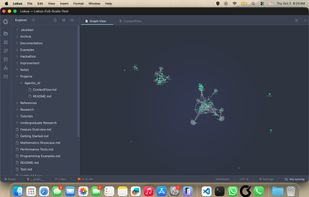
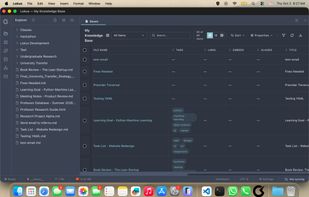
A modern, intuitive note-taking app with powerful editing capabilities, database views, AI integration, and fast search.
United States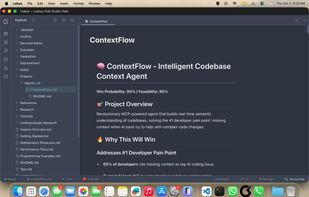


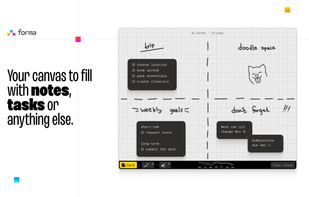
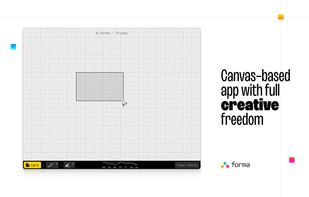
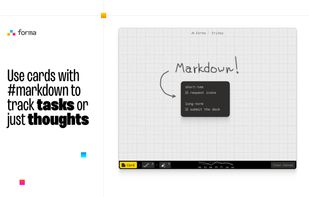
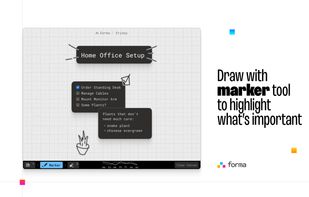
Forma gives you an open canvas where you can drop ideas anywhere. Move things around, group them visually, draw connections, and keep a clear picture of everything you’re working on.


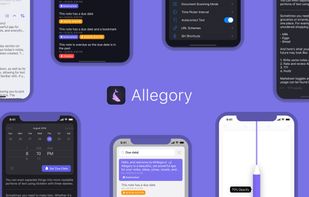
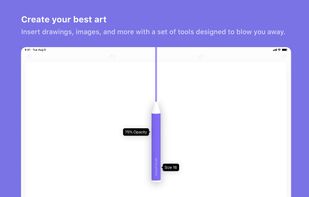
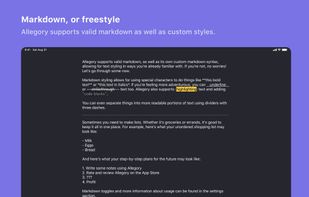
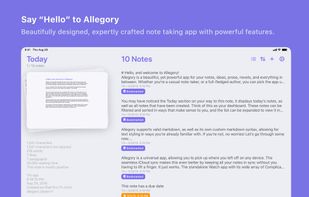
Allegory is a powerful notes app with a beautiful iOS-centric UI. The minimal and focused writing experience, combined with an impressive set of powerful features, makes this the ideal choice for everyone.