

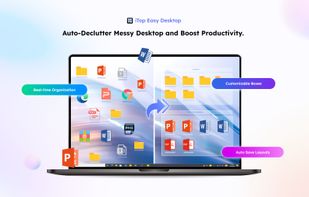
Desktop organization tool for Windows 10/11, automating file and app categorization in customizable areas. Includes snapshot saving, quick-access keys, Chameleon feature, and enterprise deployment tools.
 United States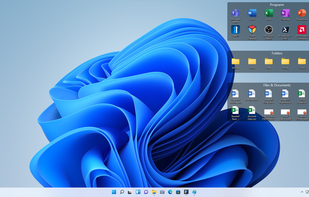
+7


XLaunchpad is described as 'Gives you instant access to all your shortcuts. Arrange apps in XLaunchpad any way you like by dragging icons to different locations or by grouping apps in folders. Simply drag one icon over another to create a folder' and is a application launcher in the os & utilities category. There are more than 50 alternatives to XLaunchpad for a variety of platforms, including Windows, Linux, Mac, BSD and File Explorer apps. The best XLaunchpad alternative is Fences. It's not free, so if you're looking for a free alternative, you could try Portals: Desktop Organization or RocketDock. Other great apps like XLaunchpad are Cairo-Dock, Winstep Nexus, iTop Easy Desktop and Nimi Places.
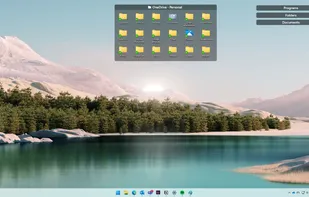
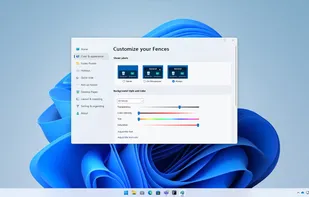
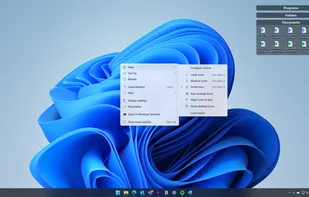
Desktop organization tool for Windows 10/11, automating file and app categorization in customizable areas. Includes snapshot saving, quick-access keys, Chameleon feature, and enterprise deployment tools.

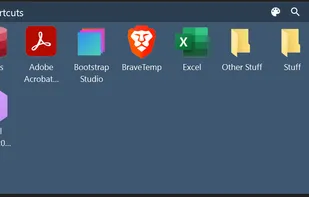
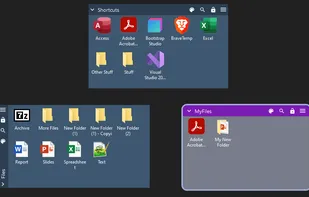
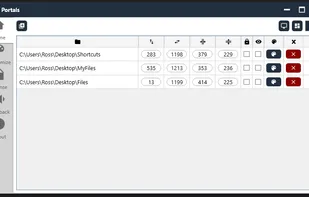
Create containers (aka Portals) on your desktop which show the contents of a specified folder. Divide your desktop into folders then use Portals to display the contents of the folders in an organized fashion - you can even hide the folders away somewhere else.


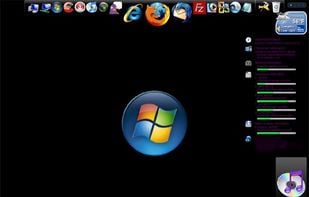
RocketDock is a Mac OS X dock clone. It provides a nice clean interface to drop shortcuts on for easy access and organization. With each item completely customizable there is no end to what you can add and launch from the dock.
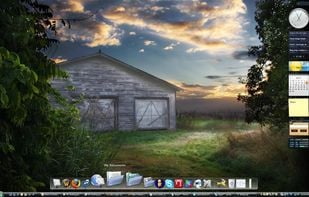
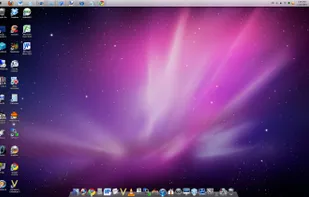


Animated dock for Linux desktops with hardware acceleration, multi-dock support, taskbar and launcher tools, and an array of applets that can act as detachable widgets. Features a macOS-like interface, multiple themes, low CPU usage, and community-driven customization.
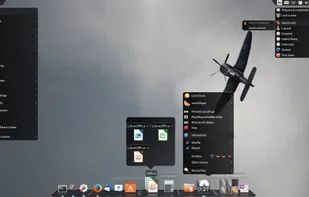


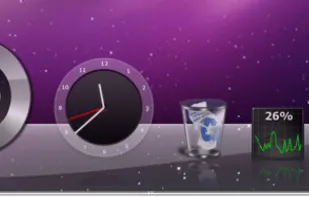
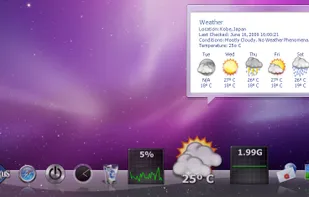
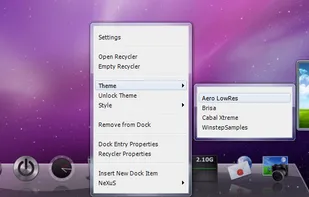
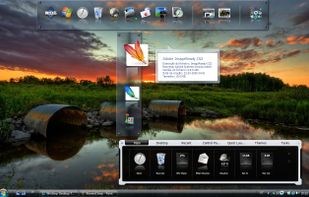
Enjoy a free, simple docking solution for Windows with Winstep Nexus. Create docks, sub-docks, organize apps in groups, and enjoy fun interactions with animations. Nexus Ultimate offers Shelves, Tabbed Docks, and Grid Stacks for better organization and access.


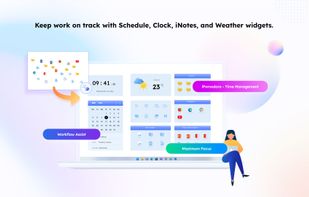
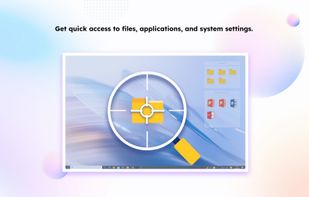
Automates desktop organization for Windows by grouping files, apps, and folders into customizable boxes, supporting appearance adjustments, instant hotkey access, multi-page desktops, double-click hiding, Folder Portal, and fast search functionality.


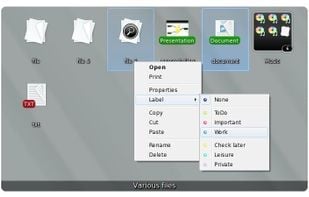
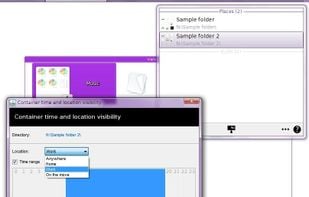
Organizes desktop into customizable containers showing folder contents as icons/thumbnails on a scrollable surface. Has lots of management features: e.g. labelling; sort by category; time & location based settings. Thumbnails are displayed for supported Open Documents, PSD images & PDFs.


Docky is a full fledged dock application that makes opening common applications and managing windows easier and quicker. Docky is fully integrated into the GNOME Desktop and features a no non-sense approach to configuration and usage. It just works.
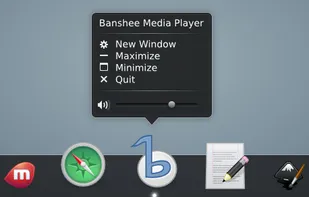


Animated Windows dock for fast access to apps, shortcuts and files, featuring auto-hide, drag and drop launching, fully customizable color, size and position, support for multiple docks, shortcut management, enhanced desktop organization and visual effects.
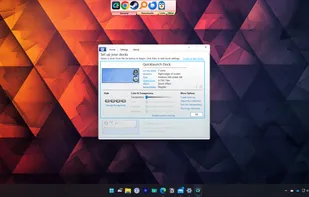
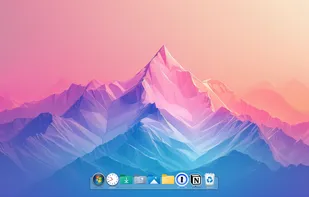
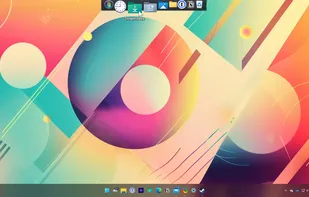
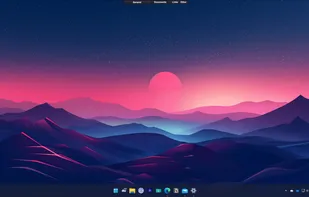


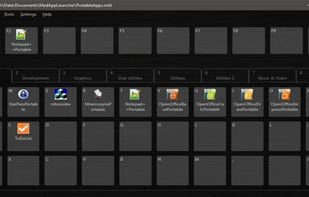
MaxLauncher is a simple tabbed launcher that was designed to reduce the amount of time to find and run a program. It is capable of creating multiple data files, each of which can have a maximum of 10 tabs. Each tab and button is assigned a key(eg. F1-F10, 0-9, A-Z, etc.
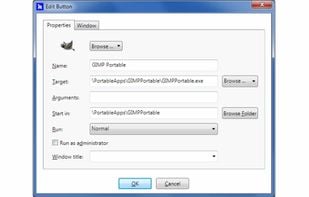
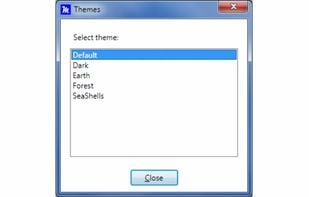


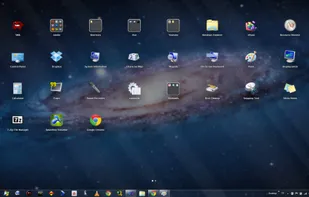
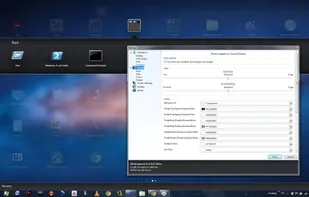
WinLaunch is a Windows program that resembles a Mac OS X Lion Launchpad.
Features:
Instant access to all your important applications and documents from everywhere! Perfect Mac OS X look and feel Tons of customization options Optimized controls for touchscreens and tablets! Win.


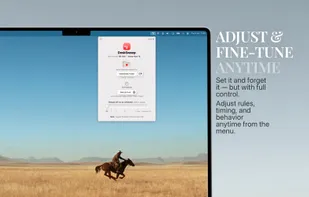
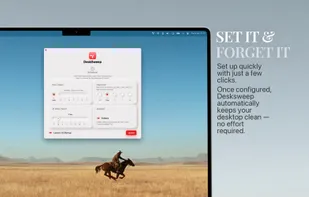
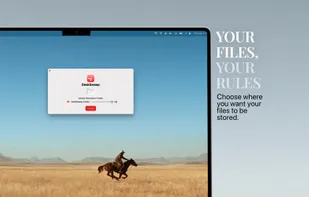
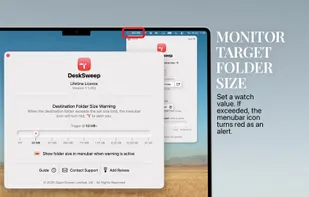
Boost your productivity by eliminating clutter—DeskSweep automatically organizes your desktop by moving files to a designated folder, ensuring a clean and distraction-free workspace.


 France
 EU
EU
 Portugal
 Hong Kong SAR China


 United Kingdom