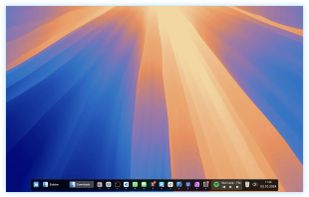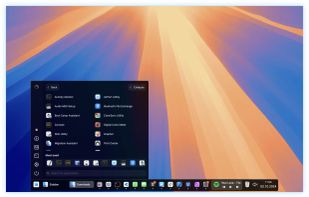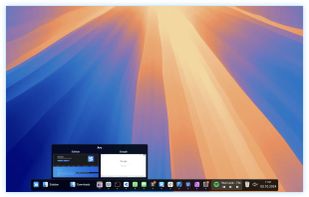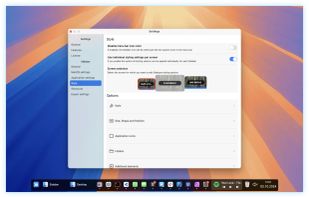


A lightweight, feature-rich dock for Linux written in Python with GTK 3 and Cairo. Inspired by Plank and Cairo-Dock, with an extensible applet system for custom widgets.
 France
 EU
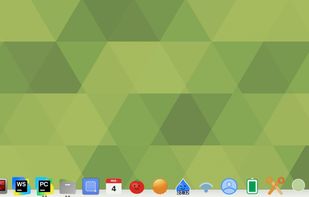

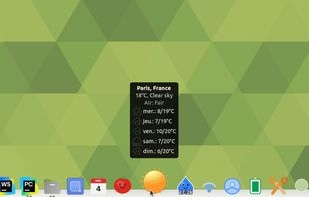

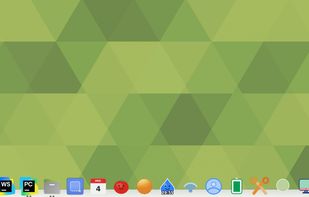


Apps similar to MaxLauncher include Docking, which is free and open source. Other options are RocketDock, ObjectDock, Cairo-Dock and Winstep Nexus. Application Launchers like MaxLauncher are a crowded field, with more than 25 alternatives for Windows, Linux and Mac.
A lightweight, feature-rich dock for Linux written in Python with GTK 3 and Cairo. Inspired by Plank and Cairo-Dock, with an extensible applet system for custom widgets.
FranceEU
RocketDock is a Mac OS X dock clone. It provides a nice clean interface to drop shortcuts on for easy access and organization. With each item completely customizable there is no end to what you can add and launch from the dock.
 United States


Animated Windows dock for fast access to apps, shortcuts and files, featuring auto-hide, drag and drop launching, fully customizable color, size and position, support for multiple docks, shortcut management, enhanced desktop organization and visual effects.
United States


Animated dock for Linux desktops with hardware acceleration, multi-dock support, taskbar and launcher tools, and an array of applets that can act as detachable widgets. Features a macOS-like interface, multiple themes, low CPU usage, and community-driven customization.
FranceEU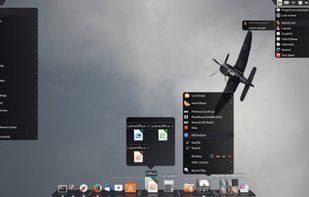


Enjoy a free, simple docking solution for Windows with Winstep Nexus. Create docks, sub-docks, organize apps in groups, and enjoy fun interactions with animations. Nexus Ultimate offers Shelves, Tabbed Docks, and Grid Stacks for better organization and access.
 PortugalEU
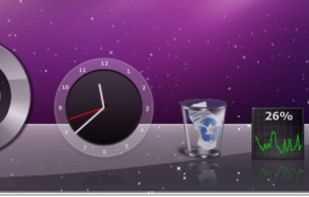


Organizes desktop into customizable containers showing folder contents as icons/thumbnails on a scrollable surface. Has lots of management features: e.g. labelling; sort by category; time & location based settings. Thumbnails are displayed for supported Open Documents, PSD images & PDFs.
PortugalEU


Automates desktop organization for Windows by grouping files, apps, and folders into customizable boxes, supporting appearance adjustments, instant hotkey access, multi-page desktops, double-click hiding, Folder Portal, and fast search functionality.
 Hong Kong


Docky is a full fledged dock application that makes opening common applications and managing windows easier and quicker. Docky is fully integrated into the GNOME Desktop and features a no non-sense approach to configuration and usage. It just works.



DeskRipple keeps each group of shortcuts in a single folder icon on the Windows desktop. Hover or click to open its shortcut panel, then close it back to one icon. The folders sit alongside regular desktop icons, behind normal windows.
United States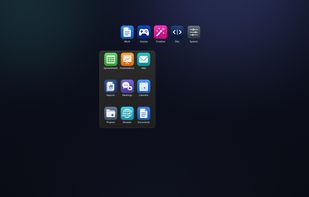
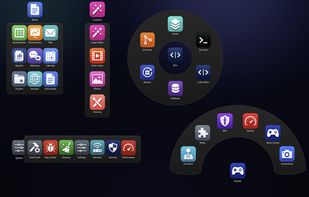
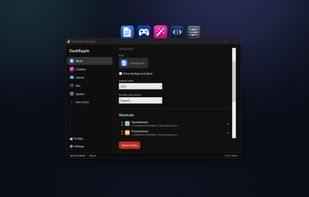


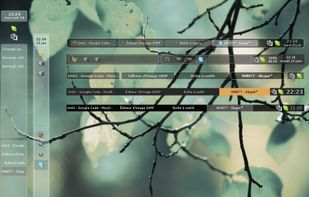
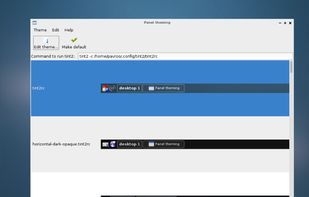
tint2 is a simple panel/taskbar unintrusive and light (memory / cpu / aestetic). We try to get virtual desktop and multi-monitor easier to use. We follow freedesktop specifications.


True Launch Bar is a Superior replacement for the standard Quick Launch bar. All functions presented in Quick Launch are also in True Launch Bar. However, the True Launch Bar is fully compatible with Quick Launch because it uses the same folder for shortcuts.
 Ukraine


Sidebar transforms the macOS Dock experience, offering multi-screen support, customizable preferences, live previews on Ventura, and window management with WindowSnap. It reserves screen space to optimize display usage and supports storing multiple window configurations for flexible setups.
United States