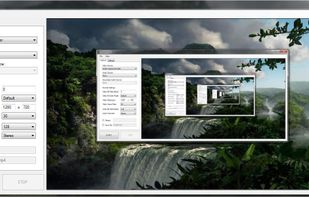
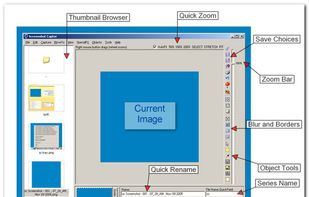
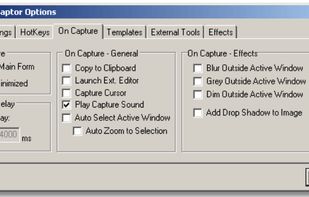
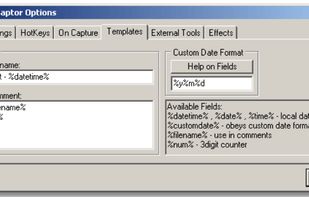
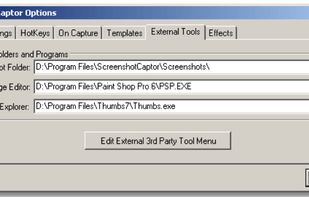
Screenshot Captor is a program for taking screenshots on your computer. Its different from other screenshot utilis in several notable ways:
Cost / License
- Free Personal
- Proprietary
Application type
Platforms
- Windows
 United States



+7


Apps similar to WinSnap include ShareX, which is free and open source. Other options are Greenshot, FastStone Capture, Snipping Tool and PicPick. There's no shortage of Screenshot Capture Tools like WinSnap, with more than 50 alternatives for Windows, Mac, Linux, the web and iPad.
Screenshot Captor is a program for taking screenshots on your computer. Its different from other screenshot utilis in several notable ways:
United States
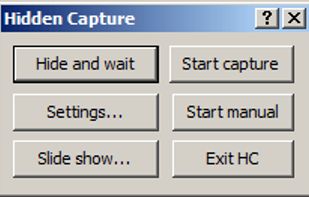
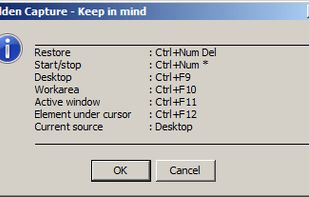
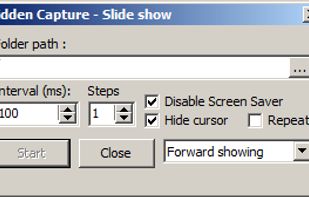
Grab screenshots in a stealth mode, and start the capturing process at a user-defined time with the help of this simple to use and efficient software tool.


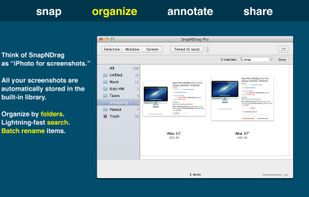
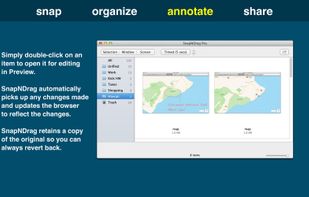
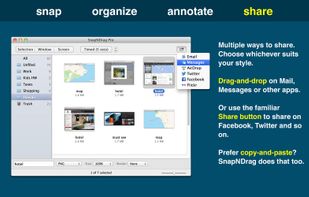
SnapNDrag makes taking screenshots super easy. Click, select and the screenshot is added to your library. SnapNDrag maintains a library of all the screenshots you have ever taken. Think of it as iPhoto for screenshots.
United States


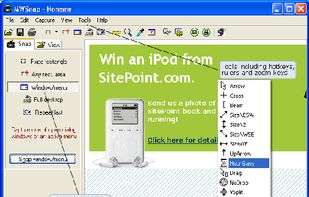
MWSnap is a small yet powerful Windows program for snapping (capturing) images from selected parts of the screen.
 Poland
 EU
EU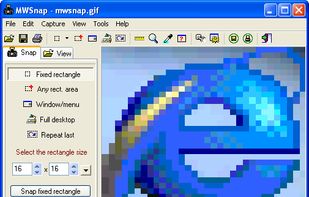


Hotshots is a screenshot tool with some editing features. It is particularly suitable for writing documentation (as used in the following chapters) but you can use it to highlight some details on a map image or what ever you want.


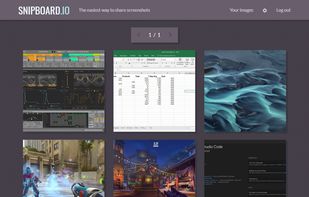
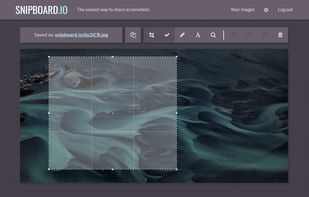
Snipboard (previously known as Snaggy) is an image host that lets you quickly paste and share images from your clipboard directly online.
United States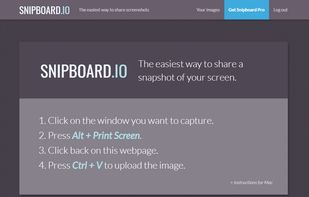


 Indonesia


 GermanyEU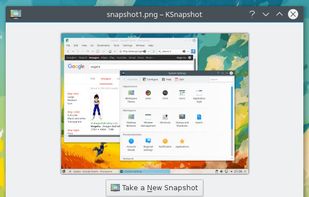


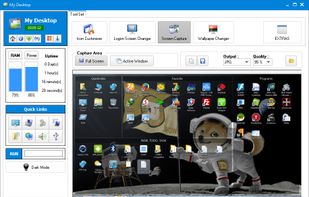
This application allows you to capture the entire screen, the active window or a selected region. You can set the delay that elapses before the screenshot is taken and the action that will be done with the screenshot: save it to a PNG file, copy it to the clipboard, open it...
GermanyEU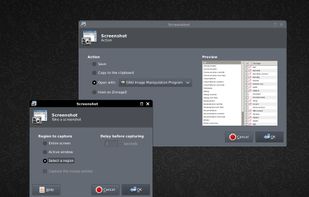


FlyScreen is a powerful screenshot manager for iOS. Search your screenshots, copy text and links, organize by tags, and more.





A freeware application that lets users stream high quality content similar to XSplit Broadcaster and Flash Media Live Encoder. Currently, the application is in early stages of development. This project is actively looking for dedicated testers.