Waydroid uses Linux namespaces (user, pid, uts, net, mount, ipc) to run a full Android system in a container and provide Android applications on any GNU/Linux-based platform.
 United States
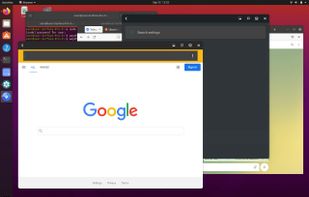

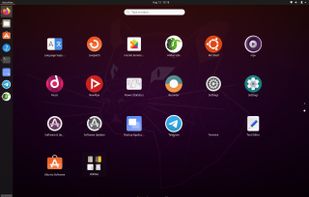

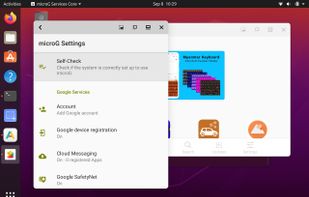

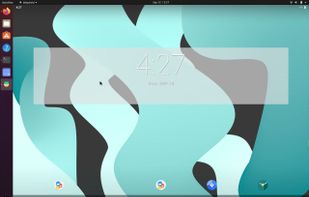


Apps similar to Winedroid include WayDroid, which is free and open source. Other options are BlueStacks, Mac.apk, Nox App Player and Genymotion. You can choose from more than 10 Android Emulators like Winedroid for Windows, Mac, Linux, Android and iPad.
Waydroid uses Linux namespaces (user, pid, uts, net, mount, ipc) to run a full Android system in a container and provide Android applications on any GNU/Linux-based platform.
United States
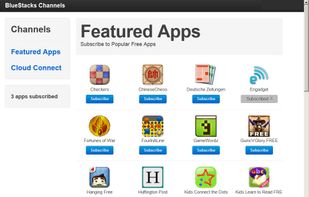
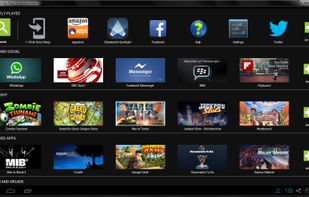
BlueStacks enables running Android apps on Windows PCs and Mac, without requiring a reboot. It supports virtualization for zero configuration, allowing seamless integration between Android and Windows systems, with apps appearing as icons or in a full environment. Ideal for personal and enterprise use.
United States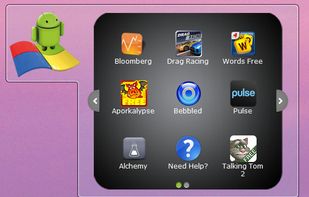

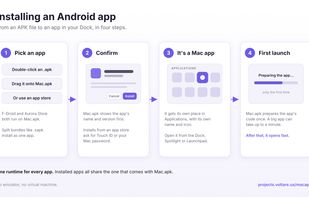
Mac.apk runs Android apps directly on Apple Silicon. Apps launch as ordinary macOS processes, draw through the Mac's GPU, and execute on the CPU at native speed. They appear in your Dock, get their own windows with a back button next to the traffic lights, resize and rotate...
United States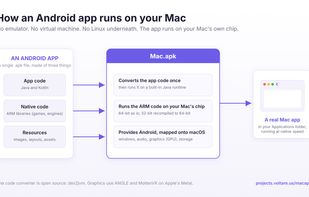

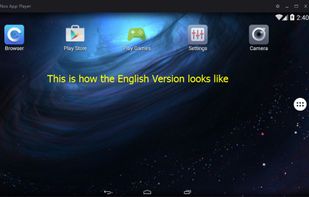
Nox App Player offers an advanced Android emulation experience on PC and Mac, featuring a customizable UI for developers, ad-free environment, keyboard mapping, Google Play integration, screen recording, and low resource consumption, ideal for running apps and games seamlessly.
 China


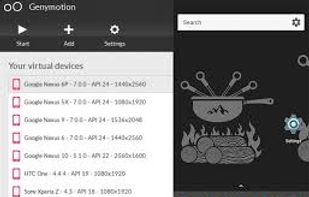
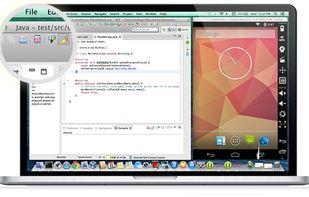
Genymotion is an Android emulator for building and testing great Android apps. It’s fast, simple and powerful.
 France
 EU


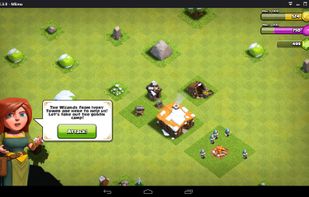
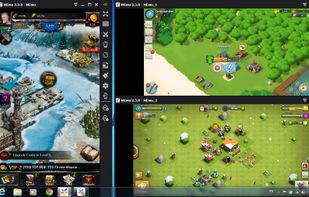
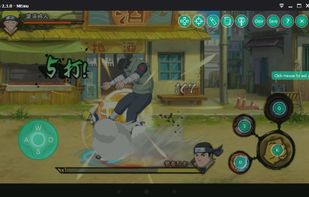
Comparing to other Android emulators, MEmu provides the highest performance and greatest compatibility. It runs on nearly all Windows devices (PC, notebook, 2-in-1 devices, tablets).
China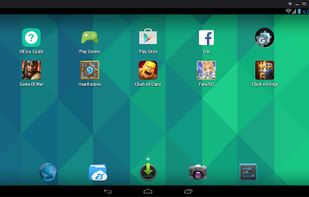


MuMu App Player is a free PC software that emulates Android 12 devices and allows players to run various mobile games and apps on PC, mirroring every feature from high control sensitivity, high-definition & FPS graphics, to stable performance and more.
China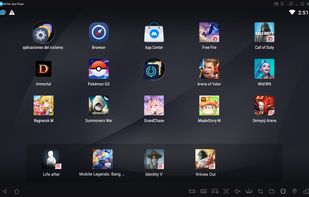
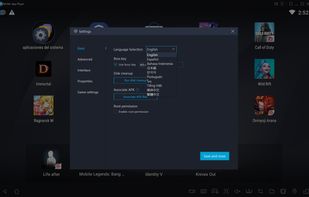
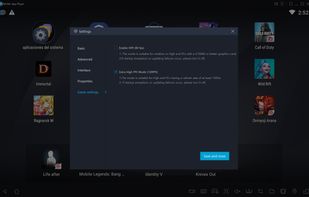


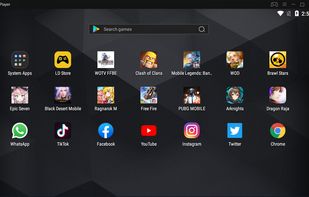
LDPlayer,The best android emulator for windows. Free download it to play android games & android apps on PC. Be stabilization, fluent, perfect compatibility. LDPlayer is a free Android emulator for PC users playing Android games easily on Windows. Based on Android 5.1.
China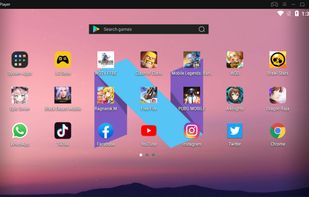


Run iOS & Android Apps in the Browser for Preview, Support, Demos, Testing and Automation using the fastest emulators and simulators. Try the instant online demo at https://appetize.io
United States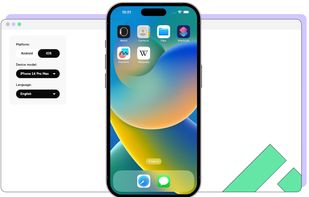



KOPLAYER is a free android emulator for Windows and Mac which can help you run Android games & apps on your Windows PC. KOPLAYER commits itself to bringing you the best playing experience for games, with more than one million supported apps.
United States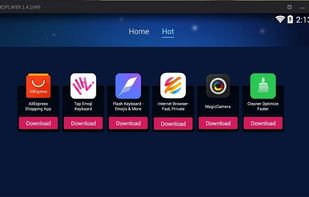


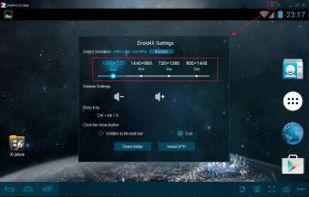
Droid4x is Android simulator, which is good in aspects of performance, user experience, compatibility and gaming controllability. Making millions of mobile games and apps as desktop experience.
 United Kingdom


Virtual Android is an independent virtual operating system for your Android device. Double the power of your Android device and run entire copies of your operating system simultaneously - achieve faster performance, multiple accounts, protect your privacy, and enjoy more fun on...
United States