


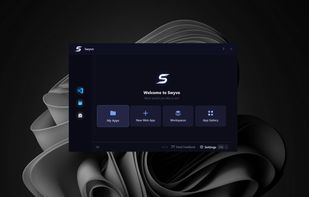
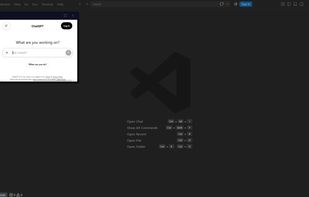
Swyvo is a keyboard-driven app launcher for Windows that runs in the background. Press Alt+Q to instantly bring up your apps and sites right over your current window — press it again to send them away just as fast.




+1



Apps similar to Wox Launcher include Microsoft PowerToys, which is free and open source. Other options are Vicinae, Flow Launcher, Raycast and Alfred. You're spoiled for choice with Application Launchers like Wox Launcher: we list more than 50 alternatives for Mac, Windows, Linux, iPhone and iPad.
Swyvo is a keyboard-driven app launcher for Windows that runs in the background. Press Alt+Q to instantly bring up your apps and sites right over your current window — press it again to send them away just as fast.

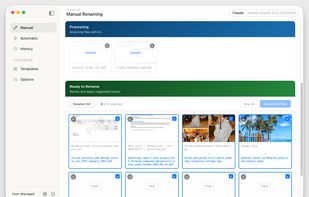
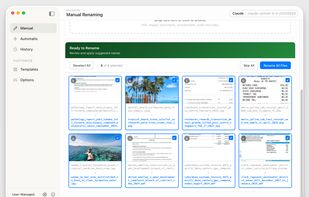
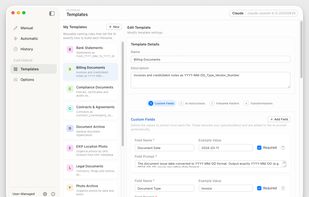
FilesDesk is an AI-powered file renaming app that automatically analyzes and renames your documents based on their actual content, turning messy folders into organized, searchable clarity.
 India


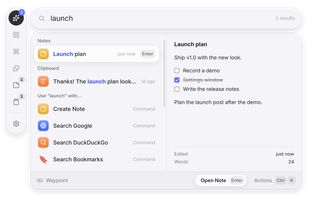
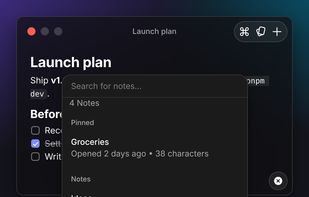
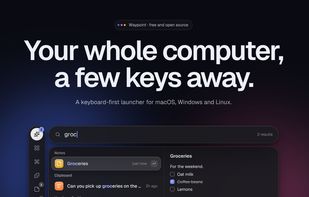
Waypoint is a free, open-source launcher for macOS, Windows and Linux, in the spirit of Raycast. Press Option+Space (Alt+Space), type a few letters and press Enter.


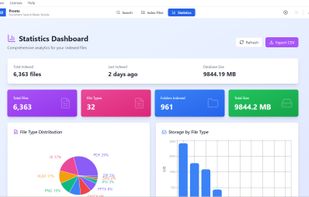
AI-powered desktop search for Windows that finds files by meaning, not just keywords. Search across 59 file types with semantic search.
 United Kingdom



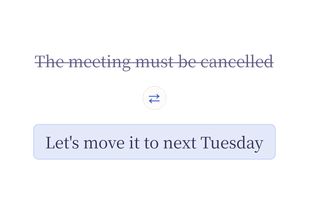
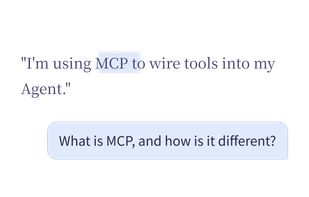
Voice AI assistant for Mac. Hold a shortcut, speak, and get clean text in any app. It can also edit text, answer questions about what is on screen, and run quick tasks by voice.
 United States

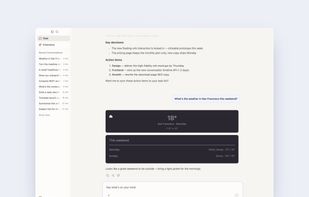


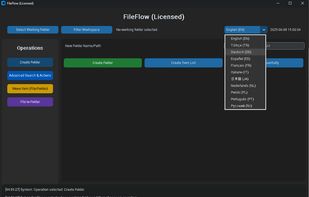
**FileFlow ** is a powerful yet lightweight file search tool for Windows that lets you find documents by searching inside the content — not by filenames.





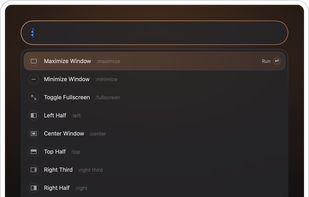
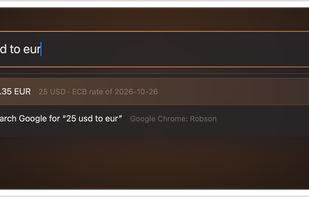
Copperlight is a keyboard launcher for macOS. Press ⌥Space, type and press Enter to open apps and files, do math and currency conversions, convert units and time zones, search your clipboard history, move windows, paste snippets and run your own commands and scripts.
 Portugal
 EU
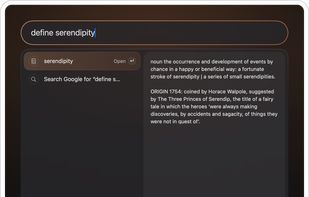
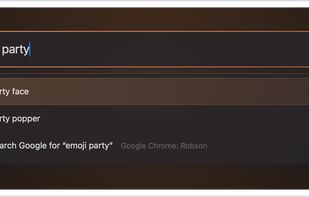


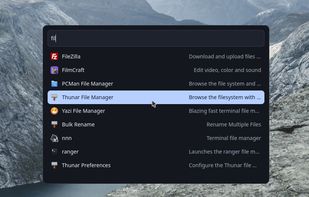
Poptato is a small, keyboard-driven application launcher for Linux, written in Rust with GTK4. Launch desktop apps, run commands, pick from piped input, or invent your own menu modes.
 GermanyEU

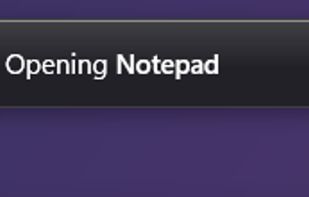
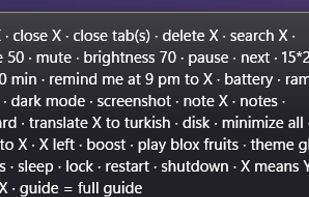
PC Island is a floating pill at the top of the screen. Press Ctrl+Space or move the mouse near it and type commands like "open spotify", "volume 40", "timer 10 min" or "close tabs on chrome".




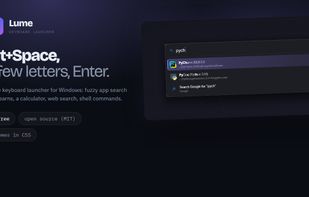
Press Alt+Space, type a few letters, press Enter. Lume launches apps (prefix, acronym or subsequence matching), works out sums, runs web searches and shell commands from one box, and remembers which result you meant for each query. Themes are plain .


 Philippines