

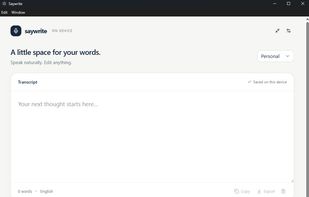
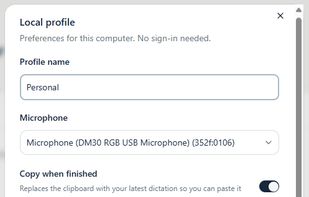
100% on-device, privacy first speech to text desktop app with offline Qwen grammar cleanup.



Apps similar to Whisperian include Handy STT, which is free and open source. Other options are Vibe Transcribe, FUTO Voice Input, OpenWhispr and Voxtral. There's no shortage of Audio Transcription Tools like Whisperian, with more than 50 alternatives for Mac, Windows, Linux, iPhone and Android.
100% on-device, privacy first speech to text desktop app with offline Qwen grammar cleanup.

In-person conversation recorder with voice-based speaker memory, per-speaker consent management, and cross-recording AI for iPhone, iPad, and Mac.
 United States

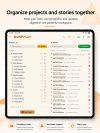



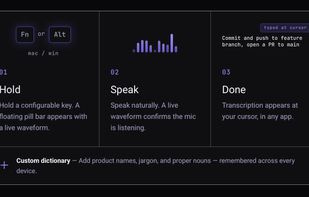
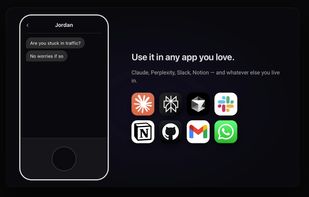
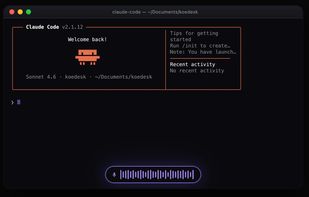
koedesk is a cross-platform voice-to-text tool. Press and hold a key, speak naturally, and your words are typed straight into whatever app you're using — Claude, ChatGPT, Slack, Mail, your editor, anywhere you can type.


Turn audio recordings into structured transcripts with chapters, speaker labels, and AI summaries
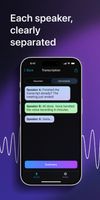
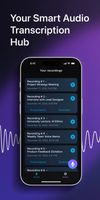
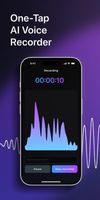


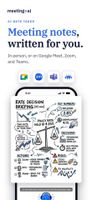
Meeting.ai is the AI note taker agent for every meeting: in person, on Zoom, Google Meet or Microsoft Teams.
 Singapore
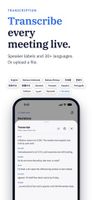


Record meetings, lectures, and podcasts. Transcribe in 10+ languages with on-device Apple models. Get ChatGPT-powered summaries via Apple Intelligence — no subscriptions.
 Armenia
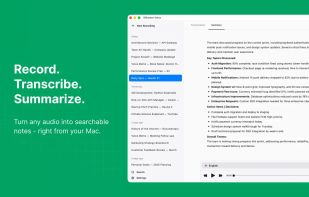
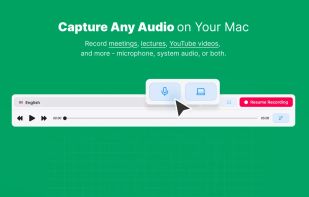
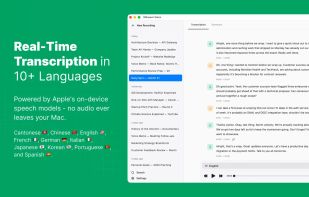
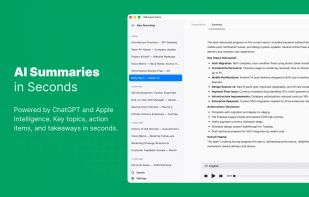


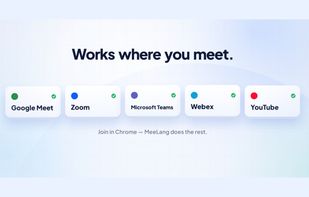
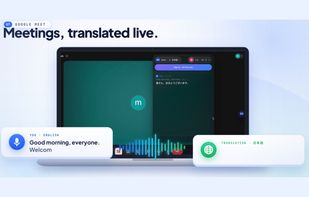
Real-time AI translation for Google Meet enables on-screen live subtitles in 30+ languages with private device storage, zero setup, local record review, search, customizable exports, no bots or interruptions, AI summaries, and seamless instant use.
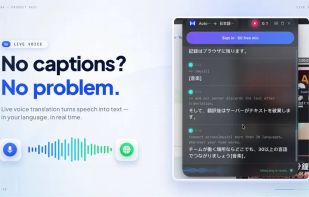



Voice AI assistant for Mac. Hold a shortcut, speak, and get clean text in any app. It can also edit text, answer questions about what is on screen, and run quick tasks by voice.
United States




Hold-to-talk speech-to-text for macOS. 100% local, powered by WhisperKit and local LLM cleanup. Hold Control to record, release to transcribe and paste.


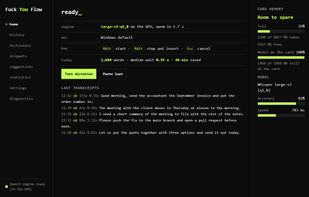
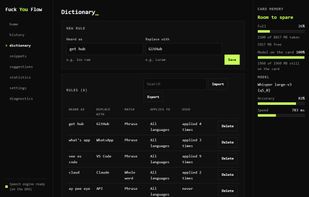
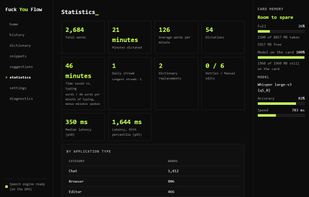
Free offline dictation for Windows and Ubuntu Linux that types what you say into any application, using a Whisper speech model that runs on your own machine.
 Greece
 EU



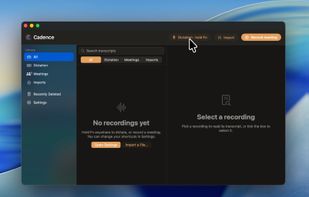
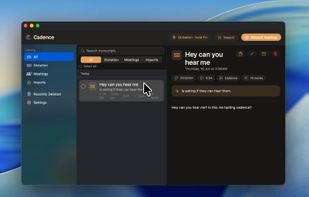
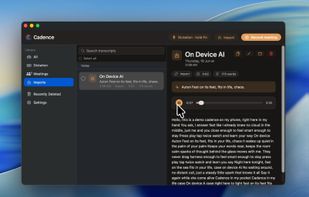
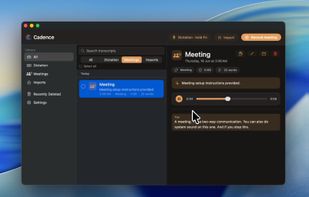
Cadence is a native voice workspace. Because our AI model runs on-device, your voice never leaves your Mac.

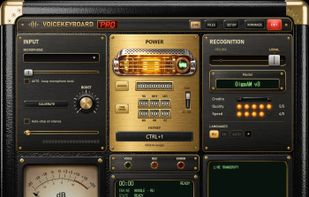
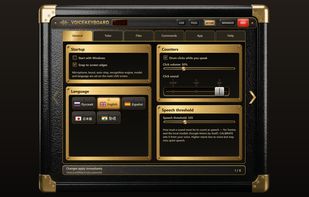
VoiceKeyboard types what you say into the window you are working in: a browser, a chat, a document, a code editor or a terminal. Press Ctrl+1 (can be changed), speak, and the words appear as you talk.
 EstoniaEU