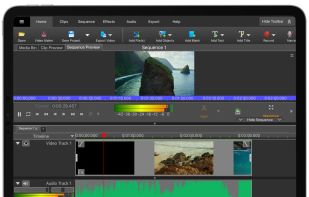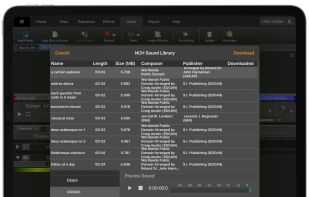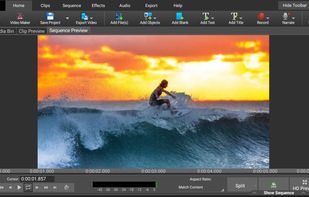

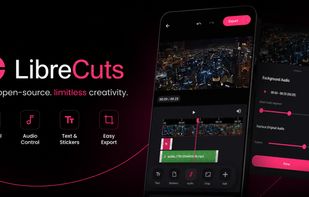
LibreCuts is a free, open-source video editor for Android that prioritizes simplicity and efficiency.
Cost / License
- Free
- Open Source (MIT)
Application type
Platforms
- Android




+2




Apps similar to WeVideo include Kdenlive, which is free and open source. Other options are Shotcut, Avidemux, OpenShot and DaVinci Resolve. You're spoiled for choice with Video Editors like WeVideo: we list more than 100 alternatives for Windows, the web, iPhone, Mac and Android.
LibreCuts is a free, open-source video editor for Android that prioritizes simplicity and efficiency.

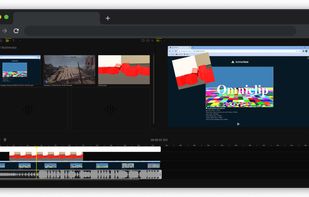
If you are tired of paying to use all the features of existing video editing applications, then you might have found a gem! Turns out Omniclip is fully free and on top of that it's open source. Everything works inside browser, there's no private data being used...



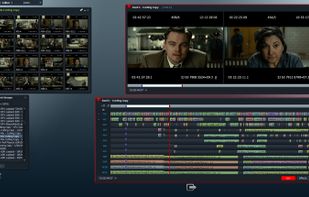
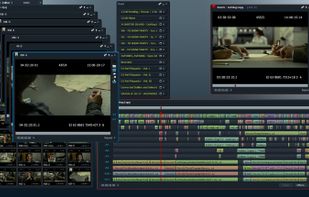
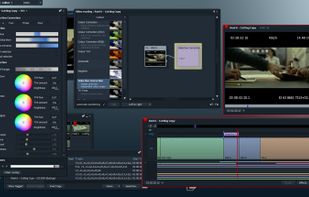
Lightworks is an editing powerhouse, delivering unparalleled speed and flexibility, fully integrated with the other members of the Complete Collaboration family.
 United States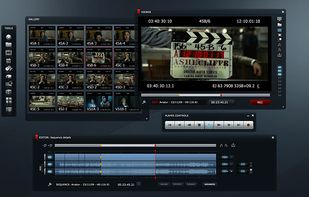


Easy video editor designed for beginners and content creators, featuring a drag-and-drop timeline, 4K/8K support, built-in effects, transitions, titles, AI-driven tools for background removal, screen recording, Instant Mode templates, stabilization, and direct online sharing.
 China
China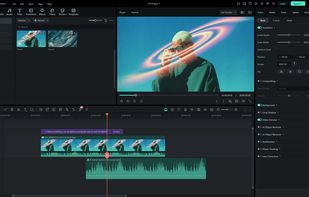
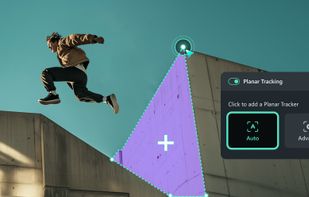




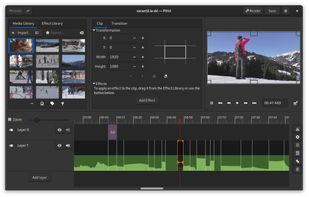
Free video editor with a beautiful and intuitive user interface, a clean codebase and a fantastic community.


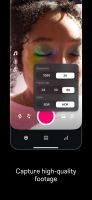
Edit videos with the Edits app, offering high-quality capture up to 10 minutes. Utilize AI animations, customizable captions, and share watermark-free videos. Access creative tools like filters and stickers, green screen overlay, camera settings, and detailed engagement insights.
 France
 EU
EU


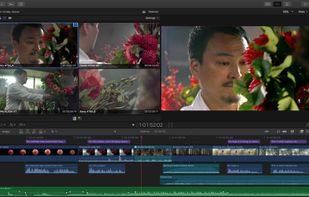
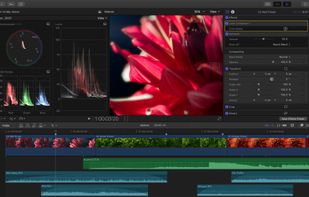
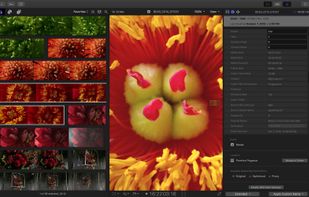
Final Cut Pro provides non-linear, non-destructive editing of any QuickTime-compatible video format including DV, HDV, P2 MXF (DVCProHD), XDCAM (via plug-in), and 2K film formats. It supports a number of simultaneously composited video tracks (limited mainly by video format and...
United States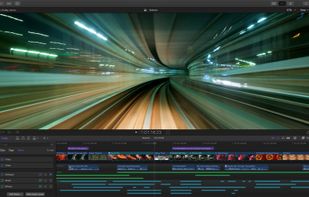


VSDC Free Video Editor allows you to add quick changes to a video file as well as create a more complex project involving advanced post-production techniques.
United States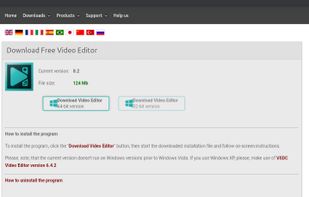

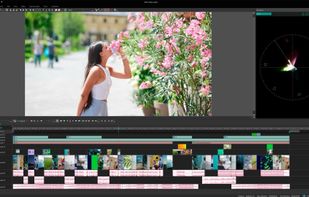


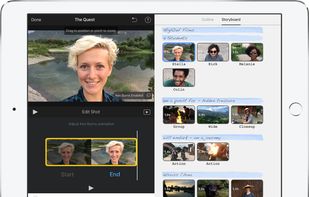
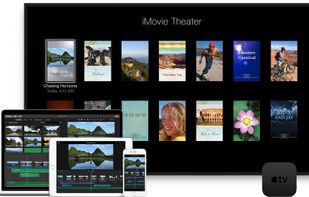
With iMovie for iOS and macOS, you can enjoy your videos like never before. It’s easy to browse your clips and create Hollywood-style trailers and stunning 4K-resolution movies. You can even start editing on iPhone or iPad, then finish on your Mac.
United States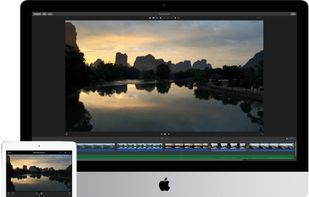



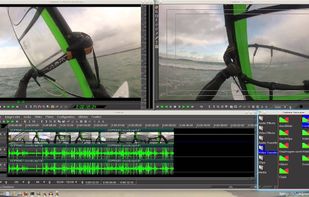
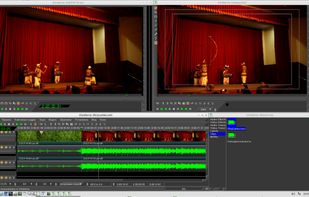
Cinelerra is a highly advanced and professional non-linear video editing software, but still remains open source. Cinelerra solves three main tasks: capturing, editing and compositing.
United States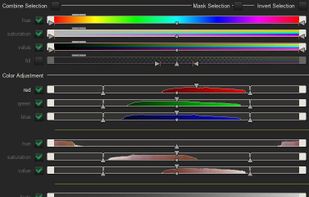



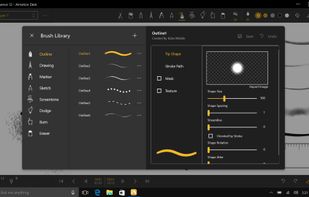
Create frame-by-frame animation, sketches, and storyboard projects using multiple painting tools, pressure sensitivity, onion skinning, stamp features, layer support, dynamic backgrounds, and easy export to PDF or animatics for sharing or further creative use.
 Taiwan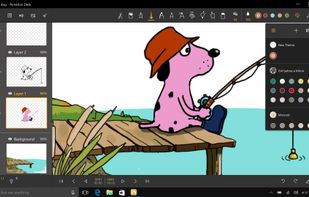
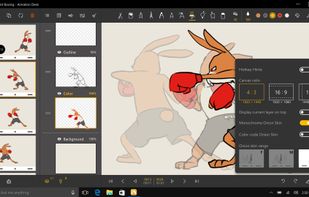
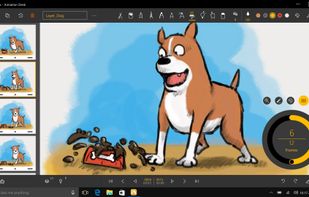


Comprehensive video editor with over 50 visual effects and transitions, offering real-time previews and fully adjustable parameters. Supports diverse audio/video formats, adds photos and text, and enables sharing on DVDs, HD DVDs, Blu-Ray, mobile devices, or online. Free and professional versions available.
 Australia